1. Introducere
This manual provides essential information for the safe and efficient operation of your TCL L32E3005/G 32-inch LED HD-Ready Television. Please read this manual thoroughly before using the television and retain it for future reference. It covers setup, operation, maintenance, and troubleshooting to ensure you get the best experience from your device.
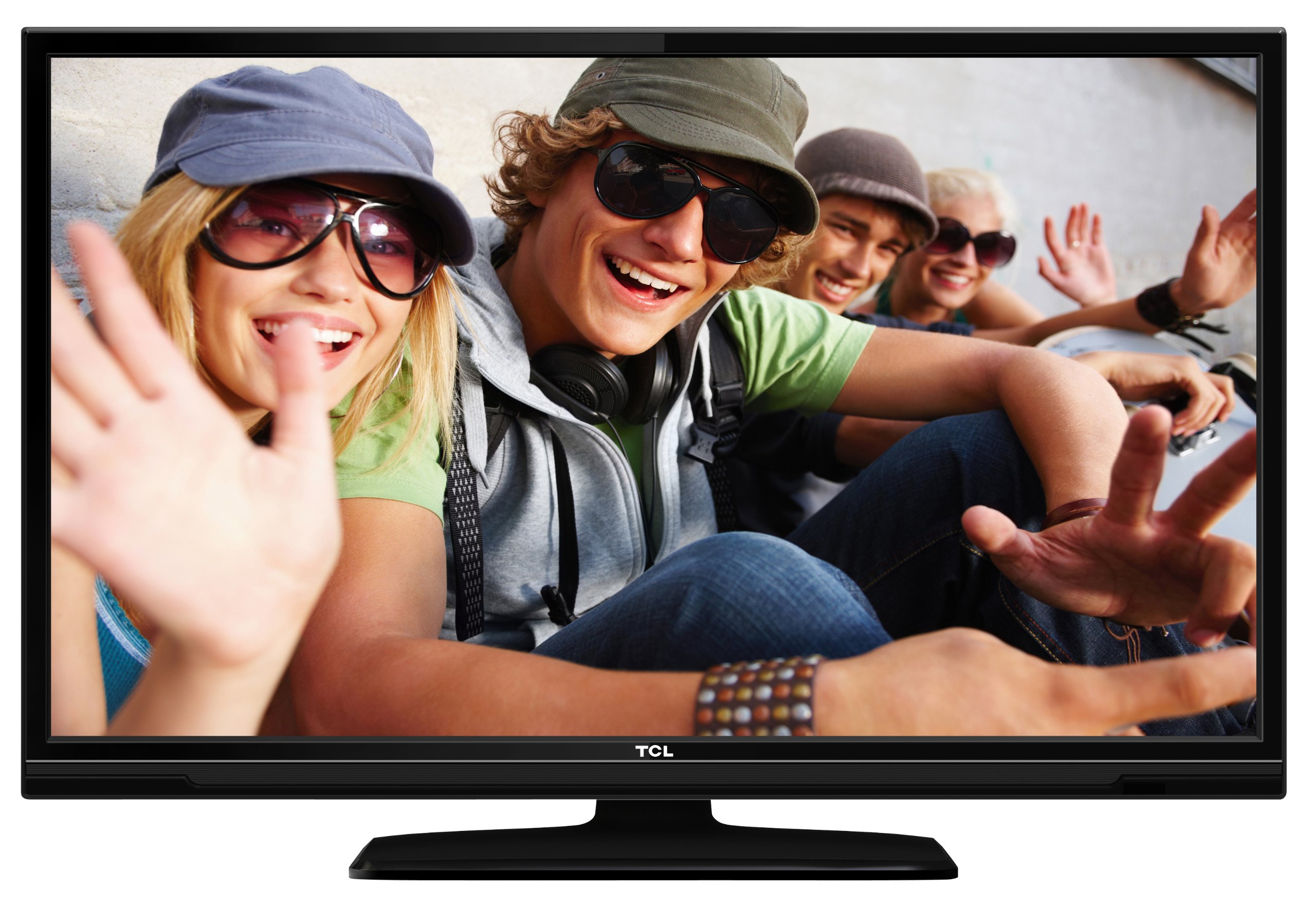
This image shows the TCL L32E3005/G television from a slight angle, highlighting its slim black bezel and the stand. The screen displays a colorful image of people, demonstrating its visual capabilities.
2. Informații de siguranță
Respectați întotdeauna următoarele măsuri de siguranță pentru a preveni electrocutarea, incendiul sau deteriorarea televizorului:
- Nu expuneți televizorul la ploaie sau umezeală.
- Nu deschideți carcasa; apelați la personal calificat pentru orice operațiune de service.
- Asigurați o ventilație corespunzătoare în jurul televizorului.
- Evitați amplasarea televizorului în apropierea surselor de căldură sau în lumina directă a soarelui.
- Use only the power adapter supplied with the television.
- Nu lăsați bateriile la îndemâna copiilor.
3. Conținutul pachetului
Verificați dacă toate articolele sunt prezente în colet:
- TCL L32E3005/G LED-backlight Television
- Adaptor de alimentare
- Stand de bază
- Telecomandă (necesită 2 baterii AAA, incluse)
- Manual de utilizare (acest document)
4. Configurare
4.1 Despachetarea
Scoateți cu grijă televizorul și toate accesoriile din ambalaj. Păstrați materialele de ambalare pentru transport sau depozitare ulterioară.
4.2 Stand Installation (Table Mounting)
Pentru a instala baza suportului:
- Place the television face down on a soft, flat surface to prevent screen damage.
- Align the stand base with the mounting holes on the bottom of the television.
- Secure the stand base using the provided screws. Ensure it is firmly attached.
- Carefully lift the television and place it on a stable, level surface suitable for table mounting.
4.3 Conectarea dispozitivelor
Connect your external devices to the television using the appropriate ports:
- HDMI: For high-definition video and audio from devices like Blu-ray players, game consoles, or set-top boxes. Your TV has 2 HDMI ports.
- USB: Pentru conectarea dispozitivelor de stocare USB pentru redarea de conținut media files. Your TV has 1 USB 2.0 port.
- Antenna/Cable (DVB-C/-S2/-T): Connect an antenna or cable for digital terrestrial (DVB-T), cable (DVB-C), or satellite (DVB-S2) broadcasts.
- VGA: Pentru conectarea unui computer.
- CI+: Pentru modulele de acces condiționat (CAM) pentru decriptarea canalelor criptate.
4.4 Conexiune la alimentare
After all connections are made, plug the power adapter into the television's power input, then plug the power adapter into a wall outlet.
5. Operare
5.1 Pornire/Oprire
Apăsați tasta PUTERE button on the remote control or on the television to turn the TV on or off.
5.2 Configurare inițială
The first time you turn on the television, an initial setup wizard will guide you through basic settings such as language, country, and channel scanning.
Reglare pe 5.3 canale
After connecting your antenna or cable, perform an automatic channel scan through the TV's menu to find available DVB-C, DVB-S2, or DVB-T channels.
5.4 Ghid electronic de programe (EPG)
Accesați Ghidul electronic de programe (EPG) la view program schedules and information for digital channels. This feature helps you plan your viewing.
5.5 Selectarea intrării
Utilizați SURSĂ or INTRARE button on your remote control to switch between connected devices (e.g., HDMI 1, HDMI 2, USB, DVB-T).
5.6 Redare media USB
Insert a USB storage device into the USB port. The TV will typically prompt you to access the media browser, allowing you to play photos, music, or videos stored on the device.
5.7 Mod Hotel
This television includes a Hotel Mode feature, which allows for customization of settings suitable for hotel environments, such as limiting volume, setting a default channel, or disabling certain functions. Consult the advanced settings menu for Hotel Mode configuration.
6. Întreținere
6.1 Curățarea ecranului
Ștergeți ușor ecranul cu o lavetă moale, fără scame. Pentru petele persistente, ștergeți ușorampClătiți laveta cu apă sau cu o soluție specială de curățare a ecranelor. Nu pulverizați lichid direct pe ecran.
6.2 Curăţarea dulapului
Folosiți o cârpă moale și uscată pentru a șterge carcasa televizorului. Evitați utilizarea de produse de curățare abrazive sau solvenți.
6.3 Baterii pentru telecomandă
Replace the remote control batteries (2x AAA) when the remote's range decreases or it stops responding. Ensure correct polarity when inserting new batteries.
7. Depanare
Dacă întâmpinați probleme cu televizorul, consultați următoarele probleme comune și soluții:
- Fără putere: Check if the power adapter is securely connected to both the TV and the wall outlet. Ensure the outlet is functional.
- Fără imagine, dar sunet: Verify the input source is correctly selected. Check cable connections to external devices.
- Fără sunet, dar imagine: Check the volume level and mute status. Ensure audio cables are correctly connected for external devices.
- Calitate slabă a imaginii: Check antenna/cable connections. If using an external device, try a different HDMI cable or port. Adjust picture settings in the TV menu.
- Telecomanda nu funcționează: Ensure there are no obstructions between the remote and the TV. Replace batteries if necessary.
Dacă problema persistă, contactați asistența pentru clienți.
8. Specificații
| Model | L32E3005/G |
| Dimensiunea ecranului | 80 cm (32 inchi) |
| Tehnologia de afișare | LED |
| Rezoluţie | 720p (1366 x 768 pixeli) |
| Rata de reîmprospătare | 50 Hz |
| Tehnologie Tuner | DVB-C, DVB-S2, DVB-T |
| Conectivitate | 2x HDMI, 1x USB 2.0, VGA, CI+ |
| Ieșire audio | 8 Watt (2.0 Channel) |
| Caracteristici speciale | Electronic Program Guide (EPG), Hotel Mode |
| Dimensiuni (L x A x A) | 74 x 49.4 x 18.9 cm (cu suport) |
| Greutate | 7.22 kg |
| Sursa de alimentare | Adaptor |
| Baterii la distanță | 2x AAA (incluse) |
9. Garanție și asistență
For warranty information and technical support, please refer to the warranty card included with your product or visit the official TCL webPăstrați bonul fiscal ca dovadă a achiziției pentru reclamații în garanție.


