1. Produs terminatview
The Logitech Wired Mouse M90 is a simple, reliable, and comfortable USB mouse designed for everyday use. It offers precise optical tracking and an ambidextrous design, making it suitable for both left and right-handed users. This manual provides essential information for setting up, operating, and maintaining your M90 mouse.
Caracteristici cheie:
- Configurare ușoară: Plug-and-play functionality with no software installation required.
- Precise Optical Tracking: Enjoy smooth and accurate cursor control (1000 dpi).
- Full-Size Comfort: Designed for comfortable use, even after extended periods.
- Design ambidextru: Potrivit atât pentru utilizatorii stângaci, cât și pentru cei dreptaci.
- Durable Wired Connection: Reliable USB connection for consistent performance.
2. Ghid de instalare
Setting up your Logitech M90 mouse is quick and straightforward. No special software or drivers are needed.
- Despachetați mouse-ul: Carefully remove the Logitech M90 mouse from its packaging.
- Localizați un port USB: Identify an available USB-A port on your computer (desktop, laptop, or compatible device).
- Conectați mouse-ul: Insert the USB connector of the M90 mouse into the USB port. Ensure it is fully seated.
- Recunoașterea sistemului: Your operating system (Windows, macOS, Linux, Chrome OS) should automatically detect and install the necessary drivers for the mouse. This process usually takes a few seconds.
- Începeți să utilizați: Once recognized, the mouse is ready for immediate use. You can adjust cursor speed and other settings through your operating system's mouse settings if desired.

Figura 2.1: De sus în jos view of the Logitech M90 mouse, ready for connection.
3. Instrucțiuni de utilizare
The Logitech M90 mouse provides intuitive control for your computer. It features a standard three-button design with a scroll wheel.
- Buton clic stânga: Located on the left side of the mouse. Used for selecting items, opening files și activarea funcțiilor.
- Buton clic dreapta: Located on the right side of the mouse. Used for accessing context menus and additional options.
- Rotiță de defilare: Located between the left and right buttons.
- Scroll up or down to navigate through documents, web pagini și aplicații.
- Press the scroll wheel down (middle-click) to activate specific functions in some applications, such as opening links in a new tab.
- Circulaţie: Move the mouse across a flat surface to control the cursor on your screen. The optical sensor provides precise tracking on most surfaces, with or without a mouse pad.
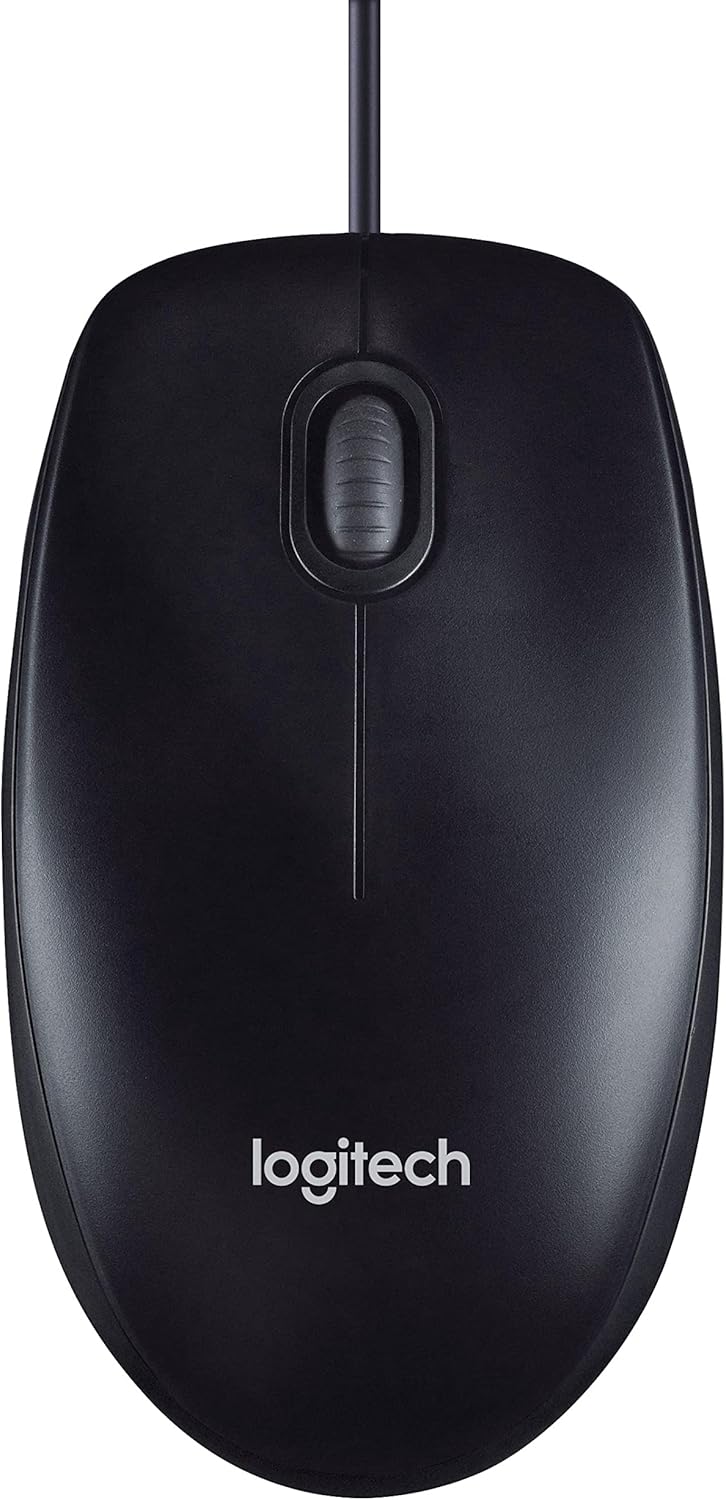
Figure 3.1: The Logitech M90 mouse in use, highlighting its simple design.
4. Întreținere
To ensure the longevity and optimal performance of your Logitech M90 mouse, follow these simple maintenance guidelines:
- curatenie:
- Regularly wipe the surface of the mouse with a soft, lint-free cloth.
- Pentru murdăria persistentă, dreaptă ușorampen the cloth with water or a mild, non-abrasive cleaning solution. Avoid harsh chemicals.
- Clean the optical sensor area on the bottom of the mouse periodically to prevent tracking issues. Use a dry cotton swab or compressed air.
- Îngrijirea cablului: Avoid sharp bends or kinks in the USB cable. Do not pull the mouse by its cable when disconnecting it from the computer; always grasp the USB connector.
- Depozitare: Când nu este utilizat, depozitați mouse-ul într-un mediu curat și uscat, ferit de temperaturi extreme.
- Suprafaţă: Folosiți mouse-ul pe o suprafață curată, plană și nereflectorizantă pentru o performanță optimă de urmărire.

Figure 4.1: The underside of the Logitech M90 mouse, showing the optical sensor that requires occasional cleaning.
5. Depanare
If you encounter issues with your Logitech M90 mouse, try the following troubleshooting steps:
| Problemă | Soluție posibilă |
|---|---|
| Mouse not responding / Cursor not moving |
|
| Mișcare neregulată a cursorului |
|
| Butoanele sau rotița de derulare nu funcționează |
|
If these steps do not resolve the issue, please refer to the warranty and support information section.
6. Specificații
| Caracteristică | Detaliu |
|---|---|
| Marca | Logitech |
| Numărul de model | 910-001793 |
| Tehnologia de conectivitate | Cablat, USB |
| Tehnologia de detectare a mișcării | Optic |
| DPI (puncte pe inch) | 1000 dpi |
| Culoare | Negru |
| Greutatea articolului | 2.89 uncii |
| Dimensiunile produsului (Lxlxh) | 5.91 x 4.72 x 0.04 inci |
| Platformă hardware | PC |
| Compatibilitatea sistemelor de operare | Linux, Mac OS X 10.4 Tiger, Windows XP, Windows Vista, Windows 7 |
| Sursa de alimentare | Electric cu fir |
| Voltage | 1.5 volți |
| Prima dată disponibilă | 19 septembrie 2011 |

Figura 6.1: Dimensiunile mouse-ului Logitech M90.
7. Imagini ale produselor
De sus în jos view of the Logitech M90 mouse.
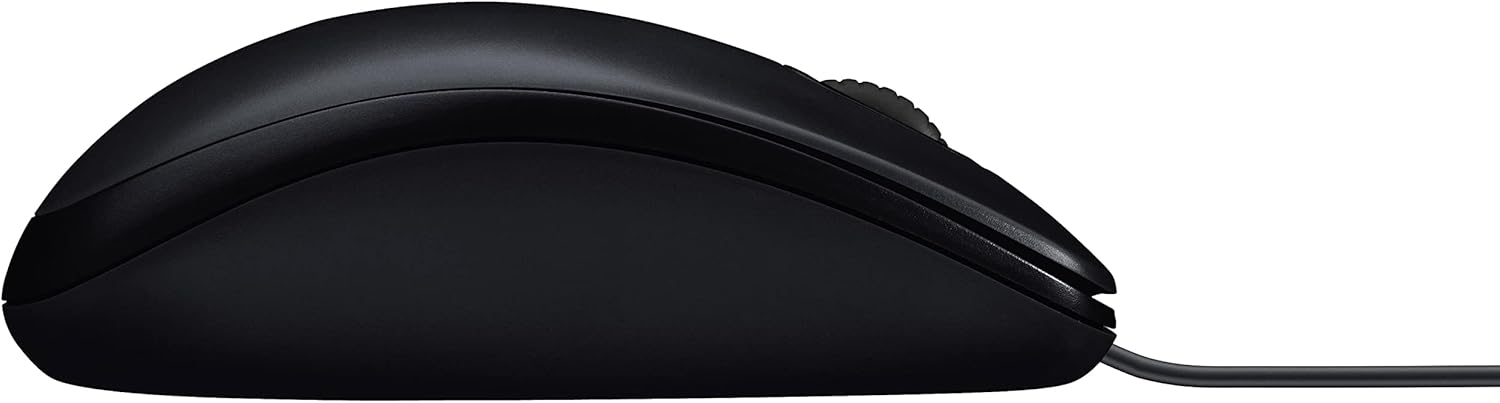
Side profile of the Logitech M90 mouse.
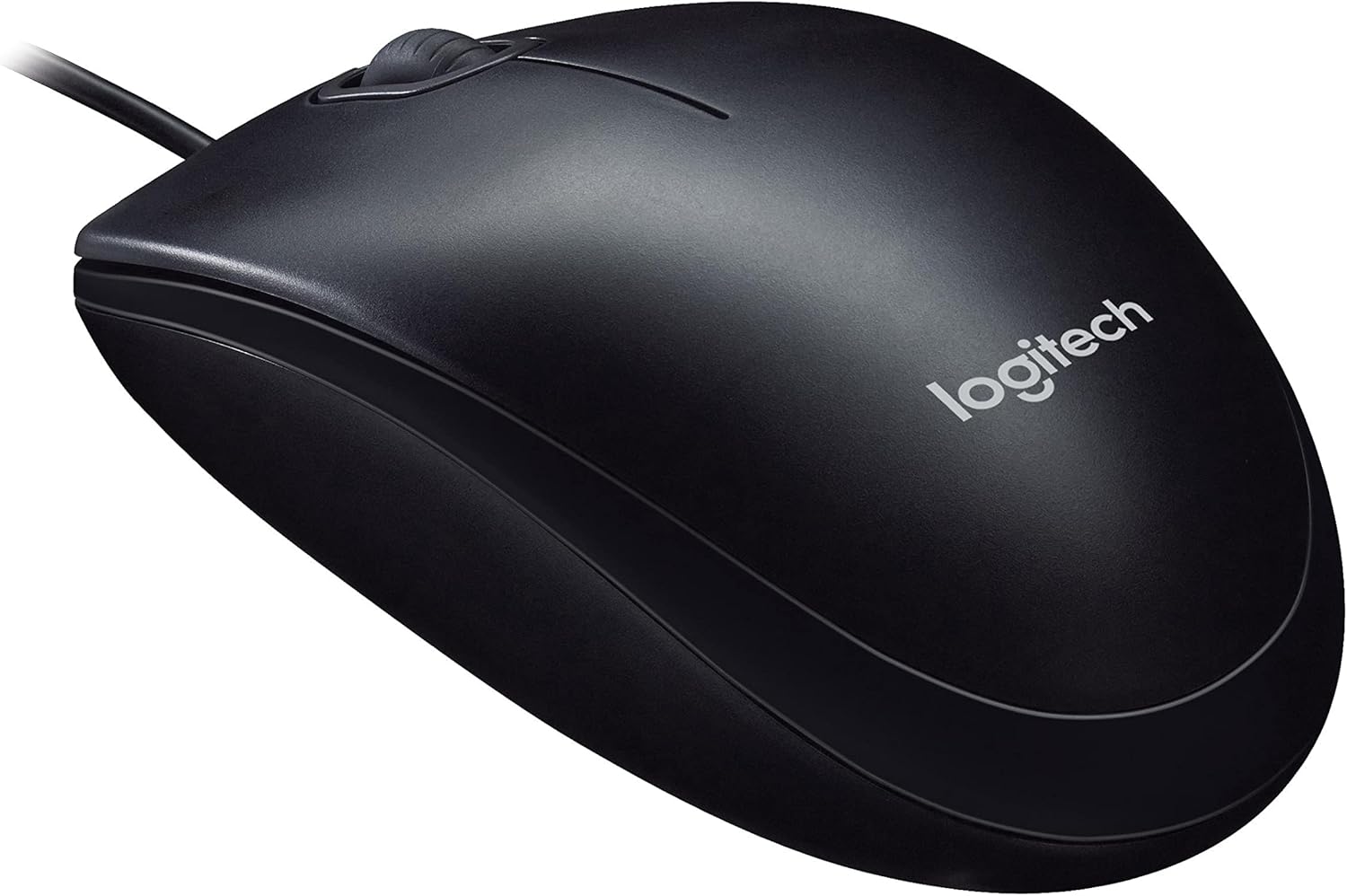
Înclinat view of the Logitech M90 mouse, highlighting the brand logo.
De sus în jos view of the Logitech M90 mouse, emphasizing the wired connection.
Logitech M90 mouse with key dimensions indicated.
8. Videoclipuri oficiale ale produselor
În acest moment nu există videoclipuri oficiale de la vânzător disponibile pentru acest produs.
9. Garanție și asistență
For detailed warranty information and technical support, please refer to the documentation included in your product packaging or visit the official Logitech support website-ul.
Suport Logitech Website: www.logitech.com/support
Please have your product model number (M90) and serial number (if applicable) ready when contacting support.


