Introducere
This manual provides detailed instructions for the setup, operation, maintenance, and troubleshooting of your Escali Primo Digital Food Scale, Model P115. Designed for precise weight measurement in the kitchen, this scale is a versatile tool for cooking, baking, and portion control. Please read this manual thoroughly before using your scale to ensure optimal performance and longevity.
Produs terminatview
The Escali Primo Digital Food Scale features a simple two-button operation, a sealed control panel for easy cleaning, and a compact design. It offers accurate measurements for various ingredients.
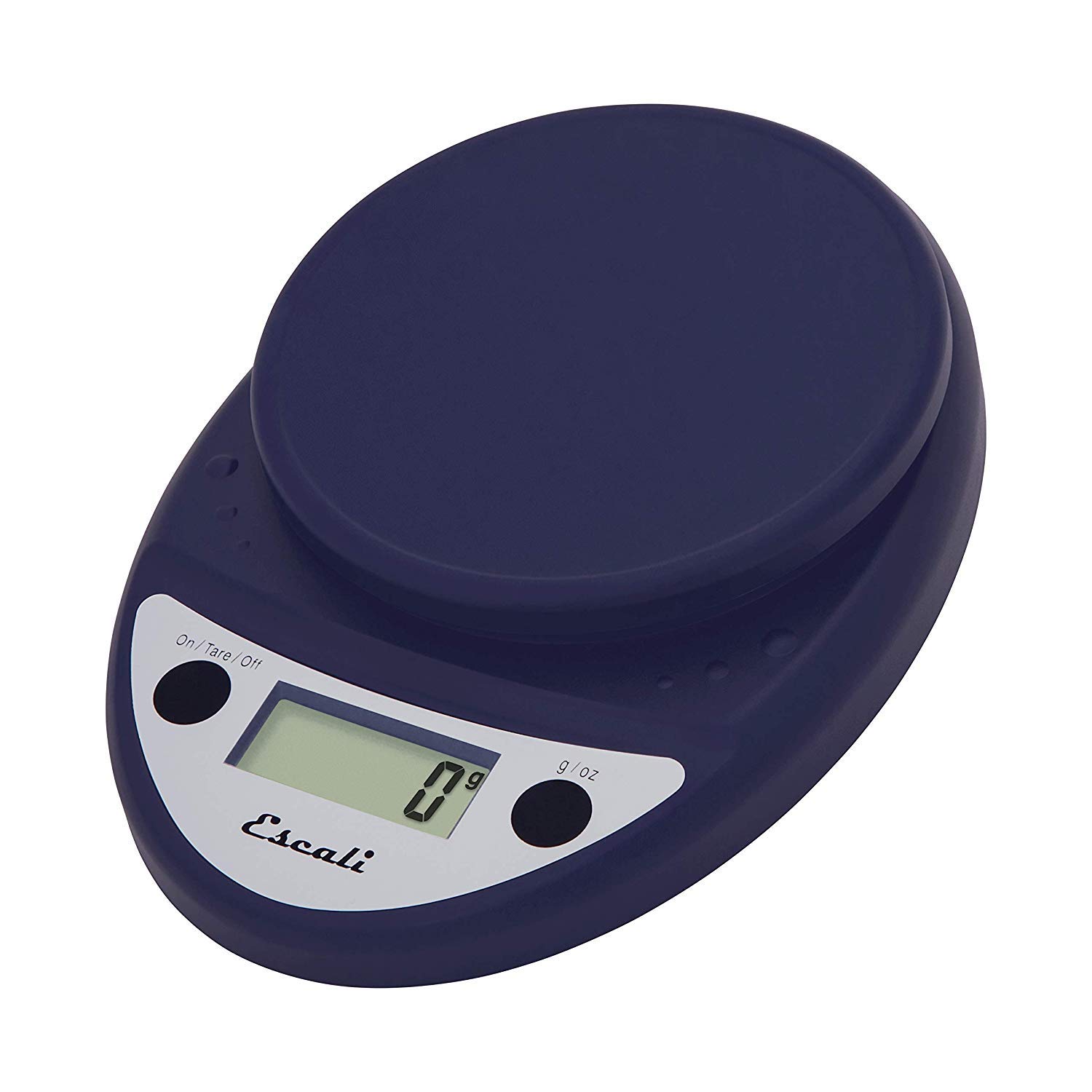
This image displays the Escali Primo Digital Food Scale in royal blue, showcasing its oval shape, weighing platform, digital display, and two control buttons.
Caracteristici cheie:
- Design durabil: Lightweight and rounded for enhanced durability.
- Accurate & Capable: Measures up to 11 lb (5,000 g) in 0.1 oz (1 g) increments.
- Caracteristica tară: Allows you to reset the scale to zero weight to measure multiple items or subtract container weight.
- Usor de citit: Features a crisp digital display.
- Selectarea unității: Measures in pounds + ounces, ounces, and grams.
- Spill Guard: A clear plastic shield covers the control panel for easy cleaning.
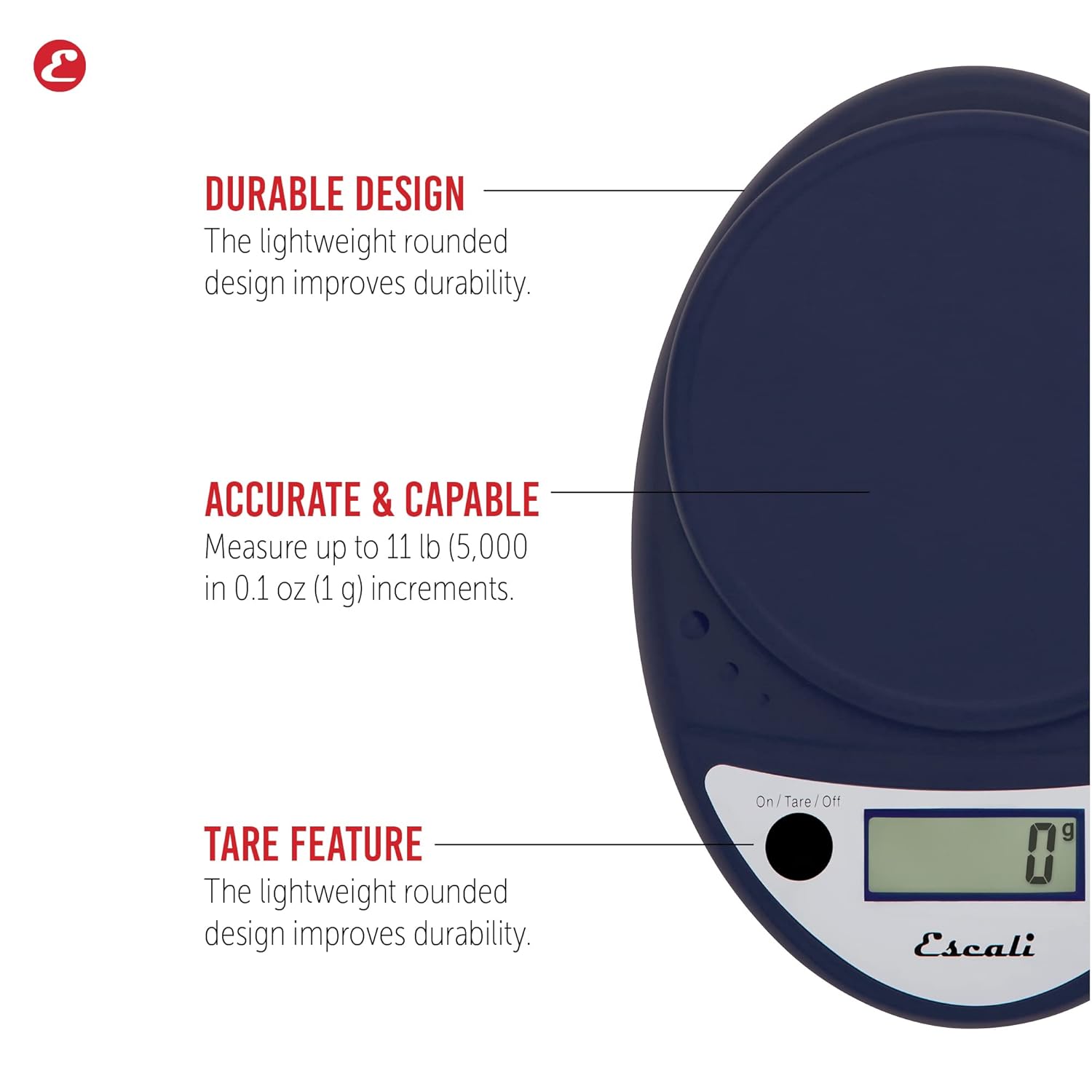
This image highlights the durable design, accurate measurement capabilities (up to 11 lbs / 5000g in 0.1 oz / 1g increments), and the tare feature of the scale.

This image illustrates the easy-to-read digital display, the unit selection function (pounds+ounces, ounces, grams), and the spill guard protecting the control panel.
Înființat
- Instalare baterie: The scale requires two (2) AA batteries, which are included. Open the battery compartment on the underside of the scale, insert the batteries according to the polarity indicators (+/-), and close the compartment securely.
- Plasare: Așezați cântarul pe o suprafață dură, plană și stabilă. Suprafețele neuniforme pot afecta precizia.
Instrucțiuni de operare
Pornire/Oprire
- Pentru a întoarce cântarul ON, apăsați tasta On/Tare/Off butonul. Afișajul va afișa „0”.
- Pentru a întoarce cântarul OFF, apăsați și mențineți apăsat butonul On/Tare/Off button for approximately 3 seconds. The scale also features an automatic shut-off after four minutes of inactivity to conserve battery life.
Selectarea unității
- Apăsați tasta g/oz button to cycle through the available measurement units: grams (g), ounces (oz), and pounds:ounces (lb:oz). Select your desired unit before weighing.
Articole de cântărire
- Turn on the scale. Ensure the display shows "0" in your desired unit.
- Carefully place the item(s) to be weighed onto the center of the weighing platform.
- Citiți greutatea afișată pe ecran.
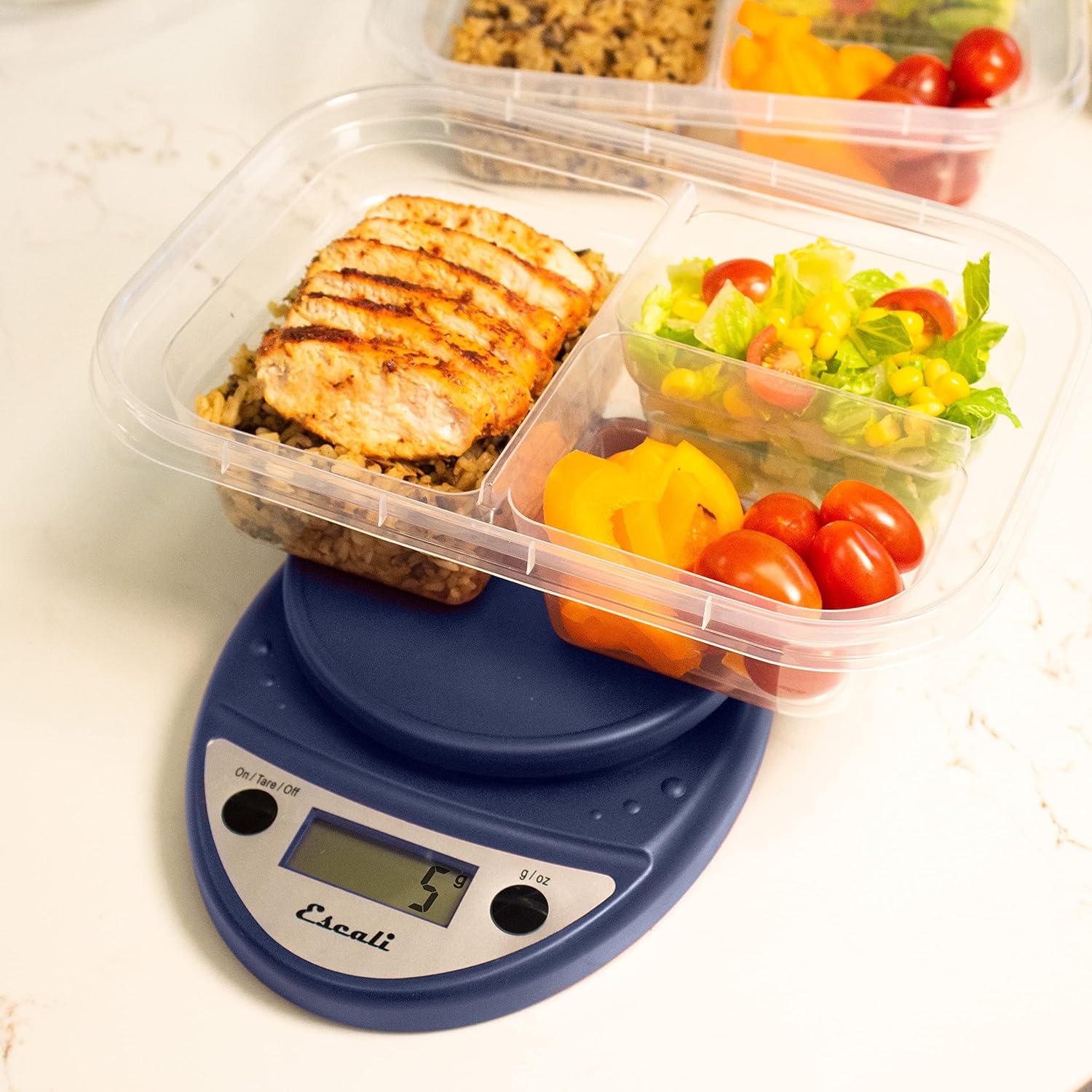
This image shows the Escali Primo Digital Food Scale being used to weigh meal prep containers filled with food, demonstrating its practical application for portion control.
Funcția tare
The tare function allows you to subtract the weight of a container or to weigh multiple ingredients consecutively in the same bowl.
- Așezați un recipient gol pe platforma de cântărire. Afișajul va afișa greutatea acestuia.
- Apăsați tasta On/Tare/Off butonul. Afișajul se va reseta la „0”.
- Add the ingredient(s) to the container. The display will show only the weight of the added ingredient(s).
- Repeat step 2 and 3 for additional ingredients.

This image illustrates the scale being used to weigh flour in a glass bowl, demonstrating the tare function's utility in baking by zeroing out the bowl's weight.
Întreținere și îngrijire
- curatenie: The sealed control panel and rounded design make the scale easy to clean. Wipe the scale with a damp pânză. Nu scufundați cântarul în apă și nu utilizați agenți de curățare abrazivi.
- Depozitare: Depozitați cântarul într-un loc uscat, la temperatura camerei.
- Înlocuire baterie: When the battery indicator appears on the display, replace the two AA batteries.
Depanare
| Problemă | Cauza posibila | Soluţie |
|---|---|---|
| Scara nu pornește | Baterii uzate sau instalate incorect | Înlocuiți bateriile sau asigurați-vă că polaritatea este corectă. |
| Citiri inexacte | Uneven surface, overloaded scale, or interference | Place on a flat, stable surface. Do not exceed maximum capacity. Remove any electronic devices nearby. |
| Afișajul arată „Err” | Scară supraîncărcată | Remove items immediately. Do not exceed 11 lb (5,000 g). |
If you encounter issues not listed here, please refer to the support section for assistance.
Specificații
- Model: P115
- Capacitate: 11 lb (5,000 g)
- Incrementări: 0.05 oz (1 g)
- Unități: oz, lb:oz, g
- Dimensiuni: 8.5 x 6 x 1.5 inci
- Sursa de alimentare: 2 baterii AA (incluse)
- Tip de afișare: LED
- Caracteristici speciale: Auto Shut Off, Sealed Control Panel, Tare Function
Garanție și suport
Informații despre garanție
The Escali Primo Digital Food Scale is backed by a Garanție pe viațăAceastă garanție acoperă defectele de materiale și de fabricație în condiții normale de utilizare. Vă rugăm să păstrați dovada achiziției pentru reclamațiile în garanție.
Asistență pentru clienți
For further assistance, technical support, or warranty inquiries, please visit the official Escali website-ul web sau contactați departamentul de asistență pentru clienți. Informațiile de contact pot fi găsite de obicei pe ambalajul produsului sau pe site-ul oficial al mărcii. website: www.escali.com


