
1. Introducere
Mulțumesc pentru achizițieasing the TOPPING E50II Compact Desktop DAC. This device is designed to provide high-fidelity audio decoding for various digital sources. It features an AK4497S DAC chip, supports high-resolution audio formats up to PCM768kHz and DSD512, and offers versatile connectivity options including USB, optical, coaxial, RCA, and TRS balanced outputs. This manual provides essential information for proper setup, operation, and maintenance of your E50II.
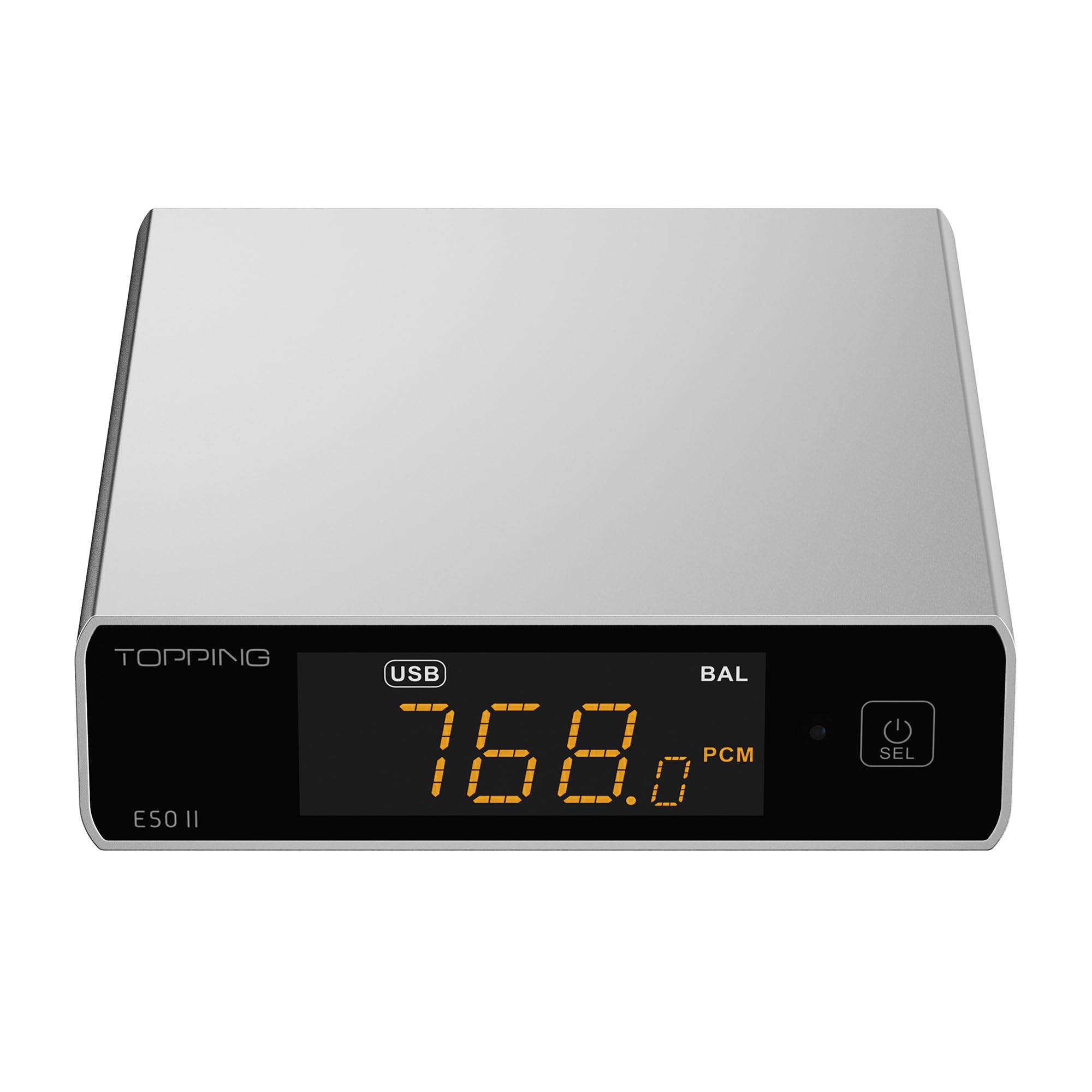
Image 1.1: The TOPPING E50II Compact Desktop DAC in silver finish.
2. Informații de siguranță
- Nu dezasamblați și nu modificați dispozitivul. Modificările neautorizate pot anula garanția și pot prezenta riscuri de siguranță.
- Păstrați dispozitivul departe de apă, umiditate și temperaturi ridicate.
- Use only the provided power adapter or a compatible 5V power supply.
- Asigurați o ventilație adecvată în jurul dispozitivului pentru a preveni supraîncălzirea.
- Evitați plasarea obiectelor grele pe dispozitiv.
- Disconnect the power cable during lightning storms or when unused for extended periods.
3. Conținutul pachetului
Vă rugăm să verificați dacă toate articolele sunt prezente în colet:
- TOPPING E50II Unit
- Telecomanda
- Cablu USB (de la tipul A la tipul C)
- USB Power Cable (Type-A to Type-C)
- Antena Bluetooth
- Manual de utilizare (acest document)
- Card de garanție

Image 3.1: Included accessories: remote control, USB cables, and Bluetooth antenna.
4. Produs terminatview
4.1 Panoul frontal

Image 4.1: Front panel of the E50II, showing the display and control button.
- Ecran de afișare: Afișează intrarea curentă, sample rate, volume, and other status information.
- Buton multifuncțional: Press to power on/off, select input, or adjust settings.
4.2 Panoul din spate

Image 4.2: Rear panel of the E50II, illustrating various input and output ports.
- Ieșiri RCA (S/R): Ieșire audio analogică neechilibrată.
- TRS Balanced Outputs (L/R): Ieșire audio analogică echilibrată.
- Intrare coaxială: Intrare audio digitală.
- Intrare optică: Intrare audio digitală.
- Intrare USB-C: For connecting to a computer or other digital source.
- Intrare de alimentare USB-C: Pentru conectarea la o sursă de alimentare de 5V.
- Conector antenă Bluetooth: For attaching the Bluetooth antenna.
5. Configurare
5.1 Conexiune la alimentare
Connect the provided USB power cable to the E50II's "POWER" USB-C port and then to a 5V power adapter (not included) or a USB port on your computer. The E50II requires a stable 5V power supply for optimal performance.
5.2 Conexiuni audio
Choose the appropriate input and output connections based on your audio system:
- Intrare USB: Connect the E50II's "USB" port to your computer or other USB audio source using the provided USB data cable.
- Intrare optică/coaxială: Connect your digital audio source (e.g., CD player, TV) to the E50II's "OPTICAL" or "COAXIAL" input.
- Iesire RCA: Connect the E50II's "SE" RCA outputs to your ampamplificator sau difuzoare active folosind cabluri RCA.
- TRS Balanced Output: Connect the E50II's "BAL" TRS outputs to your balanced amplifier or active speakers using 6.35mm TRS cables. The E50II supports simultaneous output from both RCA and TRS ports.

Image 5.1: Close-up of the balanced TRS and unbalanced RCA output connections.
5.3 Bluetooth Antenna Installation
Screw the provided Bluetooth antenna onto the antenna connector on the rear panel of the E50II.
5.4 Driver Installation (for Windows)
For Windows operating systems, a dedicated driver is required for USB audio playback up to PCM768kHz and DSD512. The driver can be downloaded from the official TOPPING website. Follow the on-screen instructions for installation. macOS and Linux typically do not require a separate driver.
6. Instrucțiuni de utilizare
6.1 Operare de bază

Image 6.1: A hand interacting with the multi-function button on the E50II's front panel.
- Pornire/Oprire: Apăsați și țineți apăsat butonul multifuncțional timp de 3 secunde pentru a porni sau opri.
- Selectare intrare: Briefly press the multi-function button to cycle through available inputs (USB, Optical, Coaxial, Bluetooth).
- Controlul volumului: Rotate the multi-function button to adjust the volume.
6.2 Utilizarea telecomenzii
Telecomanda inclusă oferă acces convenabil la diverse funcții:
- Buton de alimentare: Pornește / oprește unitatea.
- Butoane de selectare a intrării: Dedicated buttons for USB, Optical, Coaxial, and Bluetooth inputs.
- Volum sus/jos: Reglează volumul de ieșire.
- Mut: Dezactivează/activează sunetul ieșirii audio.
- Buton EQ: Cycles through PEQ presets.
- Butonul de filtrare: Cycles through digital filter modes.
- Gain Button: Switches between Low and High gain modes.
6.3 TOPPING Home App Control
The E50II is compatible with the "TOPPING Home" app, allowing control from your smartphone or tablet via Bluetooth. This app enables input switching, EQ settings, and volume adjustment remotely.

Image 6.2: Smartphone displaying the TOPPING Home app interface for controlling the E50II.
6.4 Funcționare Bluetooth
Pentru a vă conecta prin Bluetooth:
- Switch the E50II input to Bluetooth mode. The display will show "BT".
- On your mobile device, search for "TOPPING E50II" in the Bluetooth settings and pair.
- Once connected, audio from your device will be streamed to the E50II. The E50II supports LDAC, aptX-Adaptive, aptX HD, aptX, AAC, and SBC codecs.
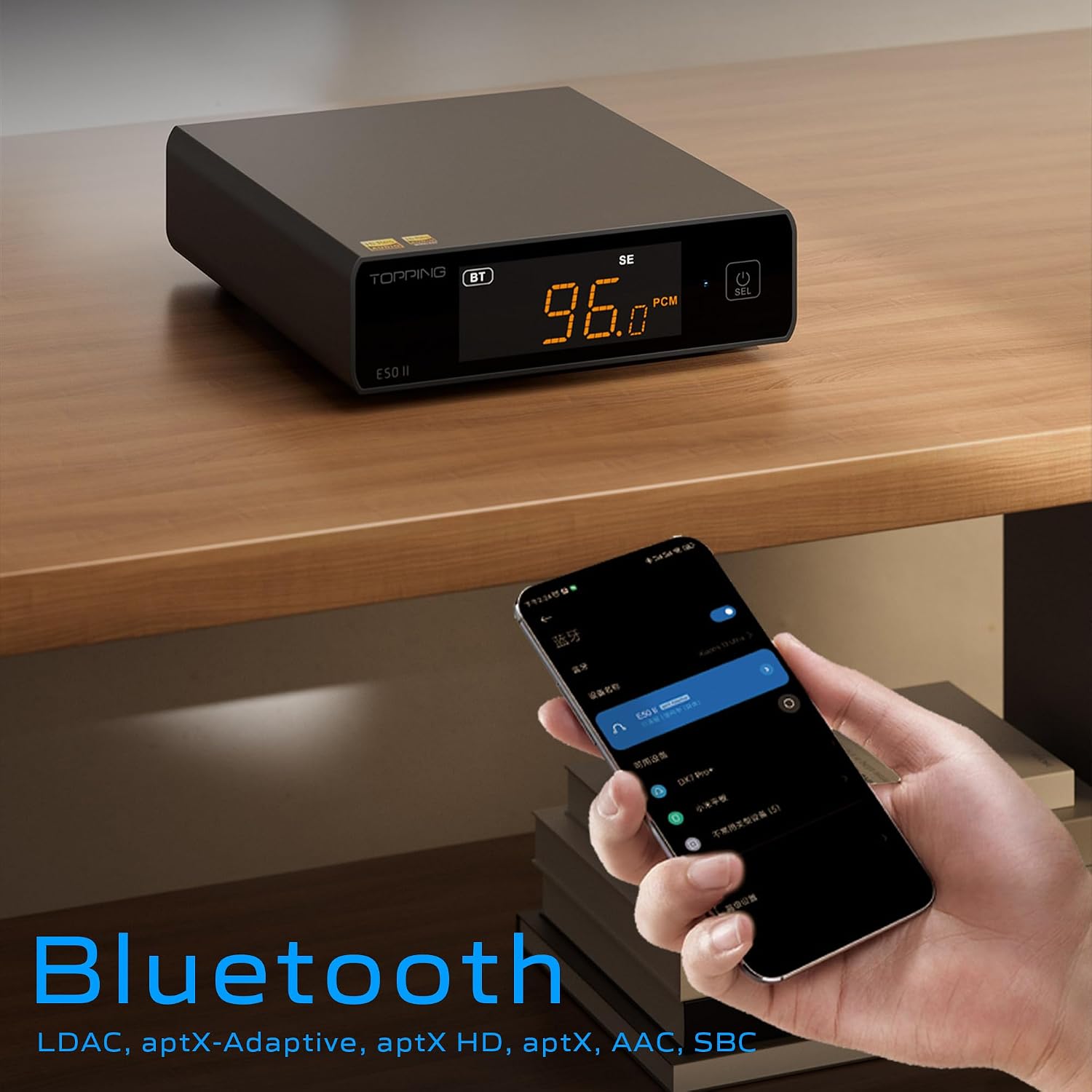
Image 6.3: A black E50II unit with a smartphone showing Bluetooth connection status.
6.5 PEQ (Parametric Equalizer) Function
The E50II features a 10-band Parametric Equalizer (PEQ) for precise sound customization. You can adjust frequency, gain, and bandwidth for each band. This function is accessible via the TOPPING Home app or dedicated PC software.

Image 6.4: Screenshot of the TOPPING TUNE FOR PC software interface, showing the 10-band PEQ settings.
6.6 Preamp Funcţie
The E50II can function as a preamplifier, allowing direct connection to a power amplifier or active speakers. In this mode, the volume can be controlled via the remote or the TOPPING Home app, providing precise output level control to prevent overload or under-driving of connected equipment.
7. Întreținere
- Curățați dispozitivul cu o lavetă moale și uscată. Nu utilizați agenți de curățare lichizi sau aerosoli.
- Păstrați orificiile de ventilație libere de praf și resturi.
- Păstrați dispozitivul într-un loc răcoros și uscat atunci când nu este utilizat.
8. Depanare
| Problemă | Cauza posibila | Soluţie |
|---|---|---|
| Fără ieșire de sunet | Incorrect input/output selection, loose cables, muted volume. | Check input source, ensure cables are securely connected, unmute or increase volume. |
| Dispozitivul nu pornește | Power cable not connected, faulty power adapter. | Ensure power cable is connected to a working 5V source. Try a different power adapter. |
| Probleme de conexiune Bluetooth | E50II not in Bluetooth mode, device not paired, interference. | Switch E50II to Bluetooth input. Re-pair the device. Ensure no strong interference sources nearby. |
| Audio distorsionat | Input signal too high, incorrect gain setting, faulty cables. | Reduce source volume. Adjust E50II gain setting. Try different audio cables. |
| Windows USB driver not working | Incorrect driver installation, driver conflict. | Reinstall the latest driver from the TOPPING website. Check for other conflicting audio drivers. |
9. Specificații
- Marca: TOPING
- Model: E50II
- Chip DAC: AK4497S
- Interfata USB: XMOS XU316
- Max USB Decoding: PCM 768kHz / DSD512
- Optical/Coaxial Decoding: Până la 192kHz
- Codecuri Bluetooth: LDAC, aptX-Adaptive, aptX HD, aptX, AAC, SBC
- Mod de ieșire audio: Stereo
- Interfețe de ieșire: RCA (unbalanced), 6.35mm TRS (balanced)
- Interfețe de intrare: USB, Optic, Coaxial, Bluetooth
- Caracteristici: 10-band PEQ, Preamp function, TOPPING Home App control, Top Sync circuit for low jitter.
10. Garanție și asistență
The TOPPING E50II is covered by the manufacturer's or authorized agent's warranty regulations. Please refer to the warranty card included in your package for specific terms and conditions. For technical support, driver downloads, or service inquiries, please visit the official TOPPING website-ul sau contactați distribuitorul local autorizat.
Official TOPPING Website: www.toppingaudio.com