
Introducere
This manual provides essential instructions for the safe and efficient setup, operation, and maintenance of your Humanscale eFloat Go 2.0 Height Adjustable Table Base. Please read this manual thoroughly before installation and retain it for future reference.
Configurare și asamblare
1. Unboxing
Carefully remove all components from the packaging. Inspect for any damage that may have occurred during transit. Keep all packaging materials until assembly is complete and the unit is confirmed to be working correctly.
2. Identificarea componentelor
Ensure all parts listed in the packing list are present. Refer to the diagram below for component identification.
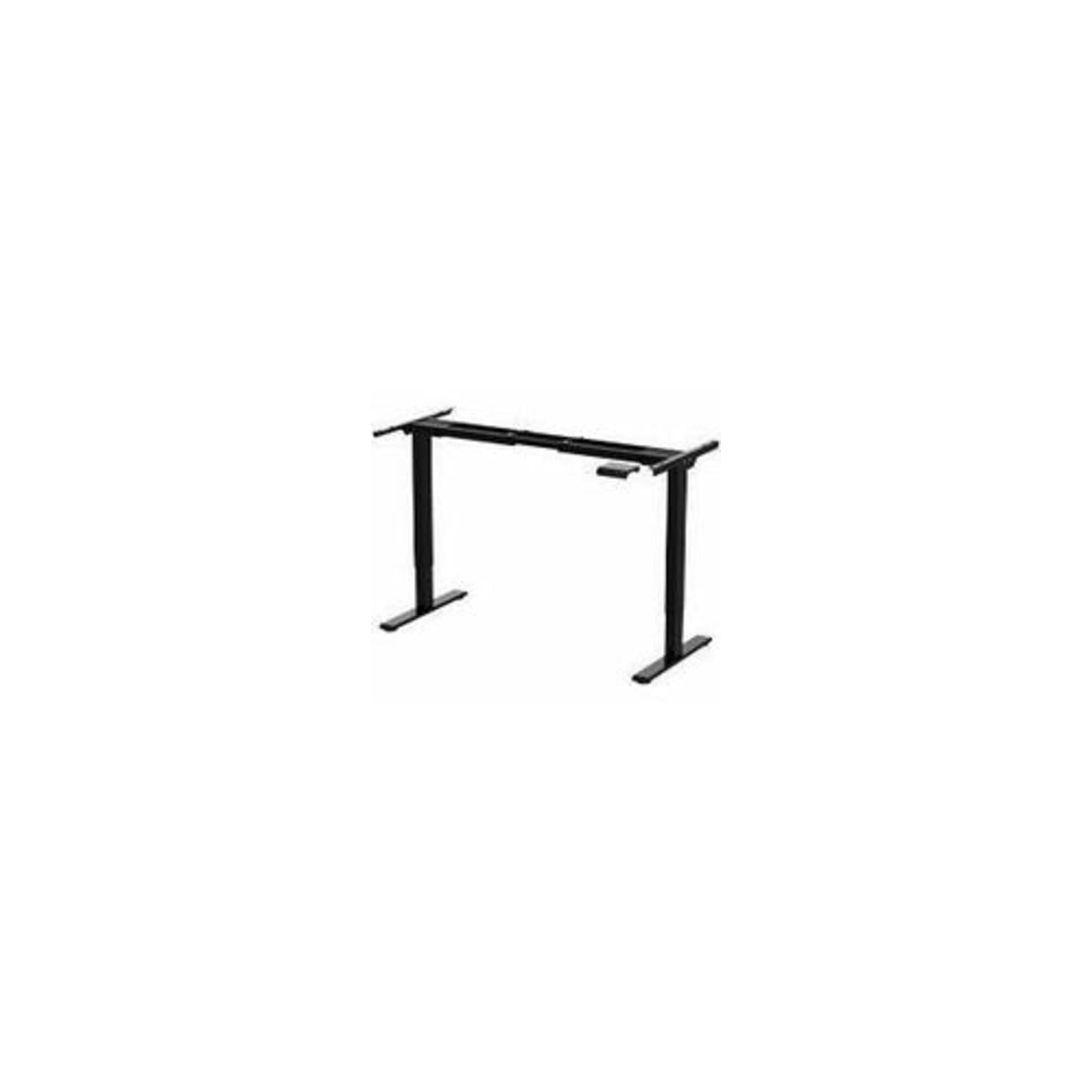
Image: The Humanscale eFloat Go 2.0 T-Shaped Table Base, showing the main structural components including the legs, crossbar, and feet. This image illustrates the base unit without a tabletop.
3. Etapele de asamblare
- Attach the feet to the bottom of each leg column using the provided screws. Ensure they are securely fastened.
- Connect the crossbar to the top of the leg columns. Align the pre-drilled holes and secure with the designated bolts.
- Mount your chosen tabletop (sold separately) to the assembled base. Use appropriate screws for your tabletop material, ensuring even distribution and secure attachment.
- Connect the power cable to the control box and then to a grounded electrical outlet.
Instrucțiuni de operare
1. Reglarea înălțimii
The eFloat Go 2.0 base allows for smooth height adjustments. Use the control panel to raise or lower the desk.
- A creste: Press and hold the 'Up' arrow button on the control panel. Release the button when the desired height is reached.
- Pentru a reduce: Press and hold the 'Down' arrow button on the control panel. Release the button when the desired height is reached.
2. Ghid de siguranță
- Asigurați-vă că nu există obstacole deasupra sau dedesubtul biroului atunci când îi reglați înălțimea.
- Do not place hands or other body parts in the path of moving parts.
- Nu supraîncărcați biroul. Consultați specificațiile pentru capacitatea maximă de greutate.
- Țineți copiii și animalele de companie departe de birou în timpul funcționării.
Întreţinere
1. Curatenie
To clean the table base, wipe surfaces with a soft, damp cloth. Avoid using abrasive cleaners or solvents, as these can damage the finish. Ensure the power is disconnected before cleaning.
2. Verificări regulate
Periodically check all screws and bolts to ensure they remain tight. Loose fasteners can affect stability and operation. Do not attempt to lubricate internal components.
Depanare
| Problemă | Cauza posibila | Soluţie |
|---|---|---|
| Biroul nu se mișcă | Power cable disconnected; Overload; Motor error | Check power connection; Reduce weight on desk; Unplug for 30 seconds and plug back in. |
| Mișcare inegală | Loose fasteners; Obstruction | Check and tighten all screws/bolts; Remove any obstructions. |
| Biroul se oprește în mijlocul mișcării | Safety stop engaged (anti-collision); Overheating | Remove obstruction; Allow motor to cool down for 20 minutes. |
Specificații
| Caracteristică | Detaliu |
|---|---|
| Marca | La nivel uman |
| Numărul de model | FYH12TB |
| Dimensiunile produsului | 24 x 30 x 5 inci |
| Culoare | Multicolor (Base is Black) |
| Număr de articole | 1 |
| Producător | La nivel uman |
Informații despre garanție
Humanscale products are designed for durability and performance. For specific warranty details regarding your eFloat Go 2.0 table base, please refer to the official Humanscale warranty documentation provided with your purchase or visit the Humanscale website. Pot fi disponibile planuri de protecție opționale pentru acoperire extinsă.
Suport și Contact
If you require assistance, have questions, or need to report an issue, please contact Humanscale customer support. You can find contact information on the official Humanscale website-ul sau prin intermediul distribuitorului dumneavoastră autorizat.
Visit the official Humanscale store for more information: Humanscale Store