
1. Introducere
This manual provides essential information for setting up, operating, and maintaining your ECOPAD T5 Android 15 Tablet. Please read it thoroughly to ensure proper use and to maximize your device's potential. Keep this manual for future reference.
2. Conținutul pachetului
Verificați dacă toate articolele enumerate mai jos sunt incluse în pachetul dumneavoastră:
- ECOPAD T5 Android 15 Tablet
- Carcasă de protecție
- Tastatură Bluetooth
- Mouse fără fir
- Stylus Pen
- Încărcător (Adaptor de alimentare)
- Cablu USB-C
- Manual de utilizare (acest document)

Figure 2.1: Included Package Contents. The image displays the tablet, protective case, keyboard, mouse, stylus, user manual, charger, and USB-C cable, each numbered for identification.
3. Dispozitiv terminatview
Familiarize yourself with the physical components of your ECOPAD T5 tablet:

Figure 3.1: Tablet Component Diagram. This diagram illustrates the tablet's layout, including the 3.5mm Audio Jack, Volume buttons, Power button, Front Camera, TF Card Slot, USB-C Port, Microphone, Rear Camera, and Loudspeaker.
4. Ghid de instalare
4.1 Încărcare inițială
Before first use, fully charge your tablet. Connect the USB-C cable to the tablet's USB-C port and the charger to a power outlet. The battery indicator on the screen will show charging status.
4.2 Pornire/Oprire
- Pentru a porni: Press and hold the Power button until the ECOPAD logo appears.
- Pentru a opri: Apăsați și mențineți apăsat butonul de Pornire/Oprire, apoi selectați „Oprire” din opțiunile de pe ecran.
- Pentru a reporni: Apăsați și mențineți apăsat butonul de pornire/oprire, apoi selectați „Repornire” din opțiuni.
4.3 Expertul de configurare inițială
La prima pornire, tableta vă va ghida prin procesul inițial de configurare. Urmați instrucțiunile de pe ecran pentru:
- Selectați limba dvs.
- Conectați-vă la o rețea Wi-Fi.
- Conectați-vă cu contul dvs. Google sau creați unul nou.
- Configurați blocarea ecranului (PIN, model, parolă sau Deblocare facială).
4.4 Conectarea accesoriilor (tastatură și mouse)
Your ECOPAD T5 tablet comes with a Bluetooth keyboard and a wireless mouse for enhanced productivity.
4.4.1 Bluetooth Keyboard Pairing
- Ensure the keyboard is charged and powered on. Look for a small switch or button on the keyboard to turn it on.
- Pe tabletă, accesați Setări > Dispozitive conectate > Bluetooth.
- Activați Bluetooth. Tableta va căuta dispozitivele disponibile.
- On the keyboard, press the "Connect" button (often labeled "Fn+C" or a dedicated Bluetooth button) to make it discoverable.
- Select the keyboard from the list of available devices on your tablet.
- Urmați orice instrucțiuni de pe ecran pentru a finaliza procesul de asociere (de exemplu, introducerea unui cod).
4.4.2 Wireless Mouse Connection
The wireless mouse typically connects via a USB dongle. Insert the USB dongle into the tablet's USB-C port using an appropriate adapter if necessary (adapter not included). The tablet should automatically detect and configure the mouse.

Figure 4.1: Tablet in 2-in-1 Laptop Mode. The image shows the ECOPAD T5 tablet with its Bluetooth keyboard and wireless mouse, demonstrating its versatility for efficient work and typing.
5. Operare de bază
5.1 Touchscreen Gestures
- Robinet: Selectați un element sau deschideți o aplicație.
- Atingeți și mențineți apăsat: Accesați meniurile contextuale sau mutați elemente.
- Beţivan: Scroll through lists, switch screens, or dismiss notifications.
- Pinch In/Out: Măriți sau micșorați fotografiile, hărțile sau web pagini.
5.2 Bara de navigare
The navigation bar at the bottom of the screen typically includes:
- Spate: Revine la ecranul anterior.
- Acasă: Revine la ecranul de start.
- Aplicații recente: Shows recently used applications for quick switching.
5.3 Notificări și setări rapide
Swipe down from the top of the screen to access the notification panel and quick settings toggles (Wi-Fi, Bluetooth, brightness, etc.).
6. Caracteristici cheie
6.1 Afișare
- Dimensiune: Ecran tactil IPS de 11 inci
- Rezoluţie: 1280x800 pixeli
- Raport de aspect: 16:9
- Caracteristici: Eye Protection Screen, Multi-touch support, Widevine L1 Certified for Full HD streaming.

Figure 6.1: 11-inch HD Display. The image showcases the tablet's expansive 11-inch screen, ideal for immersive visuals with 1280x800 resolution and eye protection features.

Figure 6.2: Widevine L1 Certification. This image highlights the tablet's Widevine L1 certification, enabling Full HD playback on major streaming platforms like YouTube, Netflix, Prime Video, Hulu, and HBO GO.
6.2 Performance & Storage
- Procesor: Octa-Core Unisoc T606 (1.6 GHz)
- RAM: 20GB (6GB Physical + 14GB Virtual Memory)
- Stocare internă: 128 GB ROM
- Stocare extensibilă: Up to 2TB via Micro SD card (TF card slot)

Figure 6.3: Massive RAM and ROM. This image emphasizes the tablet's 20GB RAM and 128GB ROM, powered by Android 15 and an Octa-Core processor for smooth multitasking.

Figure 6.4: Unisoc T606 Octa-core Processor. This image highlights the Unisoc T606 Octa-core Processor, providing reliable power for daily tasks and responsive split-screen performance.

Figure 6.5: Expandable Storage. This image illustrates the tablet's capability to boost speed with 20GB RAM and store thousands of photos in 128GB ROM, with expansion up to 2TB via TF card.
6.3 Baterie
- Capacitate: 8000mAh polimer de litiu
- Încărcare: Încărcare rapidă de 18 W (USB-C)
- Durata medie: Up to 8 hours of general use, 6 hours of video playback.
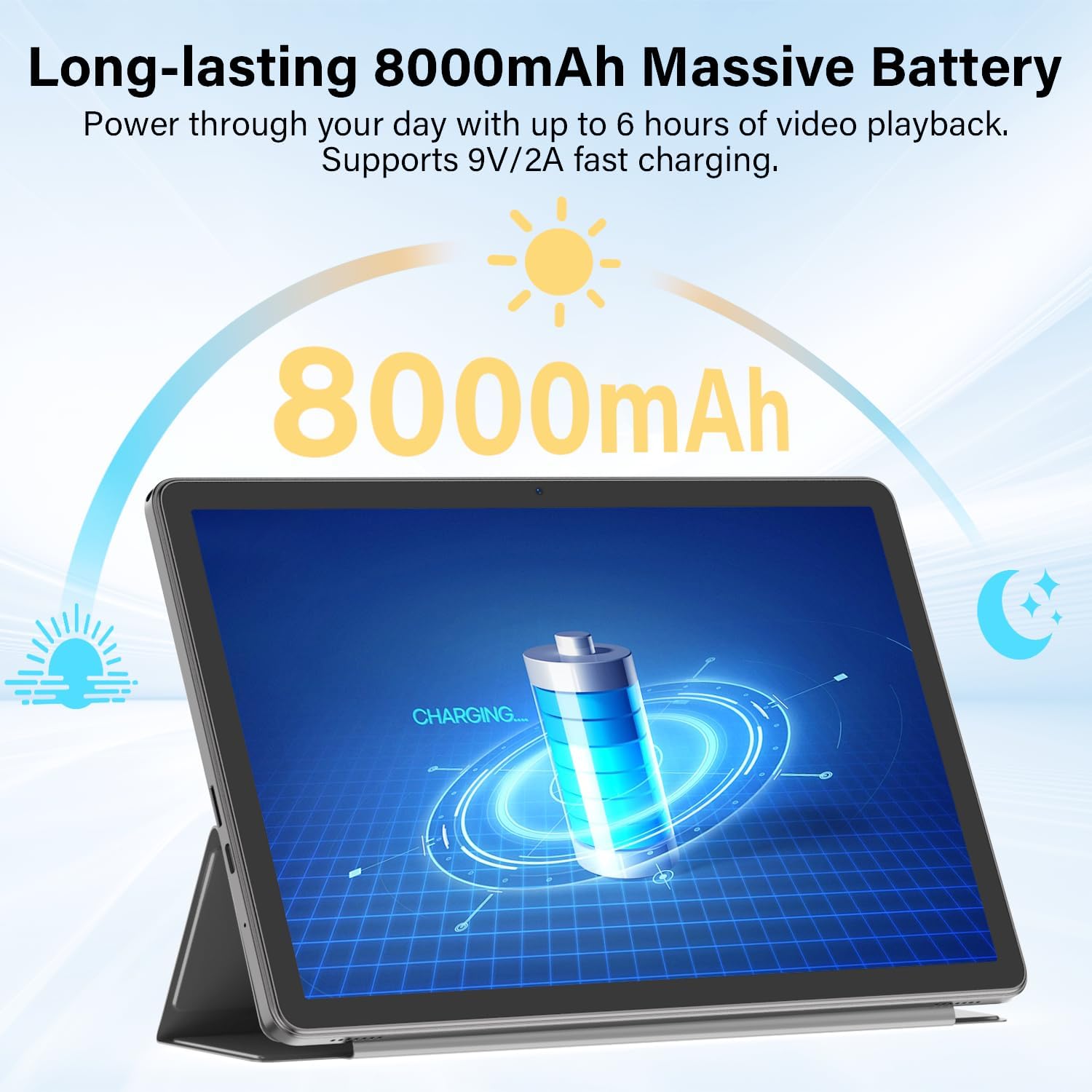
Figure 6.6: Long-lasting Battery. This image highlights the tablet's 8000mAh battery, providing power for up to 6 hours of video playback and supporting 9V/2A fast charging.
6.4 Sistem de operare
- OS: Android 15
- Caracteristici: Enhanced privacy, fluid multitasking, smarter notifications, optimized performance, adaptive security.

Figure 6.7: Android 15 OS. The image displays the tablet running Android 15, showcasing its modern interface and capabilities.

Figure 6.8: Latest Android 15 OS Features. This image outlines key benefits of Android 15, including enhanced privacy, fluid multitasking, smarter notifications, optimized performance, and adaptive security.

Figure 6.9: AI Capable. This image highlights the tablet's compatibility with leading AI apps like Gemini, ChatGPT, and Grok, enabling complex tasks and accelerating creativity.
6.5 Conectivitate
- Wifi: Dual-Band WiFi 6 (2.4G/5Ghz, 802.11ac, 802.11ax)
- Bluetooth: Bluetooth 5.0
- Navigare: GPS
- Porturi: 3.5mm Audio Jack, USB Type-C
- Audio: Dual Stereo Speakers, Microphone Inside

Figure 6.10: Connectivity Features. This image displays the tablet's connectivity options, including Dual Stereo Speakers, 3.5mm Audio Jack, Bluetooth 5.0, GPS Navigation, 2.4/5Ghz WiFi 6, and an internal Microphone.
6.6 Camere
- Camera spate: 8.0 MP
- Camera frontală: 5.0 MP
- Captură video: FHD 1080p

Figure 6.11: Dual Cameras. This image highlights the tablet's 8MP rear and 5MP front cameras, suitable for clear video calls, quick photos, and document scanning.
6.7 Securitate
- Deblocare facială: Secure and instant facial recognition for unlocking the device.

Figure 6.12: Instant Face Unlock. This image illustrates the tablet's secure, hands-free facial recognition feature for instant unlocking.
7. Întreținere
7.1 Curățarea tabletei
Folosiți o lavetă moale, fără scame, pentru a curăța ecranul și corpul tabletei. Evitați materialele abrazive sau substanțele chimice dure. Pentru pete persistente, ștergeți ușor.ampClătiți laveta cu apă sau cu un produs de curățare a ecranelor conceput pentru electronice.
7.2 Actualizări de software
Verificați și instalați periodic actualizări de software pentru a asigura performanță optimă, securitate și acces la funcții noi. Accesați Setări > Sistem > Actualizare de sistem pentru a verifica actualizările.
7.3 Îngrijirea bateriei
- Evitați expunerea tabletei la temperaturi extreme.
- Nu lăsați bateria să se descarce complet frecvent.
- Folosiți încărcătorul și cablul furnizate pentru o încărcare optimă.
7.4 Managementul stocării
Periodic review și ștergeți inutilul files, apps, and media to free up storage space and maintain performance. Utilize the expandable storage option with a Micro SD card for large files.
8. Depanare
Dacă întâmpinați probleme cu tableta, consultați următoarele probleme și soluții frecvente:
| Problemă | Soluţie |
|---|---|
| Tableta nu pornește | Asigurați-vă că bateria este încărcată. Conectați încărcătorul și așteptați câteva minute înainte de a încerca să îl porniți din nou. Dacă dispozitivul nu răspunde, apăsați și mențineți apăsat butonul de pornire timp de 10-15 secunde pentru a forța o repornire. |
| Nu se poate conecta la Wi-Fi | Verificați dacă Wi-Fi-ul este activat în Setări rapide sau Setări > Rețea și internet > Internet. Ensure the Wi-Fi password is correct. Restart your router and the tablet. |
| Bluetooth keyboard/mouse not pairing | Ensure the accessory is charged and in pairing mode. On the tablet, go to Setări > Dispozitive conectate > Bluetooth and ensure Bluetooth is on. Forget and re-pair the device if it was previously connected. |
| Aplicațiile sunt lente sau se blochează | Close unnecessary background apps. Clear app cache (Setări > Aplicații > [Nume aplicație] > Stocare și memorie cache > Goliți memoria cacheAsigurați-vă că este disponibil suficient spațiu de stocare. Reporniți tableta. |
| Ecranul nu răspunde | Restart the tablet by holding the Power button. If the issue persists, perform a factory reset (data will be lost, back up important files). |
9. Specificații
| Caracteristică | Caietul de sarcini |
|---|---|
| Marca | ECOPAD |
| Numele modelului | Tableta Android T5 |
| Sistem de operare | Android 15 |
| Procesor | Octa-Core Unisoc T606, 1.6 GHz |
| Memoria RAM | 20 GB (6GB Physical + 14GB Virtual) |
| Capacitate de stocare | 128 GB de memorie ROM |
| Stocare extensibilă | Up to 2 TB (Micro SD/TF Card) |
| Dimensiunea ecranului | 11 inchi |
| Rezoluția afișajului | 1280x800 pixeli |
| Raportul de aspect | 16:9 |
| Capacitatea bateriei | Litiu polimer de 8000 mAh |
| Durata medie a bateriei | 8 de ore |
| Încărcare | Încărcare rapidă de 18 W (USB-C) |
| Tehnologia fără fir | Wi-Fi 6 (802.11ac, 802.11ax), Bluetooth 5.0 |
| Tehnologia de conectivitate | Bluetooth, WiFi |
| Interfață hardware | 3.5mm Audio Jack, USB Type-C |
| Cameră frontală | 5.0 MP |
| Camera spate | 8.0 MP |
| Rezoluție captură video | FHD 1080p |
| Intrare interfață umană | Ecran tactil cu suport pentru stylus |
| Dimensiuni articol (L x l x grosime) | 9.6 cm L x 5.4 cm l x 0.25 cm Grosime |
10. Garanție și asistență
10.1 Garanția produsului
Your ECOPAD T5 Android 15 Tablet comes with a 2 ani garanție de la data achiziției. Această garanție acoperă defectele de fabricație și defecțiunile în condiții normale de utilizare. Vă rugăm să păstrați dovada achiziției pentru reclamațiile în garanție.
10.2 Asistență pentru clienți
For technical assistance, warranty claims, or any questions regarding your ECOPAD T5 tablet, please contact ECOPAD customer support. Refer to the contact information provided with your product packaging or visit the official ECOPAD website-ul pentru detalii de asistență.