
Introducere
Thank you for choosing the Salange 2026 Mini Projector. This portable smart projector is designed to deliver a high-quality visual experience with its 4K support, Android 14 operating system, and advanced connectivity features like WiFi 6 and Bluetooth 5.4. This manual provides essential information for safe and efficient use of your device. Please read it thoroughly before operation and retain it for future reference.
Informații de siguranță
- Nu priviți direct în lentila proiectorului atunci cândamp este pornit.
- Asigurați o ventilație adecvată în jurul proiectorului pentru a preveni supraîncălzirea.
- Folosiți doar adaptorul de alimentare furnizat împreună cu proiectorul.
- Țineți proiectorul departe de apă, umiditate și materiale inflamabile.
- Evitați plasarea proiectorului pe suprafețe instabile.
- Nu încercați să dezasamblați sau să reparați singur proiectorul. Contactați personalul de service calificat.
Înființat
1. Despachetarea și amplasarea inițială
Scoateți cu grijă proiectorul și toate accesoriile din ambalaj. Așezați proiectorul pe o suprafață stabilă și plană. Pentru o funcționare optimă viewing, position the projector perpendicular to the projection surface. The projector features a 270° rotatable design for flexible placement.
2. Conexiune la alimentare
Connect the power cord to the projector's power input port and then plug it into a power outlet. The projector will typically power on automatically or can be turned on using the power button on the device or remote control.

Imagine: Spate view of the Salange 2026 Mini Projector with power, HDMI, and USB ports.
3. Focalizarea și reglarea trapezului
The Salange 2026 Mini Projector supports manual focus adjustment. Rotate the focus ring on the projector to achieve a sharp image. It also features automatic vertical keystone correction (±45°) to eliminate image distortion, ensuring a rectangular picture even when the projector is not perfectly aligned. For more precise adjustments, 4-point correction may be available in the settings.

Image: Automatic vertical keystone correction and manual focus adjustment.
4. Network Connection (WiFi 6)
Navigate to the settings menu on the projector. Select 'Network' or 'Wi-Fi' and choose your desired network from the list. Enter the password if prompted. The projector supports dual-band (2.4 GHz + 5 GHz) Wi-Fi 6 for stable and fast connections.
5. Asociere Bluetooth
To connect Bluetooth audio devices, go to the settings menu and select 'Bluetooth'. Turn on Bluetooth and search for available devices. Select your device from the list to pair. This allows for wireless audio output to speakers or headphones.
Instrucțiuni de operare
1. Pornire/Oprire
Press the power button on the projector or the remote control to turn the device on or off. A short press typically puts the projector into standby mode, while a long press performs a full shutdown.
2. Navigarea prin interfața Android 14
The projector runs on Android 14.0, providing access to a wide range of applications. Use the remote control to navigate through the home screen, app drawer, and settings. The interface is similar to a smart TV, allowing for intuitive use.
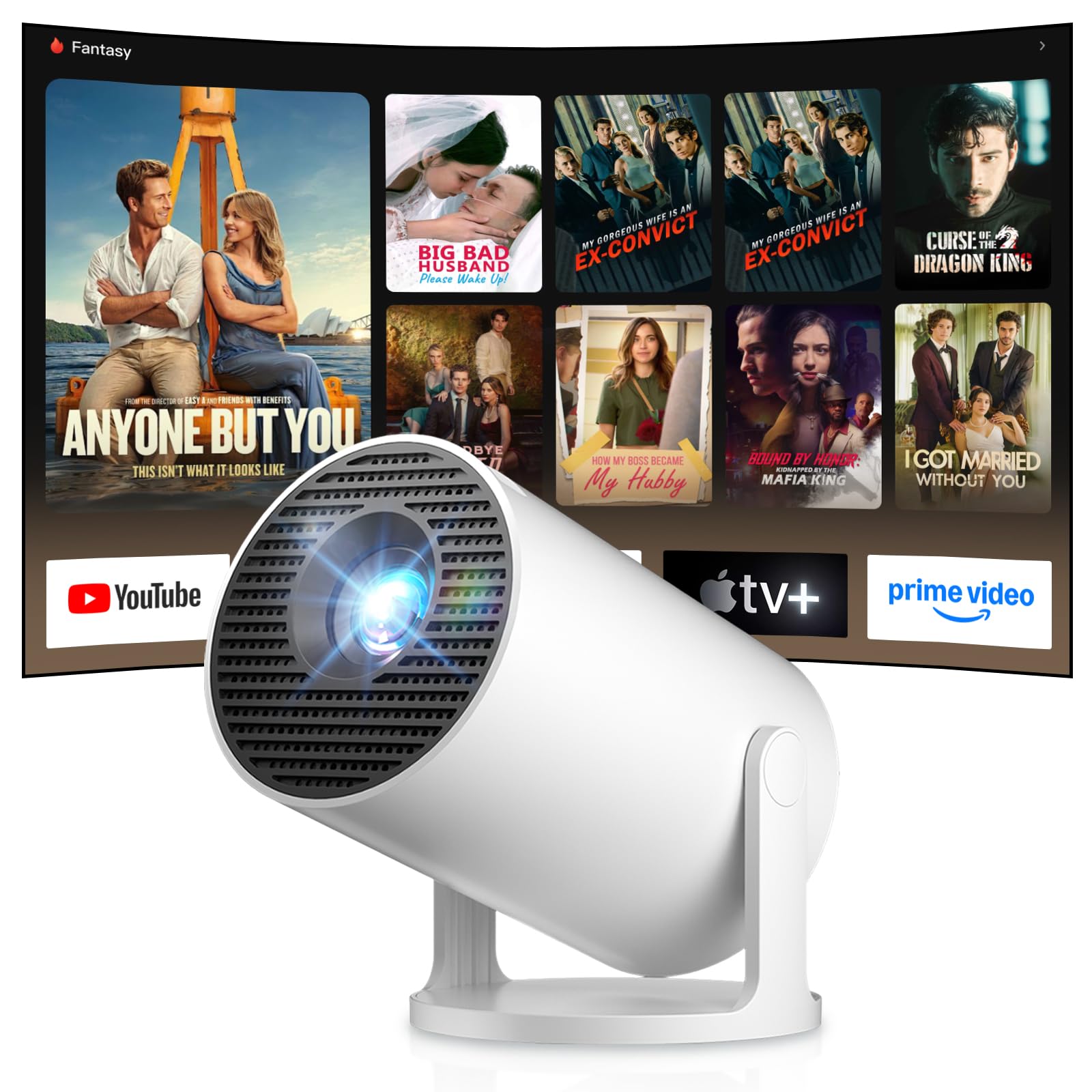
Image: Android TV 14.0 interface with streaming applications.
3. Instalarea aplicației
With Android 14, you can install over 8,000 applications directly onto the projector. Access the app store (e.g., Google Play Store) from the home screen, search for desired apps (video players, games, office software), and install them.
4. Screen Mirroring (iOS/Android)
The projector supports screen mirroring for both iOS and Android devices. Ensure your mobile device and the projector are connected to the same Wi-Fi network. On your mobile device, activate the screen mirroring function (e.g., AirPlay for iOS, Cast for Android) and select the projector from the list of available devices.

Image: Wireless casting from mobile devices to the projector.
5. Connecting External Devices (HDMI, USB)
Use the HDMI port to connect devices such as laptops, game consoles (PS5, Switch), or TV sticks. Use the USB port to connect USB drives for media playback or other peripherals. Select the appropriate input source from the projector's input menu.
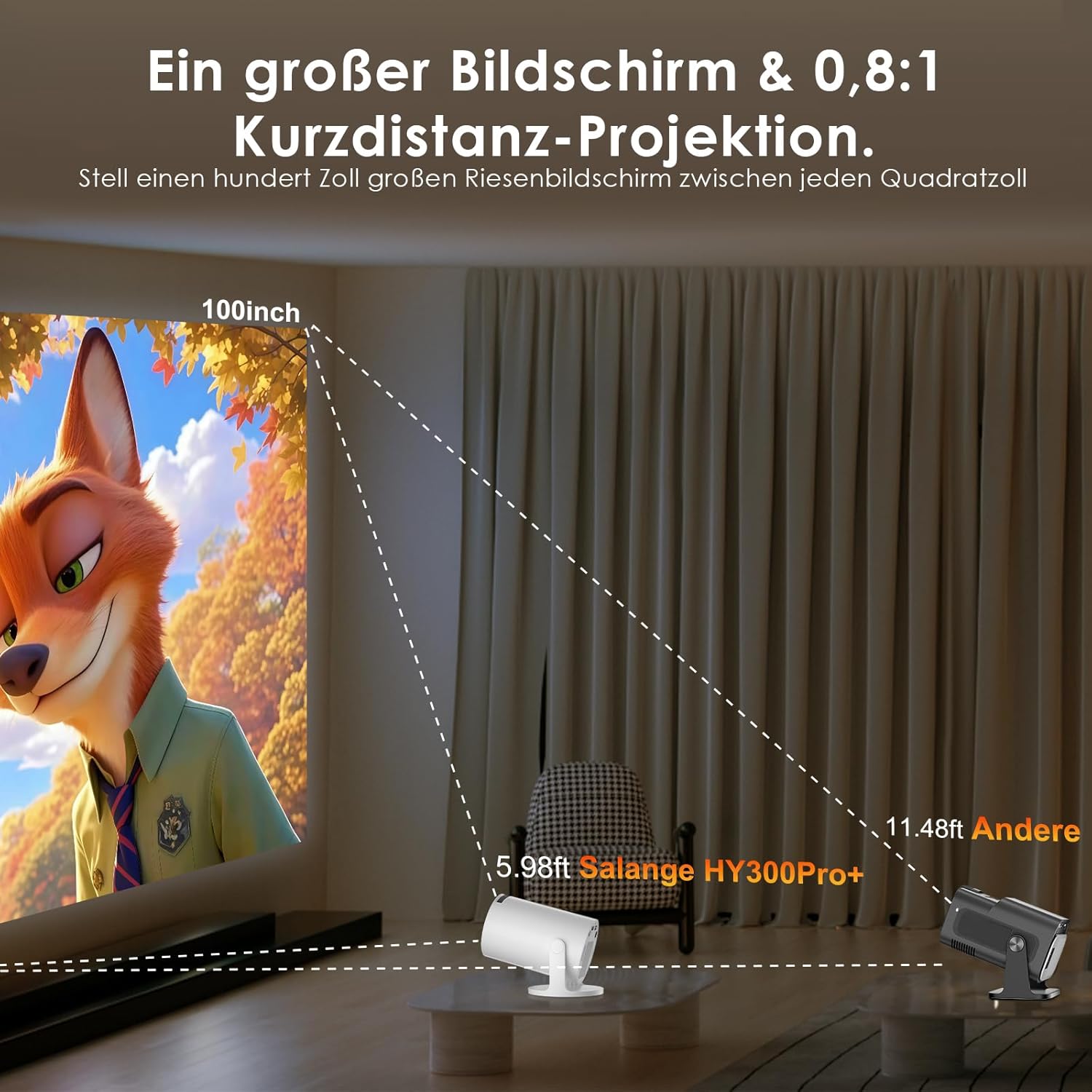
Image: Connectivity options for HDMI, Audio, and USB devices.
6. Ieșire audio
The projector has built-in speakers. For enhanced audio, connect external speakers or headphones via Bluetooth or the 3.5mm audio jack.
Întreţinere
1. Curățarea lentilei
Use a soft, lint-free cloth specifically designed for optical lenses to gently wipe the projector lens. Avoid using abrasive cleaners or excessive pressure, which can scratch the lens.
2. Curățarea exteriorului
Ștergeți exteriorul proiectorului cu o cârpă moale și uscată. Pentru murdăria persistentă, ștergeți ușoramp se poate folosi o lavetă, urmată de o lavetă uscată. Nu folosiți substanțe chimice dure sau solvenți.
3. Depozitare
Când nu este utilizat pentru perioade lungi de timp, depozitați proiectorul într-un mediu răcoros, uscat și fără praf. Folosiți ambalajul original sau o husă de protecție pentru a preveni deteriorarea.
Depanare
- Fără putere: Asigurați-vă că este conectat corect cablul de alimentare atât la proiector, cât și la priză. Încercați o altă priză.
- Nicio imagine: Check if the projector is powered on. Verify the input source is correctly selected (e.g., HDMI 1, USB). Ensure the lens cap is removed.
- Imagine neclară: Adjust the manual focus ring until the image is sharp. Check if the projector is too close or too far from the screen.
- Image Distortion (Trapezoid): The projector has automatic keystone correction. If manual adjustment is needed, check the display settings for keystone correction options.
- Fără sunet: Check the volume level on both the projector and the connected source device. Ensure external audio devices are correctly connected and selected as the output.
- Probleme de conexiune Wi-Fi/Bluetooth: Ensure the projector is within range of your router or Bluetooth device. Restart the projector and your network devices. Re-pair Bluetooth devices.
- Telecomanda nu răspunde: Verificați bateriile din telecomandă. Asigurați-vă că nu există obstacole între telecomandă și receptorul IR al proiectorului.
Specificațiile produsului
| Caracteristică | Caietul de sarcini |
|---|---|
| Producător | Salange |
| ASIN | B0G43FF84L |
| Țara de origine | China |
| Utilizări recomandate | Business, Home Cinema, Gaming, Education |
| Caracteristici speciale | Wi-Fi Compatible, Digital Keystone Correction, Lightweight, Portable |
| Tehnologia de conectivitate | Bluetooth, HDMI, USB, Wi-Fi |
| Rezoluție nativă de afișare | 1280 x 720 pixeli |
| Rezoluție maximă a afișajului | 3840 x 2160 pixels (4K supported) |
| Tip de afișare | LCD |
| Dimensiuni produs (L x l x H) | 10.1 x 10.1 x 17 cm |
| Factor de formă | Portabil |
| Tip de montare | Suport de masă |
| Luminozitate | 8000 lumeni |
| Culoare | Alb |
| Dispozitive compatibile | Game Console, Speaker, Laptop, Smartphone, Television |
| Raport de contrast | 1500:1 |
| Dimensiunea maximă a imaginii | 150 inchi |
| Dimensiunea minimă a imaginii | 30 inchi |
| Codificare video | H.265 |
| Tehnologia de îmbunătățire a imaginii | HDR |
| Conținutul cutiei | 1 Projector, 1 Power Cord, 1 Remote Control, 1 User Manual |
Informații despre garanție
The Salange 2026 Mini Projector comes with a standard manufacturer's warranty. Please refer to the warranty card included in your product packaging for specific terms, conditions, and duration. Keep your proof of purchase for warranty claims.
Asistență pentru clienți
For technical assistance, troubleshooting, or any questions regarding your Salange 2026 Mini Projector, please contact Salange customer support. Contact details can typically be found on the official Salange website or in the warranty information provided with your product.