
1. Introducere
Mulțumesc pentru achizițieasing the Aiwa BST-130RD Bluetooth Speaker. This portable speaker features Bluetooth 5.3 connectivity, vibrant RGB lighting, FM radio, and multiple playback options including USB and TF card. This manual provides essential information for the safe and efficient use of your device. Please read it thoroughly before operation and retain it for future reference.
2. Conținutul pachetului
Asigurați-vă că toate articolele sunt prezente în colet:
- Aiwa BST-130RD Bluetooth Speaker
- Cablu de încărcare USB de tip C
- Manual de instructiuni
3. Produs terminatview
Familiarizați-vă cu comenzile și porturile difuzorului.
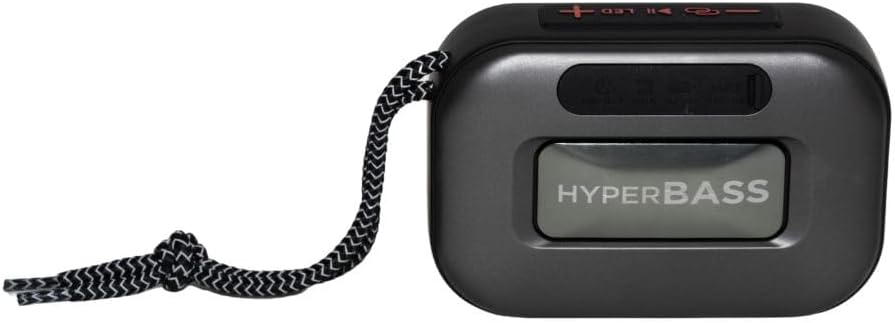
Figura 3.1: Faţă view of the Aiwa BST-130RD Bluetooth Speaker, showcasing the speaker grille and RGB light ring.

Figura 3.2: Close-up of the tactile control buttons located on the top panel of the speaker. These include power, play/pause, volume, mode, and LED light controls.

Figura 3.3: Spate view of the speaker, illustrating the USB-A port, Micro SD (TF) card slot, AUX-IN port, and USB Type-C charging port.
comenzi:
- Buton de alimentare: Apăsați lung pentru a porni/opri difuzorul.
- Buton Redare/Pauză: Play or pause audio. Answer/end calls in Bluetooth mode.
- Creștere volum (+): Increase volume. Long press for next track/FM station.
- Volum scăzut (-): Decrease volume. Long press for previous track/FM station.
- Butonul de mod (M): Switch between Bluetooth, FM Radio, USB, TF Card, and AUX-IN modes.
- Buton LED: Schimbați modurile de iluminare RGB.
Porturi:
- Port USB-A: Pentru redarea de pe o unitate flash USB.
- Slot pentru carduri TF: Pentru redarea de pe card Micro SD.
- AUX-IN Port (3.5mm): Pentru conexiune audio prin cablu.
- Port de încărcare USB de tip C: Pentru încărcarea difuzorului.
4. Configurare
4.1 Încărcarea difuzorului
- Conectați cablul de încărcare USB Type-C furnizat la portul de încărcare al difuzorului.
- Connect the other end of the cable to a 5V DC USB power adapter (not included).
- Indicatorul luminos de încărcare se va aprinde în timpul încărcării și se va stinge după ce bateria este complet încărcată.
- O încărcare completă durează de obicei aproximativ 2-3 ore.
4.2 Pornire/Oprire
- Pentru a porni: Press and hold the Power button for 2-3 seconds until you hear an audible prompt and the RGB lights activate.
- Pentru a opri: Press and hold the Power button for 2-3 seconds until you hear an audible prompt and the RGB lights deactivate.
5. Instrucțiuni de utilizare
5.1 Asociere Bluetooth
- Ensure the speaker is powered on and in Bluetooth mode (indicated by an audible prompt or LED status). If not, press the Mode button to switch to Bluetooth mode.
- Activați Bluetooth pe smartphone, tabletă sau alt dispozitiv compatibil Bluetooth.
- Caută available devices and select "AIWA BST-130RD" from the list.
- Once paired, the speaker will emit an audible confirmation.
- Acum poți reda sunet de pe dispozitiv prin difuzor.
5.2 Împerechere stereo True Wireless (TWS)
The TWS function allows you to connect two Aiwa BST-130RD speakers for a stereo sound experience.
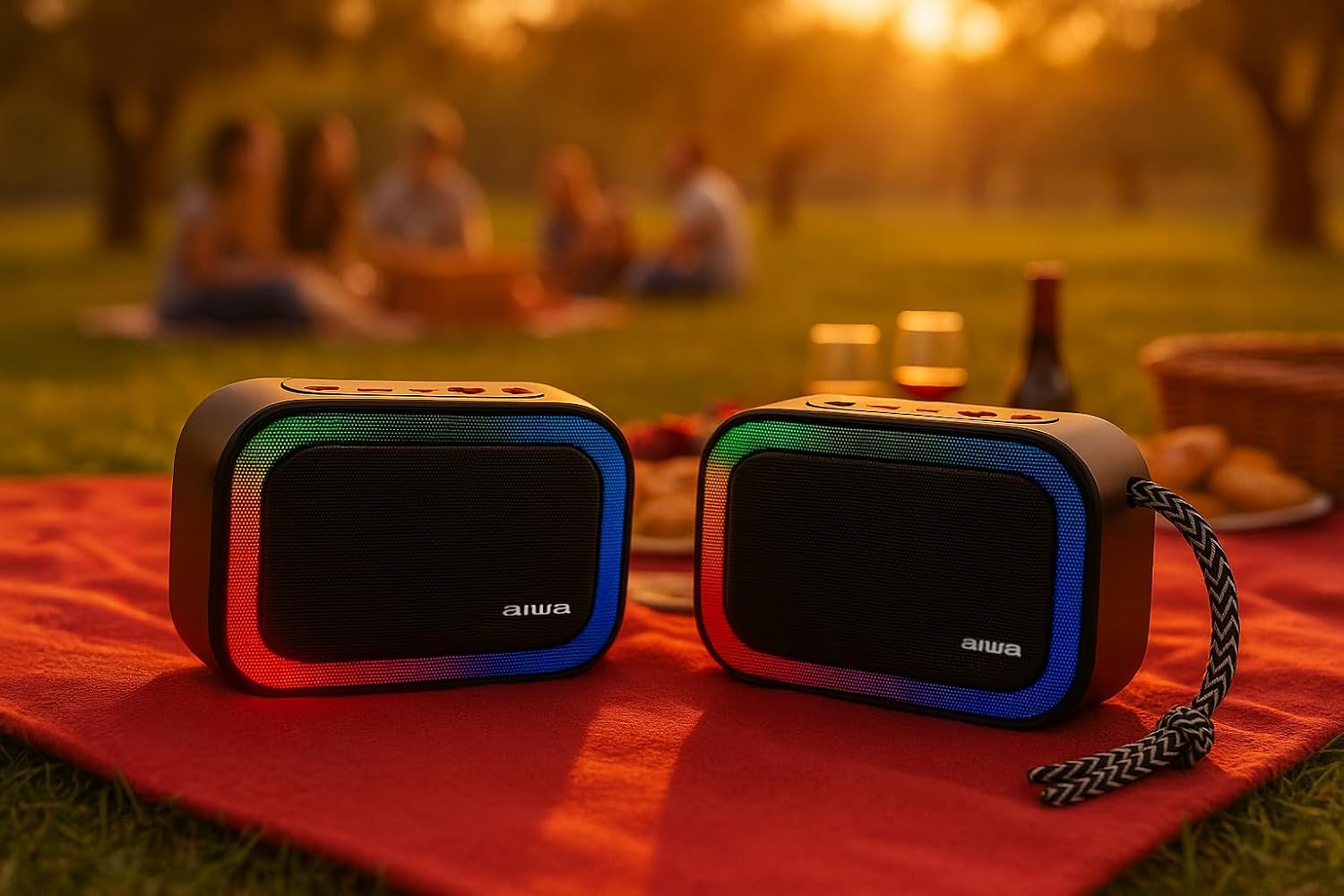
Figura 5.1: Two Aiwa BST-130RD speakers operating in True Wireless Stereo (TWS) mode, providing a wider soundstage.
- Ensure both BST-130RD speakers are powered on and in Bluetooth mode, but not yet paired to any device.
- On one of the speakers (this will be the primary speaker), double-press the Play/Pause button. The speaker will search for another BST-130RD.
- Once connected, you will hear an audible confirmation. The primary speaker will act as the left channel, and the secondary speaker as the right channel.
- Now, pair your Bluetooth device to the primary speaker as described in Section 5.1.
5.3 Funcționarea radioului FM
- Press the Mode button repeatedly until you enter FM Radio mode.
- Press the Play/Pause button once to initiate an automatic station scan. The speaker will scan and save available FM stations.
- Folosiți butoanele Volum mărire (+) și Volum micșorare (-) (apăsare lungă) pentru a naviga între posturile salvate.
Redare prin USB / card TF de 5.4"
- Insert a USB flash drive into the USB-A port or a TF (Micro SD) card into the TF card slot.
- The speaker will automatically switch to the corresponding mode and begin playing MP3 files. If not, press the Mode button to select USB or TF mode.
- Use the Play/Pause button to control playback. Use the Volume Up (+) and Volume Down (-) buttons (long press) to skip tracks.
5.5 Mod AUX-IN
- Connect one end of a 3.5mm audio cable (not included) to the speaker's AUX-IN port.
- Conectați celălalt capăt la ieșirea audio a dispozitivului extern (de exemplu, player MP3, computer).
- Press the Mode button to switch to AUX-IN mode.
- Audio will now play through the speaker. Control playback from your external device.
5.6 Funcția hands-free
Când este conectată prin Bluetooth la un smartphone, difuzorul poate fi utilizat pentru apeluri hands-free.
- Răspunde la apel: Apăsați butonul Redare/Pauză o dată.
- Terminare apel: Apăsați butonul Redare/Pauză o dată în timpul unui apel.
- Respinge apelul: Apăsați și mențineți apăsat butonul Redare/Pauză timp de 2 secunde.
5.7 Controlul iluminării RGB
The speaker features a dynamic RGB lighting system.

Figura 5.2: The Aiwa BST-130RD speaker displaying its vibrant RGB lighting effects.
- Apăsați butonul LED pentru a comuta între diferitele moduri de iluminare RGB.
- Press and hold the LED button to turn the RGB lighting On/Off.
6. Întreținere
- Curățați difuzorul cu o lavetă moale și uscată. Nu utilizați substanțe de curățare abrazive sau solvenți.
- Evitați expunerea difuzorului la temperaturi extreme, lumina directă a soarelui sau umiditate ridicată.
- Do not immerse the speaker in water. It is not waterproof.
- When not in use for extended periods, charge the battery at least once every three months to prolong its lifespan.
7. Depanare
| Problemă | Cauza posibila | Soluţie |
|---|---|---|
| Difuzorul nu pornește. | Baterie descărcată. | Încărcați difuzorul folosind cablul USB Type-C furnizat. |
| Nici un sunet. | Volum prea mic; mod incorect; dispozitiv neîmperecheat. | Increase volume on speaker and connected device. Ensure correct mode is selected. Re-pair Bluetooth device. |
| Asocierea Bluetooth nu reușește. | Difuzorul nu este în modul de asociere; dispozitivul este prea departe; interferențe. | Asigurați-vă că difuzorul este în modul de asociere Bluetooth. Mutați dispozitivul mai aproape de difuzor. Opriți celelalte dispozitive Bluetooth. |
| Recepția radioului FM este slabă. | Semnal slab; interferențe de mediu. | Move the speaker to a different location. Perform an auto-scan again. |
8. Specificații
- Model: BST-130RD
- Versiune Bluetooth: V5.3
- Putere de iesire: 5 W RMS (10% THD)
- Driver difuzor: 5 cm (Full Range), 3 Ohm Impedance
- Raspuns in frecventa: 80 Hz - 18 kHz
- Raport semnal-zgomot: ≥ 85 dB
- Sensibilitate: 490 mV (1 kHz)
- Intrări: Bluetooth, USB MP3, TF MP3, FM Scanner, AUX-IN (3.5mm Stereo)
- Putere de intrare: 5V DC USB Type-C
- Baterie: 1200mAh, 3.7V Lithium (with protection circuit)
- Vol. De încărcaretage: 5V 1A
- Caracteristici: TWS (True Wireless Stereo), RGB Lighting, Hands-free Function
- Dimensiuni: 133 x 89 x 47.5 mm
- Greutate: 0.314 kg
9. Informații de siguranță
- Nu dezasamblați, reparați sau modificați dispozitivul.
- Keep the device away from water, moisture, and flammable substances.
- Evitați ascultarea prelungită la volum mare pentru a preveni deteriorarea auzului.
- Aruncați bateria și dispozitivul în mod responsabil, conform reglementărilor locale.
10. Garanție și asistență
Aiwa products are designed and manufactured to the highest quality standards. For warranty information and technical support, please refer to the warranty card included in your package or visit the official Aiwa website pentru regiunea dvs.