1. Introducere
Mulțumesc pentru achizițieasing the PUSOKEI Mini Projector. This compact and portable device is designed to provide a high-quality viewing experience for home theater, outdoor activities, and entertainment. It supports 1080P HD resolution, features auto keystone correction, and offers versatile connectivity options including wired and wireless screen mirroring.
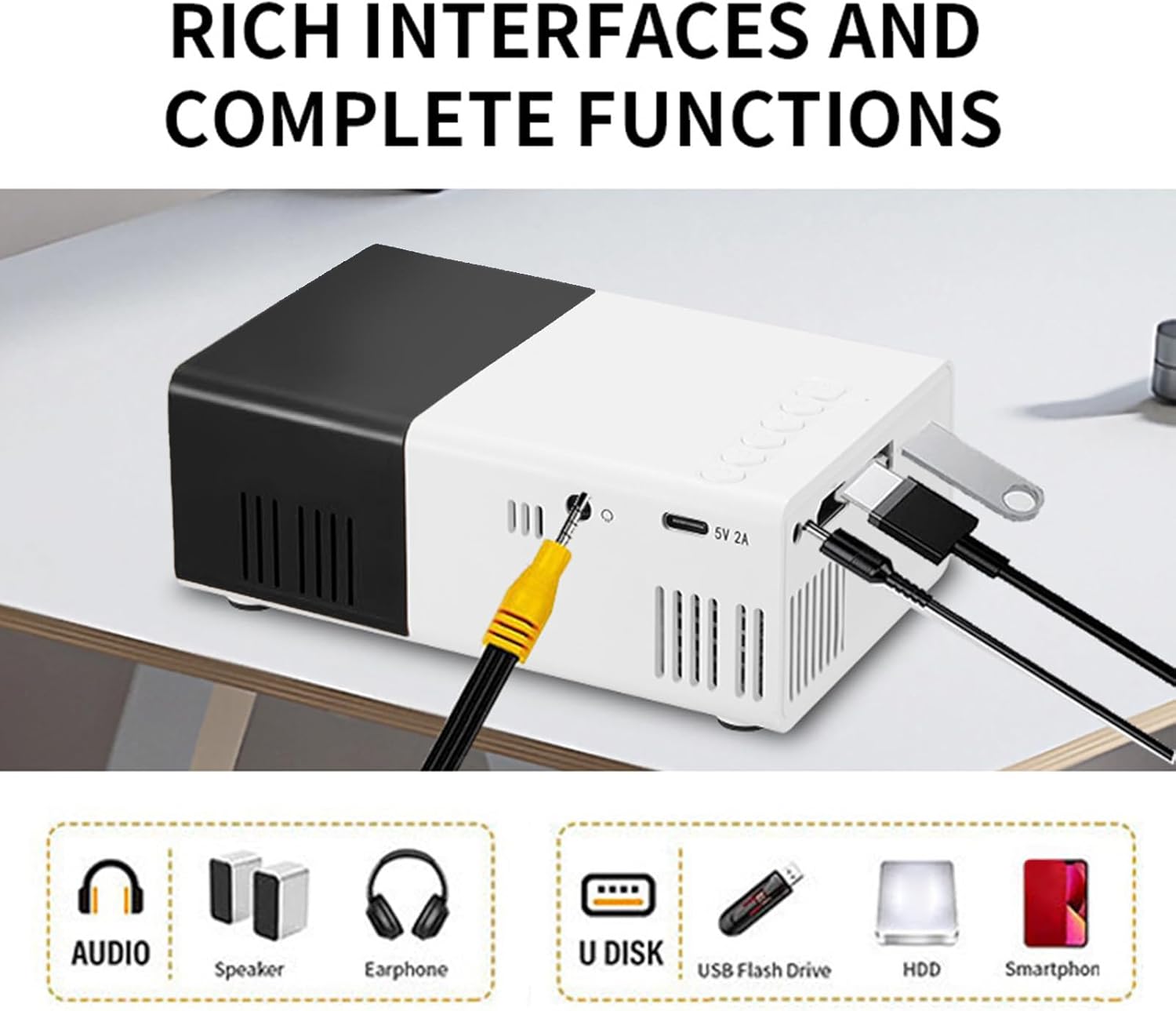
Image: The PUSOKEI Mini Projector used in different settings such as home theater, outdoor camping, gatherings with friends, and for entertainment games.
2. Produs terminatview
2.1 Conținutul pachetului
Asigurați-vă că toate articolele sunt prezente în colet:
- 1 x PUSOKEI Mini Projector
- 1 x cablu USB
- 1 x Manual de utilizare (Acest document)
- 1 x telecomandă
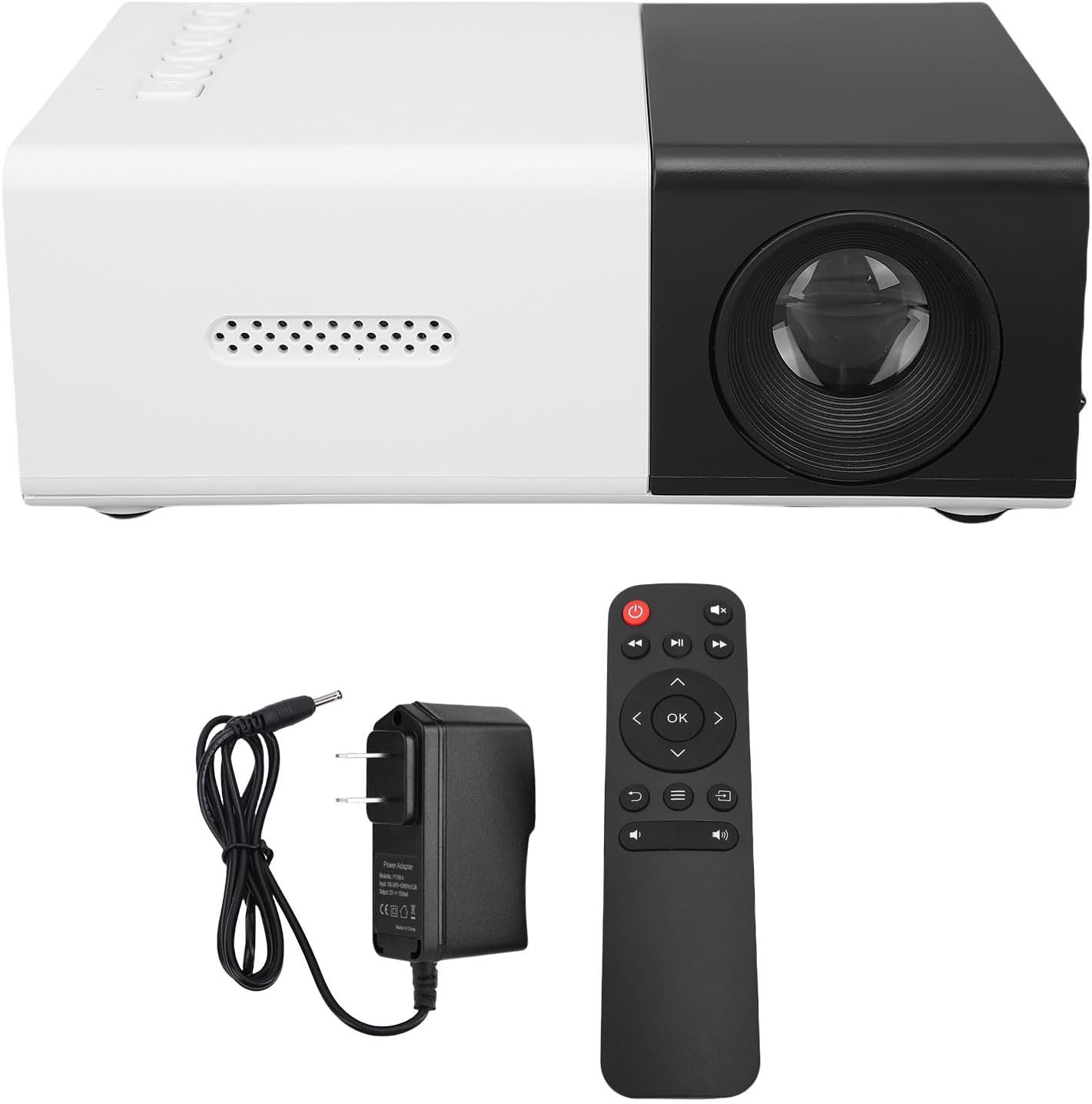
Image: The PUSOKEI Mini Projector displayed alongside its power adapter and remote control.
2.2 Specificații
| Caracteristică | Descriere |
|---|---|
| Tehnologia de afișare | LCD de 2 inchi |
| Sursa de lumina de proiectie | LED |
| Rezoluție fizică | 320x240, 50Hz, 60Hz |
| Rezoluție acceptată | 1920x1080, 60Hz |
| Luminozitate | 100ANSI 6000LM |
| Raport de contrast | 10000:1 |
| Concentrează-te | Manual |
| Corecţie | Keystone Correction (Automatic) |
| Difuzor | Built-in BOX Speakers 4Ω 2W |
| Interfață de alimentare | DC, tip C |
| Interfețe suplimentare | HD Multimedia Interface x 1, USB 2.0 x 1, Standard 3.5 Sound Interface x 1 |
| Oglindirea ecranului | Wired or Cordless Data Cable Mirroring for iOS and Android, Wireless Screen Mirroring |
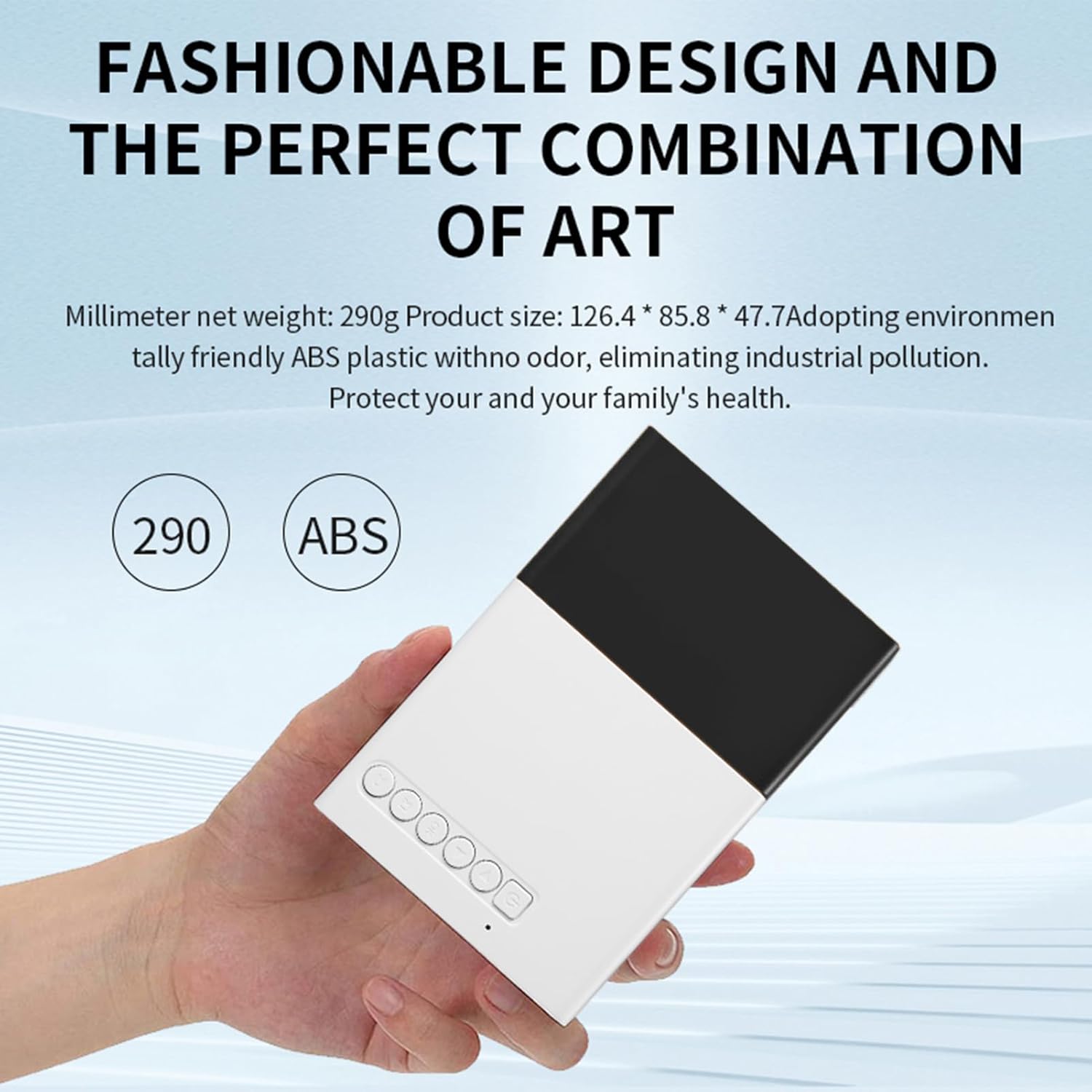
| Dimensiunea produsului | Approx. 12.5x8.5x4.5cm / 4.92x3.35x1.77in |
| Greutatea articolului | Approx. 0.5 pounds (15.6 ounces) |

Image: The compact design of the PUSOKEI Mini Projector, highlighting its small size and lightweight construction.
Imagine: O imagine detaliată view of the PUSOKEI Mini Projector's rich interfaces, including audio, speaker, earphone, U disk, USB flash drive, HDD, and smartphone connections.
3. Configurare
3.1 Pornirea inițială
- Connect the projector to a power source using the provided USB cable and a compatible power adapter (not included, or use the DC power interface).
- Apăsați butonul de alimentare de pe proiector sau de pe telecomandă pentru a-l porni.
- The projector will display the startup screen.
3.2 Focalizarea imaginii
To ensure a clear image, manual focus adjustment is required:
- Place the projector at the desired distance from the projection surface (wall or screen).
- Rotate the focus ring located around the lens until the projected image appears sharp and clear.

Imagine: O față view of the PUSOKEI Mini Projector, highlighting the projection lens and the manual focus adjustment ring.
4. Instrucțiuni de utilizare
4.1 Operare de bază
- Use the remote control or the buttons on the projector to navigate the menu and select input sources.
- Adjust volume using the dedicated volume buttons on the remote control.
4.2 Corecție trapezoială
The projector features automatic keystone correction to prevent image distortion when the projector is not perfectly perpendicular to the screen. If further adjustment is needed for side projections, access the settings menu.
4.3 Reglarea zoomului
Manual zoom functionality is available for fine-tuning the projected image size without moving the projector. This can be adjusted via the projector's menu settings.

Image: A diagram illustrating the optimal playback sizes (20-60 inches) and corresponding projection distances (0.8m-1.6m) for the projector.
5. Conectivitate
5.1 Conexiuni cu fir
The projector offers multiple wired input options:
- HD Multimedia Interface (HDMI): Connect to laptops, PCs, TV sticks, gaming consoles, and other HDMI-enabled devices.
- Port USB 2.0: Conectați unități USB pentru redarea fișierelor media.
- 3.5mm Sound Interface: Conectați difuzoare externe sau căști pentru un sunet îmbunătățit.
5.2 Oglindirea ecranului
The projector supports both wired and wireless screen mirroring for iOS and Android mobile phones.
- Wired Mirroring: Connect your smartphone using a compatible data cable to the projector's USB port. Follow on-screen prompts for connection.
- Oglindire fără fir: Access the screen mirroring function from the projector's menu. Ensure your smartphone and the projector are connected to the same Wi-Fi network (if applicable) or follow the direct wireless connection instructions provided on the projector screen.
Video: A short demonstration of the PUSOKEI Mini Projector's screen mirroring capability, showing a smartphone's display projected onto a large screen.

Image: The PUSOKEI Mini Projector projecting an image of hot air balloons from a smartphone onto a wall, demonstrating wireless screen sharing.
6. Întreținere
6.1 Curățare
- Folosiți o lavetă moale și uscată pentru a curăța exteriorul proiectorului.
- For the lens, use a specialized lens cleaning cloth and solution to avoid scratches. Do not use abrasive cleaners.
6.2 Sistem de răcire
The projector is equipped with an efficient cooling fan system. To ensure optimal performance and longevity:
- Ensure the ventilation vents are not blocked during operation.
- Folosiți proiectorul într-o zonă bine ventilată.
7. Depanare
Consultați tabelul de mai jos pentru problemele comune și soluțiile acestora:
| Problemă | Cauza posibila | Soluţie |
|---|---|---|
| Imagine neclară | Ajustare incorectă a focalizării | Reglați inelul de focalizare manuală până când imaginea este clară. |
| Nicio imagine | Lipsă de alimentare; Sursă de intrare incorectă; Conexiune slăbită a cablului | Check power connection; Select correct input source (HDMI, USB); Ensure cables are securely connected. |
| Fără sunet | Volume too low; External speakers not connected; Audio settings issue | Increase volume; Connect external speakers if desired; Check audio output settings. |
| Imaginea este distorsionată (formă trapezoidală) | Proiectorul nu este perpendicular pe ecran | Automatic keystone correction should adjust. If needed, manually adjust side projections in settings. |
| Oglindirea ecranului eșuează | Incorrect connection method; Network issues | Ensure correct wired/wireless mirroring steps are followed; Check Wi-Fi connection for wireless mirroring. |
8. Garanție și asistență
Pentru informații despre garanție sau asistență tehnică, vă rugăm să consultați documentația furnizată în momentul achiziției sau să contactați distribuitorul. Păstrați bonul fiscal ca dovadă a achiziției.