
1. Produs terminatview
The Thermaltake 6.0 Inch LCD Screen Kit is an accessory designed to enhance your Thermaltake chassis. It provides a customizable display for graphics, videos, and real-time system monitoring data. This kit supports the TT RGB PLUS 3.0 software for extensive customization and control.
Caracteristici cheie:
- Afişa: 6.0-inch LCD with 1480x720p resolution.
- Personalizare: Supports preloaded graphics, custom images (JPG, GIF, PNG), and videos (MP4, MOV, AVI) up to 30MB each.
- Monitorizare: Real-time display of CPU, GPU, RAM data, including frequency, load, and temperatures.
- Software: Controlled via TT RGB PLUS 3.0 software.
- Conectivitate: Type-C to USB (9-Pin) connection.
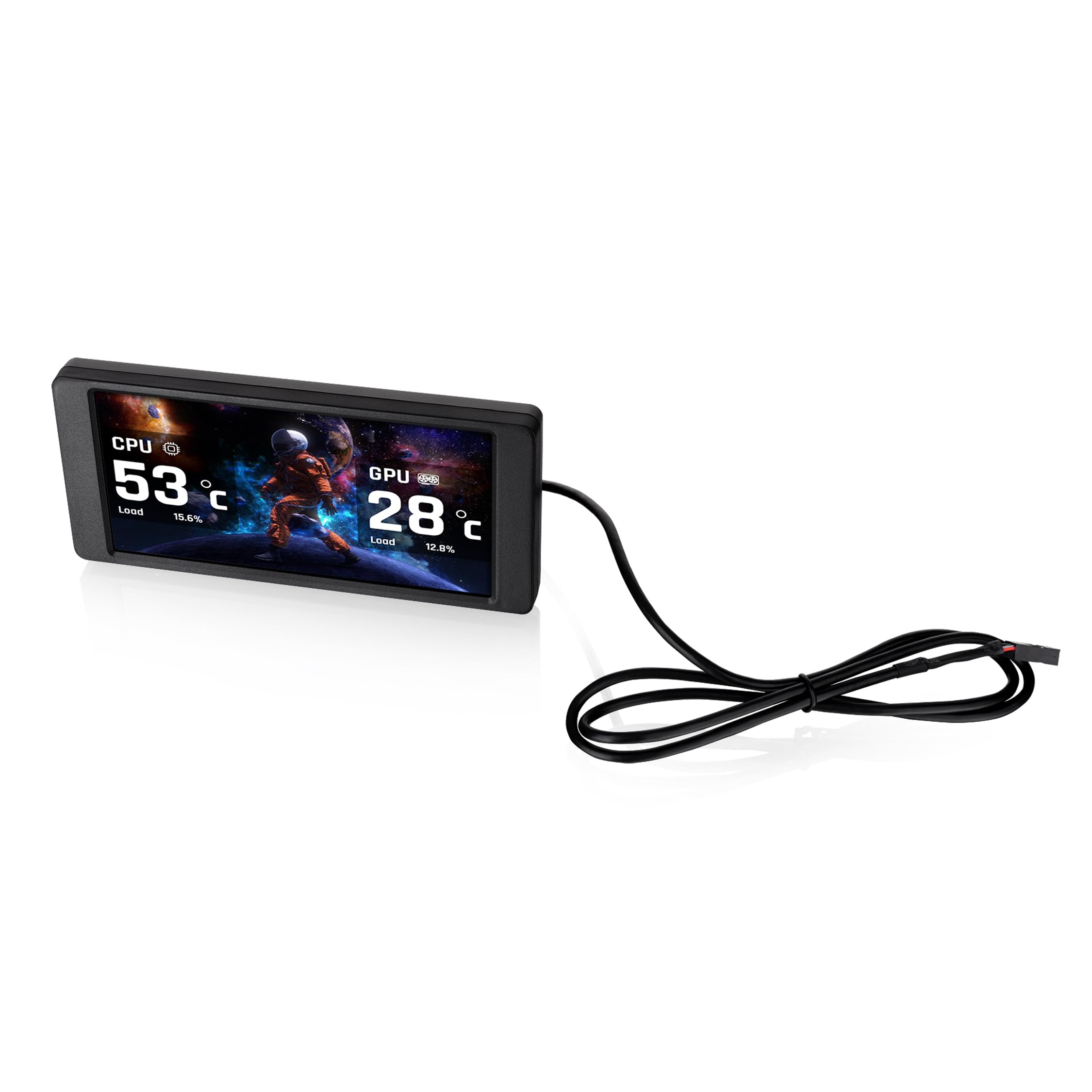
Image 1.1: The Thermaltake 6.0 Inch LCD Screen Kit and its Type-C to USB connection cable.
2. Configurare și instalare
Follow these steps to properly install your Thermaltake 6.0 Inch LCD Screen Kit.
2.1. Verificare compatibilitate
Before installation, ensure your chassis is compatible with a standalone screen kit. Refer to your chassis manual or the Thermaltake website-ul pentru informații despre compatibilitate.
2.2. Instalare fizică
- Carefully position the 6.0 Inch LCD Screen Kit within your Thermaltake chassis. This kit is designed as an expansion accessory and may require specific mounting points or custom fitting depending on your case model.
- Secure the screen kit in place using appropriate mounting hardware (not included, if custom fitting is required).

Imaginea 2.1: Spate view of the LCD Screen Kit, highlighting the Type-C connection port.
2.3. Conexiune prin cablu
- Connect the provided Type-C cable to the Type-C port on the back of the LCD Screen Kit.
- Connect the other end of the cable (USB 9-Pin connector) to an available USB 2.0 header on your motherboard.
2.4. Instalare software
- Download the latest version of the TT RGB PLUS 3.0 software from the official Thermaltake website (www.thermaltake.com).
- Instalați software-ul urmând instrucțiunile de pe ecran.
- Restart your computer after installation to ensure all drivers and software components are properly loaded.
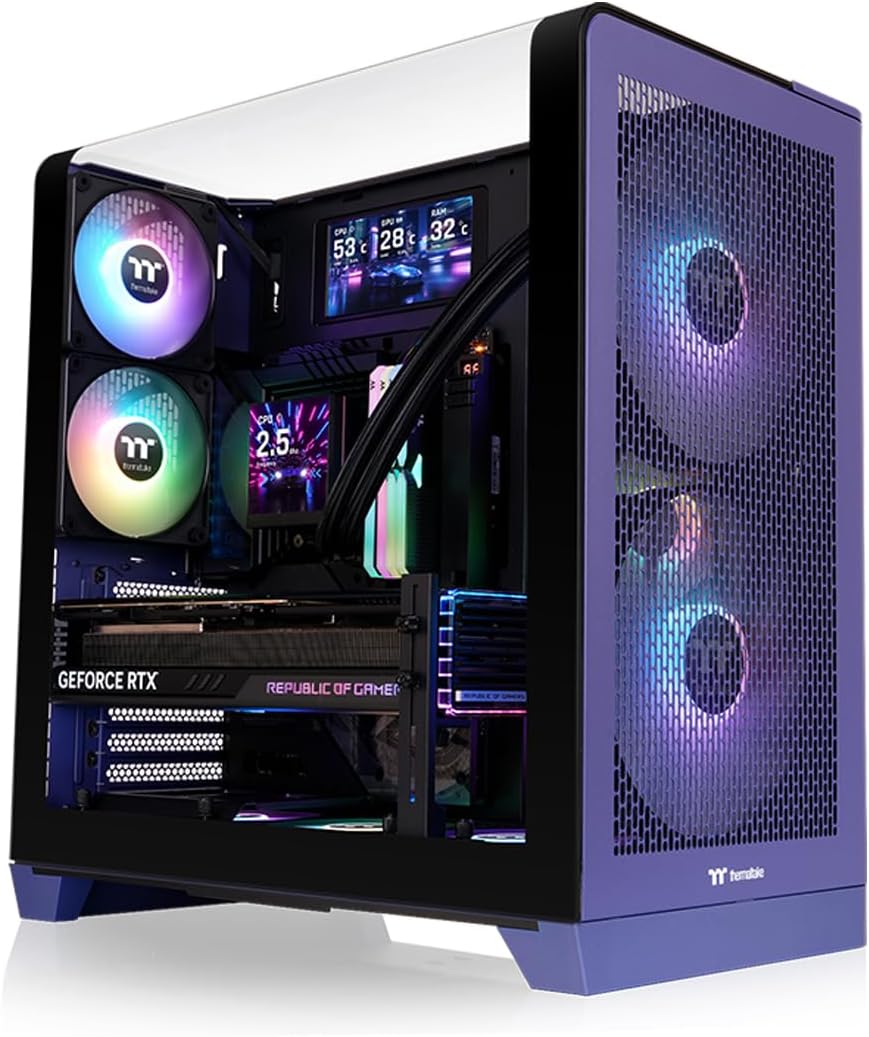
Image 2.2: The LCD Screen Kit integrated into a PC build, displaying real-time system information.
3. Instrucțiuni de utilizare
The Thermaltake 6.0 Inch LCD Screen Kit is controlled and customized through the TT RGB PLUS 3.0 software.
3.1. Launching the Software
After installation, launch the TT RGB PLUS 3.0 software from your desktop shortcut or Start Menu.
3.2. Personalizarea afișajului
Within the TT RGB PLUS 3.0 software, navigate to the LCD Screen Kit section. Here you can configure various display options:
- Background Graphics: Choose from six default background styles or upload your own custom images. Supported formats include JPG, GIF, and PNG.
- Redare video: Upload and play custom videos in MP4, MOV, and AVI formats. Each file can be up to 30MB.
- Monitorizare în timp real: Select which system parameters to display, such as CPU temperature, load, and frequency; GPU temperature, load, and frequency; and RAM usage.
- Time and Weather: Configure the display to show current time and local weather information.

Image 3.1: The TT RGB PLUS 3.0 software interface, showing options for customizing the LCD display.
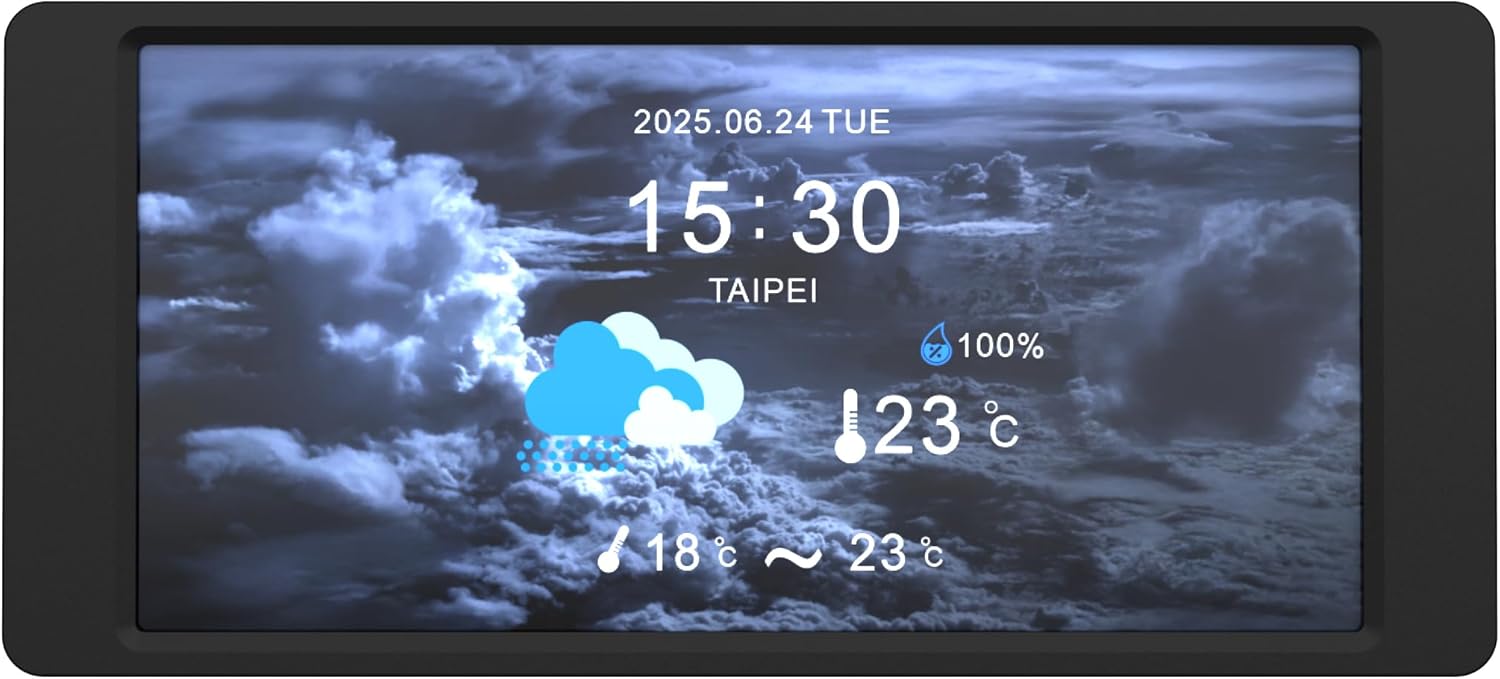
Image 3.2: The LCD Screen Kit displaying time and weather information.
4. Întreținere
Proper maintenance ensures the longevity and optimal performance of your LCD Screen Kit.
4.1. Curățarea ecranului
- Gently wipe the screen surface with a soft, lint-free cloth.
- Pentru pete persistente, ușor dampCurățați laveta cu apă sau cu o soluție de curățare sigură pentru ecran. Nu pulverizați lichid direct pe ecran.
- Avoid using harsh chemicals, abrasive materials, or alcohol-based cleaners, as these can damage the screen finish.
4.2. Actualizări software
Regularly check the Thermaltake website for updates to the TT RGB PLUS 3.0 software. Software updates often include performance improvements, bug fixes, and new features.
5. Depanare
If you encounter issues with your LCD Screen Kit, refer to the following troubleshooting tips.
5.1. Screen Not Displaying / No Power
- Ensure the Type-C to USB (9-Pin) cable is securely connected to both the LCD Screen Kit and the motherboard's USB header.
- Verify that your computer is powered on and the operating system has loaded.
- Check your motherboard's BIOS/UEFI settings to ensure the USB header is enabled.
5.2. Software Issues (Freezing, Incorrect Display)
- Actualizare software: Ensure you are running the latest version of TT RGB PLUS 3.0 software. Outdated software can cause instability.
- Reporniți software-ul: Close and restart the TT RGB PLUS 3.0 application.
- Reinstalați software-ul: If issues persist, uninstall and then reinstall the TT RGB PLUS 3.0 software.
- Resurse de sistem: The software may consume system resources. If you experience performance slowdowns, monitor your system's RAM usage and close unnecessary background applications.
5.3. Custom Content Not Displaying
- Verify that your custom images or videos are in the supported formats (JPG, GIF, PNG for images; MP4, MOV, AVI for videos).
- Asigurați file size does not exceed 30MB per file.
- Check the TT RGB PLUS 3.0 software settings to confirm the custom content is correctly selected and applied.
6. Specificații
| Caracteristică | Caietul de sarcini |
|---|---|
| Marca | Thermaltake |
| Numărul de model | AC-079-OO1NAN-A1 |
| Numele modelului | Kit ecran LCD de 6.0 inchi |
| Dimensiunea ecranului | 6 inchi |
| Rezoluţie | 1480x720p |
| Raportul de aspect | 16:9 |
| Screen Finish | Lucios |
| Raport de contrast | 2000:1 |
| Tip de afișare | LCD |
| Greutatea articolului | 0.22 kilograme |
| Tehnologia de conectivitate | USB tip C |
| Caracteristici suplimentare | Real-Time System Data Display, Customizable Graphics |
| UPC | 840480304836 |
7. Garanție și asistență
7.1. Informații despre garanție
This Thermaltake 6.0 Inch LCD Screen Kit is covered by a 3 an garanție de producător. Please retain your proof of purchase for warranty claims. For detailed warranty terms and conditions, refer to the official Thermaltake website-ul sau contactați serviciul pentru clienți.
7.2. Suport tehnic
For further technical assistance, software downloads, or to report issues, please visit the official Thermaltake support website:
You may also contact Thermaltake customer service directly through the contact information provided on their website-ul.