
Informații importante privind siguranța
Please read all instructions carefully before using this product. Failure to follow these instructions may result in electric shock, fire, or other hazards.
- Nu expuneți dispozitivul la lichide, umiditate sau temperaturi extreme.
- Nu dezasamblați, reparați sau modificați produsul.
- A nu se lăsa la îndemâna copiilor.
- Use only the provided 45W USB-C GaN Adapter and USB-C Charging Cable.
- Asigurați o ventilație adecvată în timpul utilizării.
Conținutul pachetului
Verificați dacă toate articolele sunt prezente în colet:
- X40 Turbo 3-in-1 Charging Station ×1
- 45W USB-C GaN Adapter ×1
- Cablu de încărcare USB-C ×1
- Husă de depozitare × 1
- Manual de utilizare ×1
Produs terminatview
The KU XIU X40 Turbo is a versatile 3-in-1 magnetic wireless charging station designed for Apple devices. It features Qi2.2 fast charging for compatible iPhones, along with dedicated charging spots for Apple Watch and AirPods. Its foldable design enhances portability and allows for various viewunghiuri de ing.
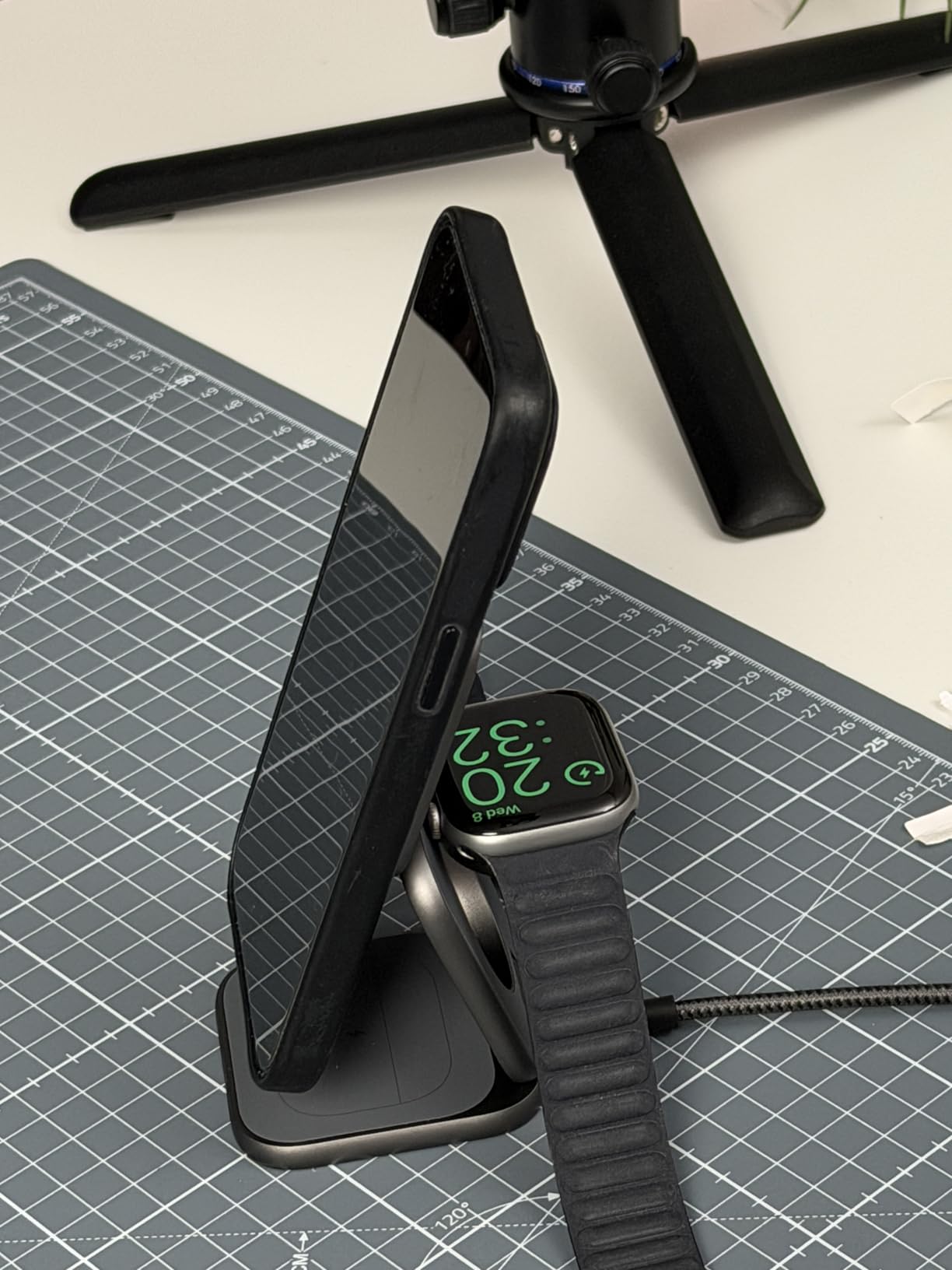
Image: The X40 Turbo charging station shown in both its compact, folded state and its expanded, upright charging configuration, highlighting its portability and versatility.
Instrucțiuni de configurare
- Conectați adaptorul de alimentare: Insert the USB-C end of the provided charging cable into the USB-C port on the X40 Turbo charging station. Plug the other end of the cable into the provided 45W USB-C GaN Adapter, then plug the adapter into a wall outlet.
- Desfaceți încărcătorul: Gently unfold the charging station to your desired configuration. It can be used in a flat mode or an upright stand mode for optimal viewing.
- Plasare: Place the charging station on a stable, flat surface.
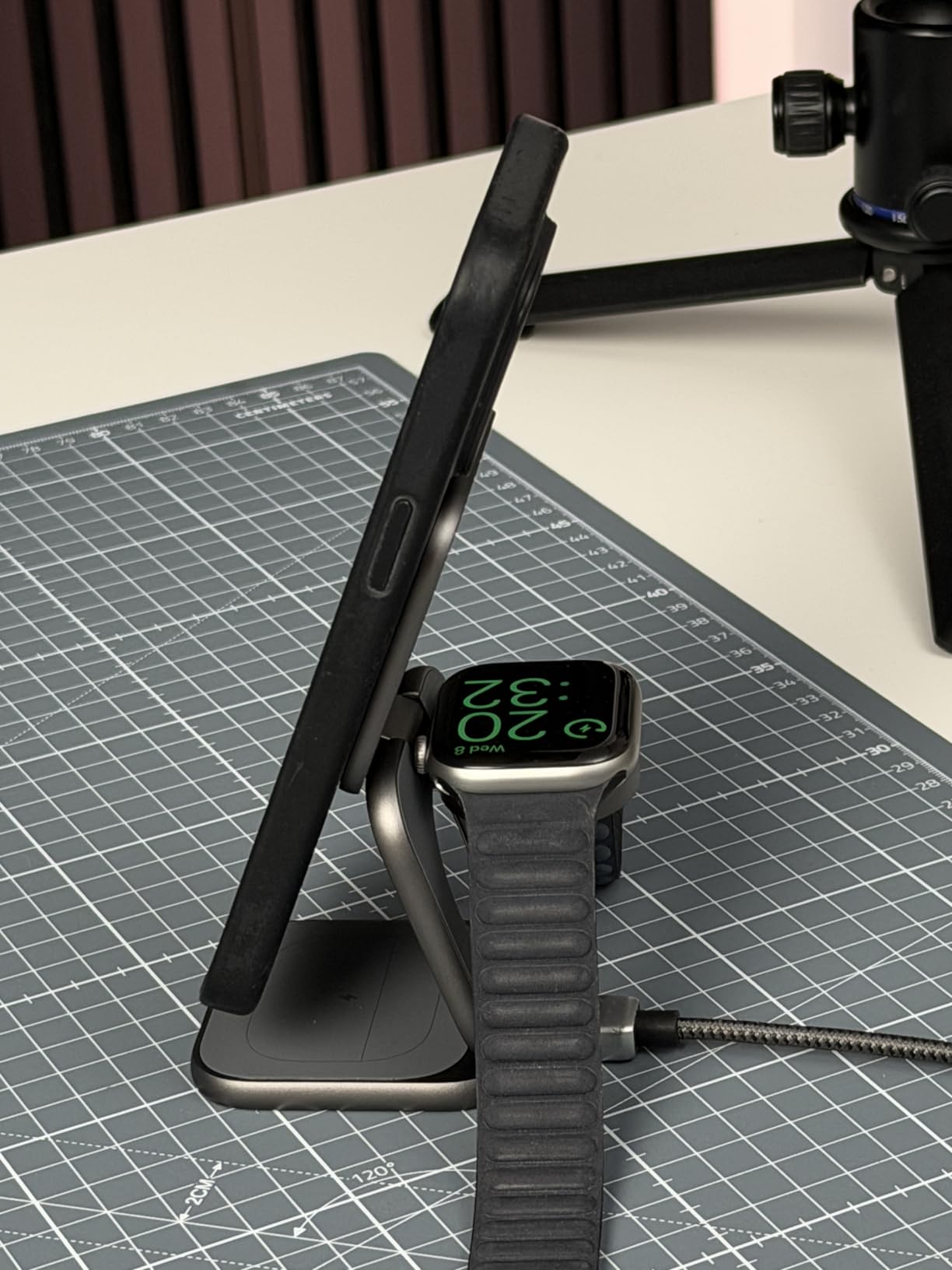
Image: The X40 Turbo charging station with the USB-C cable connected to the power adapter, illustrating the initial setup step.
Instrucțiuni de operare
Încărcarea dispozitivelor dvs
- For iPhone (Magnetic Charging Pad): Align your compatible iPhone (iPhone 12-17 series) with the magnetic charging pad. The strong N52 magnets will ensure precise alignment. Charging will begin automatically.
- For Apple Watch (Watch Charging Module): Place your Apple Watch on the dedicated watch charging module. Ensure the watch is properly seated for charging to initiate.
- For AirPods (Base Charging Pad): Place your AirPods (with wireless charging case) on the base charging pad.
The charging station allows simultaneous charging of all three devices. An LED indicator (if present, refer to product for specific location) typically illuminates to confirm charging status.
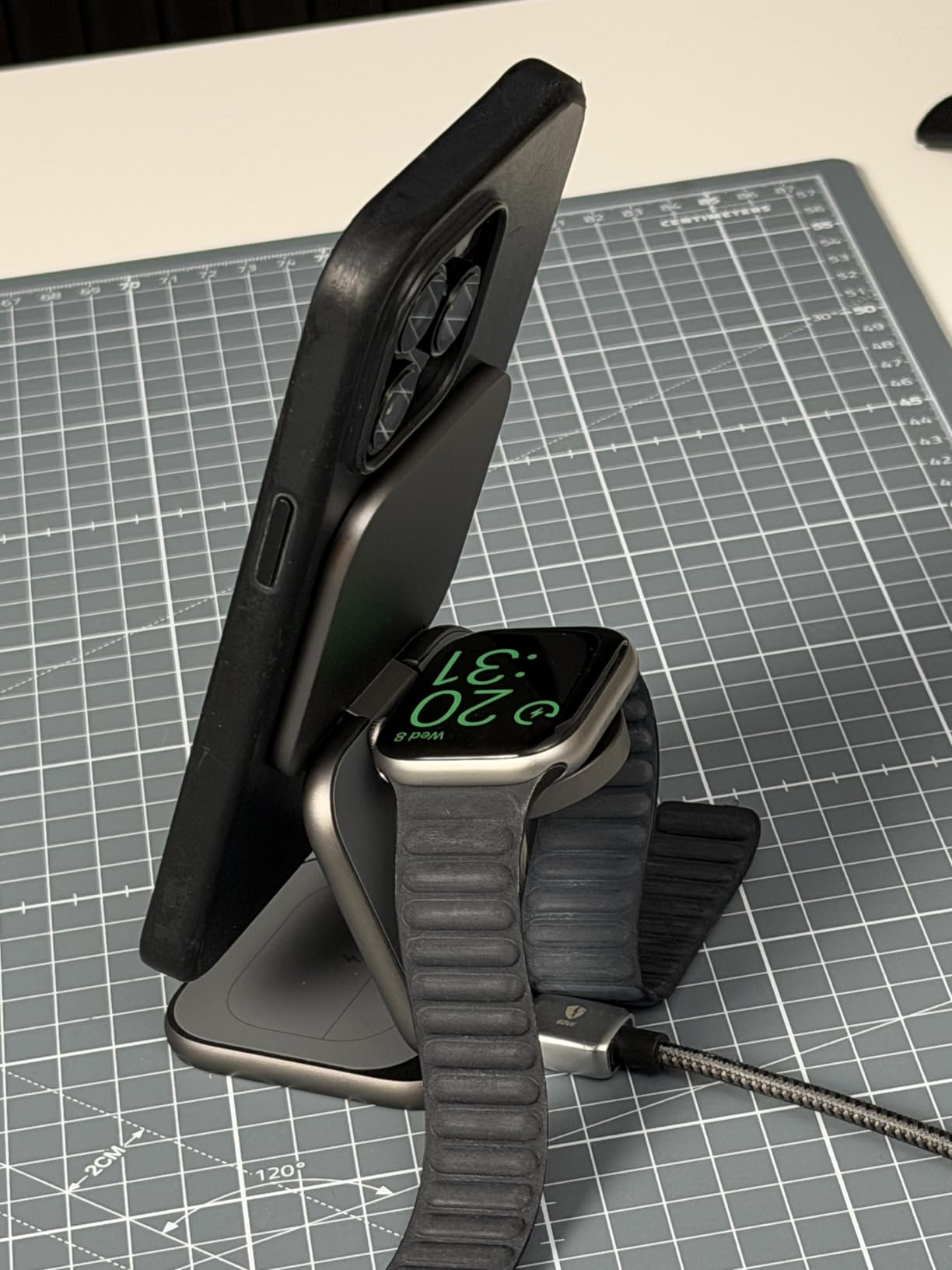
Image: The X40 Turbo charging station actively charging an iPhone, Apple Watch, and AirPods simultaneously, demonstrating its 3-in-1 functionality.
Design reglabil
The X40 Turbo features an adjustable hinge, allowing it to be used in various orientations:
- Mod plat: For compact storage or when a low profile este de preferat.
- Mod suport: For upright viewing of your iPhone in portrait or landscape orientation while charging.
Compatibilitate
The KU XIU X40 Turbo is compatible with a wide range of devices:
- iPhone:
- Qi2.2 25W: iPhone 17/16 Series, Pixel 10 Pro XL
- Qi2.2 20W: iPhone Air (2025)
- Qi2 15W: iPhone 12-15 Series (including mini, Pro, Pro Max models), Pixel 10/10 Pro/10 Pro Fold
- Apple Watch (Max 5W): Ultra 3/2/1, SE 1-3, Series 4-11
- AirPods (Max 5W): 2/3/4/Pro/Pro 2 (with Wireless Charging Case/ANC)
Întreţinere
- curatenie: Disconnect the charger from the power source before cleaning. Use a soft, dry, lint-free cloth to wipe the surface. Do not use abrasive cleaners, solvents, or chemical sprays.
- Depozitare: When not in use, store the charging station in a cool, dry place, preferably in its original storage pouch to protect it from dust and scratches.
- Manipulare: Avoid dropping or subjecting the device to strong impacts. The aluminum construction is durable but can be damaged by excessive force.
Depanare
| Problemă | Soluție posibilă |
|---|---|
| Dispozitivul nu se încarcă. |
|
| Încărcare lentă. |
|
| Indicatorul LED nu funcționează. |
|
| Device gets warm during charging. |
|
Specificații
| Numărul de model | X40 Turbo (YSEU-X40T-HEI) |
| Marca | KU XIU |
| Încărcare wireless standard | Qi2.2 |
| Max iPhone Output | 25W (Qi2.2) |
| Max Apple Watch Output | 5W |
| Max AirPods Output | 5W |
| Adaptor inclus | 45W USB-C GaN Adapter |
| Tip conector | USB tip C |
| Material | Aluminiu, silicon |
| Greutatea articolului | 210 grame |
| Caracteristica specială | Magsafe Compatible, Foldable |
Garanție și suport
The KU XIU X40 Turbo 3-in-1 Charging Station comes with a 24 luni garantie de la data achiziției. Această garanție acoperă defectele de fabricație și asigură o performanță fiabilă în condiții normale de utilizare.
For technical support, warranty claims, or any questions regarding your product, please contact KU XIU customer service through the retailer where you purchased the product or visit the official KU XIU website pentru informații de contact.
Vă rugăm să păstrați dovada achiziției pentru service-ul în garanție.