
Introducere
Thank you for choosing KICKER TW3 Wireless Earbuds. These earbuds are designed to provide a superior audio experience with advanced features such as Hybrid Active Noise Cancellation (ANC) and Environmental Noise Cancellation (ENC) for clear calls. Enjoy extended listening times, intuitive touch controls, and a durable, sweatproof design suitable for various activities.
Ce este în cutie
- Căști wireless KICKER TW3
- Recharging Carrying Case
- Cablu de încărcare USB-C
- Three (3) Sizes of Rubber Ear Tips (S, M, L)
- Ghid de pornire rapidă / Manual de utilizare

Image: Contents of the KICKER TW3 Earbuds box, including the earbuds, charging case, USB-C cable, and various sizes of ear tips.
Produs terminatview
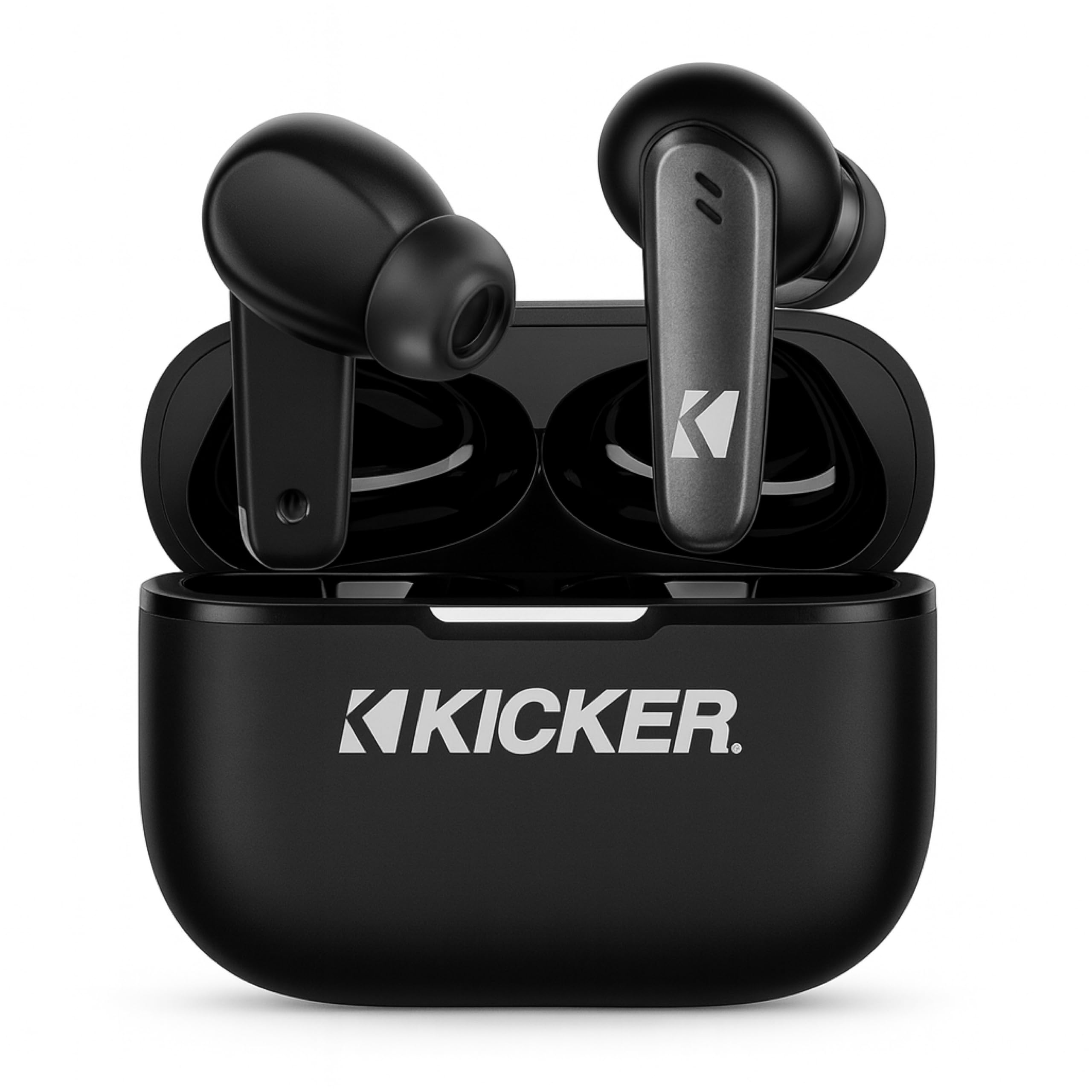
Image: The KICKER TW3 Wireless Earbuds resting inside their sleek black charging case.

Imagine: Un prim-plan view of a KICKER TW3 earbud, illustrating its noise reduction feature with a graphic showing noise being reduced by 35dB.
Înființat
1. Fitting Ear Tips
Select the ear tips (Small, Medium, Large) that provide the most comfortable and secure fit for your ears. A proper seal is crucial for optimal sound quality and noise cancellation. Insert the earbud into your ear and gently twist it until it feels snug.

Image: A diagram illustrating the correct way to insert the earbuds and the three available ear tip sizes (S, M, L) for a comfortable fit.
2. Încărcarea inițială
Before first use, fully charge the earbuds and the charging case. Place the earbuds into the charging case and connect the USB-C cable to the case and a power source. The indicator light on the case will show charging status.
3. Împerecherea cu dispozitivul dvs.
- Deschideți carcasa de încărcare. Căștile vor intra automat în modul de asociere.
- Pe dispozitivul dvs. (smartphone, tabletă, laptop), accesați setările Bluetooth.
- Select "KICKER TW3" from the list of available devices.
- După conectare, veți auzi un ton de confirmare, iar căștile sunt gata de utilizare.
Image: An icon representing Bluetooth wireless earbuds with auto-pairing functionality to a smartphone or device.
Instrucțiuni de operare
Pornire/Oprire
- Pornire: Deschideți carcasa de încărcare, iar căștile se vor porni automat.
- Oprire: Place the earbuds back into the charging case and close the lid. They will automatically power off. Earbuds will also auto power off after 3 minutes of no signal.
Atingeți Comenzi
The KICKER TW3 earbuds feature intuitive touch sensors on each earbud for easy control of music, calls, and noise modes.

Image: A visual guide to the touch controls on the KICKER TW3 earbuds, showing actions for play/pause, previous/next song, voice assistance, ANC on/off/transparency, answer/end call, and reject call.
| Acţiune | Controla |
|---|---|
| Redare/Pauză | Atingeți o singură dată pe fiecare căști |
| Următorul cântec | Atingeți de două ori căștile drepte |
| Cântecul precedent | Atingeți de două ori căștile din stânga |
| Răspundeți/Terminați apelul | Atingeți o singură dată pe fiecare căști |
| Respinge apelul | Apăsați lung pe oricare dintre căști |
| Activați Asistentul vocal | Atingeți de trei ori oricare dintre căști |
| Comutare mod ANC/Transparență | Long press on either earbud (when not on a call) |
Active Noise Cancellation (ANC) & Environmental Noise Cancellation (ENC)
The TW3 earbuds feature Hybrid Active Noise Cancellation, reducing ambient noise by up to -35dB, allowing you to focus on your audio. Transparency mode can be activated to hear your surroundings when needed. Environmental Noise Cancellation with dual microphones ensures your voice is clear during calls by blocking background chatter.
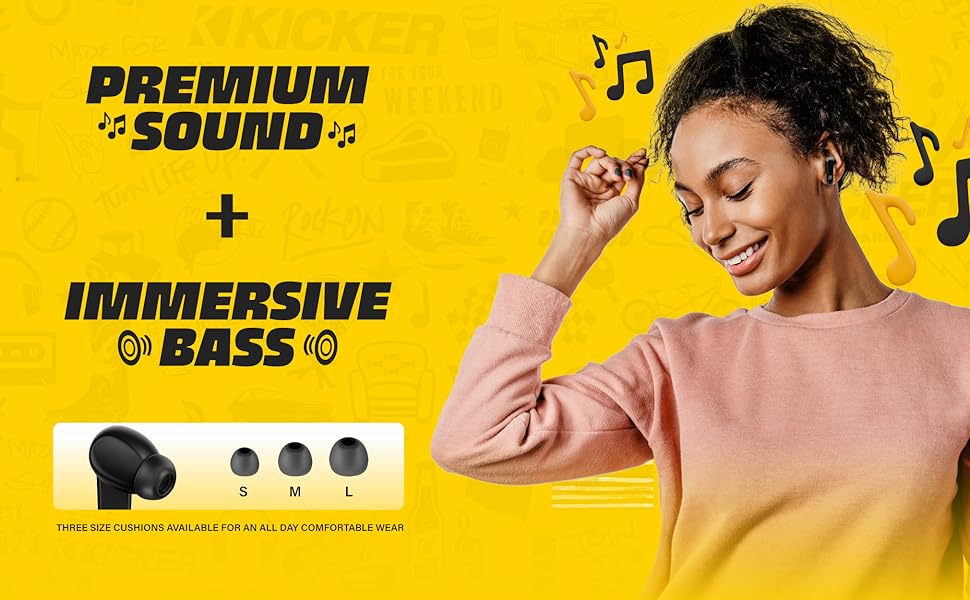
Image: A graphic illustrating the benefits of ENC for clear calls and ANC for blocking external noise from airplanes, offices, and cafes.
Încărcare
The KICKER TW3 earbuds offer extended battery life with their charging case.
- Timp de redare pentru căști: Până la 5 ore cu o singură încărcare.
- Timp total de redare cu carcasa: Up to 25 hours (20 additional hours from the charging case).
- Timp de încărcare: Aproximativ 1.5 de ore pentru o încărcare completă a carcasei și a căștilor.
Încărcarea carcasei și a căștilor
- Place the earbuds securely into their respective slots in the charging case.
- Connect the provided USB-C charging cable to the charging port on the case and to a USB power adapter (not included).
- The LED indicator on the case will flash red while charging.
- The LED indicator will turn solid red when the case is fully charged.
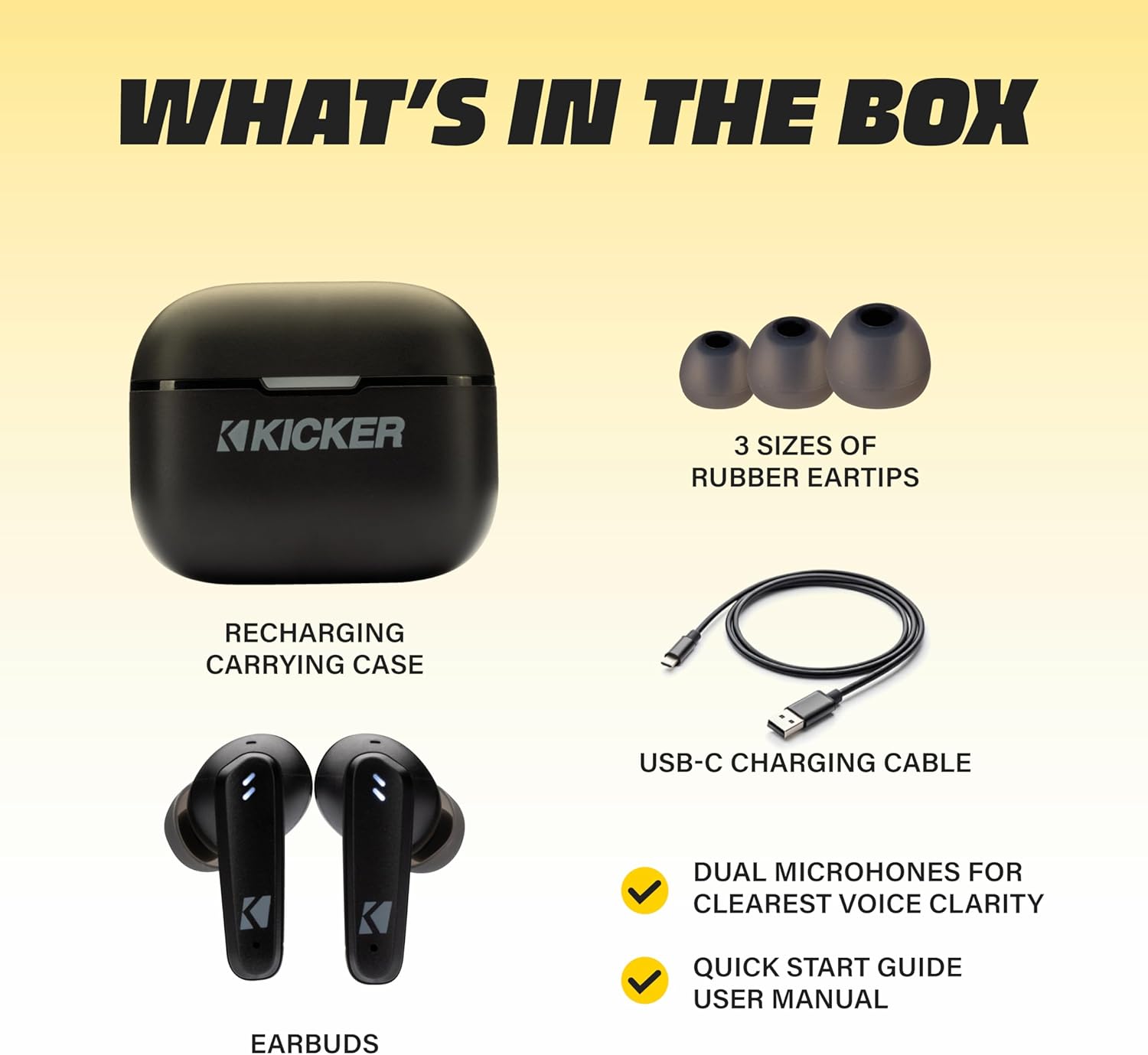
Image: The KICKER TW3 charging case being charged via a USB-C cable, with text indicating 5 hours of playtime for earbuds and 20 additional hours from the charging case, totaling 25 hours.
Întreţinere
Curatenie
Regularly clean your earbuds and charging case to ensure optimal performance and hygiene. Use a soft, dry, lint-free cloth. Do not use harsh chemicals or abrasive materials. Gently remove ear tips and clean them with mild soap and water, ensuring they are completely dry before reattaching.
Rezistență la apă (IPX4)
The KICKER TW3 earbuds are IPX4 sweatproof, meaning they are resistant to splashes and sweat. They are suitable for workouts and outdoor activities but should not be submerged in water.

Image: An icon indicating the earbuds are sweat and water resistant.
Depozitare
When not in use, store the earbuds in their charging case to protect them and keep them charged. Avoid storing them in extreme temperatures.
Depanare
| Problemă | Soluție posibilă |
|---|---|
| Căștile nu se împerechează | Ensure earbuds are charged. Turn off and on your device's Bluetooth. Forget "KICKER TW3" in your device's Bluetooth settings and re-pair. |
| Niciun sunet de la o cască | Ensure both earbuds are charged. Place both earbuds back in the case, close the lid, then open again to reset. Check device audio balance settings. |
| Carcasa de încărcare nu se încarcă | Check USB-C cable connection. Try a different USB power adapter or port. Ensure the charging port is clean and free of debris. |
| ANC nu este eficient | Ensure ear tips provide a proper seal. Switch between ANC and Transparency modes using touch controls to confirm functionality. |
Specificații
- Model: TWS3
- Versiune Bluetooth: 5.0
- Raza wireless: Până la 10 metri (33 picioare)
- Controlul zgomotului: Hybrid Active Noise Cancellation (up to -35dB), Environmental Noise Cancellation (ENC)
- Timp de redare pentru căști: Până la 5 ore
- Timp total de redare cu carcasa: Până la 25 ore
- Timp de încărcare: Aproximativ 1.5 ore
- Rezistenta la apa: IPX4 (rezistent la transpirație)
- Microfoane: Dual Microphones for clear voice clarity
- Oprire automată: After 3 minutes of no signal
Videoclip oficial al produsului
Video: An official product features video for the KICKER Bluetooth TW3 ANC Earbuds, showcasing their design, noise cancellation, and other key functionalities.
Garanție și suport
KICKER products are designed for durability and performance. For warranty information, technical support, or any questions regarding your KICKER TW3 Wireless Earbuds, please refer to the official KICKER website or contact KICKER customer service directly. Keep your proof of purchase for warranty claims.
Contact KICKER Support: 1(800) 256-0800 or visit kicker.com/support