
Introducere
This manual provides essential information for setting up, operating, maintaining, and troubleshooting your HP All-in-One PC, models 27-cr0417in and 27-cr0421in. Please read these instructions carefully to ensure proper use and longevity of your device.
The HP All-in-One PC features a 27-inch Full HD IPS display, powered by a 13th Gen Intel Core i5-1334U processor, 16GB DDR4 RAM, and a 1TB PCIe NVMe M.2 SSD. It comes pre-installed with Windows 11 Home and Office 2024.
1. Ghid de instalare
1.1 Despachetarea PC-ului
Scoateți cu grijă toate componentele din ambalaj. Asigurați-vă că sunt prezente următoarele articole:
- HP All-in-One PC unit
- HP 710 White Wireless Keyboard
- HP White Wireless Mouse
- Adaptor de alimentare inteligent CA de 90 W
- Documentație (inclusiv acest manual)
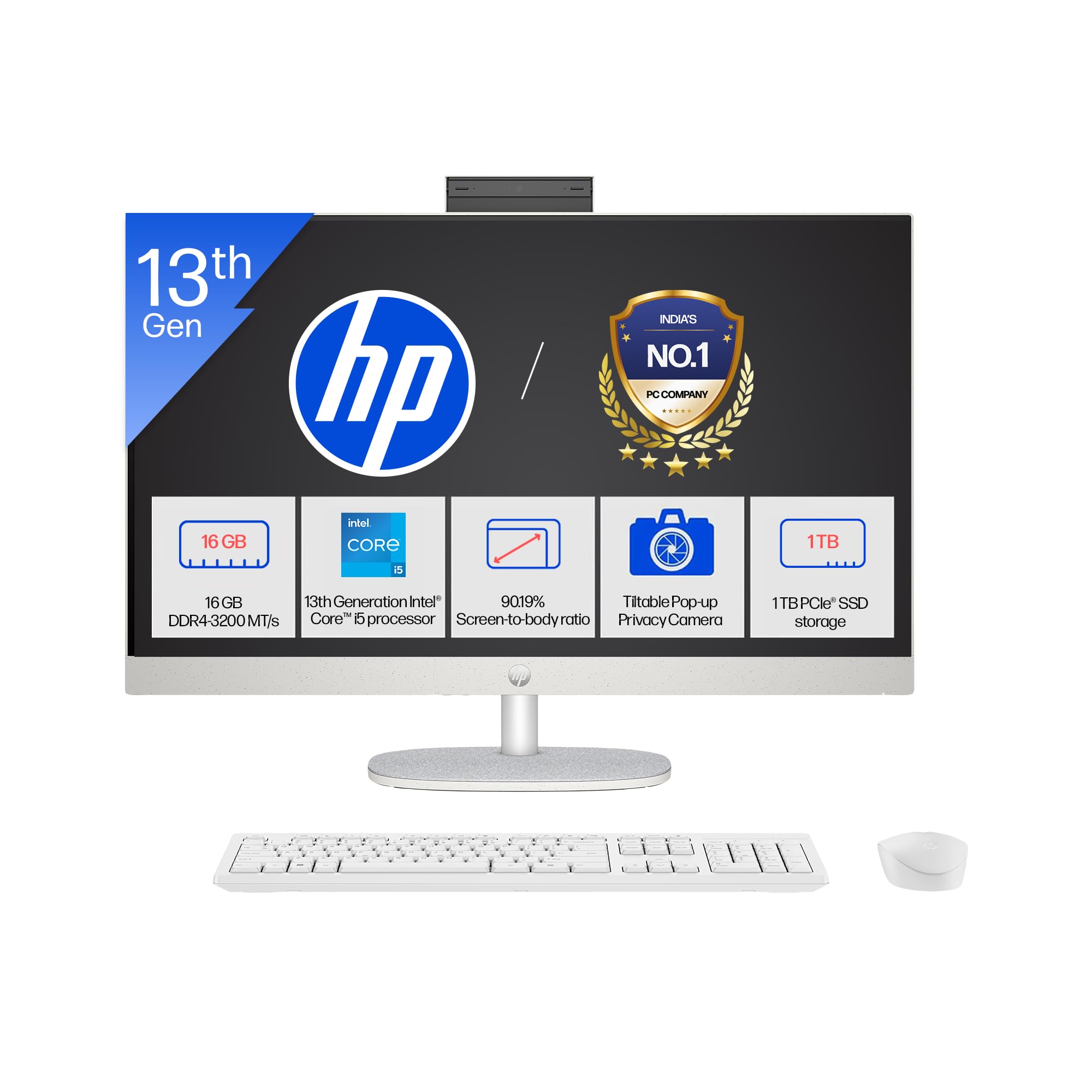
Image: The HP All-in-One PC with its included wireless keyboard and mouse, ready for setup.
1.2 Conectarea perifericelor
- Conexiune de alimentare: Connect the 90W Smart AC Power Adapter to the power port on the back of the PC, then plug it into a wall outlet.
- Tastatură și mouse wireless: The HP 710 wireless keyboard and mouse are pre-paired. Insert the included batteries into both devices. The USB receiver for the wireless devices is typically found in the mouse or keyboard packaging. Plug this receiver into an available USB port on the PC.
- Conexiuni opționale: If you have external devices, connect them to the appropriate ports (e.g., USB drives, external monitors via HDMI-out).
1.3 Pornirea inițială și configurarea Windows
- Apăsați butonul de pornire/oprire, situat de obicei pe lateralul sau spatele ecranului.
- Follow the on-screen instructions to complete the Windows 11 Home setup. This includes selecting your region, connecting to a Wi-Fi network, and creating a user account.
- Your PC comes with Windows 11 Home in S mode. This mode is designed for security and performance, exclusively running apps from the Microsoft Store. If you need to install apps from outside the Microsoft Store, you can switch out of S mode.
2. Utilizarea PC-ului
2.1 Navigare și afișare de bază
Your HP All-in-One PC features a 27-inch Full HD (1920 x 1080) IPS display with a three-sided micro-edge design for an immersive viewing experience. The anti-glare finish reduces reflections, and 300 nits brightness ensures clear visuals.

Image: Visual representation of the 27-inch FHD IPS display with micro-edge bezels and 300 nits brightness.
2.2 Funcții ale camerei și sunetului
- HP True Vision 1080p FHD IR Tilt Privacy Camera: The integrated camera provides high-definition video for calls and includes an IR sensor for Windows Hello facial recognition. The tilt feature allows adjustment, and the privacy shutter ensures your privacy when not in use.
- Microfoane digitale cu matrice duală: Integrated microphones with temporal noise reduction enhance audio clarity during video conferences and voice commands.
- Difuzoare duble de 2 W: The built-in stereo speakers provide clear audio output for multimedia and communication.
2.3 Conectivitate
Your PC offers a variety of ports and wireless options for connecting to networks and peripherals.
- Fără fir: Integrated Realtek RTL8852BE Wi-Fi 6 (2x2) for high-speed internet and Bluetooth 5.3 for connecting wireless accessories.
- Porturi USB: Includes 1 USB Type-C (5Gbps), 2 USB Type-A (5Gbps), and 2 USB 2.0 Type-A ports for various devices.
- Ieșire HDMI: Connect an external display using the HDMI-out 1.4 port.
- RJ-45: Pentru conexiune la rețea Ethernet cu fir.
- Combinație căști/microfon: Un singur port pentru intrare și ieșire audio.

Imagine: Detaliată view of the rear ports on the HP All-in-One PC, including USB, HDMI, and Ethernet connections.
3. Întreținere și îngrijire
3.1 Instrucțiuni de curățare
- Afişa: Folosiți o cârpă moale, fără scame dampcurățați cu apă sau cu un detergent de ecran special conceput pentru electronice. Evitați substanțele chimice dure.
- Șasiu: Ștergeți suprafețele exterioare cu o cârpă moale și uscată. Pentru petele persistente, ștergeți ușoramp se poate folosi o pânză.
- Tastatură și mouse: Folosiți o perie moale sau aer comprimat pentru a îndepărta praful și resturile. Ștergeți suprafețele cu o pensulă ușor dreaptă.amp pânză dacă este nevoie.
- Ventilare: Ensure the ventilation openings are clear of dust to prevent overheating. Use compressed air to gently clear dust from vents.
3.2 Actualizări de software
Actualizați periodic sistemul de operare și driverele pentru a asigura performanțe și securitate optime.
- Actualizări Windows: Du-te la Setări > Actualizare Windows to check for and install the latest updates.
- Actualizări ale driverului: HP oferă actualizări de drivere prin intermediul serviciului său de asistență website or HP Support Assistant software.
3.3 Managementul stocării
To maintain system performance, regularly manage your 1TB SSD storage:
- Ștergeți inutil files și aplicații.
- Utilizați serviciile de stocare în cloud pentru proiecte mari files.
- Rulați Curățarea discului (căutați-l în Windows) pentru a elimina temporare files.
4. Depanare
4.1 Probleme comune și soluții
- PC-ul nu pornește:
- Asigurați-vă că adaptorul de alimentare este conectat corect atât la PC, cât și la o priză funcțională.
- Testați priza cu un alt dispozitiv.
- Nicio afișare pe ecran:
- Verificați dacă PC-ul este pornit.
- Ensure no external display is connected and set as the primary output.
- Tastatura/mouse-ul wireless nu răspunde:
- Verificați nivelul bateriei și înlocuiți-l dacă este necesar.
- Ensure the USB receiver is properly plugged into a USB port.
- Încercați să conectați receptorul la un alt port USB.
- Fără conexiune la internet:
- Verify your Wi-Fi network is active and you have the correct password.
- Reporniți routerul/modemul.
- Check network cable if using RJ-45.
4.2 Când să contactați asistența
If you encounter persistent issues that cannot be resolved using the troubleshooting steps above, please refer to the Warranty and Support section for contact information.
5. Specificațiile produsului

Imagine: Pesteview of the 13th Gen Intel Core i5-1334U processor specifications, including core count and clock speed.
| Caracteristică | Descriere |
|---|---|
| Numerele de model | 27-cr0417in, 27-cr0421in |
| Procesor | 13th Gen Intel Core i5-1334U (up to 4.6 GHz, 10 cores, 12 threads, 12 MB L3 cache) |
| Memorie (RAM) | 16 GB DDR4-3200 MT/s (1 x 16 GB), 1 available slot |
| Depozitare | SSD M.2 PCIe NVMe de 1 TB |
| Sistem de operare | Windows 11 Home Single Language în modul S |
| Software preinstalat | Microsoft Office 2024, 1 Year Microsoft 365 Basic |
| Afişa | 27" (68.6 cm) diagonal, FHD (1920 x 1080), IPS, three-sided micro-edge, anti-glare, 300 nits, 99% sRGB |
| Grafică | Grafică integrată |
| Porturi | 1 USB Type-C 5Gbps, 2 USB Type-A 5Gbps, 2 USB 2.0 Type-A, 1 Headphone/microphone combo, 1 RJ-45, 1 HDMI-out 1.4 |
| Sloturi de expansiune | 1 M.2 (for SSD), 1 M.2 (for WLAN) |
| Conectivitate wireless | Realtek RTL8852BE Wi-Fi 6 (2x2) și Bluetooth 5.3 |
| Audio | Difuzoare duble de 2W |
| Tastatură și mouse | HP 710 White Wireless Keyboard and Mouse Combo |
| Camera foto | HP True Vision 1080p FHD IR tilt privacy camera with temporal noise reduction and integrated dual array digital microphones |
| Alimentare electrică | Adaptor de alimentare inteligent CA de 90 W |
| Dimensiuni (L x A x H) | 61.2 x 18.6 x 51.7 cm (24.11 x 7.34 x 20.35 țoli) |
| Greutate | 6.72 kg |
| Culoare | Shell white |
| UPC | 199485095103 |
| Caracteristici de durabilitate | Post-consumer recycled and ocean-bound plastics, EPEAT Gold Registered, ENERGY STAR Certified |
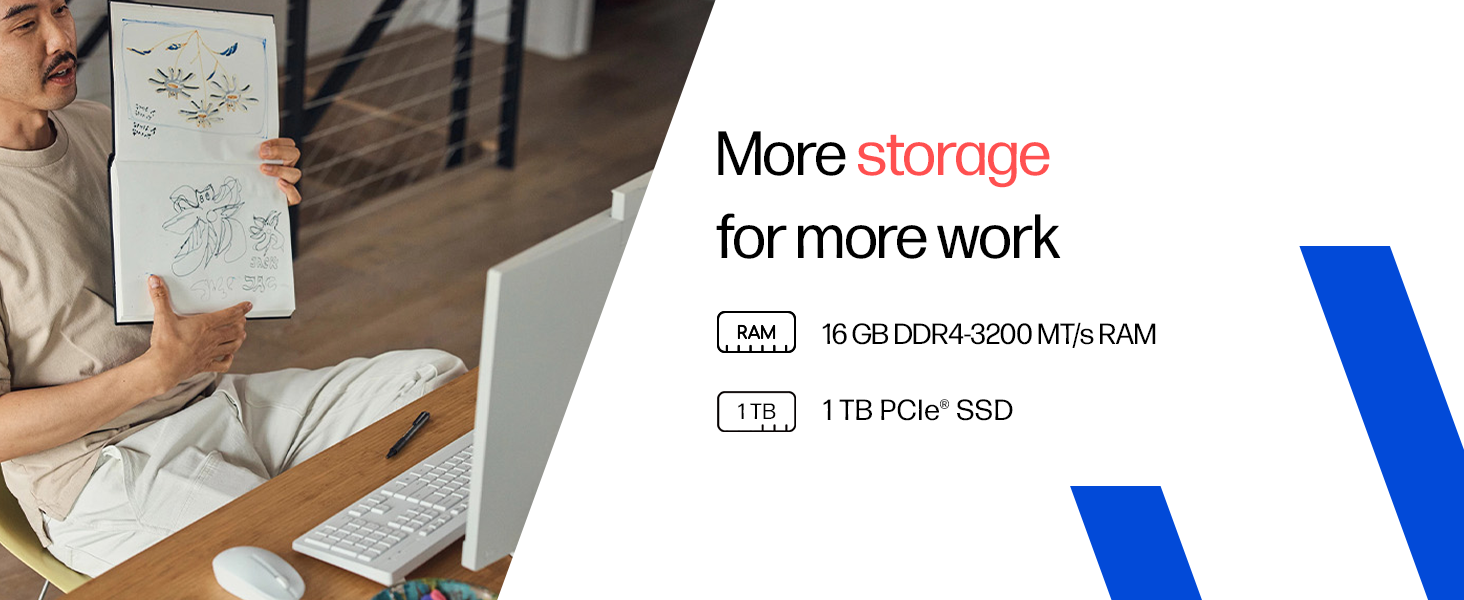
Image: Details on the 16GB DDR4 RAM and 1TB PCIe SSD for efficient performance and storage.
6. Garanție și asistență
6.1 Informații despre garanție
Your HP All-in-One PC comes with a 1 ani garanție producător on the device from the date of purchase. Please retain your proof of purchase for warranty claims.
6.2 Suport tehnic
For any technical or product-related queries, please contact HP customer support:
- Numere gratuite: 1800-258-7170 or 1860-258-3079
- Producător: HP India Sales Pvt. Ltd.
For additional support resources, visit the official HP support website-ul.