
1. Introducere
The Ruko 18011 Smart Robot Dog is an interactive robotic pet designed for entertainment and educational play. It features various movements, LED facial expressions, and programmable actions, controllable via remote, gesture, or touch. This manual provides instructions for proper setup, operation, and care of your robot dog.
2. Ce se află în cutie
- 1 x Ruko 18011 Robot Dog
- 1 x 2.4Ghz Remote Control
- 1 x USB Charging Cable (USB A-C)
- 1 x Manual de utilizare
Note: 2 AAA batteries for the remote control are not included.
3. Configurare
3.1 Charging the Robot Dog
Before first use, fully charge the robot dog. Use the included USB A-C charging cable. The USB C-C cable is not compatible. A full charge takes approximately 3 hours and provides up to 45 minutes of play time.
- Connect the USB A-C charging cable to the robot dog's charging port.
- Connect the other end of the cable to a compatible USB power source (e.g., computer, USB wall adapter).
- Așteptați aproximativ 3 ore pentru o încărcare completă.

Image: The Ruko 18011 Robot Dog connected to a charging cable, illustrating the charging process.
3.2 Instalarea bateriilor telecomenzii
The 2.4GHz remote control requires 2 AAA batteries (not included).
- Localizați compartimentul bateriei de pe spatele telecomenzii.
- Deschideți capacul compartimentului bateriei.
- Introduceți 2 baterii AAA, asigurându-vă că polaritatea este corectă (+/-).
- Închideți bine capacul compartimentului bateriei.
4. Instrucțiuni de utilizare
4.1 Pornire/Oprire
- To power on the robot dog, press the power button located on its body.
- Pentru a opri, apăsați și țineți apăsat butonul de pornire până când unitatea se oprește.
4.2 Metode de control
The Ruko 18011 offers three interaction methods: remote control, gesture control, and head touch sensor.
4.2.1 Telecomandă
The 2.4GHz remote control allows you to direct the robot dog from up to 98 feet away. Refer to the remote control diagram (not provided in this text, but typically found in a physical manual) for specific button functions.

Image: A child operating the Ruko 18011 Robot Dog with a remote control, demonstrating remote functionality.
Video: A demonstration of the Ruko 18011 Robot Dog being controlled by its remote, showcasing various movements and actions.
4.2.2 Controlul gesturilor
The robot dog can respond to simple hand gestures for close-range interaction.
- Move your hand to one side, and the robot dog will move in that direction.
- Specific gestures may trigger pre-programmed actions.
Video: O scurtă prezentareview video showing the Ruko 18011 Robot Dog reacting to a hand gesture, demonstrating its responsiveness.
4.2.3 Head Touch Sensor
Touching the robot dog's head will trigger cheerful sounds and movements.
Video: The Ruko 18011 Robot Dog reacting to a head touch, displaying various LED expressions and movements.
4.3 Programmable Actions
The robot dog features a programming mode that allows users to create custom sequences of up to 50 moves.
- Enter programming mode using the remote control (refer to the remote control diagram for the specific button).
- Input desired actions in sequence using the remote control buttons.
- Exit programming mode to save the sequence.
- Execute the programmed sequence using the designated button on the remote.
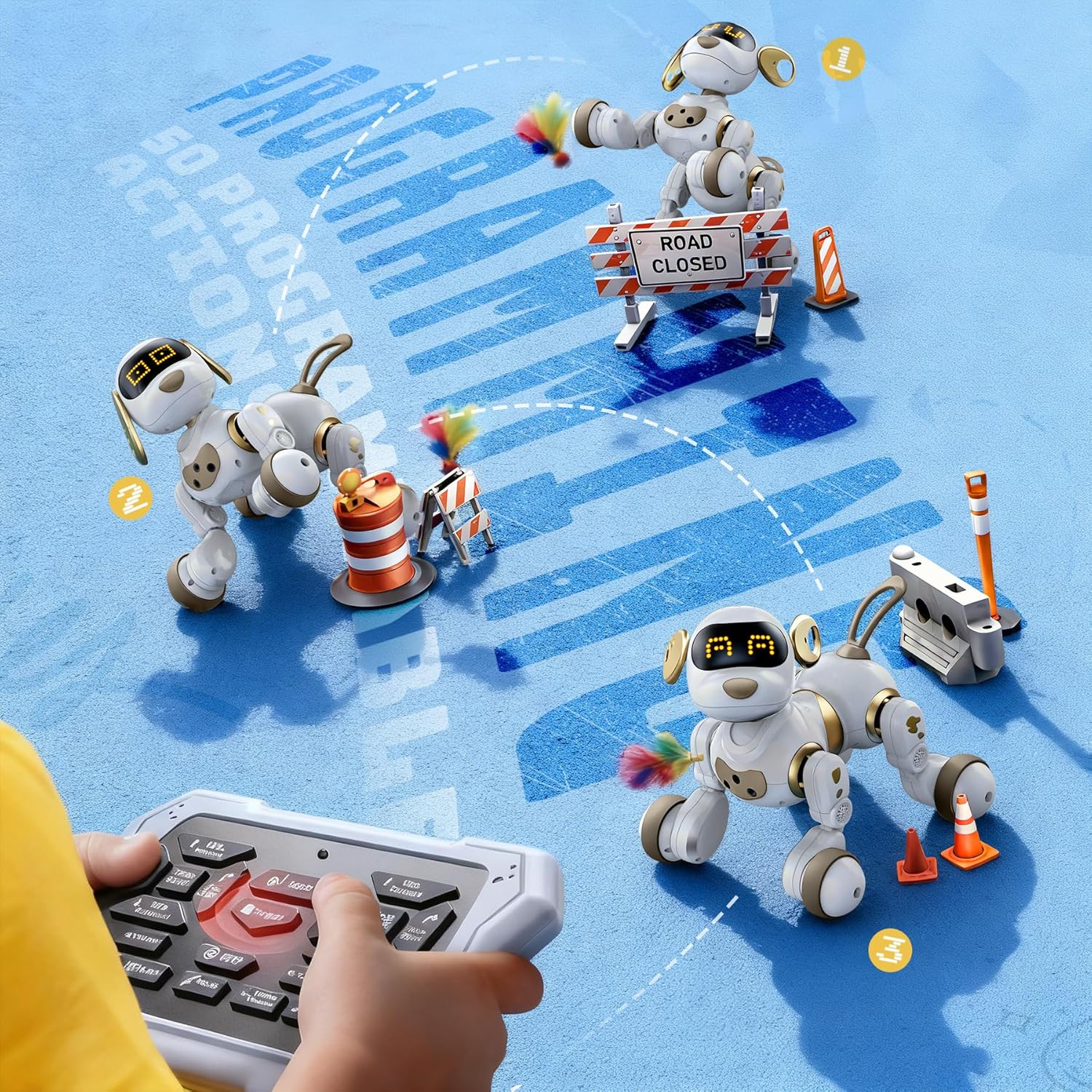
Image: A child using the remote control to program the Ruko 18011 Robot Dog, showing multiple robot dogs performing programmed actions.
4.4 LED Expressions
The robot dog's eyes display over 30 animated LED facial expressions, indicating its mood and reactions.
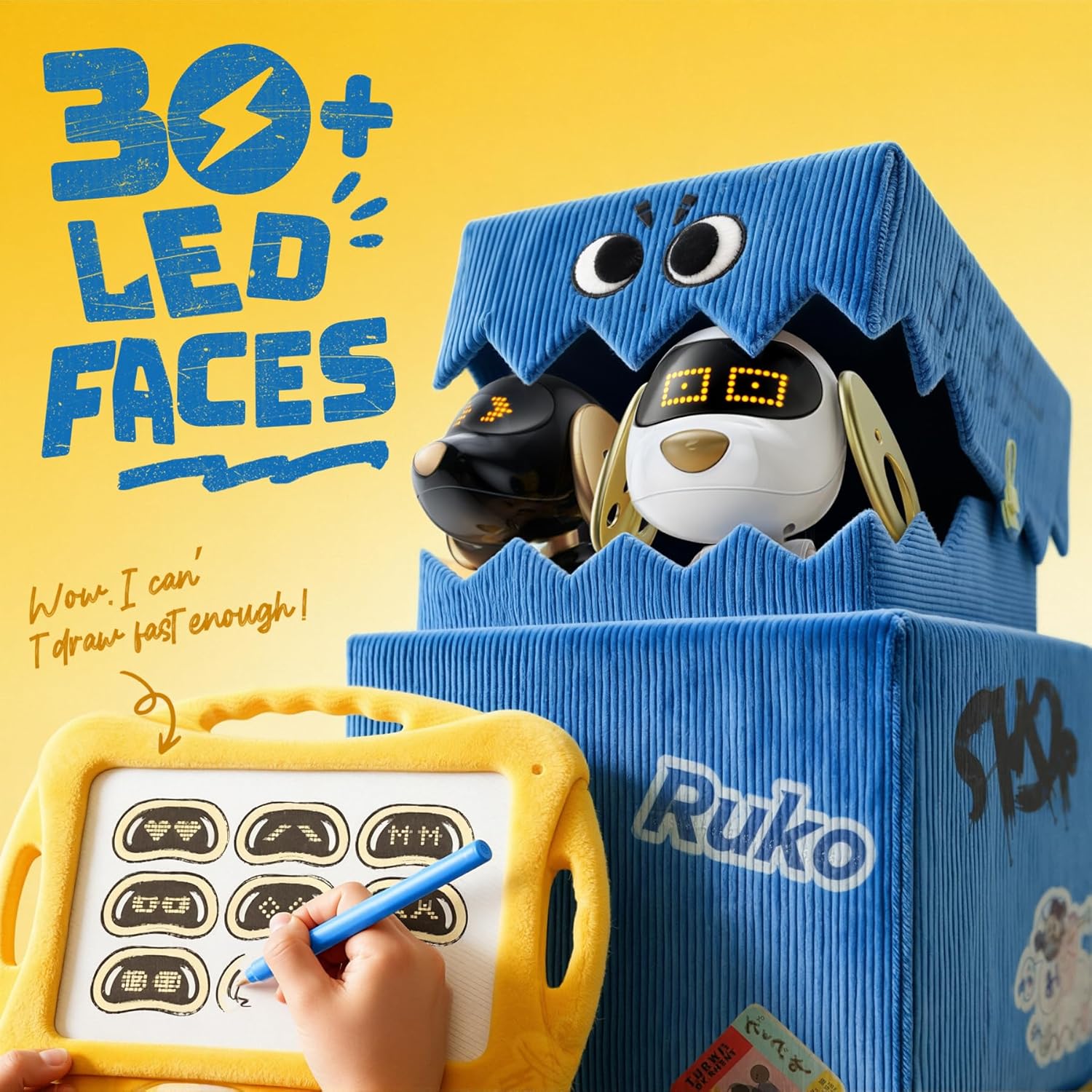
Image: The Ruko 18011 Robot Dog displaying various LED facial expressions, with a graphic indicating "30+ LED Faces".
4.5 Evitarea obstacolelor
The robot dog is equipped with obstacle-avoidance sensors, allowing it to navigate around objects and furniture.

Image: The Ruko 18011 Robot Dog interacting with a child in an indoor setting, highlighting its safe and fun design.
5. Întreținere
5.1 Curățare
- Wipe the robot dog with a soft, dry cloth to remove dust and dirt.
- Nu utilizați substanțe chimice dure sau produse de curățare abrazive.
- Avoid exposing the robot dog to water or excessive moisture.
5.2 Depozitare
- Store the robot dog in a cool, dry place away from direct sunlight.
- If storing for an extended period, ensure the robot dog and remote control batteries are removed or fully charged to prevent degradation.
6. Depanare
| Problemă | Cauza posibila | Soluţie |
|---|---|---|
| Robot dog does not turn on. | Baterie descărcată sau fără încărcare. | Charge the robot dog fully using the provided USB A-C cable. |
| Telecomanda nu funcționează. | Dead or incorrectly installed AAA batteries. | Replace AAA batteries in the remote control, ensuring correct polarity. |
| Robot dog not responding to commands. | În afara intervalului sau interferență. | Ensure the robot dog is within 98 feet of the remote. Avoid areas with strong electromagnetic interference. |
| Robot dog moves erratically or bumps into objects. | Sensors are dirty or obstructed. | Clean the robot dog's sensors with a soft, dry cloth. Ensure no objects are blocking the sensor path. |
7. Specificații
| Caracteristică | Detaliu |
|---|---|
| Marca | RUKO |
| Numele modelului | 18011 Robot Dog |
| Numărul de model | B0FLXCXPHD |
| Tip control | 2.4Ghz Remote Control, Gesture Control, Head Touch Sensor |
| Raza de control de la distanță | Până la 98 de picioare (30 metri) |
| LED Expressions | 30+ animated facial expressions |
| Acțiuni programabile | Up to 50 custom moves |
| Battery Life (Robot Dog) | Până la 45 de minute (după 3 ore de încărcare) |
| Cablu de încărcare | USB A-C (included) |
| Baterii pentru telecomandă | 2 x AAA (nu sunt incluse) |
| Material | Durable, child-safe ABS plastic |
| Dimensiuni (L x l x H) | Aproximativ 22.5 cm x 22.5 cm x 25 cm |
| Varsta Recomandata | 3 ani în sus |
8. Informații despre garanție
Ruko products are designed for quality and durability. For specific warranty details regarding your Ruko 18011 Smart Robot Dog, please refer to the warranty card included with your product or visit the official Ruko webPăstrați bonul fiscal ca dovadă a achiziției pentru orice reclamații în garanție.
9. Asistență pentru clienți
If you encounter any issues or have questions about your Ruko 18011 Smart Robot Dog, please contact Ruko customer support:
- Telefon: +1 (888) 892-0155 (Mon-Fri: 8 AM to 2 AM PST (next day); Sat-Sun: 8 AM to 5 PM PST)
- E-mail: service@rukotoy.com
- Website: Visit the official Ruko Store on Amazon for more information and FAQs: Ruko Store

Image: A graphic displaying Ruko customer support contact details, including phone number and email address.


