
Introducere
Thank you for choosing the Redragon Cragblade H541 Gaming Headset. This manual provides essential information for setting up, operating, maintaining, and troubleshooting your new headset. Please read it carefully to ensure optimal performance and longevity of your device.
The Redragon Cragblade H541 is a wired gaming headset designed for immersive audio experiences. It features 53mm drivers for clear sound, a detachable microphone for versatile communication, and comfortable sports mesh ear cushions for extended use.
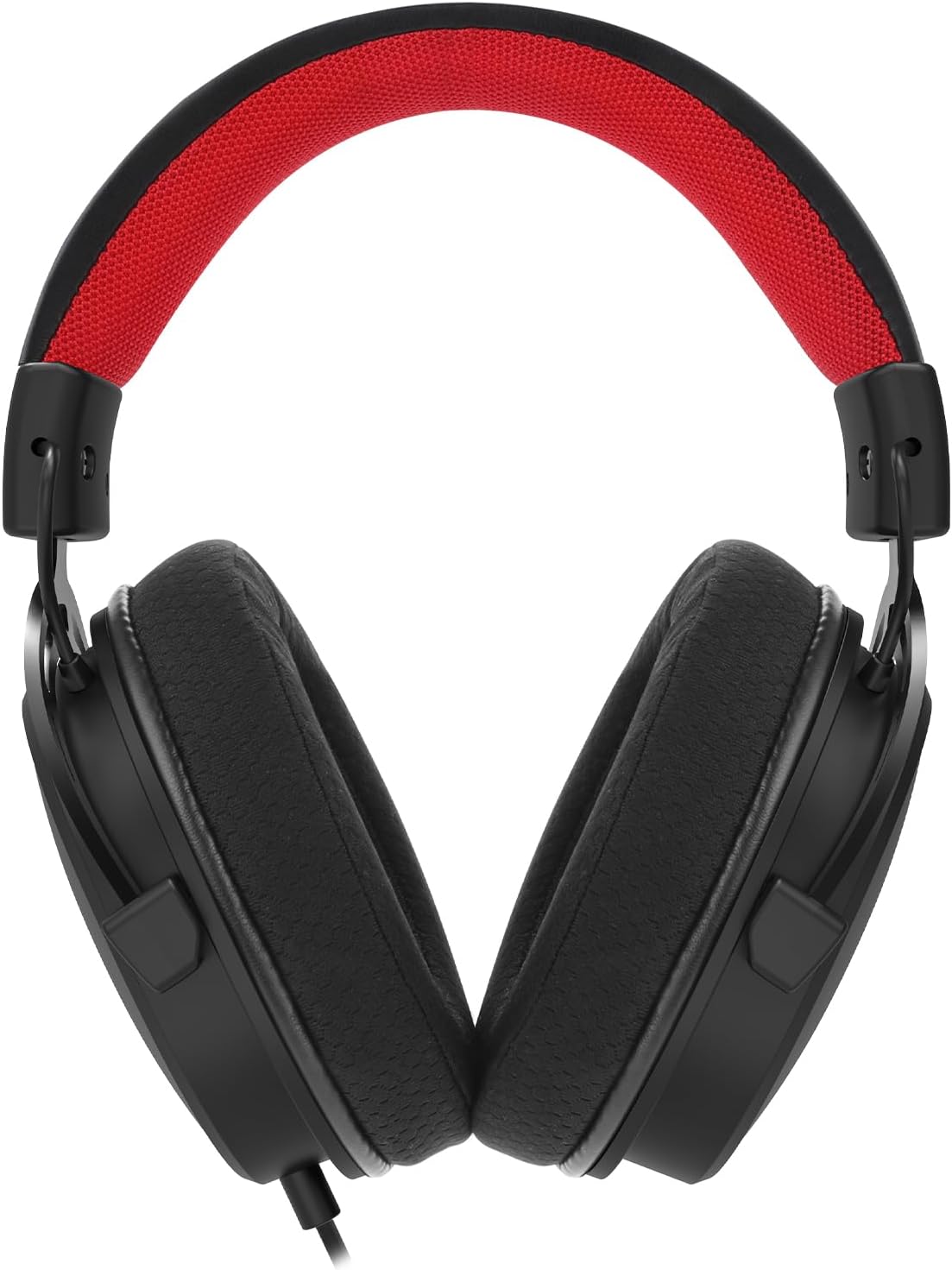
Figura 1: Față view of the Redragon Cragblade H541 Gaming Headset.
Înființat
Follow these steps to set up your Redragon Cragblade H541 Gaming Headset:
- Conectați căștile: Plug the 3.5mm audio jack from the headset into the corresponding audio port on your device (PC, console controller, etc.).
- Atașați microfonul: Insert the detachable microphone into the microphone port located on the left earcup until it clicks securely into place. Ensure the microphone is oriented correctly for optimal voice pickup.
- Use the Y-Splitter (if needed): If your device has separate 3.5mm ports for audio output and microphone input, use the included Y-splitter cable. Connect the headset's 3.5mm jack to the female end of the Y-splitter, then plug the two male ends of the splitter into the respective audio and microphone ports on your device.
- Reglați pentru confort: Extend or retract the headband to fit your head comfortably. Position the earcups over your ears, ensuring a snug but not overly tight fit. Adjust the flexible microphone boom to bring the microphone close to your mouth for clear communication.

Figure 2: The Redragon Cragblade H541 headset with its detachable microphone and 3.5mm Y-splitter cable.
Instrucțiuni de operare
The Redragon Cragblade H541 features convenient in-line controls for easy audio management:
- Controlul volumului: Locate the in-line control unit on the headset cable. Use the scroll wheel or slider to increase or decrease the audio volume.
- Dezactivare microfon: The in-line control unit also includes a switch to mute or unmute the microphone. Flip the switch to the 'Mute' position to disable the microphone, and flip it back to 'Unmute' to enable it.
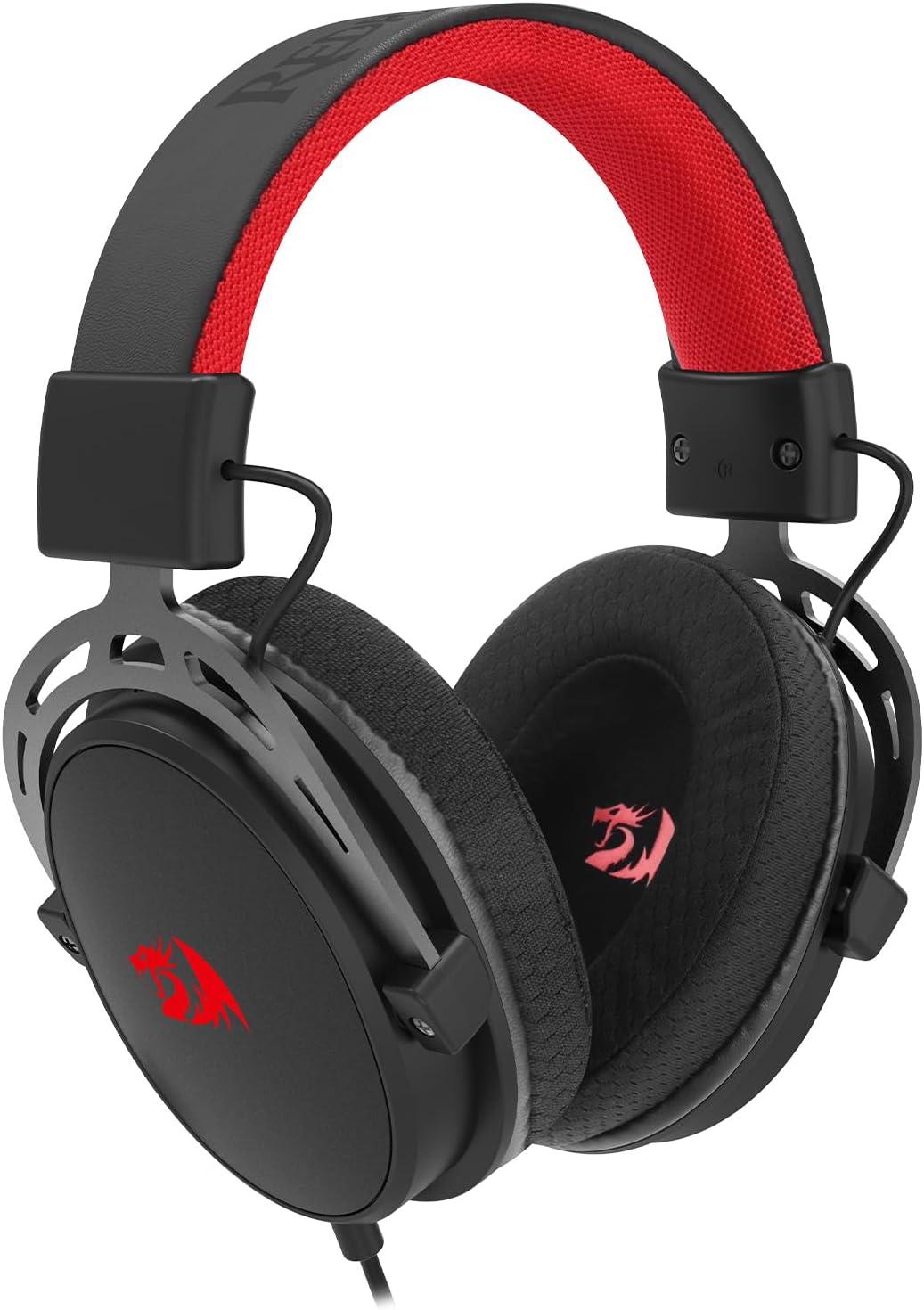
Figure 3: Close-up of the Redragon Cragblade H541 headset, highlighting the in-line volume and microphone mute controls.
Întreţinere
Îngrijirea adecvată va prelungi durata de viață a căștilor:
- Curățarea pernițelor pentru urechi: Gently wipe the sports mesh ear cushions with a soft, damp cloth. Avoid using harsh chemicals or abrasive materials. Allow them to air dry completely before use.
- Îngrijirea cablului: Avoid sharp bends or excessive pulling on the cable. Store the cable neatly when not in use to prevent tangling and damage.
- Depozitare: Depozitați setul cu cască într-un loc curat și uscat, ferit de temperaturi extreme și de lumina directă a soarelui.

Figure 4: Detail of the comfortable sports mesh earcup on the Redragon Cragblade H541 headset.
Depanare
Dacă întâmpinați probleme cu setul cu cască, consultați următoarele soluții comune:
- Fără sunet:
- Ensure the 3.5mm jack is fully inserted into the audio port of your device.
- Check the volume control on the in-line unit and your device to ensure it is not muted or set too low.
- Testați setul cu cască cu un alt dispozitiv pentru a exclude o problemă specifică dispozitivului.
- Microfonul nu funcționează:
- Verify that the detachable microphone is securely attached to the headset.
- Ensure the microphone mute switch on the in-line control is in the 'Unmute' position.
- Check your device's audio settings to ensure the correct microphone input device is selected and its volume is not muted.
- If using the Y-splitter, ensure both plugs are correctly inserted into the audio and microphone ports.
- Distorsiune a sunetului sau calitate slabă:
- Asigurați-vă că toate conexiunile sunt sigure.
- Try adjusting the volume on both the headset and your device.
- Test the headset with another audio source to determine if the issue is with the headset or the source device.
Specificații
| Model | H541 |
| Diametrul driverului | 53 mm |
| Raspuns in frecventa | 20 Hz - 20 kHz |
| Impedanta | 32 Ω ± 15% |
| Sensibilitatea microfonului | -38 ± 3dB (0dB = 1V/PA) |
| Model polar microfon | Omnidirecțional |
| Conectivitate | 3.5mm Jack (Wired) |
| Lungimea cablului | 2 metri |
| Materialul pernițelor pentru urechi | Sports Mesh |
| Culoare | Negru |
Garanție și suport
Redragon products are designed for durability and performance. For specific warranty information, please refer to the warranty card included with your product or visit the official Redragon website. If you experience any issues not covered in the troubleshooting section, please contact Redragon customer support for assistance.
Please retain your proof of purchase for any warranty claims. This product is eligible for a 30-day free return period from the date of purchase.


