
1. Introducere
Thank you for choosing the UCOCARE Mini Portable Projector V18. This projector is designed to provide a high-quality visual and audio experience for various entertainment and presentation needs. Featuring native 1080P resolution with 4K support, AI-enhanced visuals and audio, and smart screen adjustments, it offers versatility and ease of use. Please read this manual thoroughly before using the product to ensure proper operation and to maximize its lifespan.
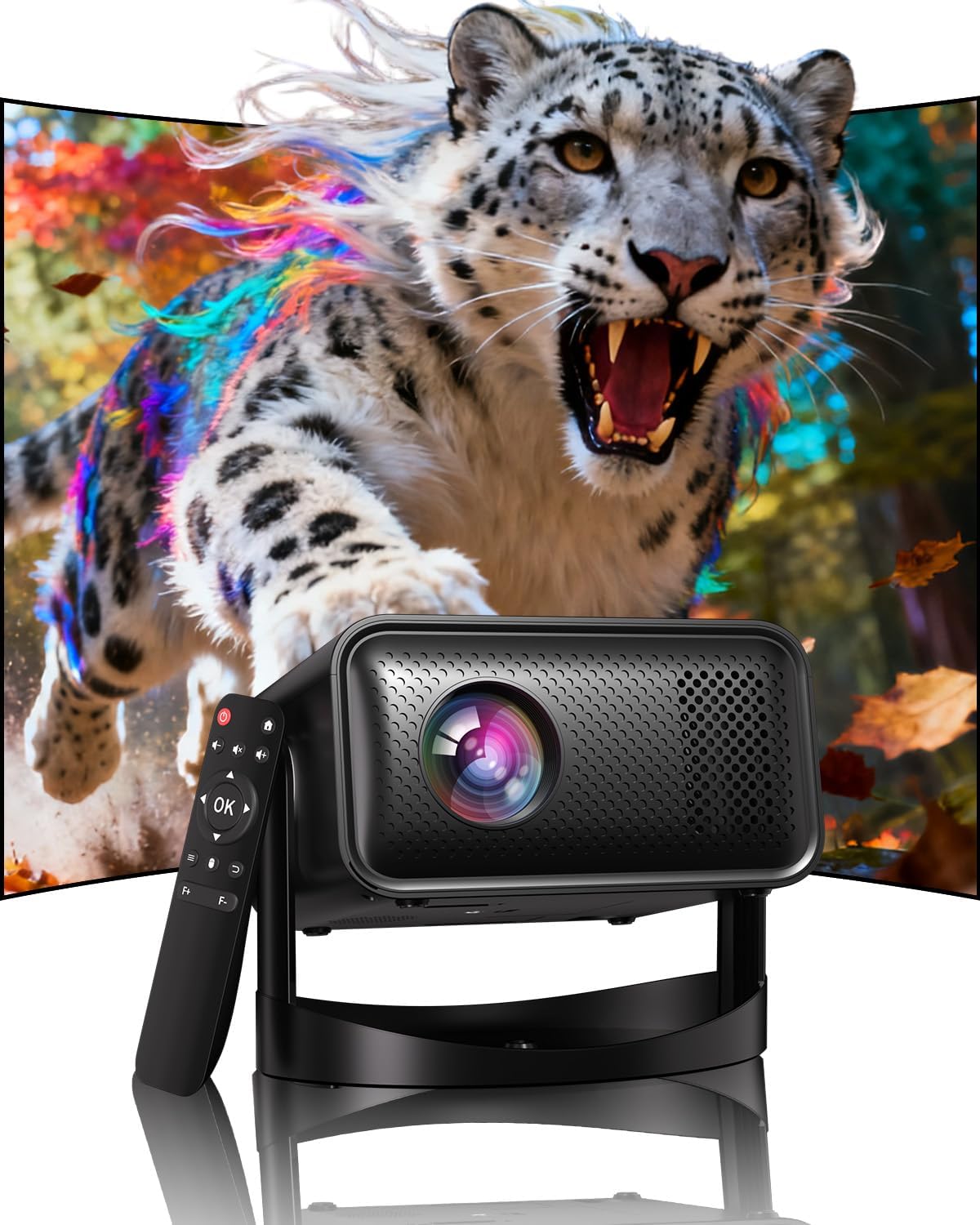
Image: The UCOCARE Mini Portable Projector V18, showcasing its compact design and the vibrant projection capabilities.
2. Informații de siguranță
- Nu priviți direct în lentila proiectorului atunci cândamp este pornit.
- Asigurați o ventilație adecvată în jurul proiectorului pentru a preveni supraîncălzirea.
- Utilizați numai adaptorul de alimentare furnizat împreună cu dispozitivul.
- Țineți proiectorul departe de apă, umiditate și materiale inflamabile.
- Evitați plasarea proiectorului pe suprafețe instabile.
- Nu încercați să dezasamblați sau să reparați singur proiectorul. Contactați serviciul de asistență pentru clienți pentru asistență.
3. Conținutul pachetului
Verificați dacă toate articolele sunt prezente în colet:
- UCOCARE Mini Portable Projector V18
- Telecomanda
- Cablu de alimentare
- Manual de utilizare (acest document)
4. Produs terminatview
The UCOCARE V18 projector combines advanced features in a compact design, making it suitable for various environments. It weighs approximately 2.09 pounds and measures 8.35 x 8.03 x 5.28 inches.

Image: The compact and lightweight design of the UCOCARE Mini Portable Projector V18, highlighting its dimensions and portability.
4.1 Caracteristici cheie
- Rezoluție nativă 1080P cu suport 4K: Oferă imagini clare și detaliate.
- AI-Enhanced Visuals: Improves detail, contrast, and color for a lifelike viewexperiență.
- AI-Enhanced Audio: Provides clear dialogue and rich, distortion-free sound.
- Smart Screen Adjustment: Features electric focus, 50%-100% zoom, and auto keystone correction.
- WiFi dublă bandă: Supports 2.4GHz/5GHz for stable and high-speed streaming.
- Conectivitate Bluetooth: Pentru dispozitive audio fără fir.
- Suport rotativ flexibil la 180°: Allows projection on walls, ceilings, or tables.
- Conectivitate universală: HDMI, USB, and 3.5mm audio jack.
5. Configurare
5.1 Plasarea
Position the projector on a stable surface. The 180° flexible rotating stand allows you to adjust the projection angle to suit your needs, whether projecting on a wall, ceiling, or screen.
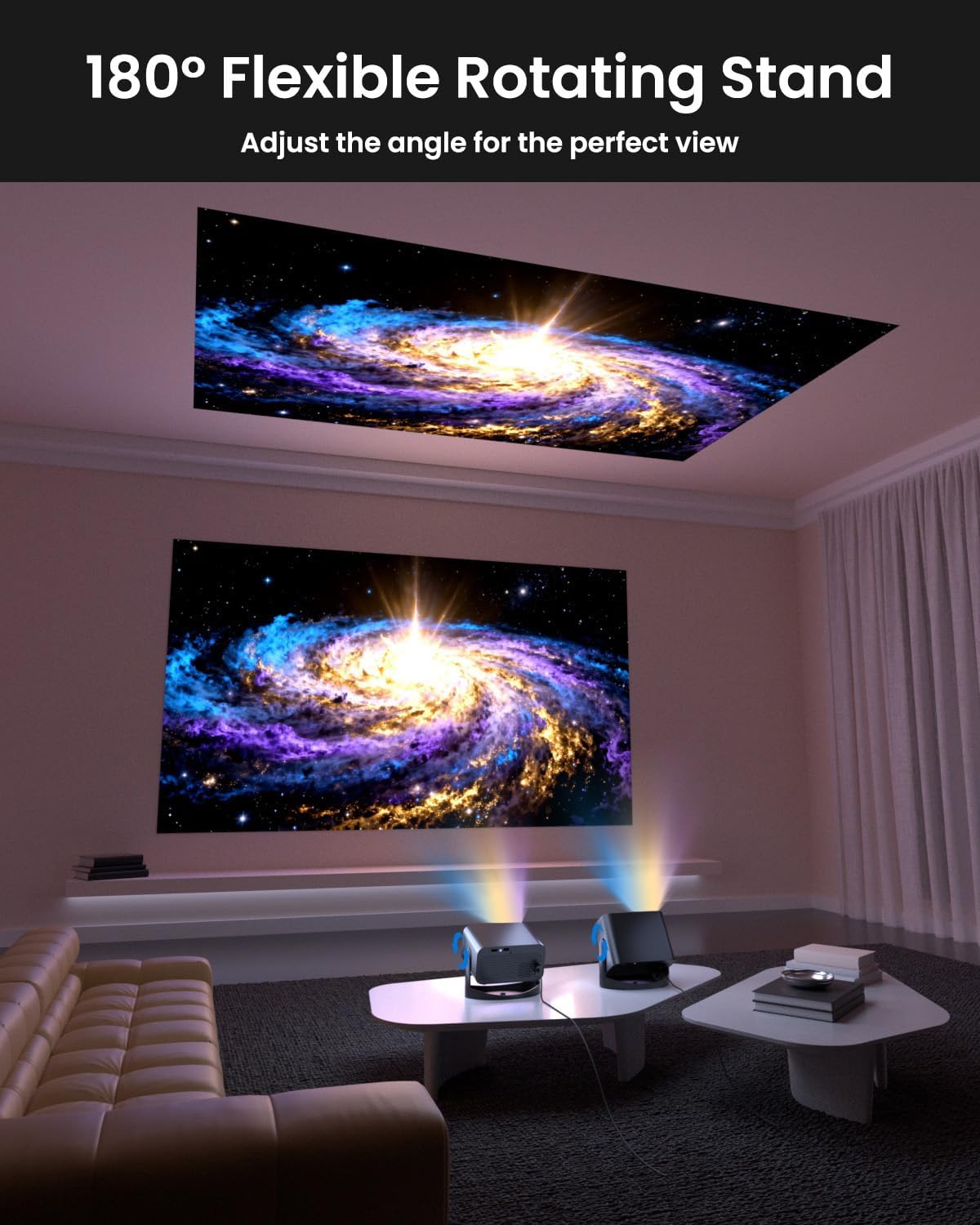
Image: The UCOCARE Mini Portable Projector V18 demonstrating its flexible 180° rotating stand, allowing projection onto various surfaces.
5.2 Conexiune la alimentare
- Conectați cablul de alimentare la portul de intrare al proiectorului.
- Conectați celălalt capăt al cablului de alimentare la o priză.
- Apăsați butonul de alimentare de pe proiector sau de pe telecomandă pentru a-l porni.
5.3 Reglarea inițială a ecranului
The projector features smart screen adjustment for optimal viewing.
- Focalizare electrică: Use the remote control to activate one-touch electric focus for a clear image.
- Corecție automată a distorsiunii trapezoidale: The projector will automatically correct vertical distortion.
- Funcție Zoom (50%-100%): Adjust the screen size without moving the projector using the remote control.

Image: Visual representation of the smart screen adjustment features: Electric Focus, 50%-100% Zoom, and Auto Keystone Correction.
5.4 Conexiune la rețea (WiFi)
- Navigate to the 'Settings' menu on the projector.
- Select 'Network' or 'WiFi Settings'.
- Choose your desired 2.4GHz or 5GHz WiFi network from the list.
- Introduceți parola și conectați-vă.
5.5 Asociere Bluetooth
- Accesați meniul „Setări” și selectați „Bluetooth”.
- Activați Bluetooth pe proiector.
- Puneți dispozitivul audio Bluetooth (de exemplu, difuzorul, căștile) în modul de asociere.
- Selectați dispozitivul din lista de pe ecranul proiectorului pentru a-l asocia.
6. Operare
6.1 Conectarea dispozitivelor externe
Proiectorul acceptă diverse surse de intrare:
- HDMI: Connect devices like laptops, gaming consoles, or TV sticks using an HDMI cable.
- USB: Conectați o unitate USB pentru a reda fișiere media files direct.
- Mufă audio de 3.5 mm: Conectați difuzoare externe cu fir sau căști.
- Casting fără fir: Stream content from your smartphone or tablet via WiFi.

Imagine: Pesteview of the UCOCARE Mini Portable Projector V18's universal multi-device connectivity options.
6.2 Calitatea imaginii
Experience stunning visuals with AI-enhanced technology.

Image: The UCOCARE Mini Portable Projector V18's AI-enhanced video quality, detailing 4K support, HDR 10+, Native 1080P, and Wide Color Gamut.
6.3 Calitatea audio
The projector features AI-enhanced audio for an immersive sound experience.
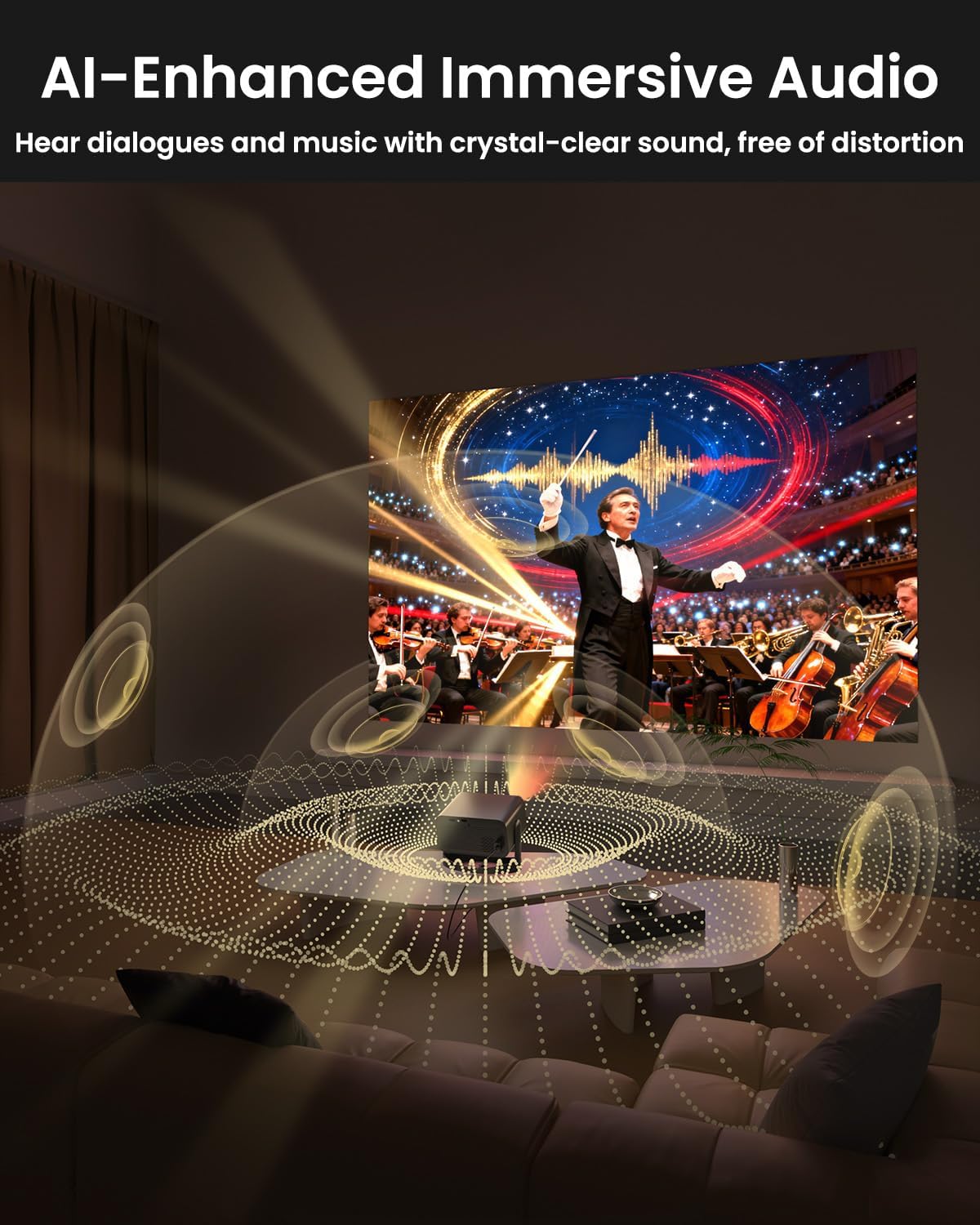
Image: The UCOCARE Mini Portable Projector V18 delivering AI-enhanced immersive audio, creating a surround sound experience.
6.4 Funcții de control de la distanță
The included remote control allows you to navigate menus, adjust volume, change input sources, and control playback. Refer to the remote control diagram in your quick start guide for specific button functions.
6.5 Scenarii de utilizare
The UCOCARE V18 projector is versatile for various uses:
- Teatru acasă: Bucurați-vă de filme și emisiuni pe un ecran mare.
- Jocuri: Connect your console for an immersive gaming experience.
- Prezentări de afaceri: Project documents and slides for meetings.
- Bedtime Relax: Project calming visuals or stories onto the ceiling.

Image: The UCOCARE Mini Portable Projector V18 adapting to various scenarios, including home theater, business, gaming, and relaxation.
7. Întreținere
7.1 Curățarea lentilei
Folosiți o lavetă moale, fără scame, special concepută pentru lentile optice, pentru a șterge ușor lentila proiectorului. Evitați utilizarea materialelor abrazive sau a substanțelor chimice dure.
7.2 Îndepărtarea prafului
Regularly clean the projector's exterior with a soft, dry cloth. For ventilation openings, use a soft brush or compressed air to remove dust buildup, ensuring proper airflow.
7.3 Depozitare
Când nu utilizați proiectorul pentru perioade lungi de timp, depozitați-l într-un loc răcoros și uscat, ferit de lumina directă a soarelui și de temperaturi extreme. Folosiți ambalajul original sau o carcasă de protecție pentru a preveni praful și deteriorarea.
8. Depanare
Dacă întâmpinați probleme cu proiectorul, consultați următoarele probleme și soluții frecvente:
| Problemă | Cauza posibila | Soluţie |
|---|---|---|
| Nicio imagine pe ecran | Cablul de alimentare este deconectat, sursă de intrare incorectă, capacul obiectivului este pus. | Verificați conexiunea de alimentare, selectați sursa de intrare corectă, scoateți capacul obiectivului. |
| Imaginea este neclară | Focus not adjusted, projector too far/close. | Use electric focus function. Adjust projector distance if necessary. |
| Nici un sunet | Volum prea mic, dispozitiv audio extern neconectat, ieșire audio incorectă. | Increase volume, check Bluetooth connection or 3.5mm cable, select correct audio output in settings. |
| WiFi/Bluetooth connectivity issues | Out of range, incorrect password, interference. | Ensure projector is within range of router/device. Re-enter password. Reduce interference. |
| Telecomanda nu funcționează | Batteries low/dead, obstruction, remote not paired. | Replace batteries. Remove obstructions. Re-pair remote if applicable. |
9. Specificații
| Caracteristică | Detaliu |
|---|---|
| Marca | UCOCARE |
| Numărul de model | V18 |
| Rezoluția afișajului | Rezoluție nativă 1920 x 1080 (1080P), suport 4K |
| Tehnologia de conectivitate | 2.4GHz/5GHz Wi-Fi, Bluetooth, 3.5mm Jack, HDMI, USB |
| Caracteristici speciale | 4K Supported, Native 1080P, Adjustable Stand, Electric Focus, Auto Keystone, Portable Mini Size, Built-In 2.4G/5GHz WiFi, Built-In Bluetooth |
| Greutatea articolului | 2.09 lire sterline |
| Dimensiuni pachet | 8.35 x 8.03 x 5.28 inci |
| Utilizări recomandate | Afaceri, Educație, Jocuri, Home Cinema |
10. Garanție și asistență
UCOCARE products are manufactured to high-quality standards. For warranty information, please refer to the documentation included with your purchase or visit the official UCOCARE website. If you require technical assistance or have questions not covered in this manual, please contact UCOCARE customer support.
Contact information can typically be found on the product packaging or the official brand website-ul.