
LongPlus X84
LongPlus 2K Vicohome Wireless Outdoor Security Camera Instruction Manual
Model: X84
Introducere
This manual provides detailed instructions for the installation, operation, and maintenance of your LongPlus 2K Vicohome Wireless Outdoor Security Camera. Please read this manual thoroughly before using the product to ensure proper functionality and safety.

Image: Two LongPlus 2K Vicohome Wireless Outdoor Security Cameras, black, with water droplets, mounted on a wall bracket.
Conținutul pachetului
Verificați dacă toate articolele enumerate mai jos sunt incluse în pachetul dumneavoastră:
- Security Camera with Bracket
- Pachet de șuruburi
- Resetați Acul
- Cablu USB
- Ghid de pornire rapidă
Caracteristicile produsului
- AI Event Analysis: Identifies and differentiates between people, pets, vehicles, and packages to reduce false alarms.
- 3MP Color Night Vision: Captures clear color images in low light conditions up to 33 feet.
- PIR Motion Detection & Siren Alarm: Triggers an audio and strobe light alarm upon detecting humanoid motion.
- Depozitare flexibilă: Supports up to 128GB Micro SD card (not included) and optional cloud storage.
- Conversație bidirecțională: Allows communication through the Vicohome app.
- 100% fără fir: Battery-operated design for easy installation without wiring.
- Integrare Smart Home: Compatible with Amazon Alexa.
- Câmp larg de View: 125 de grade viewunghiul de ing.
- Design rezistent la intemperii: Clasificare IP65 pentru utilizare în exterior.
Înființat
1. Încărcarea camerei
Before initial use, fully charge the camera using the provided USB cable. The charging indicator light will show the charging status.
2. Instalarea aplicației și crearea contului
- Download the "Vicohome" app from your smartphone's app store (iOS or Android).
- Deschideți aplicația și urmați instrucțiunile de pe ecran pentru a crea un cont și a vă conecta.
3. Conectarea la Wi-Fi
- Ensure your camera is powered on and near your Wi-Fi router.
- In the Vicohome app, tap the "+" icon to add a new device.
- Follow the app's instructions to connect the camera to your 2.4GHz Wi-Fi network. 5GHz networks are not supported.
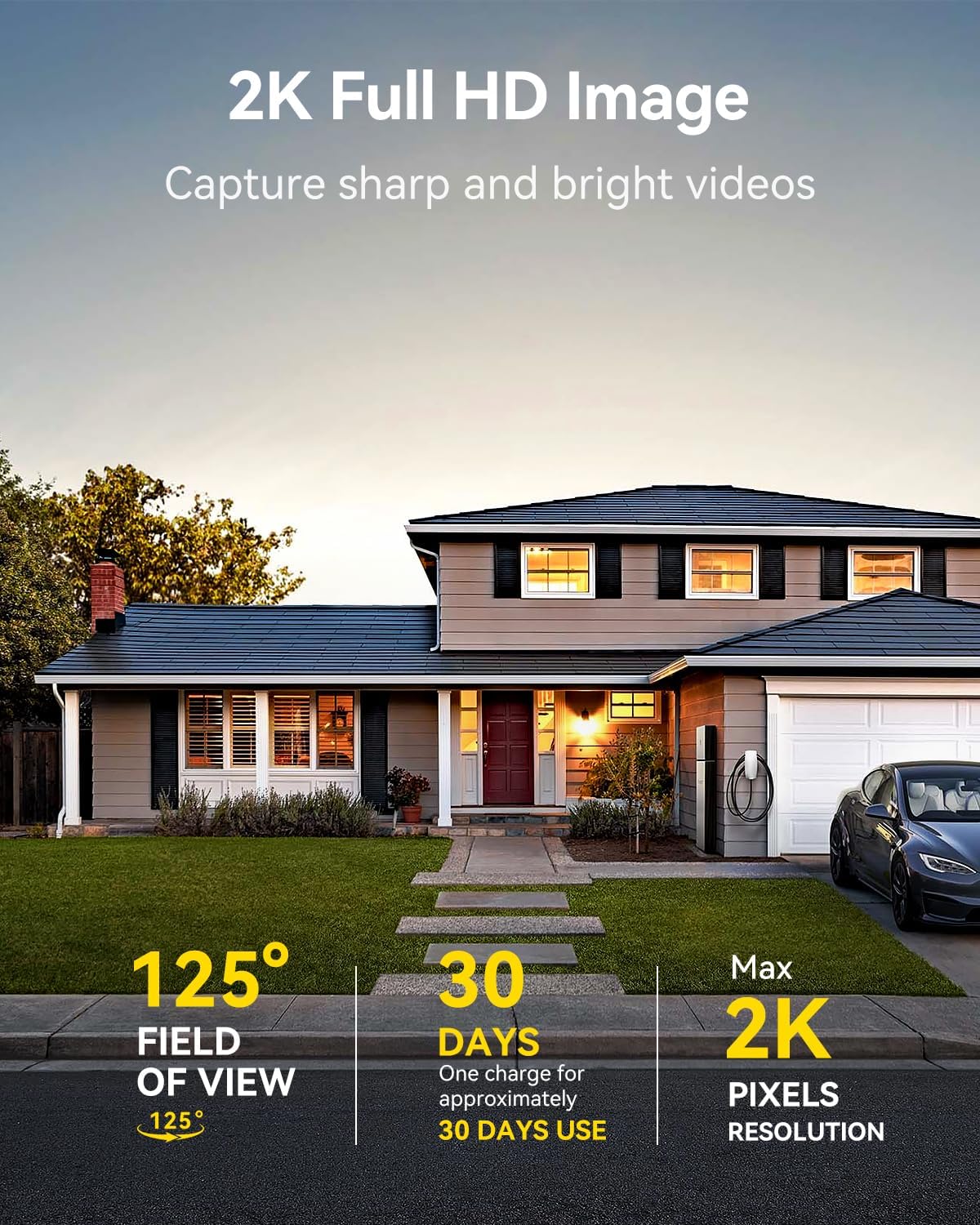
Image: A LongPlus security camera on a wooden table, illustrating its 2.4GHz WiFi connectivity.
4. Montarea camerei
The camera can be mounted on a ceiling or wall. Choose a location that provides the desired viewunghiul de înclinare și se află în raza de acțiune Wi-Fi.
- Mark the positions for drilling using the camera bracket as a template.
- Dați găuri pilot și introduceți ancore de perete, dacă este necesar.
- Secure the bracket to the surface using the provided screws.
- Atașați camera la suport și reglați unghiul.

Image: A LongPlus security camera mounted on an outdoor wall, demonstrating its wire-free installation.
Operațiunea
1. în direct View
Open the Vicohome app and select your camera to view the live feed. You can monitor your surroundings in real-time.

Image: A smartphone displaying the live feed from a LongPlus security camera, showing children playing in a yard.
2. Discuție în două sensuri
Din live view screen in the app, tap the microphone icon to initiate two-way communication. Speak into your phone to communicate with individuals near the camera.

Image: A person receiving a package at their front door, demonstrating the two-way talk feature of the LongPlus camera.
3. Setări de detectare a mișcării
Configure motion detection sensitivity and define detection zones within the Vicohome app settings for your camera. This helps in reducing unwanted alerts.

Image: A man walking past a LongPlus security camera, illustrating motion detection and app alerts.

Imagine: O imagine aeriană view of a house with a pool, illustrating customizable motion detection zones for different objects.

Image: A house with a lawn, demonstrating the ability to set specific motion detection zones.
4. Vedere de noapte
The camera automatically switches to color night vision in low light conditions, providing clear visibility.

Image: A LongPlus security camera mounted outdoors at night, showing its color night vision capability on a smartphone screen.
5. Înregistrare și redare
Recordings are stored on a Micro SD card (if installed) or in the cloud (subscription may be required). Access and playback recorded events through the Vicohome app's library section.

Image: A LongPlus camera with an SD card being inserted, illustrating local and cloud storage options.
6. Partajarea dispozitivului
You can share access to your camera with other users through the Vicohome app, allowing multiple individuals to monitor the feed simultaneously.
7. Integrare Smart Home
The camera is compatible with Amazon Alexa. Follow the instructions in the Vicohome app or Alexa app to link your devices and use voice commands for monitoring.

Image: A person using an Amazon Echo Show to view the camera feed via Alexa voice commands.
Întreţinere
1. Încărcare baterie
Monitor the battery level through the Vicohome app. Recharge the camera when the battery is low to ensure continuous operation. If the camera is installed in a hard-to-reach location, consider using a compatible solar panel charger (sold separately) to reduce the frequency of manual charging.
2. Managementul cardului SD
If using a Micro SD card, ensure it is a genuine card and inserted correctly. Periodically review și gestionați foo stocatetage. The card can be ejected with a gentle press.
3. Curatenie
Gently wipe the camera lens and body with a soft, dry cloth to remove dust and debris. Avoid using harsh chemicals or abrasive materials.
Depanare
| Problemă | Cauza posibila | Soluţie |
|---|---|---|
| Camera nu se conectează la Wi-Fi | Parolă Wi-Fi incorectă; camera este prea departe de router; se utilizează o rețea Wi-Fi de 5 GHz. | Verify Wi-Fi password. Move camera closer to router. Ensure you are connecting to a 2.4GHz Wi-Fi network. Reset the camera using the reset needle and try pairing again. |
| Alarme false frecvente | High motion detection sensitivity; environmental factors (e.g., moving branches, insects). | Reduce motion detection sensitivity in the Vicohome app. Define specific detection zones to exclude irrelevant areas. |
| Durată scurtă de viață a bateriei | Evenimente frecvente de detectare a mișcării; vreme rece; semnalizare live continuă view utilizare. | Reduceți sensibilitatea detectării mișcării. Limitați timpul de așteptare în timp real view sessions. Consider purchasing a solar panel charger for continuous power. Ensure the camera is fully charged before deployment. |
| Calitate slabă a imaginii noaptea | Obstructions near the lens; insufficient ambient light for color night vision. | Ensure the camera lens is clean and free from obstructions. Verify that the night vision mode is active in the app settings. |
| Cardul SD nu înregistrează | SD card not inserted correctly; incompatible SD card; SD card full or corrupted. | Reinsert the SD card carefully. Use a genuine Micro SD card up to 128GB. Format the SD card through the app. Replace the SD card if corrupted. |
Specificații
| Caracteristică | Detaliu |
|---|---|
| Numărul de model | X84 |
| Utilizare în interior/exterior | În interior, în aer liber |
| Sursa de alimentare | Alimentat cu baterie |
| Protocol de conectivitate | Wi-Fi (2.4 GHz) |
| Tip controler | Amazon Alexa, Vicohome App |
| Rezoluție captură video | 1440p (2K) |
| Rezoluție statică efectivă | 3 MP |
| Viewunghiul ing | 130 de grade |
| Gama de vedere nocturnă | 33 picioare |
| Frame Rate | 15 de cadre pe secundă |
| Material | ABS de înaltă calitate |
| Nivel de rezistență la apă | IP65 (impermeabil) |
| Dimensiunea maximă acceptată pentru memorie flash | 128 GB (Micro SD) |
| Dimensiuni articol (L x l x H) | 2.36 x 2.16 x 4 inci |
| Greutatea articolului | 1.59 lire sterline (0.72 kilograme) |
| baterii | Este necesară 1 baterie litiu-ion (inclusă) |
Sprijin
For technical assistance, troubleshooting beyond this manual, or warranty inquiries, please contact LongPlus customer support. Refer to the product packaging or the official LongPlus website pentru informații de contact.
De asemenea, puteți vizita LongPlus Store on Amazon pentru informații și resurse suplimentare despre produse.
Documente aferenteX84


Ask a question about this manual
Ask about setup, troubleshooting, compatibility, parts, safety, or missing instructions. Manuals+ will review the question and use this page’s manual context to help answer it.