
Produs terminatview
The ASTRO Gaming A20 Gen 2 Wireless Headset provides a high-quality audio experience for gaming across multiple platforms. Designed for comfort and performance, it features low-latency wireless connectivity and a convenient flip-to-mute microphone.
Caracteristici cheie:
- Compatibilitate de generație următoare: Seamlessly works with PlayStation 5, PlayStation 4, Windows, and Mac OS.
- Lag-Free Wireless Audio: 2.4GHz USB wireless transmitter ensures low-latency, high-quality sound.
- Baterie de lunga durata: Up to 15 hours of wireless gaming on a single charge.
- Microfon flip-to-mute: Flexible boom mic with an intuitive flip-to-mute function for instant control.
- Confort pe tot parcursul zilei: Lightweight design with padded headband and ear cushions for extended wear.
Ce este în cutie
- A20 Căști fără fir
- Transmițător USB
- Cablu de încărcare USB-C la USB-A
Instrucțiuni de configurare
Follow these steps to set up your ASTRO Gaming A20 Gen 2 Wireless Headset:
- Încărcați căștile: Connect the headset to a power source using the provided USB-C to USB-A charging cable. Ensure the headset is fully charged before first use for optimal battery life.
- Connect the USB Transmitter: Plug the USB transmitter into an available USB port on your PlayStation console (PS5 or PS4) or your Windows/Mac computer. The transmitter facilitates the 2.4GHz wireless connection.
- Pornire: Turn on your ASTRO Gaming A20 Gen 2 Wireless Headset. The headset should automatically pair with the USB transmitter. Refer to your device's audio settings to ensure the headset is selected as the input and output device.
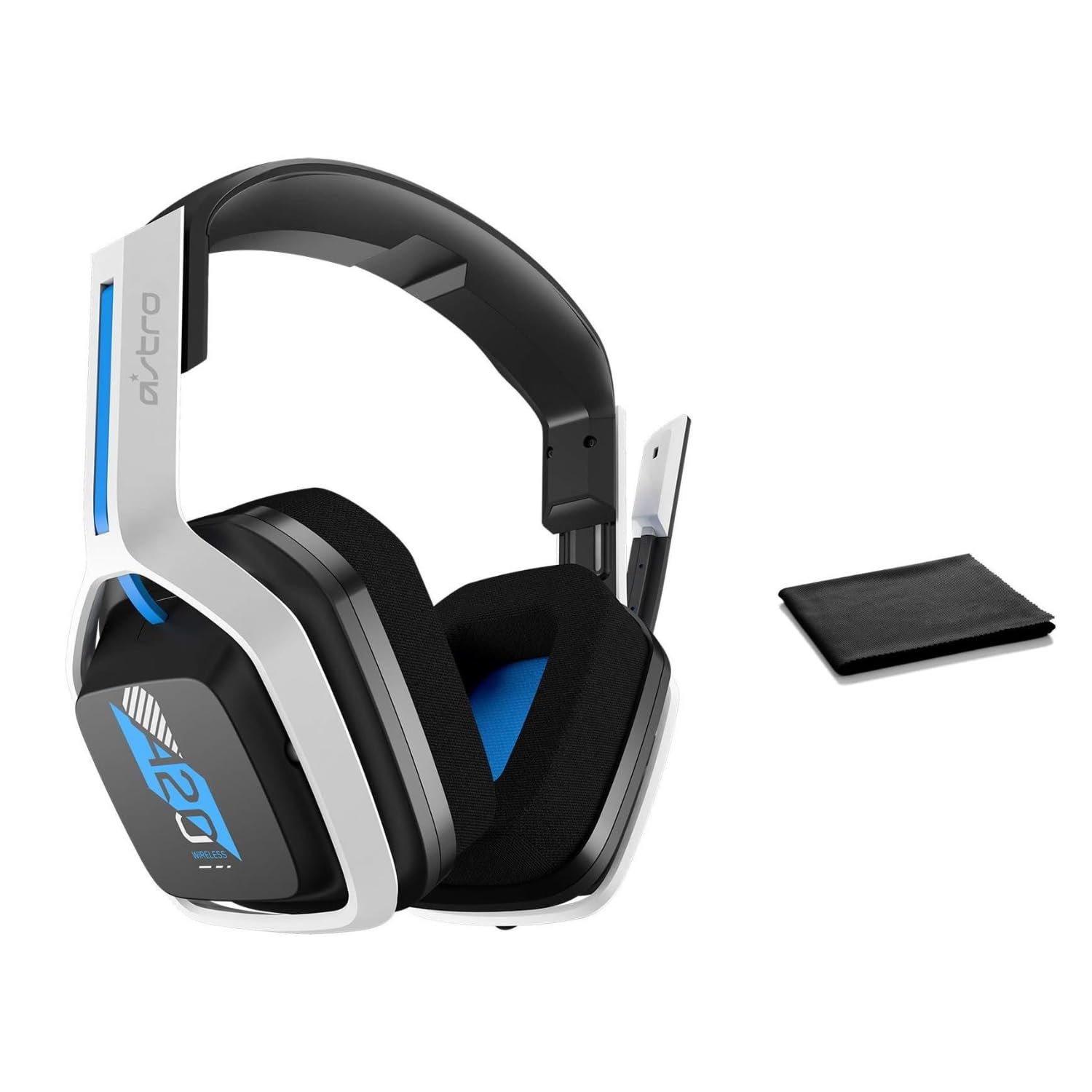
Image: The ASTRO Gaming A20 Gen 2 Wireless Headset, ready for use.
Instrucțiuni de operare
Funcționalitatea microfonului
The headset features a flexible boom microphone with a flip-to-mute function. To mute your microphone, simply flip the boom arm upwards. To unmute and activate the microphone, flip the boom arm back down to its original position.
Controlul volumului
Adjust the audio volume using the dedicated volume control located on the headset. Rotate the dial or press the buttons (depending on the specific model variant) to increase or decrease the sound output.
Întreţinere
Pentru a asigura longevitatea și performanța optimă a căștilor:
- curatenie: Use the included premium microfiber cloth to gently wipe down the headset and accessories. This helps keep your headset dust-free and smudge-free.
- Depozitare: Depozitați setul cu cască într-un loc curat și uscat, ferit de temperaturi extreme și de lumina directă a soarelui atunci când nu îl utilizați.
- Îngrijirea bateriei: For best battery health, avoid fully discharging the headset frequently. Charge it regularly.
Depanare
If you encounter issues with your ASTRO Gaming A20 Gen 2 Wireless Headset, consider the following:
- Fără sunet/Microfonul nu funcționează: Ensure the USB transmitter is securely plugged into your device and the headset is powered on and paired. Check your device's audio settings to confirm the headset is selected as the default input/output. For the microphone, ensure it is not in the 'flipped-up' (muted) position.
- Probleme de conectare: Try unplugging and re-plugging the USB transmitter. If issues persist, try connecting to a different USB port.
- Bateria nu se încarcă: Verify the charging cable is properly connected to both the headset and the power source. Try a different USB port or power adapter.
- Actualizarea firmware-ului: Visit the official ASTRO Gaming support website for any available firmware updates for your headset, as these can resolve various performance issues.
Specificații
| Caracteristică | Detaliu |
|---|---|
| Numele modelului | 939-001876 |
| Marca | ASTRO Gaming |
| Tehnologia de conectivitate | Fără fir |
| Comunicare fără fir | Wireless 2.4GHz |
| Dispozitive compatibile | Mac OS, PlayStation 4, Playstation 5, Windows |
| Durata de viață a bateriei | 15 de ore |
| Timp de încărcare | 15 de ore |
| Microfon | Flip-to-Mute |
| Plasarea urechii | Peste ureche |
| Greutatea articolului | 11.2 uncii (318 grame) |
| Material | Plastic |
| Componente incluse | A20 Wireless Headset, USB transmitter, USB-C to USB-A charging cable |
Garanție și suport
For detailed warranty information and technical support, please refer to the official ASTRO Gaming website-ul lor web sau contactați serviciul lor de asistență pentru clienți. Păstrați dovada achiziției pentru solicitările de garanție.


