
1. Introducere
This manual provides detailed instructions for the installation, operation, and maintenance of your PGST A519W-EU-H Wireless Home Alarm System. This system is designed to enhance your home security with real-time monitoring and alerts, offering peace of mind through its comprehensive features and smart home compatibility.
2. Conținutul pachetului
Vă rugăm să verificați dacă toate componentele sunt prezente în pachet:
- 1 x PGST A519W-EU-H Alarm Host (Siren)
- 8 x Senzori de ușă/fereastră
- 2 x Detectoare de mișcare
- 2 x telecomenzi
- Mounting Accessories (adhesive tape, screws)
- Adaptor de alimentare pentru gazda de alarmă

Imagine: Pesteview of the PGST A519W-EU-H Wireless Home Alarm System components, including the siren, motion sensors, door/window sensors, and remote controls.
3. Componente de sistem
3.1 Alarm Host (Siren)
The alarm host serves as the central unit of your security system. It connects to your Wi-Fi network, emits a loud siren when triggered, and sends notifications to your mobile application. It features a built-in backup battery for continuous operation during power outages.

Image: Close-up of the PGST siren with icons indicating its features: >100dB volume, real-time alarm, quick response, built-in backup battery.

Image: Diagram showing the internal structure of the siren with its backup battery, emphasizing 24-hour protection during power cuts.
3.2 Senzori de ușă/fereastră
These two-part sensors detect when a door or window is opened. When the two parts separate by more than 1 cm, an alarm is triggered, and a notification is sent to your phone.
3.3 Motion Detectors
Motion detectors use infrared technology to sense movement within their detection range. They are ideal for securing larger areas or entry points.
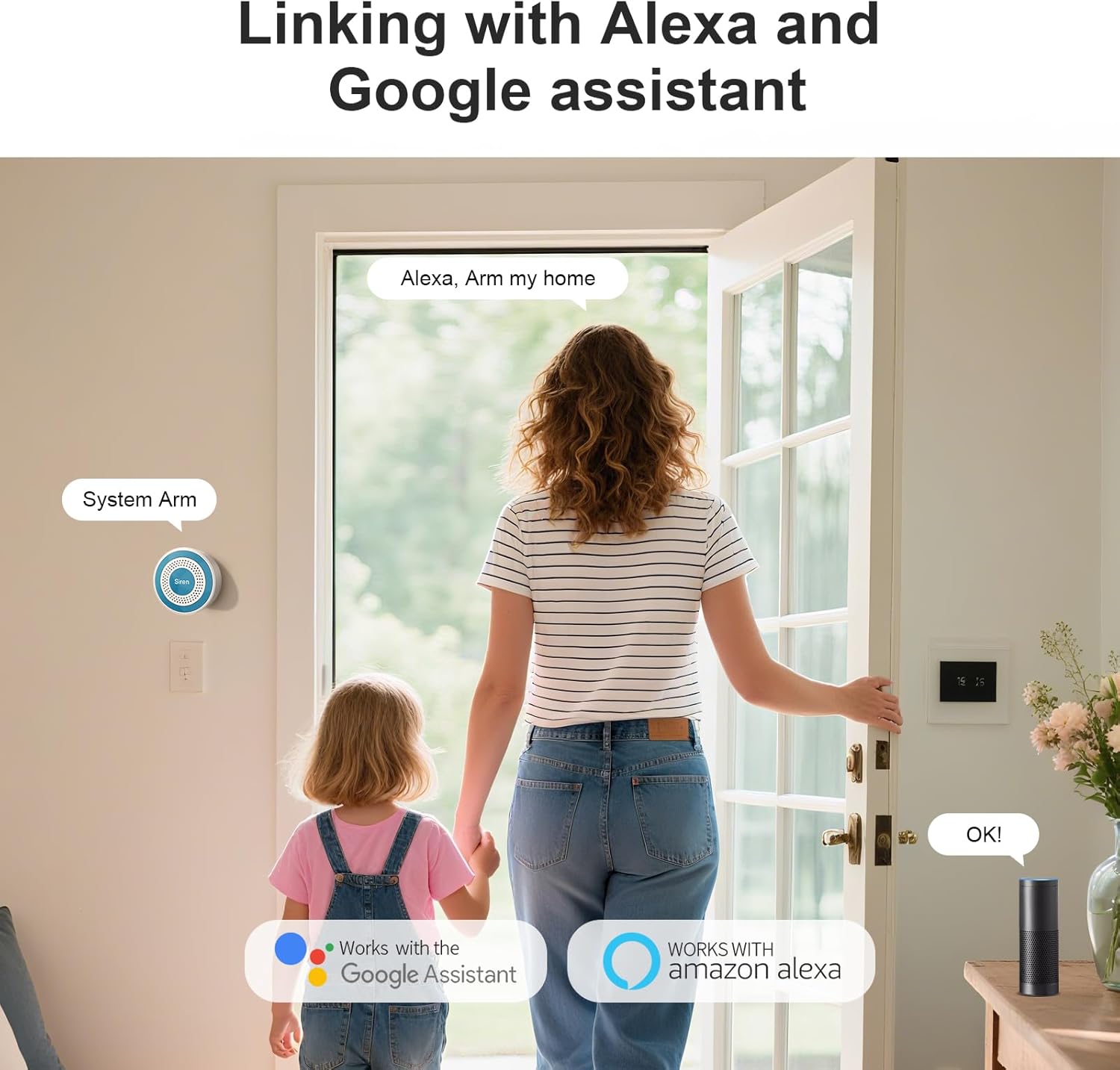
Image: A motion detector mounted in a hallway, detecting a person, illustrating its wide-range detection capability.
3.4 telecomenzi
The remote controls allow for convenient arming, disarming, and an emergency SOS function with a single press.
4. Ghid de instalare
4.1 Alimentarea gazdei de alarmă
- Conectați adaptorul de alimentare furnizat la stația de alarmă.
- Plug the adapter into a standard wall outlet. The host will power on automatically.
4.2 Conectarea la Wi-Fi și la aplicație
- Descărcați Viață inteligentă or Tuya Smart app from your mobile app store (iOS or Android).
- Înregistrați-vă sau conectați-vă la contul dvs.
- Follow the in-app instructions to add a new device. Select 'Security & Sensor' > 'Alarm (Wi-Fi)'.
- Ensure your mobile device is connected to a 2.4 GHz Wi-Fi network. The alarm host only supports 2.4 GHz Wi-Fi.
- Introduceți parola Wi-Fi când vi se solicită.
- The app will guide you through the pairing process. Once connected, the host's indicator light will confirm successful pairing.

Image: The PGST siren mounted on a wall next to a Wi-Fi router, indicating instant Wi-Fi connectivity for remote access.
4.3 Împerecherea senzorilor și a telecomenzilor
Sensors and remote controls are typically pre-paired with the alarm host. If re-pairing is needed or if you add new accessories:
- Open the Smart Life/Tuya Smart app and navigate to your alarm system.
- Select the option to 'Add Accessory' or 'Add Sensor'.
- Follow the on-screen prompts, which usually involve triggering the sensor (e.g., separating door sensor parts, waving in front of motion detector) or pressing a button on the remote control.
4.4 Mounting Sensors
Use the provided adhesive tape or screws for installation.
- Senzori ușă/fereastră: Mount the two parts on the door/window frame and the moving part, ensuring they are aligned and within 1 cm of each other when closed.
- Detectoare de mișcare: Install in a corner or on a wall where it can cover the desired area without obstructions. Avoid direct sunlight or heat sources.

Image: Three images demonstrating multi-scenario installation of door/window sensors on a door, a store entrance, and drawers.
5. Instrucțiuni de utilizare
5.1 Armare și dezarmare
You can arm or disarm your system using the mobile app or the remote controls.
- Braţ: Activates all sensors. Any triggered sensor will sound the siren and send an alert.
- Dezarma: Dezactivează toți senzorii, permițând mișcarea liberă fără a declanșa alarma.
- Braț de acasă: Activates perimeter sensors (e.g., door/window sensors) while allowing movement within the home (motion detectors may be excluded, depending on configuration).
5.2 Funcția SOS de urgență
In an emergency, press the SOS button on your remote control. This will immediately trigger the siren and send emergency notifications to linked contacts via the app.
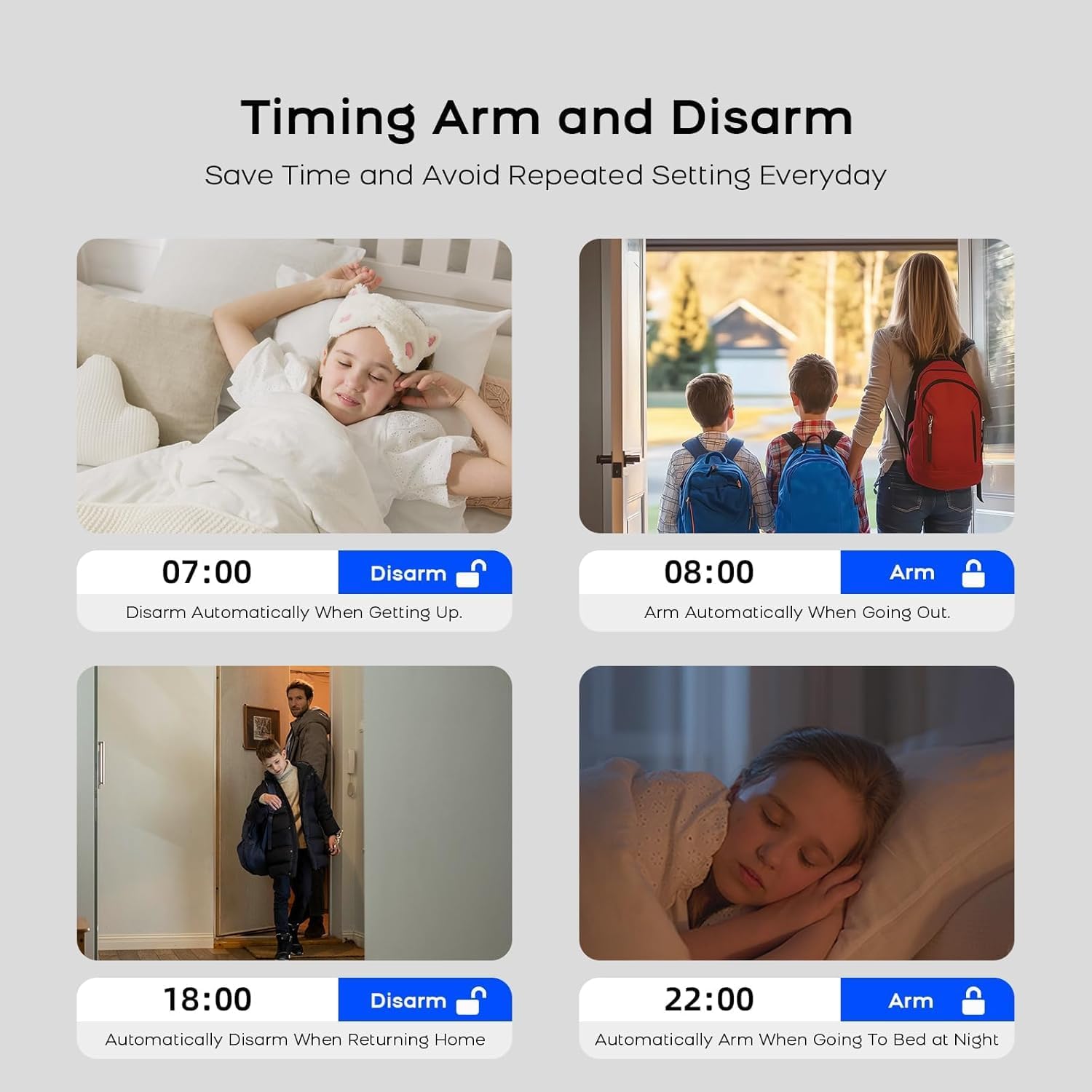
Image: An elderly person holding a remote control with a prominent SOS button, demonstrating the one-button emergency function.
5.3 Alerte în timp real
When a sensor is triggered, the system sends instant notifications to your smartphone via the Smart Life/Tuya Smart app, providing details about the triggered sensor and its location.

Image: A smartphone displaying the Smart Life app with real-time alarm notifications, showing the exact location of triggered sensors.
5.4 Integrare Smart Home
The PGST A519W-EU-H system is compatible with Amazon Alexa and Google Assistant. You can integrate your alarm system into your smart home routines for voice control and automation.
- Enable the Smart Life/Tuya Smart skill/action in your Alexa or Google Home app.
- Conectează-ți contul Smart Life/Tuya Smart.
- Use voice commands such as "Alexa, arm my home" or "Hey Google, disarm the alarm."
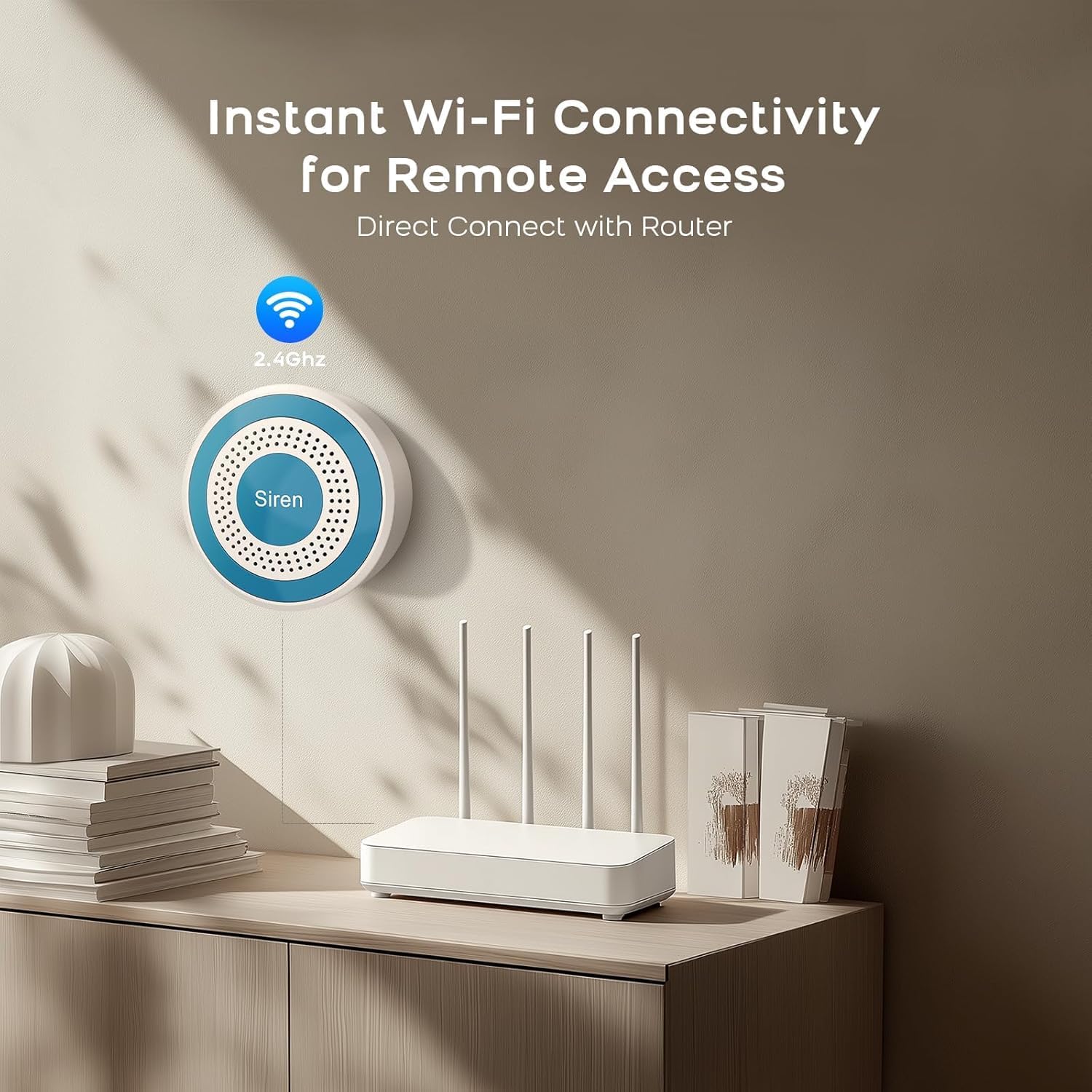
Image: A woman and child entering a home, with smart speakers (Alexa and Google Assistant) visible, illustrating compatibility and voice control.
5.5 Armare/Dezarmare programată
Set up schedules within the Smart Life/Tuya Smart app to automatically arm or disarm your system at specific times, optimizing convenience and security.

Image: Four images depicting scheduled arming and disarming scenarios: disarming upon waking, arming when going out, disarming upon returning home, and arming at night.
6. Întreținere
6.1 Înlocuirea bateriei
- Siren (Alarm Host): The host has a built-in backup battery that automatically charges when connected to power. It provides continuous operation for up to 24 hours during power cuts. No user replacement is typically required for this internal battery.
- Door/Window Sensors & Motion Detectors: These accessories are battery-powered. When the battery is low, the app will notify you. Replace batteries with the specified type (e.g., CR2032 for sensors, AA for motion detectors, refer to individual sensor manuals for exact type).
- Telecomenzi: These also use small button-cell batteries. Replace when the indicator light fails to illuminate or range decreases.
6.2 Curățare
Wipe all components with a soft, dry cloth. Avoid using liquid cleaners or abrasive materials.
7. Depanare
- Alarm Host not connecting to Wi-Fi:
Ensure your Wi-Fi network is 2.4 GHz. Check Wi-Fi password. Move the host closer to the router. Restart the host and your router. - Senzorii nu declanșează alarma:
Check sensor battery levels in the app. Ensure sensors are properly paired. For door/window sensors, verify the two parts are aligned and separate by more than 1 cm when opened. For motion detectors, ensure no obstructions are blocking its field of view. - Nicio notificare în aplicație:
Check your phone's notification settings for the Smart Life/Tuya Smart app. Ensure the app has permission to send notifications. Verify your phone has an active internet connection. - Sirena nu sună:
Ensure the alarm host is powered on and connected. Check the volume settings in the app.
8. Specificatii tehnice
| Caracteristică | Caietul de sarcini |
|---|---|
| Numărul de model | A519W-EU-H |
| Marca | PGST |
| Conectivitate | Wi-Fi de 2.4 GHz |
| Power Source (Host) | AC Powered with Backup Battery |
| Tip baterie de rezervă | Alkaline (1 D cell included) |
| Aplicații compatibile | Smart Life / Tuya Smart |
| Compatibilitate Smart Home | Amazon Alexa, Asistent Google |
| Metoda de instalare | Self-adhesive / Screws |
| Dimensiunile produsului | 15.2 x 9.7 x 18.2 cm |
| Greutatea articolului | 600 de grame |
9. Garanție și asistență
Your PGST A519W-EU-H Wireless Home Alarm System comes with a 1 an garanție de la data cumpărării.
For technical assistance, troubleshooting, or warranty claims, please contact PGST customer support. We aim to provide a response within 24 hours.
Please refer to the contact information provided with your purchase or visit the official PGST website-ul pentru detalii de asistență.