
1.view
The Roku Select Series HD TV provides a streamlined entertainment experience. This 32-inch 720p HD television integrates the Roku operating system for easy access to streaming content, live TV, and various applications. It features a voice remote for convenient control and includes technologies like Bluetooth Headphone Mode and Dolby Audio for enhanced sound.
Caracteristici cheie
- Streaming fără întreruperi: Fast Wi-Fi and quick app launches for immediate entertainment access.
- Extensive Content: Access to thousands of streaming apps, free movies, shows, and live TV channels.
- Ecran principal personalizabil: Organize apps and content for personalized viewing.
- Actualizări automate de software: Ensures access to the latest features and applications.
- Integrare Smart Home: Compatible with Roku Voice, Siri, Alexa, and Google Assistant for voice control. Supports Apple AirPlay for content sharing.
- Clear HD Picture: 720p HD resolution with Roku Smart Picture technology for optimized visuals.
- Telecomanda vocală: Search, play, and control streaming with voice commands.
- Audio îmbunătățit: Designed for clear speech and louder sound with Dolby Audio technology.
- Mod căști Bluetooth: Private listening with wireless headphones.
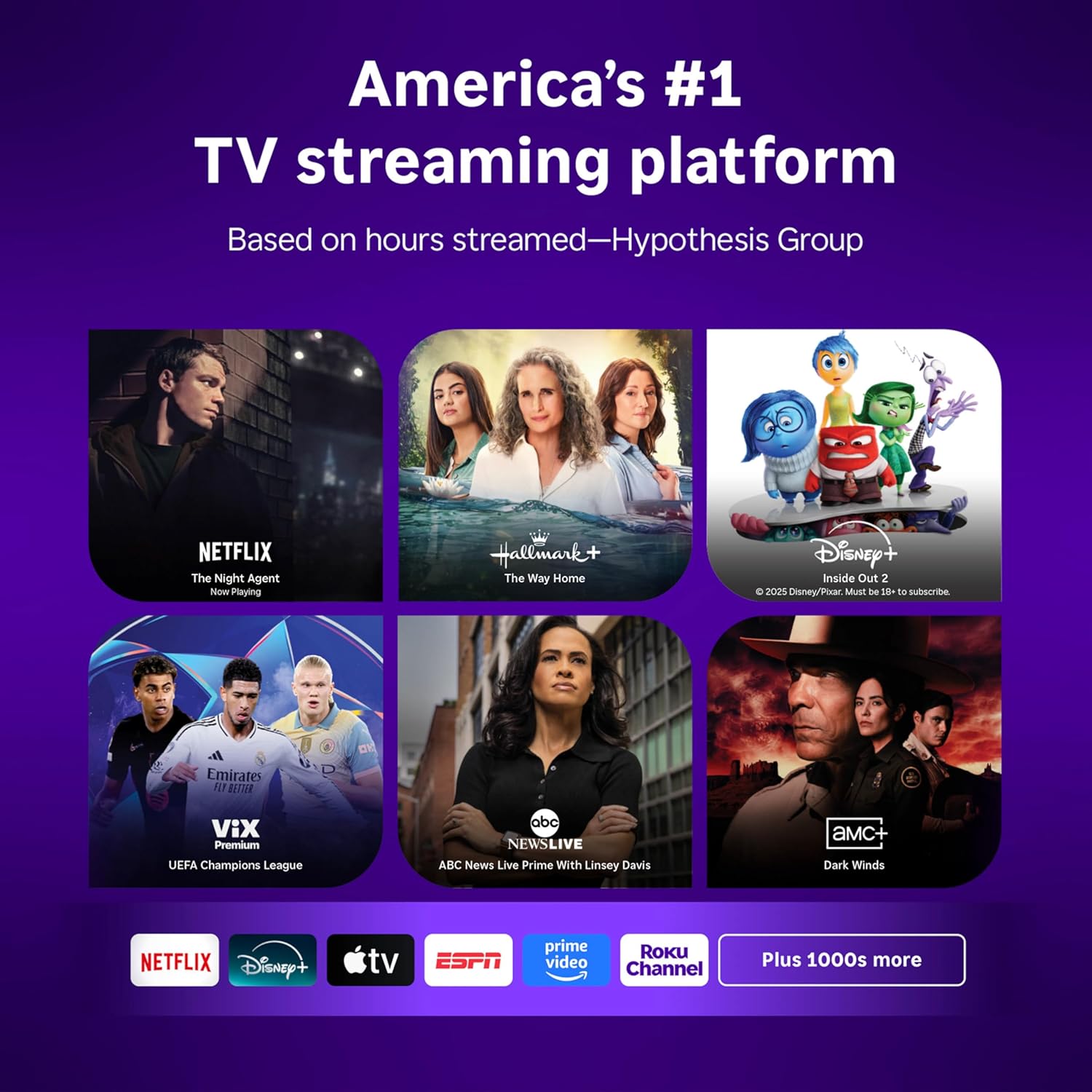
Image: Roku 32-inch Select Series HD Smart TV with included remote control.
2. Ce se află în cutie
Verificați dacă toate componentele sunt prezente înainte de a continua configurarea.
- Roku Select Series 32" HD TV
- Suporturi și șuruburi
- Roku Voice Remote with batteries (2 AAA)
- Cablu de alimentare
- Manual de utilizare (acest document)

Image: Contents of the Roku Select Series TV packaging.
3. Configurare
3.1 Despachetarea
Carefully remove the TV and all accessories from the packaging. Retain the packaging for future transport or service needs.
3.2 Atașarea suportului
- Așezați ecranul televizorului cu ecranul în jos pe o suprafață moale și curată pentru a preveni zgârieturile.
- Aliniați suporturile televizorului cu orificiile pentru șuruburi din partea de jos a televizorului.
- Fixați suporturile folosind șuruburile furnizate. Asigurați-vă că sunt strânse ferm.
3.3 Conectarea perifericelor
Conectați dispozitivele la porturile corespunzătoare din spatele televizorului.
- HDMI: Connect up to three HDMI devices (e.g., cable box, gaming console, Blu-ray player) to the HDMI ports.
- USB: Use the USB port for media playback or connecting compatible accessories.
- Optic (S/PDIF): Pentru conectarea la un sistem audio extern.
- Cablu de alimentare: Conectați cablul de alimentare la televizor și apoi la o priză de perete.
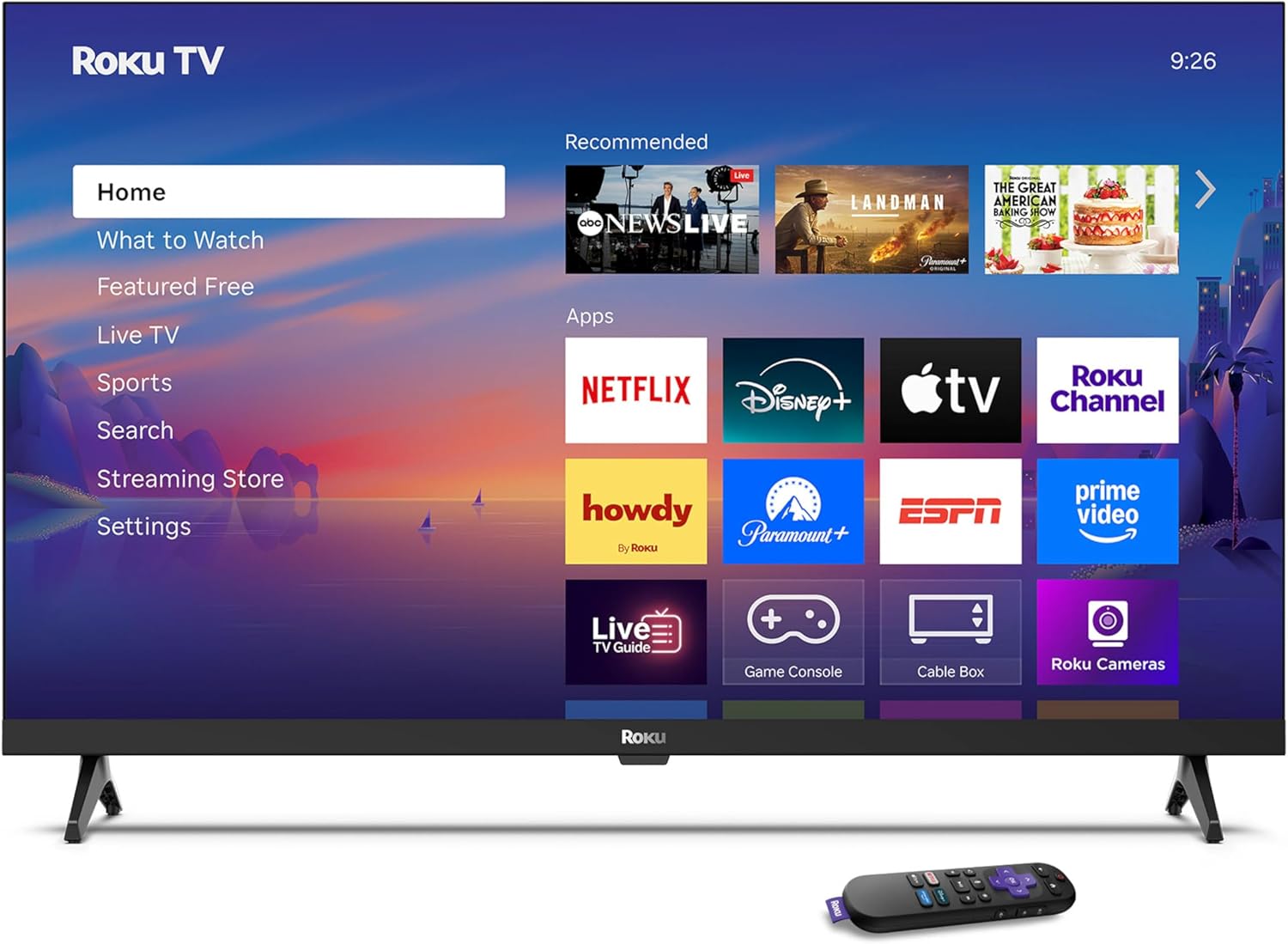
Image: Rear panel connections including HDMI, USB, and optical ports.
3.4 Pornirea inițială și conectarea la rețea
- Plug in the TV and press the power button on the remote or TV.
- Urmați instrucțiunile de pe ecran pentru a selecta limba și a vă conecta la rețeaua Wi-Fi.
- Activate your Roku account or create a new one.
Video: Un pesteview of the Roku TV operating system, demonstrating its user interface and features. This video is provided by Roku, Inc.
4. Instrucțiuni de utilizare
4.1 Utilizarea telecomenzii vocale
The Roku Voice Remote allows for intuitive control of your TV and streaming content.
- Căutare vocală: Press and hold the voice button and speak your command to search for content, launch apps, or control playback.
- Navigare: Folosește pad-ul direcțional pentru a te deplasa prin meniuri și a selecta elemente.
- Comenzi rapide pentru aplicații: Dedicated buttons provide quick access to popular streaming services.

Image: Features of the Roku Voice Remote, highlighting voice control and shortcut buttons.
4.2 Navigating the Home Screen
The Roku Home Screen provides access to all your installed apps, inputs, and settings.
- Acasă: Vă readuce la ecranul principal.
- La ce să ne uităm: Discover recommended content.
- TV în direct: Access free live television channels.
- Streaming Store: Browse and add new streaming channels.
- Setări: Adjust TV and system preferences.

Image: The Roku TV home screen interface.
4.3 Reglarea setărilor de imagine și sunet
Personalizați-vă viewexperiența de ascultare și audiție prin meniul de setări.
- Mod imagine: Select from predefined modes like Standard, Vivid, Sports, or Movie. Roku Smart Picture automatically optimizes settings.
- Mod sunet: Alege sound profiles or enable features like Night Mode for reduced volume fluctuations.
- Mod căști Bluetooth: Pair your wireless headphones for private audio.

Image: Picture mode settings on the Roku TV.

Image: Bluetooth Headphone Mode in use.

Image: Dolby Audio technology for clear sound.
5. Întreținere
5.1 Curățarea ecranului
Pentru a curăța ecranul televizorului, ștergeți-l ușor cu o lavetă moale, uscată și fără scame. Pentru petele persistente, ștergeți ușorampCurățați laveta cu apă sau cu o soluție de curățare sigură pentru ecran. Evitați utilizarea substanțelor chimice dure sau a materialelor abrazive.
5.2 Actualizări de software
Your Roku TV automatically receives software updates when connected to the internet. These updates provide new features, performance improvements, and bug fixes. Ensure your TV remains connected to the internet for optimal performance.
6. Depanare
If you encounter issues with your Roku TV, refer to the following common solutions:
- Fără putere: Asigurați-vă că cablul de alimentare este conectat corect atât la televizor, cât și la o priză electrică funcțională. Încercați o altă priză.
- Fără imagine/sunet: Verify that the correct input source is selected. Check all cable connections (HDMI, audio). Restart the TV by unplugging it for 30 seconds and plugging it back in.
- Telecomanda nu funcționează: Replace the AAA batteries in the remote. Ensure there are no obstructions between the remote and the TV. For voice remote issues, re-pair the remote if necessary (refer to Roku support for specific steps).
- Probleme de conexiune la rețea: Restart your Wi-Fi router and modem. Go to the TV's settings menu, then Network, and try reconnecting to your Wi-Fi network.
- Aplicația nu se încarcă/se blochează: Try restarting the app. If the issue persists, remove the app from the home screen, restart the TV, and then re-add the app from the Streaming Store.
7. Specificații
| Caracteristică | Detaliu |
|---|---|
| Dimensiunea ecranului | 32 inchi |
| Tehnologia de afișare | LED |
| Rezoluţie | 720p |
| Rata de reîmprospătare | 60 Hz |
| Caracteristici speciale | Bluetooth Headphone Mode, Dolby Audio, Voice Remote |
| Tehnologia de conectivitate | Bluetooth, WiFi |
| Total porturi HDMI | 3 |
| Total porturi USB | 1 |
| Intrare audio | HDMI |
| Sistem de operare | Roku OS |
| Tip de montare | Suport de masă, Suport de perete |
| Standard de montare VESA | 200 x 200 mm |
| Dimensiuni produs (D x L x H) | 7" D x 28.3" L x 18.3" H |
| Greutatea articolului | 7.5 lire sterline |
| Numărul de model | 32R2D5 |
| UPC | 829610008974 |
8. Informații despre garanție
8.1 Garanție limitată
Roku warrants the hardware against defects in materials and workmanship under normal use for a period of one (1) year from the date of purchase ("Warranty Period"). If Roku determines that the device’s hardware is defective during the Warranty Period, Roku’s sole obligation, and your exclusive remedy, will be to either repair or replace the unit with either a new or rebuilt device, at its option. This warranty applies if the product is used in accordance with the provided documentation.
8.2 Politica de returnare
You may return a device for any reason:
- Within thirty (30) days from the date of purchase from Roku.
- Within the applicable return period if purchased from an authorized reseller or distributor.
Additional details regarding product returns can be found on the Roku support site.
9. Suport
For further assistance, troubleshooting guides, and frequently asked questions, please visit the official Roku support website: