
Introducere
Thank you for choosing the W-KING T8II Portable Bluetooth Speaker. This manual will guide you through the features and functions of your new speaker, ensuring optimal performance and longevity. Please read these instructions carefully before using the product.
Conținutul pachetului
- 1 x W-KING T8II Portable Loud Speaker
- 1 x cablu audio de 3.5 mm
- 1 x cablu de încărcare tip C
- 1 x Manual de utilizare
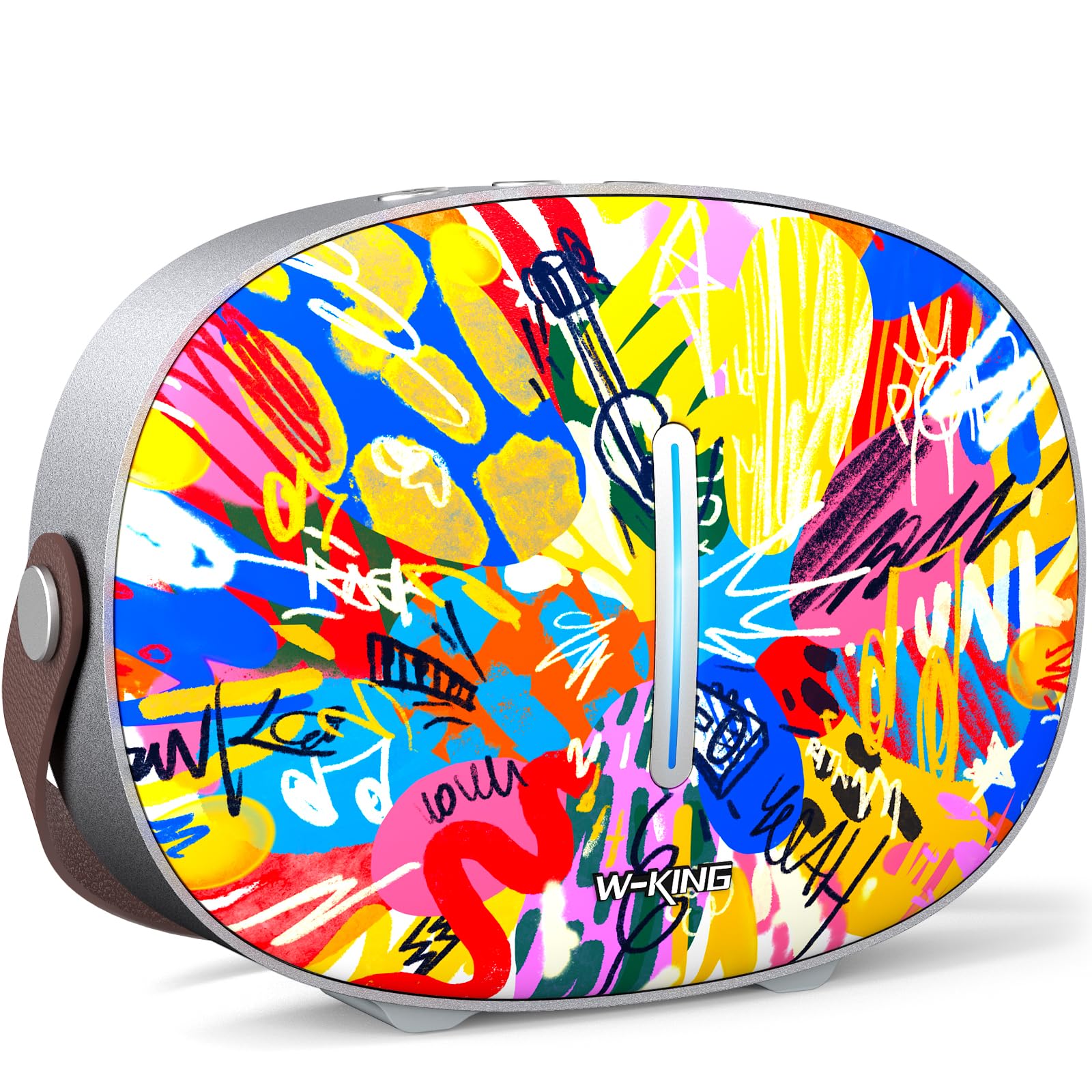
The package includes the W-KING T8II speaker, a 3.5mm audio cable for auxiliary connections, a Type-C charging cable, and this user manual.
Înființat
Încărcare inițială
Before first use, fully charge your W-KING T8II speaker. Connect the provided Type-C charging cable to the speaker's Type-C port and a compatible power source. The speaker supports up to 30W fast charging. The indicator lights on the back will show the charging status.

Pornire/Oprire
- To power on: Press and hold the power button located on the back of the speaker for a few seconds until the indicator light illuminates.
- To power off: Press and hold the power button again for a few seconds until the indicator light turns off.

Asociere Bluetooth
- Asigurați-vă că difuzorul este pornit și în modul de asociere Bluetooth (indicatorul luminos va clipi).
- Pe dispozitivul dvs. (smartphone, tabletă etc.), activați Bluetooth și căutați dispozitivele disponibile.
- Select "W-KING T8II" from the list of devices.
- Once connected, the indicator light will become solid, and you will hear an audible confirmation.

The W-KING T8II uses Bluetooth 5.4 for a stable and efficient wireless connection.
Despachetare și pesteview Video
Video: Despachetare și alteleview of the W-KING T8II Portable Bluetooth Speaker, demonstrating its contents and initial setup.
Instrucțiuni de operare
Butoane de control
The top panel of the speaker features intuitive control buttons for easy operation:
- M (Buton Mod): Apăsați pentru a comuta între modurile de redare Bluetooth, AUX și USB.
- - (Reducere volum / Piesa anterioară): Apăsați scurt pentru a reduce volumul. Apăsați lung pentru a trece la piesa anterioară.
- Buton Redare/Pauză: Apăsați pentru a reda sau întrerupe audio.
- + (Mărire volum / Melodia următoare): Apăsați scurt pentru a crește volumul. Apăsați lung pentru a trece la următoarea piesă.

Moduri de redare
- Mod Bluetooth: Connect wirelessly to your device as described in the Setup section.
- Mod AUX: Connect an external audio device using the provided 3.5mm audio cable to the AUX port on the back of the speaker. Press the 'M' button to switch to AUX mode.
- Mod redare USB: Insert a USB flash drive into the USB-A port on the back of the speaker. The speaker will automatically switch to USB mode and begin playing compatible audio files.

Asociere True Wireless Stereo (TWS)
For an enhanced audio experience, two W-KING T8II speakers can be paired together to create a true stereo sound system:
- Ensure both T8II speakers are powered on and in Bluetooth pairing mode (not connected to any device).
- On one of the speakers, press and hold the Bluetooth pairing button (usually indicated by a Bluetooth icon) until you hear a confirmation tone.
- Cele două difuzoare se vor conecta automat între ele. Odată conectate, o boxă va acționa ca master (canalul stâng), iar cealaltă ca slave (canalul drept).
- Connect your device to the master speaker via Bluetooth.

Încărcarea dispozitivelor externe
The W-KING T8II speaker can function as a power bank to charge your mobile devices. Connect your device to the speaker's USB-A output port using a compatible charging cable. The USB-A to Type-C output supports up to 18W charging.

Întreţinere
Îngrijire generală
- Nu expuneți difuzorul la temperaturi extreme, lumina directă a soarelui și umiditate.
- Evitați scăderea sau supunerea difuzorului la impacturi puternice.
- Do not disassemble or attempt to repair the speaker yourself, as this will void the warranty.
Îngrijirea bateriei
To maximize battery life, avoid fully discharging the speaker frequently. Recharge the battery regularly, even if the speaker is not in use for extended periods.
Curatenie
Ștergeți difuzorul cu o cârpă moale și uscată. Nu utilizați substanțe de curățare abrazive sau solvenți.
Rezistenta la apa
Nota: The W-KING T8II speaker is NU impermeabil. Avoid exposure to water or other liquids to prevent damage.
Depanare
| Problemă | Soluţie |
|---|---|
| Difuzorul nu pornește. | Asigurați-vă că bateria este încărcată. Conectați difuzorul la o sursă de alimentare folosind cablul Type-C. |
| Nu se poate conecta prin Bluetooth. |
|
| Nici un sunet. |
|
| Distorsiune a sunetului la volum mare. | Reduce the volume on the speaker or your connected device. Ensure audio source quality is high. |
| Difuzorul nu încarcă dispozitivul extern. | Ensure the speaker has sufficient battery charge. Use a compatible USB-A cable. |
Specificații
| Numele modelului | T8II |
| Marca | W-REGE |
| Tip difuzor | Difuzor portabil wireless pentru exterior |
| Tehnologia de conectivitate | Auxiliar, Bluetooth, USB |
| Versiune Bluetooth | 5.4 |
| Putere maximă de ieșire difuzor | 96 wați |
| Mod ieșire audio | Surround Stereo |
| Raspuns in frecventa | 20 Hz (Lower bound, full range not specified) |
| Raportul semnal-zgomot | 85 dB |
| Diametrul wooferului | 3 inchi |
| Diametrul tweeterului | 1 inchi |
| Sursa de alimentare | Alimentat cu baterii (necesită 1 baterie de 12V) |
| Dimensiunile produsului | 10.91" D x 7.73" L x 3.9" H |
| Greutatea articolului | 5.5 lire sterline (2.5 kilograme) |
| Material | Plastic, Metal |
| Impermeabil | Nu |
| Caracteristici speciale | Bass Boost, Bluetooth 5.4, True Wireless Stereo Pairing, Portable, Shockproof, Type-C Fast Charging, Type-C output, USB PLAYBACK/AUX, Personalised Trendy Design |
Informații despre garanție
The W-KING T8II Portable Bluetooth Speaker comes with a Limited Warranty. Please refer to the product packaging or contact W-KING customer support for specific warranty terms and conditions.
Sprijin
For further assistance, technical support, or inquiries regarding your W-KING T8II speaker, please visit the official W-KING website or contact their customer service department. The user manual included in the package also contains detailed information.
W-KING Store: Visit the W-KING Store on Amazon