
1. Introducere
Thank you for choosing the Nuwave Gold Pro Precision Induction Cooktop. This manual provides essential information for the safe and efficient operation of your new appliance. Please read all instructions carefully before use and retain this manual for future reference.
2. Informații importante privind siguranța
WARNING: To reduce the risk of fire, electric shock, injury to persons, or damage to the appliance, read and follow all instructions.
- Always place the cooktop on a stable, level, heat-resistant surface.
- Asigurați o ventilație adecvată în jurul unității. Nu blocați orificiile de ventilație.
- Nu scufundați plita în apă sau alte lichide.
- Use only induction-compatible cookware. Non-compatible cookware will not heat.
- Do not touch the cooking surface immediately after use, as it may retain residual heat.
- Țineți copiii și animalele de companie departe de plita în timpul funcționării.
- Unplug the cooktop when not in use and before cleaning.
- Nu utilizați aparatul dacă are cablul sau ștecherul deteriorat, dacă funcționează defectuos sau dacă a fost deteriorat în vreun fel.
- Persoanele cu stimulatoare cardiace sau dispozitive medicale similare trebuie să consulte medicul înainte de a utiliza o plită cu inducție.
3. Produs terminatview
Componente
- Nuwave Gold Pro Precision Induction Cooktop
- Meat Thermometer (included)
Panou de control și afișaj
The Nuwave Gold Pro features a digital touch screen control panel and an enhanced cool white LED display for clear visibility of time and temperature settings.

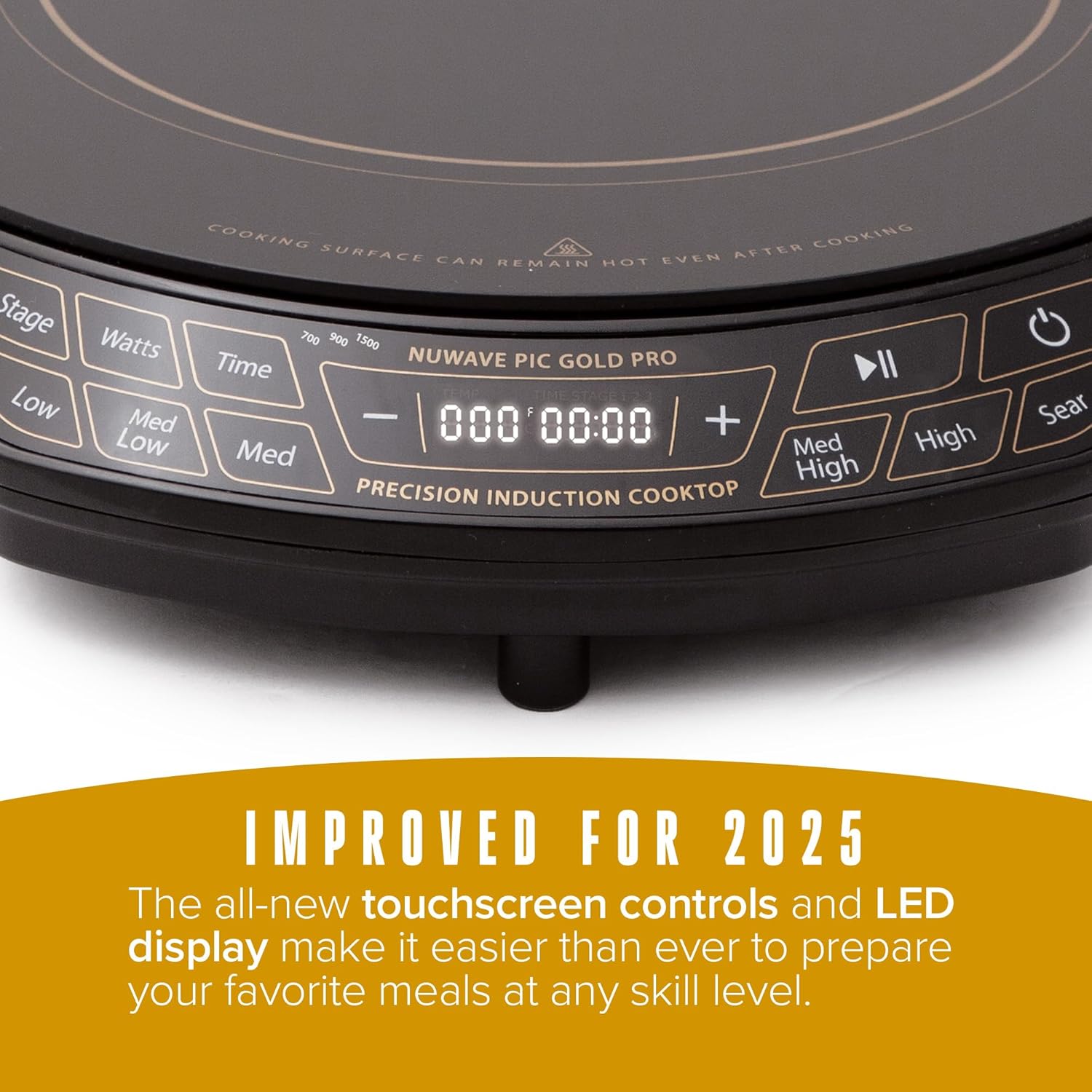
Comenzi cheie:
- Buton de alimentare: Pornește sau oprește unitatea.
- Controlul temperaturii: Adjusts cooking temperature from 100°F to 575°F in 5-degree increments. Pre-set temperature buttons (Low, Med Low, Med, Med High, High, Sear) are also available.
- Wattage Control: Adjusts power output between 700W, 900W, and 1500W.
- Butonul de timp: Setează cronometrul de gătire.
- StagButonul e: For advanced multi-stage programe de gătit.
- Buton Redare/Pauză: Pauses or resumes cooking.
4. Configurare
- Despachetarea: Carefully remove all packaging materials from the cooktop. Inspect the unit for any damage.
- Plasare: Place the cooktop on a dry, stable, and level surface. Ensure there is at least 6 inches of clear space around all sides for proper ventilation. Do not place on or near hot gas or electric burners, or in a heated oven.
- Conexiune de alimentare: Conectați cablul de alimentare la o priză standard de 120 V AC.
5. Instrucțiuni de utilizare
5.1 Pornirea și oprirea
- Pentru a porni, apăsați tasta Putere butonul. Afișajul se va ilumina.
- Pentru a opri, apăsați tasta Putere butonul din nou.
5.2 Operațiuni de gătire de bază
- Place induction-compatible cookware with food on the center of the cooktop.
- Apăsați tasta Putere pentru a porni unitatea.
- Selectați temperatura dorită folosind Temperatură buttons (Low, Med Low, Med, Med High, High, Sear) or adjust precisely using the + şi - buttons. Temperatures can be set from 100°F to 575°F in 5-degree increments.
- Optionally, adjust the wattage prin apăsarea butonului wați button to cycle between 700W, 900W, and 1500W.
- Optionally, set a cooking time using the Timp butonul și + şi - buttons. The cooktop will automatically shut off when the timer expires.
- Pentru a întrerupe gătitul, apăsați butonul Redare/Pauză Apăsați din nou pentru a relua.
5.3 Caracteristici de siguranță
- Detectarea vaselor de gătit: The cooktop will not activate if no compatible cookware is placed on the surface. If cookware is removed during operation, the unit will pause and automatically shut off after 1 minute if the cookware is not returned.
- Oprire automată: The unit will automatically shut off after 2 hours of continuous operation unless the timer is set for a longer duration or adjusted during cooking.


6. Compatibilitatea vaselor de gătit
The Nuwave Gold Pro Precision Induction Cooktop requires cookware with a magnetic base. To test if your cookware is compatible, hold a household magnet to the bottom of the pot or pan. If the magnet sticks, the cookware is induction compatible.
Materiale compatibile pentru vase de gătit:
- All Nuwave Cookware
- Enameled Iron & Steel
- Oțel inoxidabil cu bază magnetică
- Cast Iron & Carbon Steel
Materiale incompatibile pentru vase de gătit:
- Cupru
- Sticlă
- Aluminiu
- ceramică

7. Curățare și întreținere
Curățarea regulată asigură performanțe optime și prelungește durata de viață a plitei dumneavoastră.
- Deconectați întotdeauna plita de la priză și lăsați-o să se răcească complet înainte de curățare.
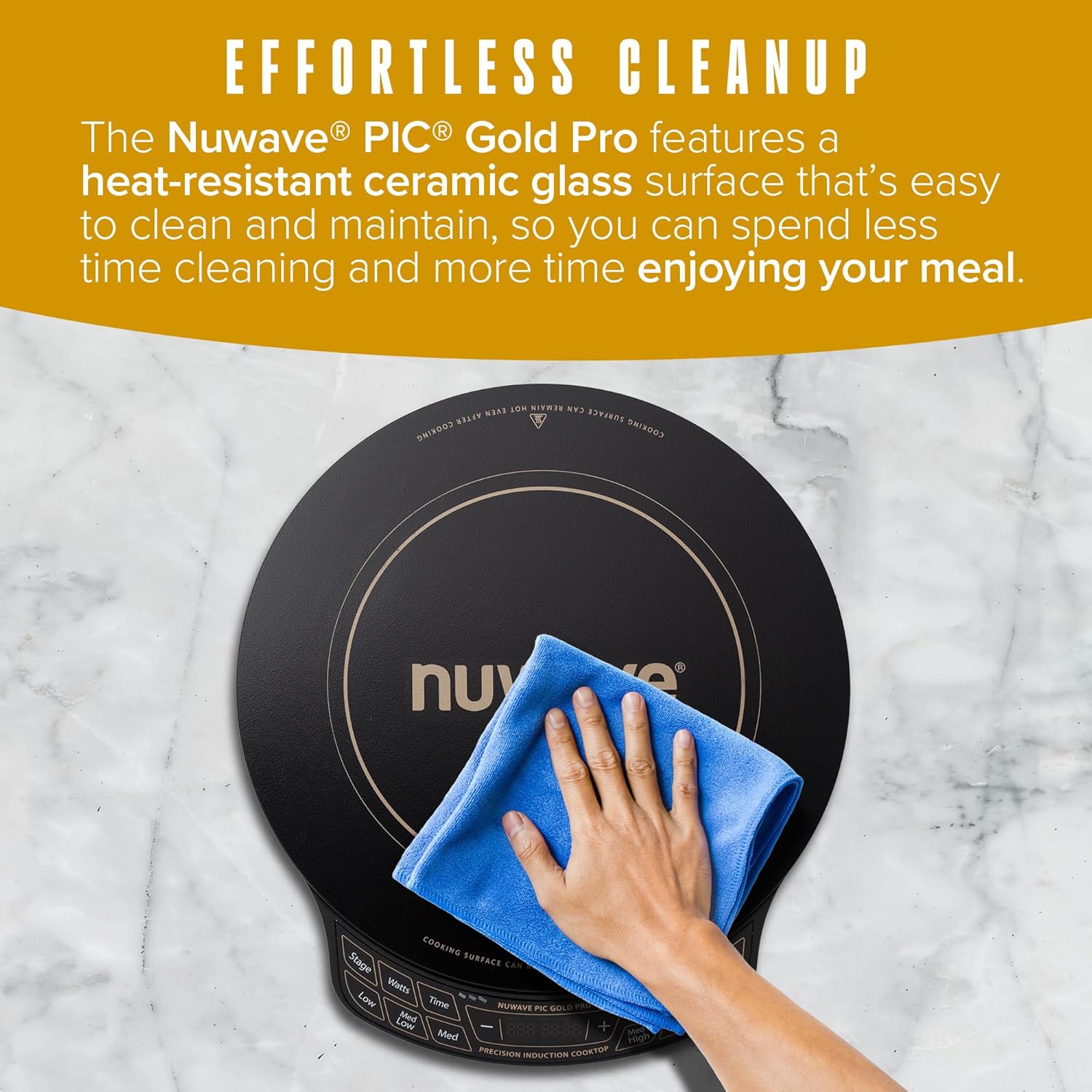
- Ștergeți suprafața din sticlă ceramică cu adamp o lavetă și un detergent blând. Pentru petele persistente, folosiți un produs de curățare neabraziv special conceput pentru plitele ceramice.
- Do not use abrasive pads, harsh chemicals, or steel wool, as these can scratch or damage the surface.
- Ștergeți panoul de control cu un material moale, damp Asigurați-vă că nu pătrunde lichid în zona de control.
- Ensure the cooktop is completely dry before plugging it back in or storing it.
8. Depanare
If you encounter issues with your Nuwave Gold Pro, please refer to the following common problems and solutions:
| Problemă | Cauza posibila | Soluţie |
|---|---|---|
| Cooktop does not turn on or heat. | Nu este conectat la priză; se oprește alimentareatage; incompatible cookware; cookware not centered. | Check power connection; ensure compatible cookware is used and centered; check household circuit breaker. |
| Display shows 'C' instead of 'F' for temperature. | Temperature unit accidentally switched to Celsius. | Long press the 'Med High' button to toggle between Celsius and Fahrenheit. |
| Plita se oprește din încălzire în timpul funcționării. | Cookware removed; automatic shut-off activated; overheating. | Return cookware to surface; reset unit if auto-shutoff occurred; ensure proper ventilation and allow to cool if overheating. |
| Unusual noises (e.g., humming). | Normal operation with certain cookware; fan noise. | A slight humming sound is normal with induction technology. The internal fan operates to cool the unit. |
9. Specificații
| Caracteristică | Detaliu |
|---|---|
| Numărul de model | PIC Gold Pro |
| Marca | Nuwave |
| Culoare | Negru |
| Material | Sticlă ceramică |
| Elemente de încălzire | 1 |
| Dimensiuni produs (D x L x H) | 13.75 cm x 12.38 cm x 2.25 cm |
| Wattage | Adjustable (700W, 900W, 1500W) |
| Interval de temperatură | 100°F până la 575°F (în trepte de 5°F) |
| Tipul comenzilor | Touch screen |
| Tip arzător | Inducţie |
| Componente incluse | 1 x termometru pentru carne |
| Sursa de alimentare | Electric |
| Greutatea articolului | 7.04 lire sterline (3.2 kilograme) |
| UPC | 652185302129 |
10. Garanție și asistență
The Nuwave Gold Pro Precision Induction Cooktop comes with a manufacturer's warranty. Please refer to the warranty card included with your product for specific terms and conditions. For technical support, replacement parts, or any inquiries, please contact Nuwave customer service.
Serviciul Clienți Nuwave:
- Contact information can typically be found on the official Nuwave website-ul sau pe ambalajul produsului.