

Introducere
This manual provides essential information for the safe and efficient operation of your Philips PLD2030P7 DVD Player. Please read these instructions thoroughly before using the device and retain them for future reference.
1. Configurare
1.1 Despachetarea
Scoateți cu grijă toate componentele din ambalaj. Asigurați-vă că sunt prezente toate articolele enumerate mai jos:
- Philips PLD2030P7 DVD Player
- Telecomanda
- Cablu HDMI
- RCA prin cablu
1.2 Conectarea la un televizor
The Philips PLD2030P7 DVD Player offers both HDMI and RCA connections for video and audio output.
HDMI Connection (Recommended for HD TVs)
- Connect one end of the HDMI cable to the HDMI OUT port on the DVD player.
- Conectați celălalt capăt al cablului HDMI la un port HDMI IN disponibil al televizorului.
- Select the corresponding HDMI input on your television using its remote control.
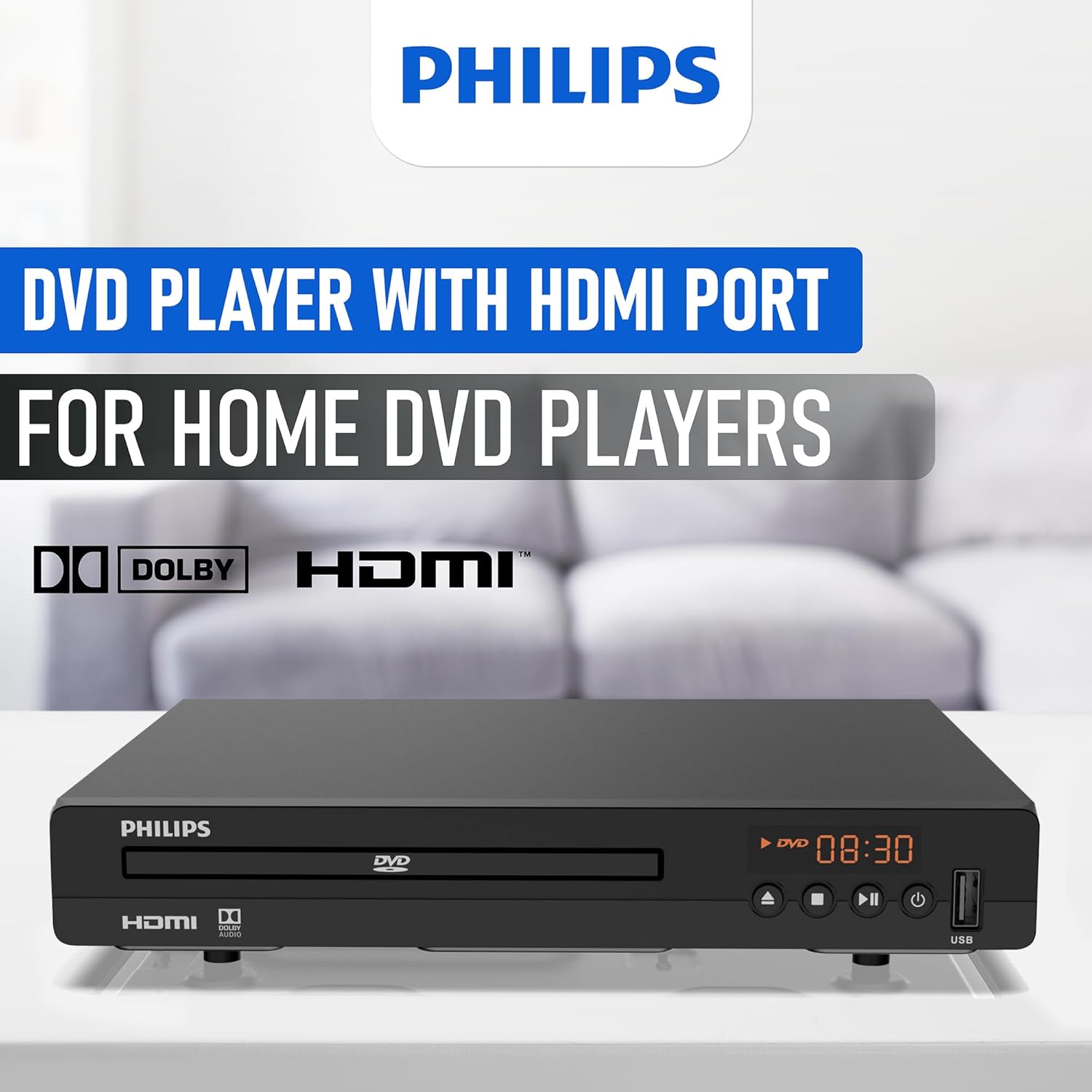
Illustration of the HDMI connection process, highlighting the 1080P upconversion capability from 480P resolution.
RCA Connection (For older TVs or alternative audio)
- Connect the red, white, and yellow RCA plugs from the RCA cable to the corresponding color-coded AV OUT jacks on the DVD player.
- Connect the other end of the RCA cable to the matching color-coded AV IN jacks on your television or home stereo system.
- Select the corresponding AV input on your television or stereo system.

Visual guide to various connection types, including HDMI for Smart TVs, projectors, and monitors, and RCA for older TVs, speakers, soundbars, amplifiers, and tuners.
1.3 Pornire
After connecting the player to your TV, plug the power cord into an electrical outlet. Press the Power button on the front panel or the remote control to turn on the DVD player.
1.4 Region Free Setup Guide
This DVD player supports multiple regions (1,2,3,4,5,6). To adjust region settings:
- Connect your DVD player to a TV.
- Ensure no disc is in the compartment, or press the DESCHIS/ÎNCHIS button to eject the disc tray. The TV screen should display 'NO DISC'.
- Using the remote control, input the number "5168" to access the Super Setup Mode.
- Apăsați tasta UP button to highlight "REGION". Press the CORECT button to highlight the region code. Press the UP button to highlight "TEST 0". Press the ENTER butonul pentru a confirma.
- Presa ÎNFIINȚAT a iesi.
Visual instructions detailing the process to configure the DVD player for region-free playback, including remote control input and screen prompts.
2. Instrucțiuni de utilizare
Redare disc 2.1
The Philips PLD2030P7 is compatible with CD, (S),VCD,DVD,DVD+R/RW,DVD-R/RW, or MP3 discs.
- Apăsați tasta DESCHIS/ÎNCHIS pentru a deschide tava discului.
- Așezați ușor un disc pe tavă, cu eticheta în sus.
- Apăsați tasta DESCHIS/ÎNCHIS button again to close the tray. The player will automatically begin playback or display a disc menu.
- Use the remote control to navigate menus and control playback (Play, Pause, Stop, Skip, Fast Forward/Rewind).
2.2 Redare media USB
The player supports media playback from USB devices for JPEG, MP3, and MP4 files.
- Insert your USB device into the USB port on the front of the DVD player.
- The player should automatically detect the USB device and display a media browser. If not, press the USB butonul de pe telecomandă.
- Navigați prin filefolosind telecomanda și apăsați JUCA or ENTER pentru a începe redarea.

Demonstration of the USB input functionality, illustrating how to connect a USB device and the supported media formats including video (AVI, DIVX, MPG, MPEG, VOB), images (JPG), and music.
2.3 Funcția de potrivire a ecranului
To optimize the picture to fill your screen, press the Potrivirea ecranului button on the remote control during playback. This feature adjusts the aspect ratio to match your display.
2.4 Audio and Video Quality
The player features a 10-bit/108 MHz video DAC for superior picture quality and a built-in Dolby decoder chip for immersive audio.

Visual representation emphasizing the DAC/Dolby audio technology, which provides an immersive audio experience.

Description of the 10-bit/108 MHz video processing, ensuring sharp and natural images.
3. Întreținere
3.1 Curăţarea unităţii
To clean the exterior of the DVD player, use a soft, dry cloth. Do not use liquid or aerosol cleaners, as they may damage the finish. Ensure the unit is unplugged before cleaning.
3.2 Îngrijirea discului
Handle discs by their edges to avoid fingerprints. Store discs in their cases when not in use to prevent scratches and dust accumulation. Clean discs with a soft, lint-free cloth, wiping from the center outwards.
4. Depanare
Dacă întâmpinați probleme cu playerul DVD, consultați următoarele probleme și soluții frecvente:
| Problemă | Cauza posibila | Soluţie |
|---|---|---|
| Fără putere | Cablul de alimentare nu este conectat; Priza de alimentare nu este activă | Asigurați-vă că cablul de alimentare este conectat corect; Testați priza cu un alt dispozitiv |
| Nicio imagine pe televizor | Incorrect input selected on TV; Loose video cable connection | Select correct HDMI/AV input on TV; Check HDMI/RCA cable connections |
| Nici un sunet | TV/receiver volume too low; Loose audio cable connection | Increase volume; Check HDMI/RCA audio cable connections |
| Discul nu se redă | Disc is dirty or scratched; Incorrect disc type; Region code mismatch | Clean disc; Ensure disc is compatible (DVD, CD, VCD); Verify region settings (refer to 1.4) |
| Telecomanda nu funcționează | Bateriile sunt descărcate sau introduse incorect; Obstrucție între telecomandă și player | Replace batteries; Ensure correct polarity; Remove obstructions; Point remote directly at player |
5. Specificații
Below are the technical specifications for the Philips PLD2030P7 DVD Player:
| Caracteristică | Detaliu |
|---|---|
| Marca | Philips |
| Numele modelului | PLD2030P7 |
| Tip media | CD, DVD, VCD |
| Caracteristica specială | Compact, Progressive Scan |
| Rezoluţie | 1280x800 (Internal processing), Video Output: 1080p |
| Tip conector | HDMI |
| Tehnologia de conectivitate | HDMI |
| Culoare | Negru |
| Greutatea articolului | 2.3 lire sterline |
| Mod ieșire audio | Surround |
| Format audio acceptat | Dolby Digital |
| Configurare canal de sunet surround | 5.1 |
| Total Number of HDMI Ports | 1 |
| Codificare video | MPEG-2 |
| Dispozitive compatibile | AV Receiver, Home Stereo System, Television |
| File Formatare (USB) | JPEG, MP3, MP4 |
| Media încorporate | DVD Player, HDMI Cable, RCA Cable, Remote Control |
| UPC | 850041387796 |
| ASIN | B0F4F53JSS |
| GTIN | 850041387796 |

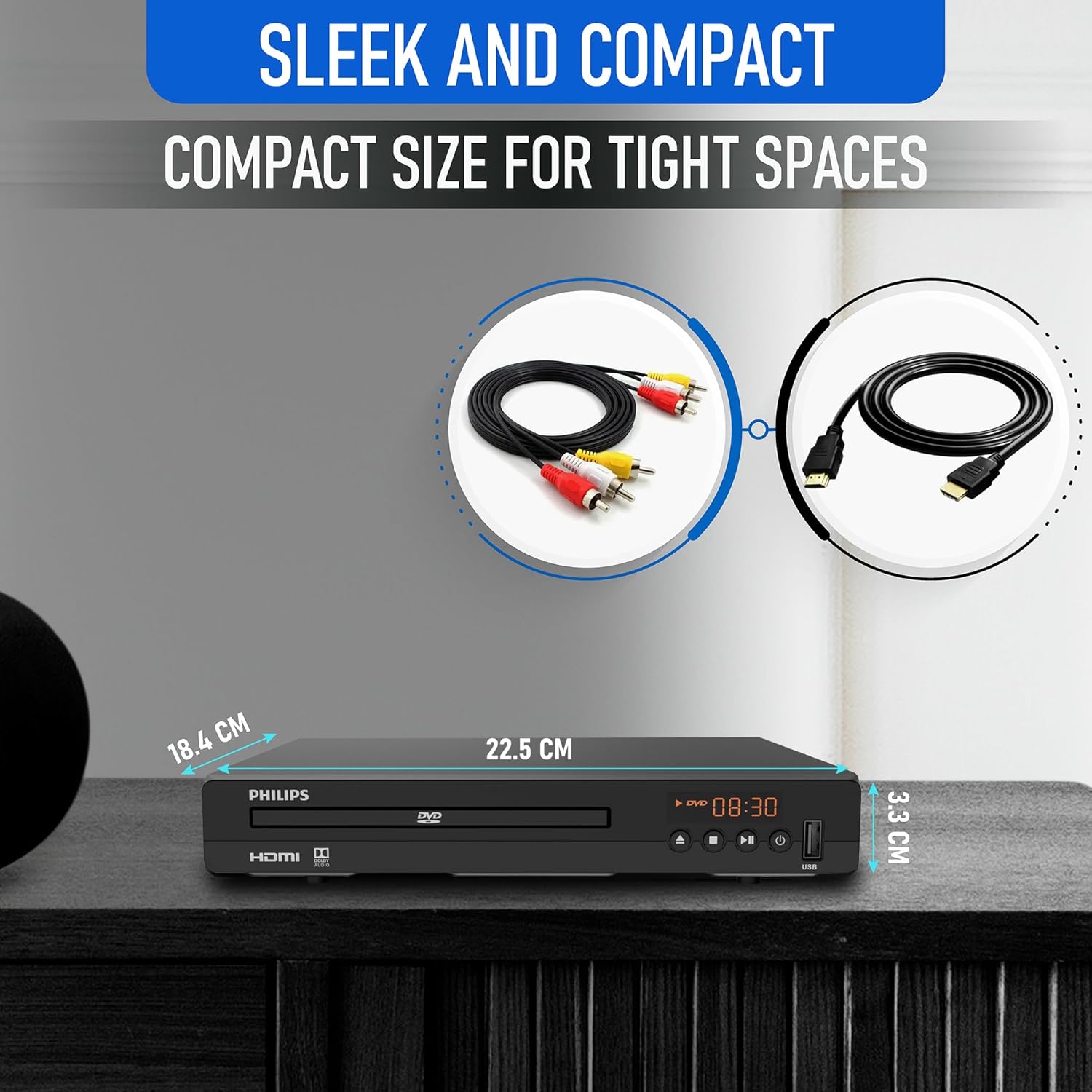
Diagram illustrating the compact dimensions of the DVD player: 22.5 cm (width), 18.4 cm (depth), and 3.3 cm (height).
6. Informații despre garanție
For detailed warranty information, please refer to the warranty card included in your product packaging or contact Philips customer support. The manufacturer's warranty covers defects in materials and workmanship under normal use.
7. Asistență pentru clienți
If you require further assistance or have questions not covered in this manual, please contact Philips customer support through their official website-ul sau informațiile de contact furnizate în documentația produsului.