
1. Introducere
Thank you for choosing the Intelbras PFL7560 Full HD Wi-Fi Projector. This projector is designed to deliver a high-quality visual and audio experience for various applications, from home cinema to business presentations. It features Full HD resolution, 8000 lumens brightness, and integrated 12W stereo speakers. This manual provides essential information for safe and efficient operation of your projector.
2. Informații de siguranță
Vă rugăm să citiți cu atenție toate instrucțiunile de siguranță înainte de a utiliza proiectorul. Păstrați acest manual pentru referințe ulterioare.
- Alimentare electrică: Use only the power adapter provided with the projector. Ensure the voltage se potrivește cu sursa de alimentare locală.
- Ventilare: Nu blocați orificiile de ventilație. Asigurați suficient spațiu în jurul proiectorului pentru o circulație adecvată a aerului și pentru a preveni supraîncălzirea.
- Plasare: Așezați proiectorul pe o suprafață stabilă și plană. Evitați să îl expuneți direct la lumina soarelui, în apropierea surselor de căldură sau în medii cu umiditate ridicată sau praf.
- Protecția ochilor: Nu priviți direct în lentila proiectorului atunci cândamp este pornit, deoarece lumina puternică poate provoca leziuni oculare.
- curatenie: Deconectați proiectorul înainte de curățare. Folosiți o cârpă moale și uscată. Nu utilizați agenți de curățare lichizi sau cu aerosoli.
- Service: Nu încercați să reparați singur proiectorul. Apelați la personal de service calificat pentru toate lucrările de service.
3. Conținutul pachetului
Verificați dacă toate articolele sunt prezente în colet:
- Intelbras PFL7560 Projector Unit
- Telecomanda
- Cablu de alimentare
- Manual de utilizare
4. Produs terminatview
Familiarize yourself with the main components and ports of your Intelbras PFL7560 projector.
4.1. Componentele proiectorului

Image: Intelbras PFL7560 Projector with included remote control.
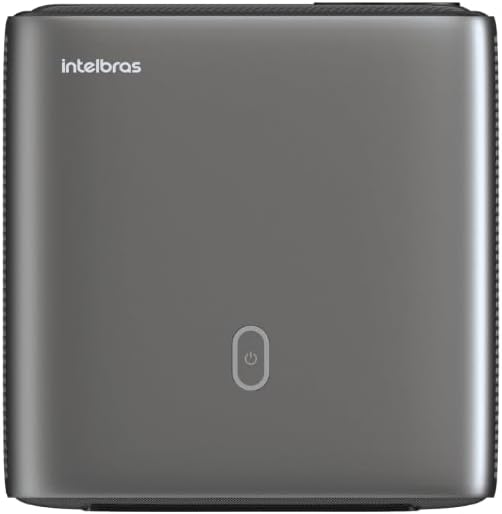
Imagine: Sus view of the projector, highlighting the power button and sleek design.
4.2. Porturi și conectivitate
Proiectorul oferă mai multe opțiuni de conectivitate:
- HDMI: For connecting high-definition devices such as laptops, gaming consoles, or Blu-ray players.
- USB: Pentru conectarea dispozitivelor de stocare USB pentru redarea de conținut media files direct.
- Wi-Fi (802.11 ac/b/g/n): For wireless connectivity and screen mirroring from compatible Android devices.
- Ieșire audio: Pentru conectarea sistemelor audio externe sau a căștilor.
5. Configurare
5.1. Plasare
Choose a suitable location for your projector. The PFL7560 can project images from 60 to 150 inches, making it versatile for various room sizes. Ensure the projector is placed on a stable surface and is not obstructed.
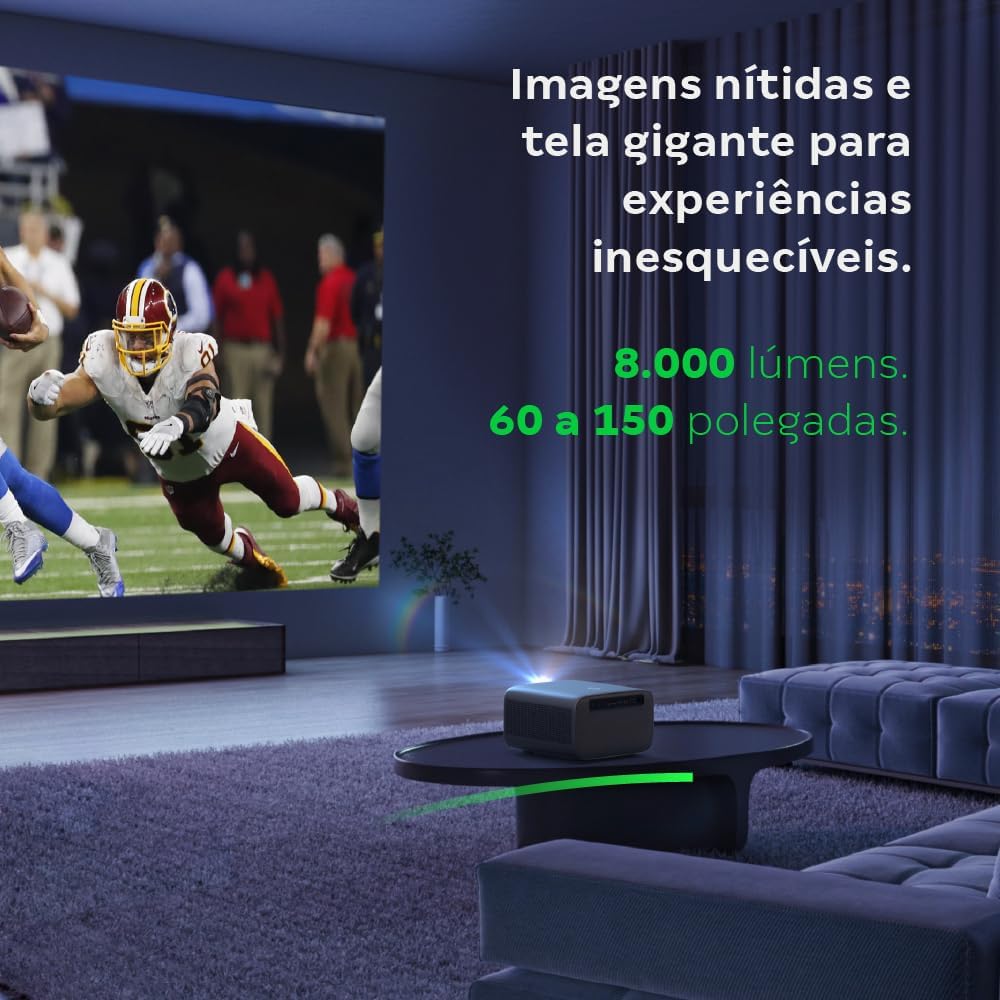
Image: The projector creating a large, clear image in a home environment, demonstrating its capability for immersive viewing.
5.2. Conexiune la alimentare
Conectați cablul de alimentare la intrarea de alimentare a proiectorului și apoi la o priză de curent.
5.3. Pornirea inițială
Apăsați butonul de alimentare de pe proiector sau de pe telecomandă pentru a porni dispozitivul. Proiectorul va iniția secvența de pornire.
5.4. Focalizare și corecție Keystone
The PFL7560 features automatic focus and keystone correction for a perfectly aligned and sharp image without manual effort. If manual adjustment is needed, refer to the on-screen display (OSD) menu.
6. Instrucțiuni de utilizare
6.1. Conectarea dispozitivelor
- HDMI: Connect your device using an HDMI cable to the HDMI port on the projector. Select the corresponding HDMI input from the projector's source menu.
- USB: Insert a USB drive into the USB port. The projector's media player will typically detect the drive automatically, allowing you to browse and play files.
- Wi-Fi / Screen Mirroring: For compatible Android devices, enable screen mirroring on your device and select the projector from the available devices. Ensure both devices are connected to the same Wi-Fi network.
6.2. Ieșire audio
The projector is equipped with two integrated 12W speakers, providing clear and immersive audio. For external audio, connect speakers or headphones to the audio output port.

Image: Detail of the projector's integrated 12W speakers, designed for powerful and clear sound.
7. Întreținere
7.1. Curățarea lentilei
Folosiți o lavetă moale, fără scame, special concepută pentru lentile optice, pentru a șterge ușor lentila proiectorului. Evitați utilizarea materialelor abrazive sau a substanțelor chimice dure.
7.2. Curățarea corpului proiectorului
Wipe the exterior of the projector with a soft, dry cloth. Do not use liquid or spray cleaners directly on the unit.
7.3. LED Light Source Longevity
The Intelbras PFL7560 uses an LED light source with a lifespan of up to 30,000 hours, ensuring long-term use and consistent performance without significant brightness degradation.
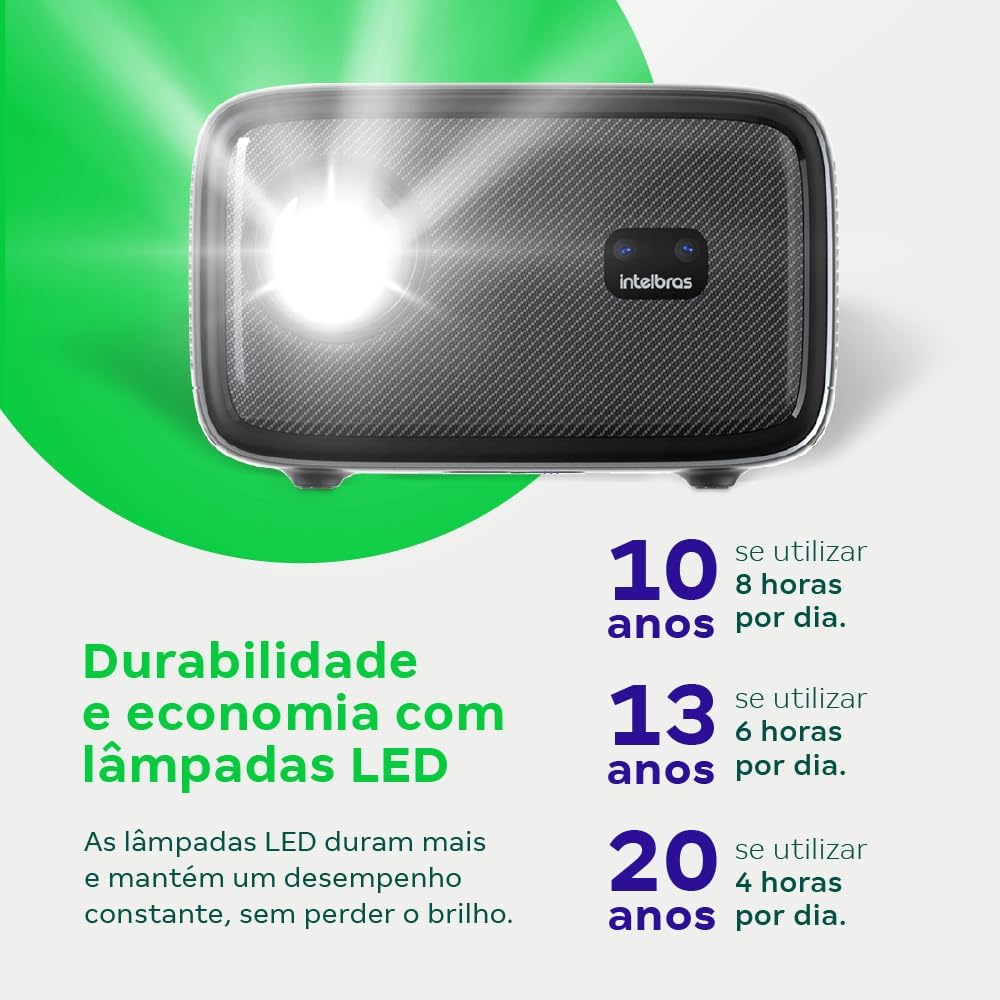
Image: An infographic illustrating the extended durability and economic benefits of the LED lamp, lasting up to 30,000 hours.
8. Depanare
Dacă întâmpinați probleme cu proiectorul, consultați următoarele probleme și soluții frecvente:
- Nicio imagine: Ensure the power cable is securely connected and the projector is turned on. Check the input source selection to match your connected device.
- Imagine neclară: Adjust the focus. If the image is distorted, check for automatic keystone correction or adjust it manually via the settings menu.
- Fără sunet: Verify the volume level on both the projector and the connected device. Ensure external speakers are properly connected if used, or that the internal speakers are enabled.
- Probleme de conectivitate: For Wi-Fi or screen mirroring, ensure both the projector and your device are on the same network. Restart both devices if necessary.
- Supraîncălzire: Ensure the projector's ventilation openings are not blocked. Turn off the projector and allow it to cool down if it feels excessively hot.
9. Specificații
| Caracteristică | Caietul de sarcini |
|---|---|
| Marca | Intelbras |
| Numele modelului | PFL 7560 |
| Tehnologia de conectivitate | Wifi |
| Caracteristici speciale | Pregătit pentru Wi-Fi |
| Rezoluția afișajului | 1920 x 1080 (Full HD) |
| Rezoluție nativă | 1920 x 1080 |
| Rezoluție maximă a afișajului | 1920 x 1080 |
| Tip de afișare | LCD |
| Luminozitate | 8000 lumeni |
| Dispozitive compatibile | Laptop, Smartphone, Tabletă |
| Durata de funcționare a sursei de lumină | 30000 de ore |
| Interfață hardware | 802.11 ac/b/g/n |
| Codificare video | H.264, H.265 |
| Utilizări recomandate | Home Cinema |
| Audio | 2 difuzoare integrate de 12 W |
10. Garanție și asistență
For warranty information, technical support, or service requests, please refer to the official Intelbras website-ul lor web sau contactați direct serviciul lor de asistență pentru clienți. Păstrați bonul fiscal ca dovadă a achiziției pentru reclamațiile în garanție.


