
1. Introducere
The Turtlebox Ranger is a rugged, waterproof, and ultra-portable Bluetooth 5.4 speaker designed for outdoor use. It delivers powerful, distortion-free sound with deep bass, capable of reaching 105dB. Built to withstand various outdoor conditions, it features shockproof construction and IP67 waterproofing. This manual provides essential information for setting up, operating, and maintaining your Turtlebox Ranger speaker.

Image: Turtlebox Ranger speaker in an outdoor environment, showcasindatorită construcției sale robuste.
2. Ce se află în cutie
Asigurați-vă că toate articolele sunt prezente la despachetare:
- Turtlebox Ranger Speaker
- Cablu de alimentare
3. Caracteristici cheie
- Unmatched Volume & Bass: Delivers 105dB of powerful, distortion-free sound, optimized for outdoor environments.
- IP67 Waterproof & Built Tough: Fully waterproof, dustproof, and shockproof design ensures durability in challenging conditions.
- Durată de viață a bateriei pentru toată ziua: Oferă până la 25 de ore de redare cu o singură încărcare.
- Unlimited Pairing (Party Mode): Sync multiple Ranger speakers for a premium, portable surround sound experience.
- Designed for the Outdoors: Features a rugged handle, built-in tie-down anchors, and a compact, easy-to-carry design.

Image: Visual representation of the Turtlebox Ranger's main features.
4. Configurare
4.1 Încărcarea difuzorului
Before first use, fully charge your Turtlebox Ranger. Connect the provided Power Cable to the USB-C charging port located on the back of the speaker. The battery indicator lights will show charging progress. A full charge typically takes approximately 3 hours and provides up to 25 hours of playtime.
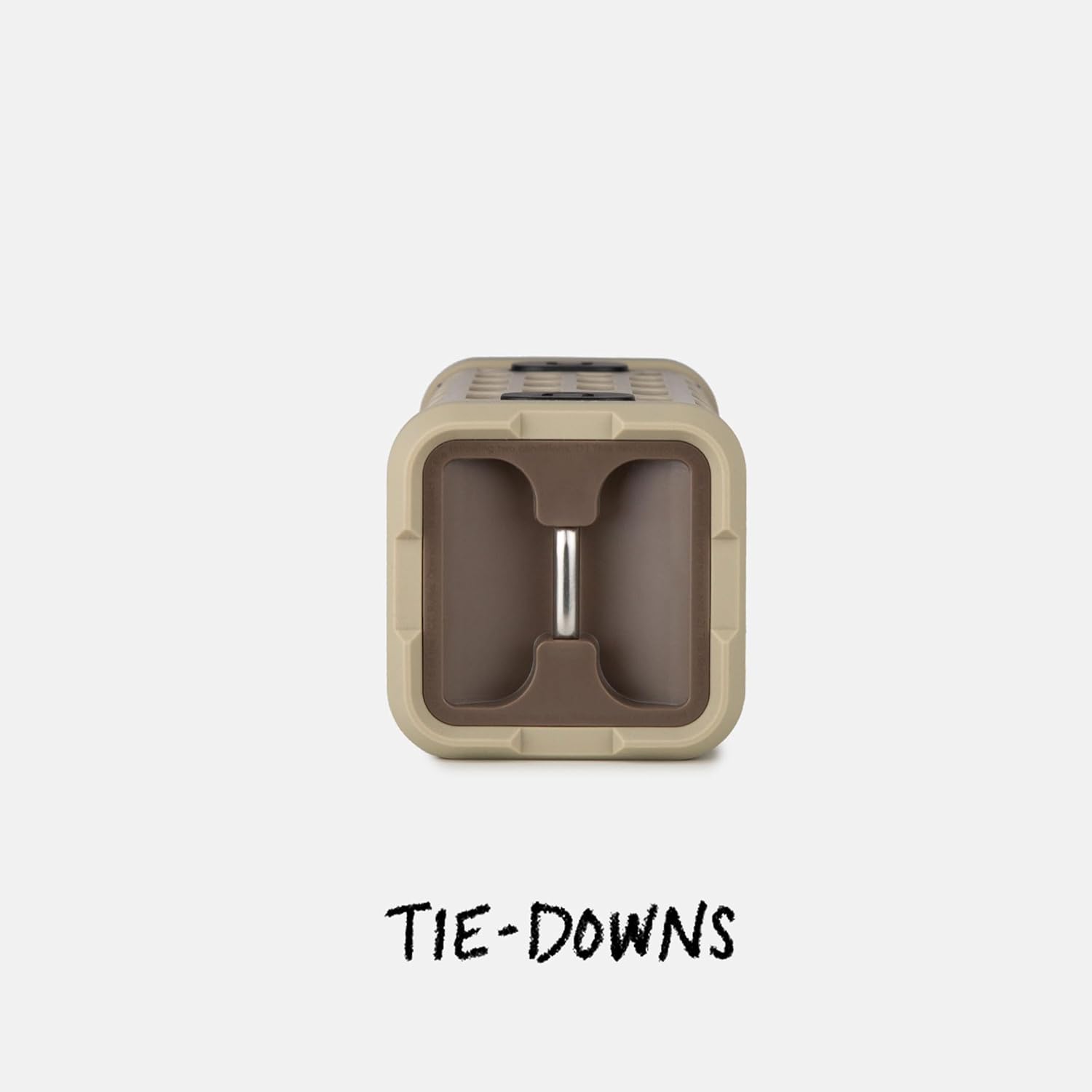
Image: The fully waterproof charging ports of the Turtlebox Ranger.
4.2 Pornire/Oprire
Țineți apăsat butonul Buton de pornire (usually indicated by a circle with a vertical line) on the control panel until the indicator lights illuminate. To power off, press and hold the Power button again.
4.3 Asociere Bluetooth
- Ensure the speaker is powered on and the Bluetooth indicator light is blinking, indicating it's in pairing mode.
- Pe dispozitivul mobil (smartphone, tabletă etc.), accesați setările Bluetooth.
- Select "Turtlebox Ranger" from the list of available devices.
- După conectare, indicatorul luminos Bluetooth de pe difuzor va deveni continuu.
5. Instrucțiuni de utilizare
5.1 Controale asupraview
The control panel on the speaker allows for easy management of audio playback and settings.

Image: The control panel of the Turtlebox Ranger, showing various buttons.
- Buton de alimentare: Apăsați lung pentru a porni/opri difuzorul.
- Creștere volum (+): Mărește volumul.
- Volum scăzut (-): Scade volumul.
- Redare/Pauză: Controlează redarea audio.
- Track Skip (Forward/Backward): Sare la piesa următoare sau anterioară.
- Buton Bluetooth: Inițiază modul de asociere Bluetooth.
5.2 Redare audio
Once paired, you can control music directly from your connected device or using the speaker's control buttons.
6. Party Mode Pairing
For an enhanced audio experience, you can wirelessly connect multiple Turtlebox Ranger speakers using Party Mode.
- Asigurați-vă că toate difuzoarele sunt pornite și nu sunt conectate la niciun dispozitiv Bluetooth.
- On the primary speaker (the one you want to control from), press the Party Mode button (often indicated by a chain link or multiple speaker icon).
- On the secondary speakers, press their respective Party Mode buttons.
- The speakers will automatically connect, creating a synchronized audio system.

Image: Multiple Turtlebox Ranger speakers connected wirelessly in Party Mode.
7. Întreținere
7.1 Curățare
Due to its IP67 rating, the Turtlebox Ranger can be easily cleaned with water. Rinse off dirt, sand, or mud. Avoid using harsh chemicals or abrasive cleaners.

Image: The Turtlebox Ranger being rinsed with water, showcasindatorită designului său impermeabil.
7.2 Depozitare
Store the speaker in a cool, dry place when not in use. Avoid prolonged exposure to extreme temperatures.
8. Depanare
- Fără putere: Ensure the speaker is fully charged. Connect to a power source and check the battery indicator lights.
- Fără sunet: Check the volume levels on both the speaker and your connected device. Ensure the device is properly paired via Bluetooth.
- Probleme de asociere Bluetooth: Turn off and restart the speaker and your device's Bluetooth. Try re-pairing the devices. Ensure no other devices are actively connected to the speaker.
- Calitate slabă audio: Ensure the speaker is within Bluetooth range of your device. Move closer to the device or away from potential interference sources.
9. Specificații
| Numele modelului | Turtlebox Ranger |
| Tip difuzor | În aer liber |
| Tehnologia de conectivitate | Bluetooth 5.4 |
| Putere de ieșire | 105 decibeli |
| Durata de viață a bateriei | Până la 25 ore |
| Capacitatea bateriei | 25.2 Wh Lithium-ion (25200 Milliamp ore) |
| Nivel de rezistență la apă | IP67 (rezistent la apă și praf) |
| Dimensiunile produsului | 3.15" D x 3.15" L x 8.05" H |
| Greutatea articolului | 2.4 lire sterline |
| Componente incluse | Cablu de alimentare |
| Tip de montare | Muntele magnetic |
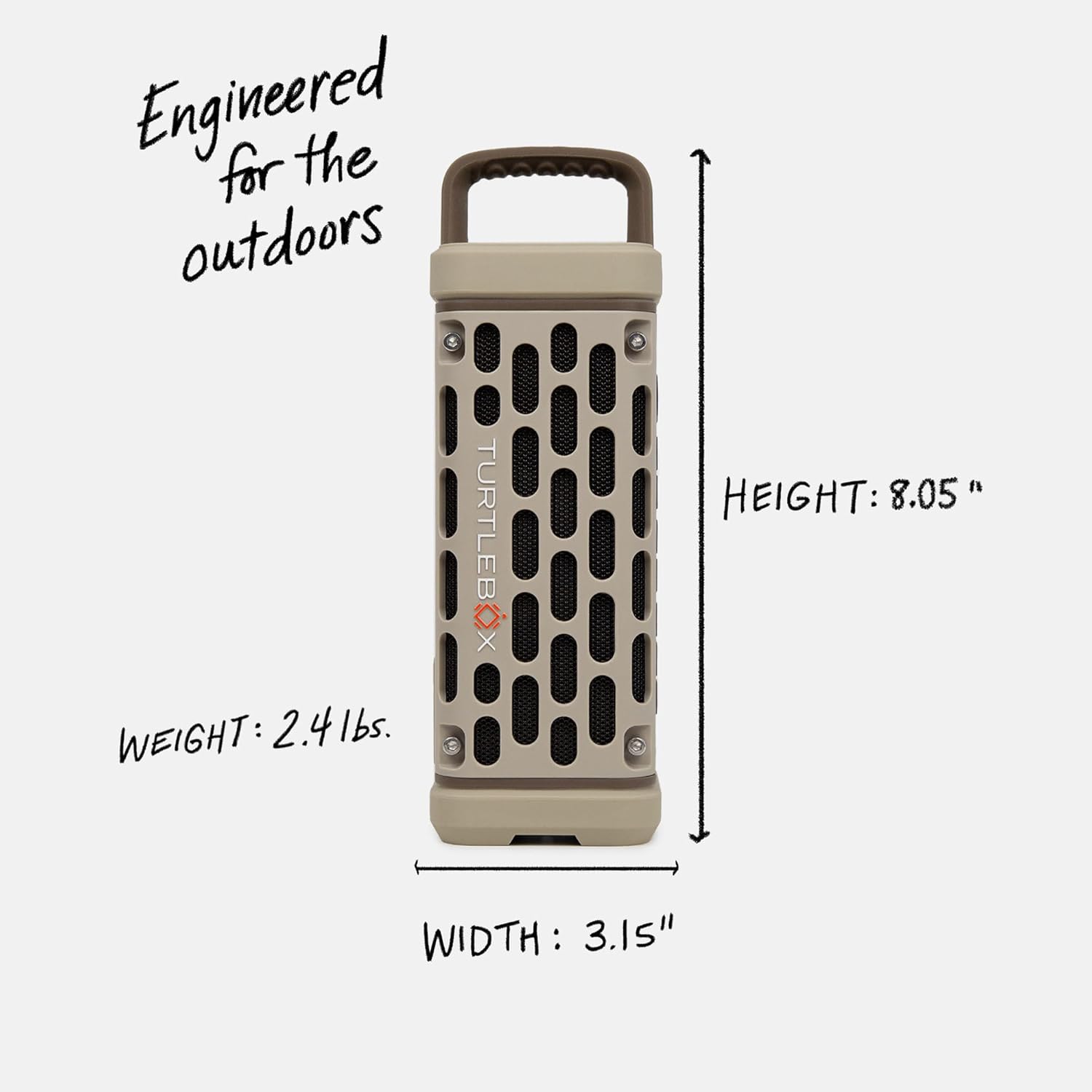
Image: Dimensions and weight of the Turtlebox Ranger speaker.
10. Garanție și asistență
10.1 Garanție limitată
The Turtlebox Ranger comes with a limited warranty. For specific terms and conditions, please refer to the warranty card included with your product or visit the official Turtlebox website-ul.
10.2 Asistență pentru clienți
For further assistance, technical support, or warranty claims, please contact Turtlebox customer support through their official website-ul sau informațiile de contact furnizate pe ambalajul produsului.