
Introducere
Thank you for choosing the JBL Tune 520C wired on-ear headphones. This manual provides essential information for setting up, operating, and maintaining your headphones to ensure optimal performance and longevity.

Imagine: Pesteview of JBL Tune 520C features including Pure Bass Sound, foldable design, tangle-free cable, and remote control.
Ce este în cutie
- 1 x căști JBL Tune 520C USB-C
- 1 x Document de garanție/avertisment
Caracteristici cheie
- Sunet JBL Pure Bass: Experience clear, powerful audio from 32mm dynamic drivers.
- Wide USB-C Compatibility: Connect to various devices including PCs, mobile phones, gaming devices, tablets, and laptops.
- Telecomandă cu 3 butoane și microfon: Manage calls, music playback, volume, and EQ presets directly from the cable.
- Comfort Fit and Foldable Design: Padded on-ear design for extended wear and a foldable structure for easy storage.
- Tangle-Free Flat Cable: Durable, reinforced USB-C cable designed to prevent tangling.
- Audio de înaltă rezoluție: Enjoy higher quality music at 24-bit/96kHz with the DSP chipset.
Înființat
Follow these steps to set up your JBL Tune 520C headphones for first use.
Conectarea căștilor
- Locate the USB-C connector on your JBL Tune 520C headphones.
- Insert the USB-C connector into the compatible USB-C port on your audio device (e.g., smartphone, laptop, tablet).
- Asigurați-vă că conexiunea este sigură. Dispozitivul ar trebui să recunoască automat căștile.
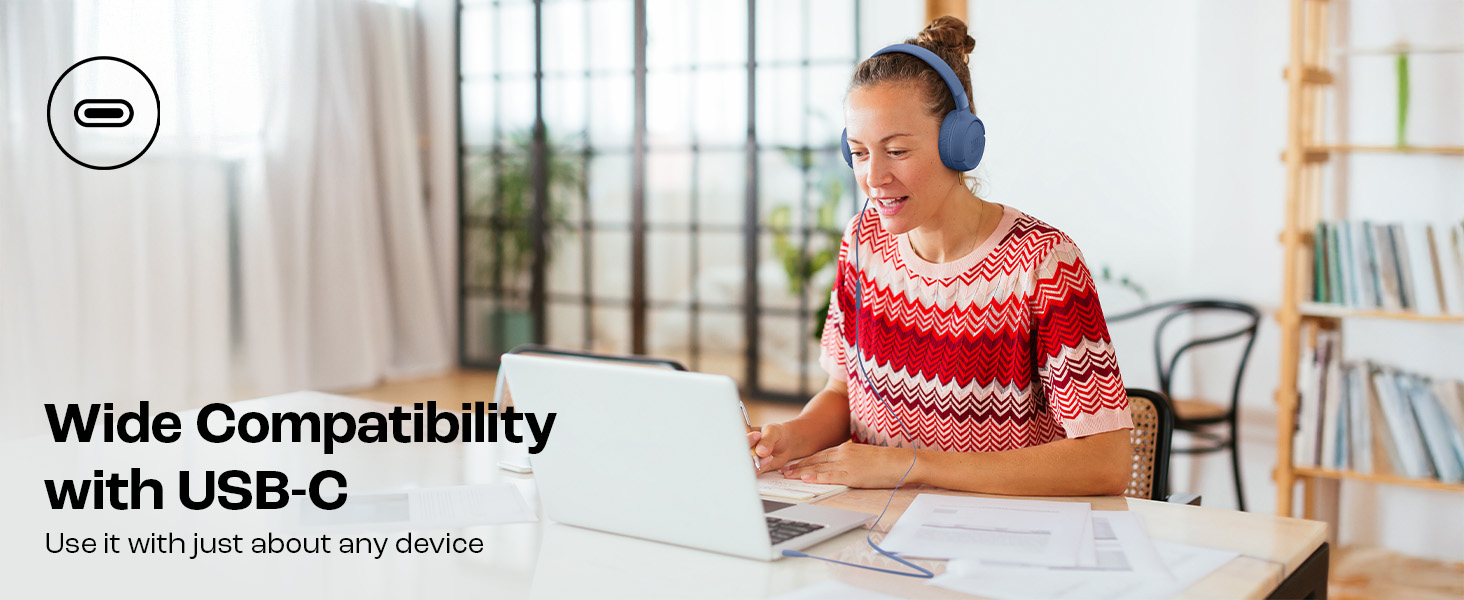
Image: JBL Tune 520C headphones connected to a laptop, demonstrating wide USB-C compatibility.
Ajustarea pentru confort
- Gently extend or retract the headband to fit your head comfortably.
- Position the earcups so they rest fully on your ears, creating a seal for optimal sound.
Instrucțiuni de operare
Learn how to use the 3-button remote and microphone for various functions.
Using the 3-Button Remote

Imagine: Detaliată view of the 3-button remote control on the headphone cable.
- Creștere volum (+): Apăsați butonul de sus pentru a crește volumul.
- Volum scăzut (-): Apăsați butonul de jos pentru a reduce volumul.
- Play/Pause/Call (Center Button):
- Apăsați o dată pentru a reda sau întrerupe muzica.
- Apăsați o dată pentru a răspunde sau a termina un apel.
- Apăsați de două ori pentru a trece la piesa următoare.
- Apăsați de trei ori pentru a merge la piesa anterioară.
Using EQ Presets
The JBL Tune 520C features selectable EQ presets to customize your listening experience.
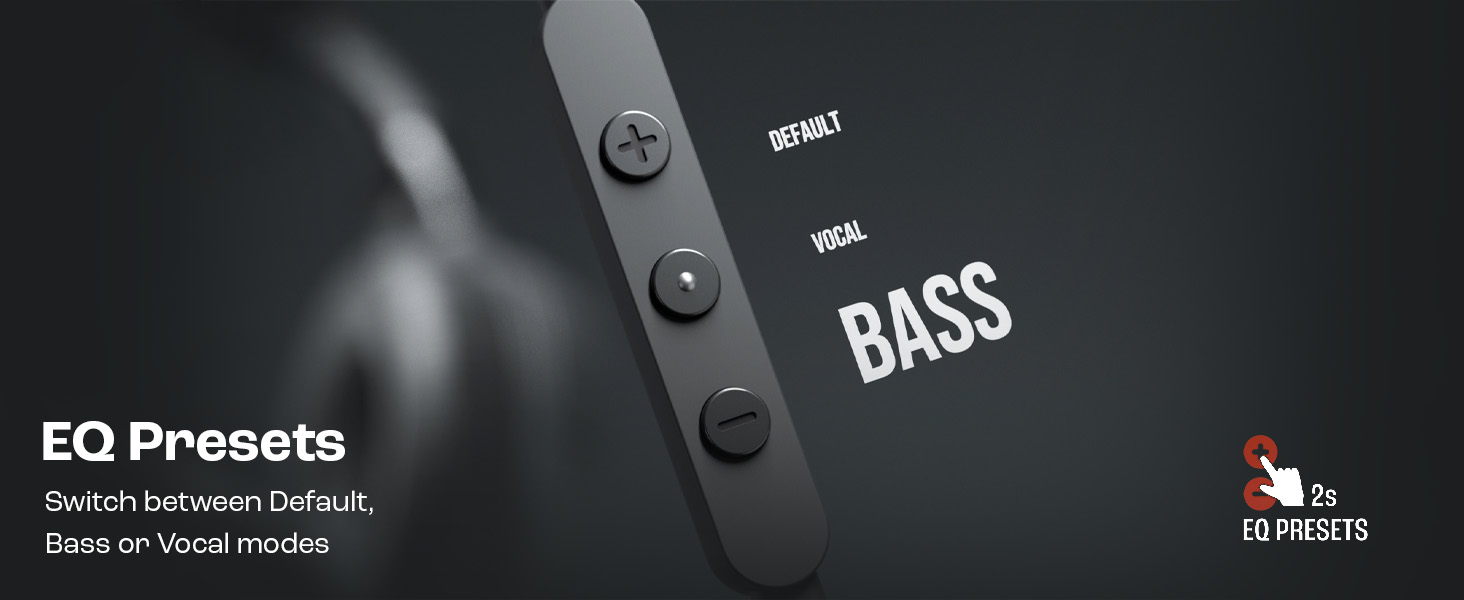
Image: Remote control showing options for Default, Vocal, and Bass EQ presets.
- To switch between EQ presets (Default, Vocal, Bass), press and hold the center button for approximately 2 seconds. The headphones will cycle through the available presets.
Întreţinere
Proper care and maintenance will extend the life of your headphones.
Curatenie
- Use a soft, dry cloth to wipe the earcups and headband.
- Nu utilizați agenți de curățare lichizi sau materiale abrazive, deoarece acestea pot deteriora finisajul sau componentele interne.
- Keep the USB-C connector clean and free of dust or debris.
Depozitare
The JBL Tune 520C headphones feature a foldable design for convenient storage.
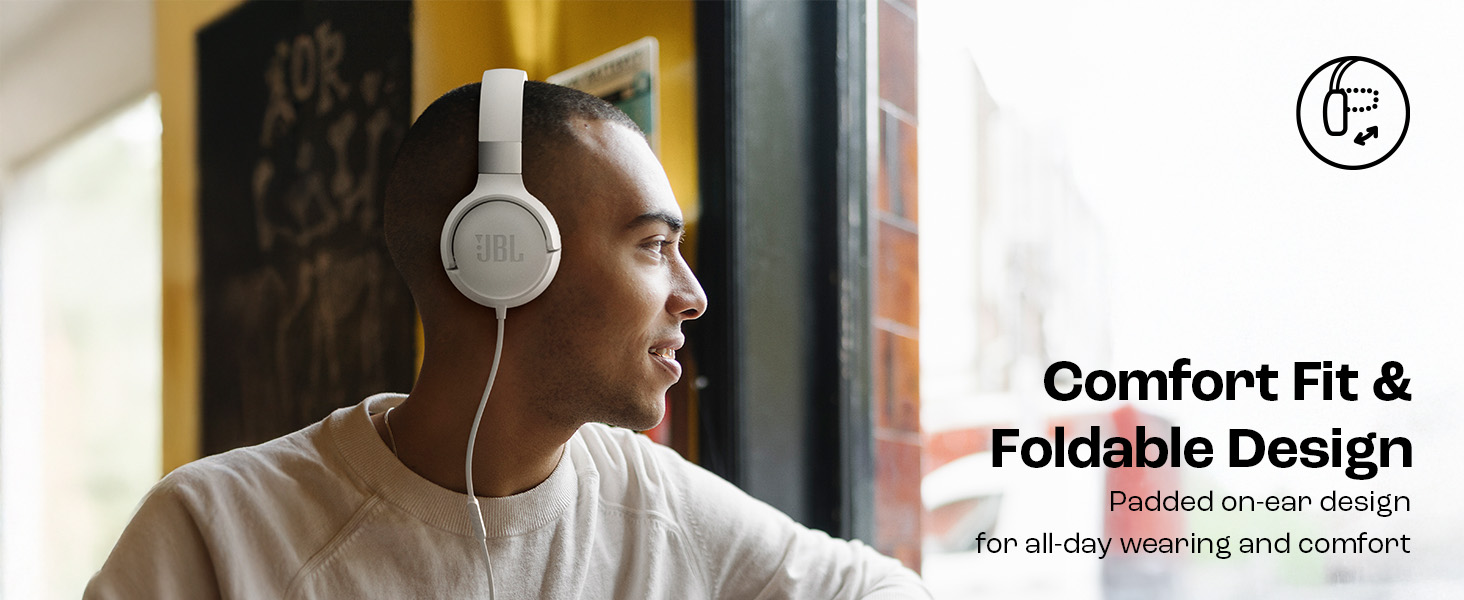
Image: JBL Tune 520C headphones demonstrating comfort fit and foldable design.
- Fold the earcups inward to reduce the headphone's size.
- Depozitați căștile într-un loc răcoros și uscat, ferit de lumina directă a soarelui și de temperaturi extreme.
- Avoid placing heavy objects on the headphones during storage.
Îngrijirea cablurilor
The tangle-free flat cable is designed for durability, but proper handling is still recommended.
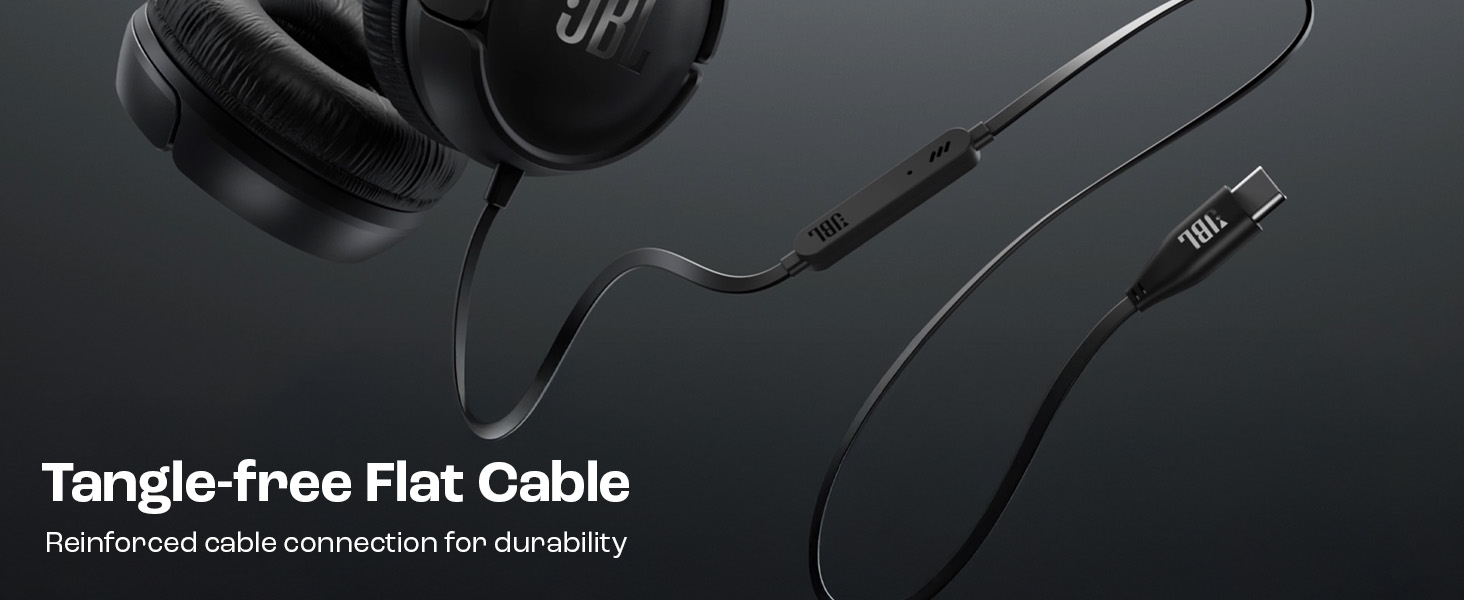
Image: The tangle-free flat USB-C cable of the JBL Tune 520C headphones.
- Evitați curburile bruște sau tragerea excesivă a cablului.
- When coiling the cable for storage, do so loosely to prevent strain.
Depanare
Dacă întâmpinați probleme cu căștile, consultați următoarele probleme frecvente și soluții.
| Problemă | Soluţie |
|---|---|
| Fără sunet de la căști |
|
| Microfonul nu funcționează |
|
| Calitate slabă a sunetului |
|
| Butoanele telecomenzii nu răspund |
|
Specificații
Detailed technical specifications for the JBL Tune 520C headphones.
| Caracteristică | Detaliu |
|---|---|
| Marca | JBL |
| Numele modelului | JBL Tune 520C |
| Numărul de model | JBLT520CBLK |
| Plasarea urechii | La ureche |
| Factor de formă | La ureche |
| Impedanta | 32 ohmi |
| Raspuns in frecventa | 20 Hz - 20,000 Hz |
| Sensibilitate | 103 dB |
| Tip de driver audio | Driver dinamic |
| Dispozitive compatibile | Tablets, Desktops, Telephones, Gaming Consoles, Cellphones, Laptops |
| Mufă pentru căști | Mufă USB-C |
| Metoda de control | Telecomandă (3 buton) |
| Greutatea articolului | 150 grame |
| Țara de origine | China |
Garanție și suport
Informații despre garanție
The JBL Tune 520C headphones come with a 1 an garanție furnizate de producător de la data achiziției. Vă rugăm să păstrați dovada achiziției pentru reclamațiile în garanție.
Asistență pentru clienți
For technical assistance, warranty claims, or further inquiries, please contact Harman International customer support. Refer to the warranty/warning document included in your product box for specific contact details for your region.
Informații de contact ale producătorului:
HARMAN International Industries, Incorporated
8500 Balboa Boulevard, Northridge, CA 91329 SUA
Importer Contact Information (India):
Harman International (India) Pvt Ltd
Salarpuria Sattva Knowledge Court, Office-1, Wing ‘A’ & ‘B’ 3rd floor, Plot No. 9, Phase I, Doddenakkundi Industrial area Bangalore -560048, Karnataka.