
ECOPAD T30
ECOPAD T30 Android 15 Tablet User Manual
Ghid complet pentru configurare, utilizare și întreținere
1. Introducere
Welcome to the ECOPAD T30 Android 15 Tablet user manual. This guide provides essential information to help you set up, operate, and maintain your new tablet. Please read this manual thoroughly to ensure optimal performance and longevity of your device.
2. Conținutul pachetului
Înainte de a începe, verificați dacă toate articolele sunt prezente în colet:
- ECOPAD T30 Android 15 Tablet
- Cablu USB de tip C
- Adaptor de putere 18W
- Manual de utilizare (acest document)

Image: Contents of the ECOPAD T30 Tablet package, showing the tablet, USB cable, 18W charger, and user manual.
3. Dispozitiv terminatview
Familiarize yourself with the physical components of your ECOPAD T30 tablet.

Imagine: Față și spate view of the ECOPAD T30 Tablet, illustrating the screen, rear camera, and various ports and buttons.
Componente cheie:
- Camera frontală: Pentru apeluri video și selfie-uri.
- Camera spate: Pentru capturarea de fotografii și videoclipuri.
- Buton de alimentare: Pentru a porni/opri tableta sau a o pune în modul repaus.
- Butoane de volum: Pentru a regla volumul audio.
- Port USB tip C: Pentru încărcare și transfer de date.
- Mufă pentru căști de 3.5 mm: Pentru conectarea căștilor cu fir.
- Slot pentru card Micro SD: Pentru extinderea spațiului de stocare.
- Difuzoare: Pentru ieșire audio.
4. Configurare
4.1 Încărcarea tabletei
Before first use, fully charge your tablet. Connect the USB Type-C cable to the tablet's charging port and the 18W power adapter to a wall outlet.

Image: The ECOPAD T30 Tablet connected to its 18W fast charger, illustrating its 6000mAh battery and various usage durations.
4.2 Pornire/Oprire
- Pentru a porni: Press and hold the Power button until the ECOPAD logo appears.
- Pentru a opri: Apăsați și mențineți apăsat butonul de Pornire/Oprire, apoi selectați „Oprire” din opțiunile de pe ecran.
- Pentru a reporni: Apăsați și mențineți apăsat butonul de pornire/oprire, apoi selectați „Repornire” din opțiuni.
4.3 Configurare inițială
Upon first power-on, the tablet will guide you through the initial setup process. This includes selecting your language, connecting to Wi-Fi, setting up your Google account, and configuring basic security settings.
4.4 Conexiune Wi-Fi
- Du-te la Setări > Rețea și internet > Wifi.
- Comutare Wi-Fi On.
- Selectați rețeaua Wi-Fi dorită din listă.
- Introduceți parola dacă vi se solicită, apoi atingeți Conectați-vă.
5. Utilizarea tabletei
Sistem de operare Android 15 5.1
Your ECOPAD T30 runs on the latest Android 15, offering enhanced security, improved privacy controls, and a customizable user experience.

Image: A visual representation of the Android 15 operating system, highlighting its key features such as multitasking, privacy controls, customization, and performance.
5.2 Setări de afișare
The tablet features a 10.1-inch HD IPS touchscreen with a resolution of 1280x800 pixels and a 16:9 aspect ratio.

Image: The 10.1-inch HD IPS display of the ECOPAD T30, showcasing its resolution, aspect ratio, and eye-protection capabilities.
Adjust brightness, font size, and display mode (e.g., dark theme) via Setări > Afişa.
5.3 Managementul stocării
The tablet comes with 128GB of internal storage, expandable up to 1TB using a Micro SD card.

Image: An illustration of the ECOPAD T30's memory and storage capabilities, featuring 12GB RAM, 128GB internal storage, and support for up to 1TB Micro SD card expansion.
Pentru a gestiona spațiul de stocare, accesați Setări > Depozitare. Aici poți view used space and free up storage.
5.4 Conectivitate
Tableta dvs. acceptă diverse opțiuni de conectivitate:
- Dual-Band Wi-Fi 5 (2.4GHz & 5GHz): For fast internet access.
- Bluetooth 5.0: For connecting wireless accessories like headphones and keyboards.
- GPS: Pentru servicii de navigare și localizare.
- Radio FM: For listening to local radio stations.
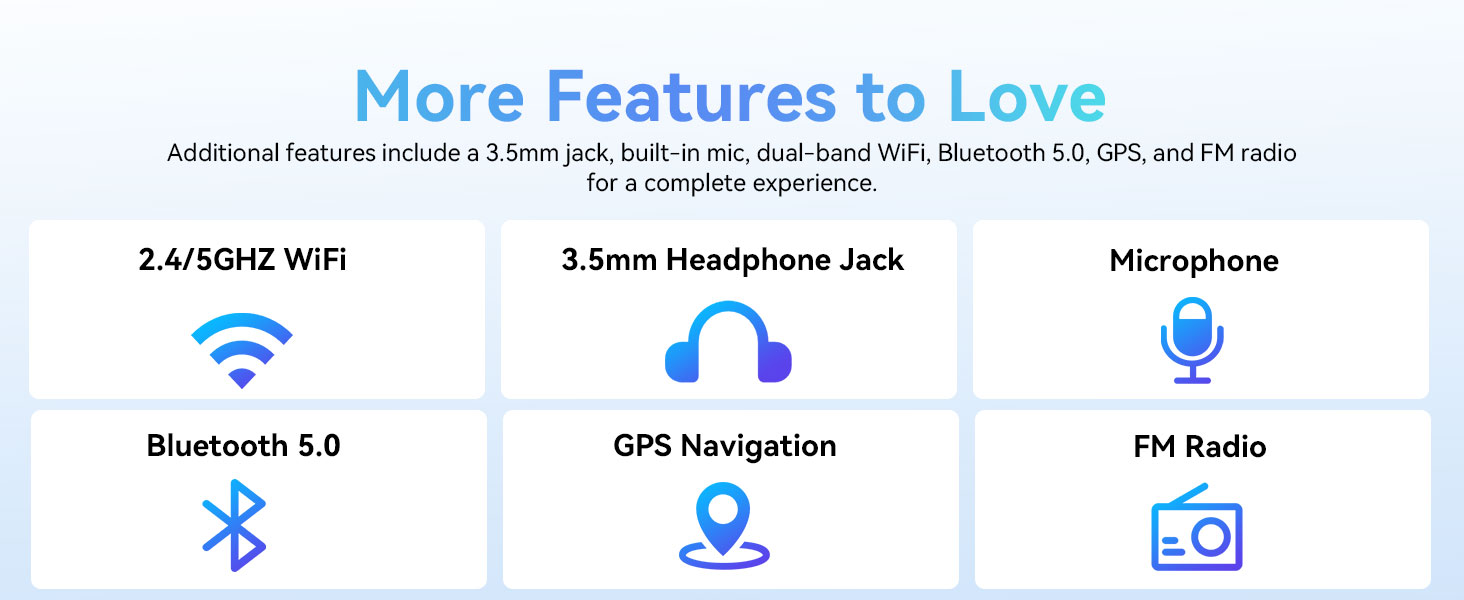
Image: A graphic displaying the ECOPAD T30's additional features, including dual-band Wi-Fi, 3.5mm headphone jack, microphone, Bluetooth 5.0, GPS, and FM Radio.
5.5 Utilizarea camerei
Tableta este echipată cu o cameră principală de 8MP și o cameră frontală de 2MP.
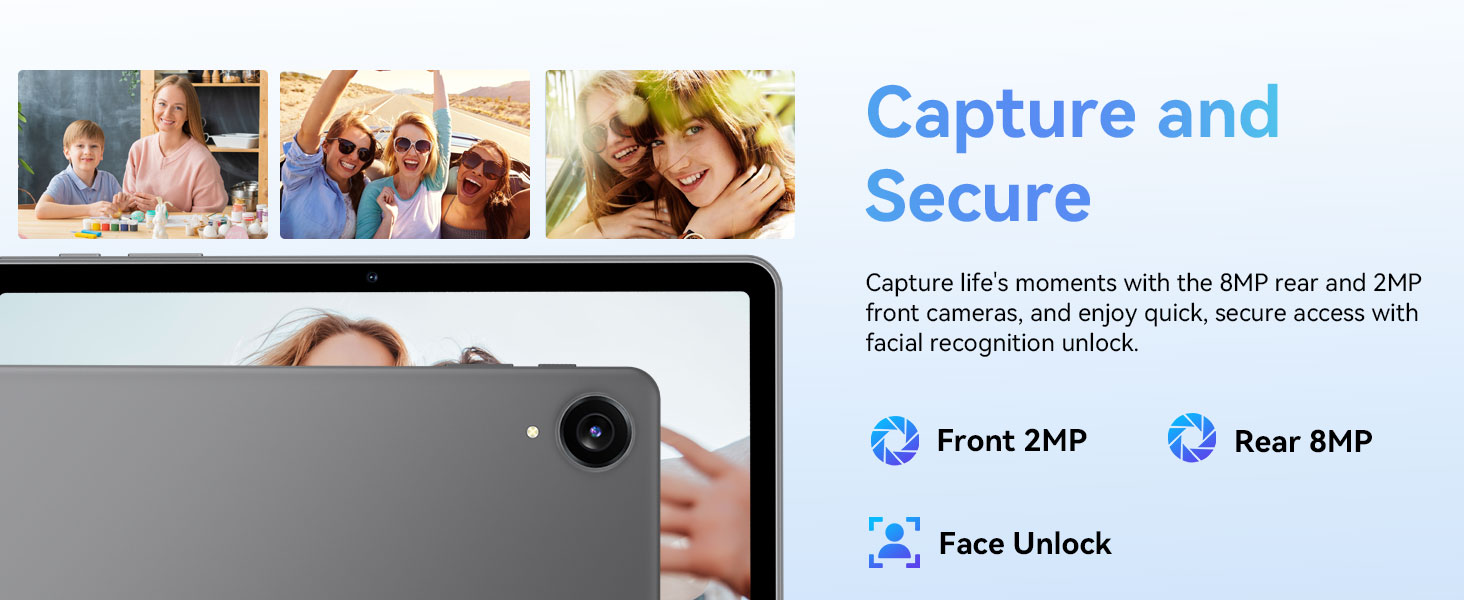
Image: The ECOPAD T30 Tablet highlighting its 2MP front camera, 8MP rear camera, and the Face Unlock security feature.
Deschideți Camera foto app to take photos or record videos. Tap the camera icon to switch between front and rear cameras.
5.6 Security (Face Unlock)
For convenient and secure access, your tablet supports Face Unlock. To set it up, go to Setări > Securitate și confidențialitate > Deblocare facială și urmați instrucțiunile de pe ecran.
5.7 Multimedia and Streaming
The ECOPAD T30 supports Widevine L1, enabling high-definition streaming from platforms like Netflix, Hulu, YouTube, HBO Max, Prime Video, and Disney+.
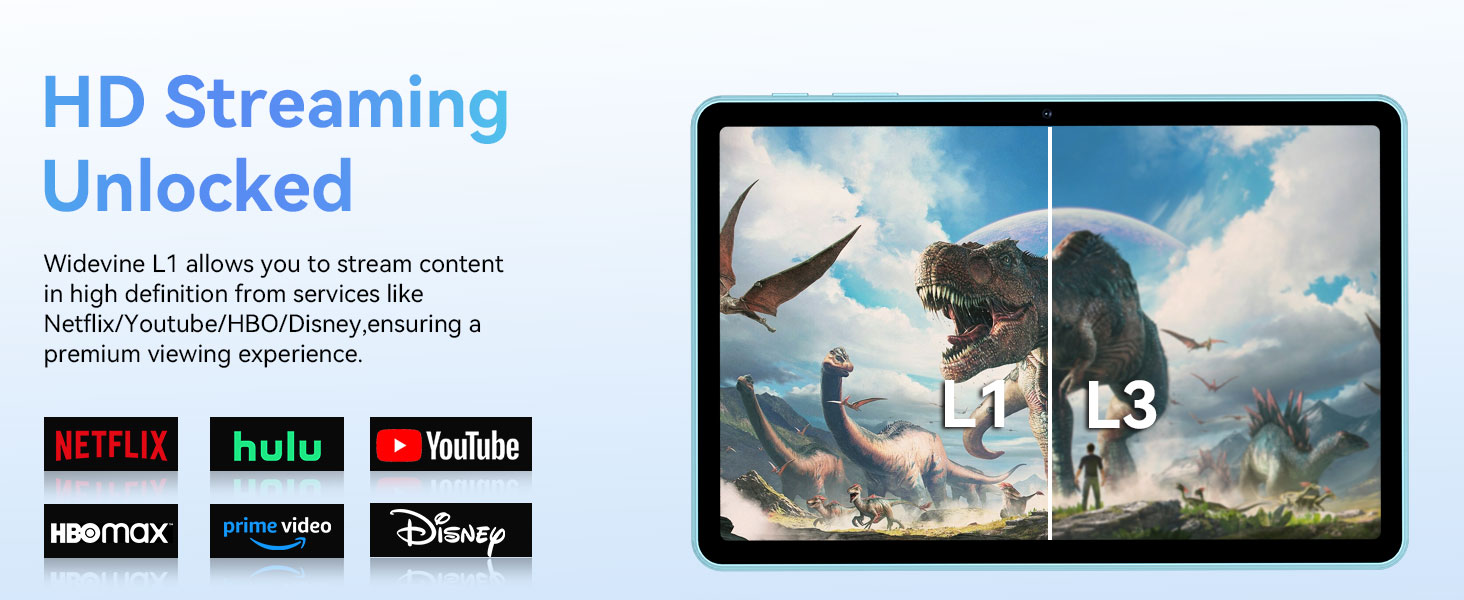
Image: The ECOPAD T30 Tablet demonstrating Widevine L1 support for high-definition streaming, with logos of compatible services like Netflix and Disney+.
6. Întreținere
6.1 Îngrijirea bateriei
- Evitați temperaturile extreme.
- Nu lăsați bateria să se descarce complet frecvent.
- Use the provided 18W charger for optimal charging.
6.2 Curățare
Folosiți o lavetă moale, fără scame, pentru a curăța ecranul și corpul tabletei. Evitați substanțele chimice dure sau materialele abrazive.
6.3 Actualizări de software
Verificați și instalați periodic actualizări de software pentru a vă asigura că tableta dvs. are cele mai recente funcții, corecții de securitate și îmbunătățiri de performanță. Accesați Setări > Sistem > Actualizare de sistem.
7. Depanare
- Tableta nu pornește: Asigurați-vă că bateria este încărcată. Conectați încărcătorul și încercați din nou.
- Ecran înghețat: Apăsați și țineți apăsat butonul de pornire timp de aproximativ 10-15 secunde pentru a forța o repornire.
- Probleme cu conexiunea Wi-Fi: Restart your tablet and your Wi-Fi router. Check Wi-Fi settings to ensure the correct network and password are used.
- Aplicațiile se blochează: Ștergeți memoria cache a aplicației problematice (Setări > Aplicații > [Nume aplicație] > Stocare și memorie cache > Goliți memoria cacheDacă problema persistă, încercați să reinstalați aplicația.
- Low audio volume: Check volume settings. Ensure no headphones are connected if you intend to use speakers. Consider connecting a Bluetooth speaker for enhanced audio.
8. Specificații
| Caracteristică | Caietul de sarcini |
|---|---|
| Model | ECOPAD T30 |
| Sistem de operare | Android 15 |
| Procesor | Unisoc T606 Octa-core (2x Cortex-A75, 6x Cortex-A55) |
| RAM | 12 GB (4 GB + 8 GB expansiune) |
| Stocare internă | 128 GB |
| Stocare extensibilă | Până la 1 TB prin card Micro SD |
| Dimensiunea afișajului | 10.1 inchi |
| Tip de afișare | Ecran tactil IPS HD |
| Rezoluţie | 1280 x 800 pixeli |
| Raportul de aspect | 16:9 |
| Camera spate | 8MP |
| Cameră frontală | 2MP |
| Wifi | Dual-Band Wi-Fi 5 (802.11ax, 2.4GHz/5GHz) |
| Bluetooth | Bluetooth 5.0 |
| Capacitatea bateriei | 6000mAh |
| Încărcare | 18W Fast Charge (USB Type-C) |
| Durata medie a bateriei | 8 ore (utilizare tipică) |
| Dimensiuni (Lxlxh) | 9.5 x 6.5 x 0.3 inci |
| Greutate | 1.83 lire sterline |
| Alte caracteristici | GPS, FM Radio, Dual Speakers, Face Unlock, Widevine L1 |

Image: A detailed diagram illustrating the Unisoc T606 Octa-core processor, highlighting its ARM G57 GPU, core configuration (Cortex-A55 x 6, Cortex-A75 x 2), and 12nm manufacturing process.
9. Garanție și asistență
Your ECOPAD T30 Tablet comes with a 2 an garanție from the date of purchase. This warranty covers manufacturing defects and ensures peace of mind regarding your product's quality.
For technical support, warranty claims, or any questions regarding your tablet, please contact ECOPAD customer service through the official channels provided at the time of purchase or on the ECOPAD website-ul.