
Introducere
Welcome to the user manual for your new DIALN X65 Unlocked Smartphone. This guide provides essential information to help you set up, operate, maintain, and troubleshoot your device. Please read this manual carefully to ensure optimal performance and longevity of your smartphone.
The DIALN X65 features a 6.5-inch display, runs on Android 13, and offers 32GB of internal storage, expandable via microSD. It is equipped with a 13MP camera and a 4500mAh battery.
Ce este în cutie
Upon unboxing your DIALN X65, verify that all items are present:
- Smartphone DIALN X65
- Cablu de încărcare
- Manual de utilizare (acest document)
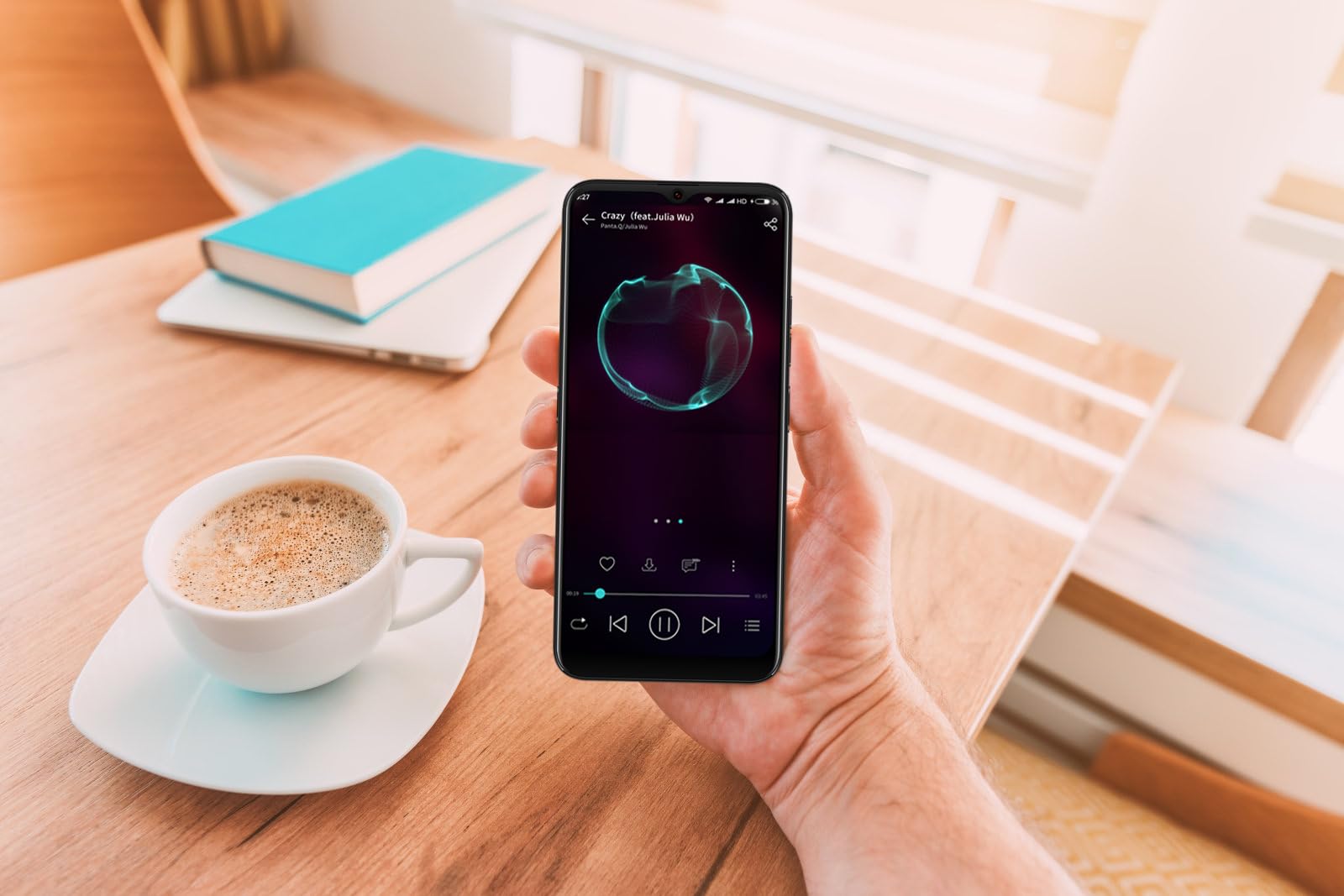
Image: The DIALN X65 smartphone displayed with its charging cable and user manual, as typically found in the product packaging.
Înființat
1. Insert SIM Card and MicroSD Card (Optional)
- Localizați compartimentul pentru cartela SIM în partea laterală a telefonului.
- Insert the SIM ejector tool (not included, a paperclip can be used) into the small hole on the tray to open it.
- Place your Nano-SIM card(s) and/or microSD card into the tray with the gold contacts facing down, ensuring they are correctly oriented.
- Împingeți ușor tava înapoi în telefon până când se fixează în poziție cu un clic.
2. Încărcarea inițială
Before first use, it is recommended to fully charge your DIALN X65. Connect the charging cable to the phone's charging port and plug the other end into a power adapter (not included) or a USB port. The battery indicator on the screen will show charging progress. A full charge typically takes approximately 2 hours.
3. Pornire/Oprire
- Pentru a porni: Press and hold the Power button (located on the right side) until the DIALN logo appears on the screen.
- Pentru a opri: Apăsați și mențineți apăsat butonul de Pornire/Oprire până când apare meniul opțiunilor de alimentare. Atingeți „Oprire” și confirmați.
- Pentru a reporni: Press and hold the Power button until the power options menu appears. Tap 'Restart' and confirm.
4. Expertul de configurare inițială
The first time you power on your phone, you will be guided through an initial setup process. Follow the on-screen prompts to:
- Selectați limba dvs.
- Conectați-vă la o rețea Wi-Fi.
- Conectați-vă cu contul dvs. Google sau creați unul nou.
- Configurați blocarea ecranului (PIN, model, parolă sau Deblocare facială).
- Review și acceptați termenii și condițiile.
Operating Your DIALN X65
1. Navigare de bază
- Atingere: Atingeți o pictogramă pentru a deschide o aplicație sau a selecta un element.
- Beţivan: Trageți degetul pe ecran pentru a derula sau a naviga între ecrane.
- Ciupire: Folosește două degete pentru a mări sau a micșora fotografiile și web pagini.
- Ecranul principal: Centrul central pentru aplicațiile și widget-urile tale. Glisează spre stânga sau spre dreapta pentru a accesa ecrane de pornire suplimentare.
- Panoul de notificare: Glisează în jos din partea de sus a ecranului pentru a accesa notificările și setările rapide.
2. Apeluri și Contacte
- Efectuarea unui apel: Deschide aplicația „Telefon”, introdu numărul și atinge pictograma de apel.
- Răspunsul la un apel: Swipe up on the green phone icon when a call comes in.
- Gestionarea contactelor: Open the 'Contacts' app to add, edit, or delete contacts.
3. Mesaje
Open the 'Messages' app to send and receive SMS/MMS messages. Tap the '+' icon to compose a new message, enter the recipient's number or select from contacts, and type your message.
4. Internet și conectivitate
- Wifi: Accesați Setări > Rețea și internet > Wi-Fi. Activați Wi-Fi-ul și selectați rețeaua dorită.
- Bluetooth: Go to Settings > Connected devices > Connection preferences > Bluetooth. Turn Bluetooth on to pair with other devices.
- De date mobile: Go to Settings > Network & internet > Mobile network. Ensure mobile data is enabled for internet access via your SIM card.
5. Camera foto
Open the 'Camera' app to capture photos and videos. Tap the shutter button to take a photo. Swipe left or right to switch between photo, video, and other modes. Use the front camera for selfies.
6. Deblocare facială
To set up Face Unlock, go to Settings > Security & privacy > Device unlock > Face unlock. Follow the on-screen instructions to register your face. Once set up, you can unlock your phone by looking at the front camera.
7. Managementul stocării
Your DIALN X65 comes with 32GB of internal storage. You can expand this up to 256GB using a microSD card. To check storage usage, go to Settings > Storage. Regularly clear unnecessary fileși aplicații pentru a menține performanțe optime.
Întreţinere
1. Curățarea dispozitivului
Use a soft, lint-free cloth to clean the screen and body of your phone. Avoid using harsh chemicals or abrasive materials, as these can damage the display and finish. Do not expose the phone to excessive moisture.
2. Actualizări software
Regularly check for and install software updates to ensure your phone has the latest features, security patches, and performance improvements. Go to Settings > System > System update to check for available updates.
3. Îngrijirea bateriei
- Evitați temperaturile extreme, deoarece acestea pot afecta durata de viață a bateriei.
- Nu lăsați bateria să se descarce complet frecvent.
- Use the provided charging cable or a compatible, certified charger.
- Unplug the charger once the battery is full to prevent overcharging.
4. Optimizarea stocării
To keep your phone running smoothly, regularly review and delete unused apps, old photos, videos, and downloaded files. Luați în considerare mutarea suporturilor media mari filepe un card microSD sau în spațiul de stocare în cloud.
Depanare
Probleme comune și soluții:
- Telefonul nu pornește: Asigurați-vă că bateria este încărcată. Conectați la un încărcător timp de cel puțin 15 minute, apoi încercați să o porniți din nou.
- Poor Signal/No Network: Check if your SIM card is properly inserted. Ensure mobile data is enabled in settings. Try restarting the phone. If issues persist, contact your network provider.
- Aplicațiile se blochează/se blochează: Close and reopen the app. Clear the app's cache (Settings > Apps > [App Name] > Storage & cache > Clear cache). If the problem continues, uninstall and reinstall the app.
- Se descarcă rapid bateria: Reduce screen brightness, disable unused features like Bluetooth or GPS, close background apps, and check for apps consuming excessive power in battery settings.
- Ecranul tactil nu răspunde: Restart the phone. If the issue persists, a factory reset might be necessary (see below).
Factory Reset (Data Erase)
O resetare din fabrică va șterge toate datele de pe telefon și îl va restaura la setările inițiale din fabrică. Faceți o copie de rezervă a tuturor datelor importante înainte de a continua.
- Accesați Setări > Sistem > Opțiuni de resetare.
- Atingeți „Ștergeți toate datele (resetare din fabrică)”.
- Confirmați decizia și introduceți codul PIN/modelul/parola dacă vi se solicită.
- Telefonul va reporni și va începe procesul de resetare.
Specificații
| Caracteristică | Caietul de sarcini |
|---|---|
| Numele modelului | X65 |
| Sistem de operare | Android 13.0 |
| Dimensiunea afișajului | 6.5 inchi |
| Rezoluţie | 1280 x 720 |
| Procesor | Quad Core 2.26GHz (MediaTek) |
| RAM | 3 GB |
| Stocare internă | 32 GB (extensibil până la 256 GB prin microSD) |
| Camera principală | 13 MP |
| Capacitatea bateriei | 4500 mAh |
| Conectivitate | 4G LTE, Wi-Fi, Bluetooth |
| Caracteristici speciale | Expandable Storage, Face Unlock, Built-in GPS |
| Dimensiuni | 6.5 x 3 x 6.5 inci |
| Greutate | 6.5 uncii |
Garanție și suport
Your DIALN X65 Smartphone is covered by a limited manufacturer's warranty. Please refer to the warranty card included with your product for specific terms and conditions, including warranty period and coverage details. For technical support, service, or further inquiries, please visit the official DIALN website or contact customer service through the contact information provided on the product packaging or official website-ul.