
1. Produs terminatview
The Garmin tactix 8 47mm AMOLED GPS Smartwatch is engineered for tactical and outdoor use, offering a robust design with advanced features. It includes a vibrant 1.4-inch AMOLED display, a durable titanium bezel, and a scratch-resistant sapphire lens. This smartwatch is designed to provide reliable performance in various demanding environments, supporting a wide range of activities from daily fitness tracking to specialized tactical operations.

Image: The Garmin tactix 8 47mm AMOLED GPS Smartwatch, showcasing its sleek design and clear display.
2. Ce se află în cutie
- tactix 8 smartwatch – 47 mm, AMOLED with black/pebble gray silicone watch band
- Cablu de încărcare
- Documentare
3. Configurare inițială
3.1 Încărcarea dispozitivului
Before initial use, fully charge your tactix 8 smartwatch using the provided charging cable. Connect the cable to a USB power source and align the charging pins with the contacts on the back of the watch.
3.2 Pornirea și selectarea limbii
Pentru a porni dispozitivul, apăsați și mențineți apăsat butonul APRINDE button. Follow the on-screen prompts to select your preferred language. The watch will then guide you through the initial setup process.
3.3 Împerecherea cu smartphone-ul
To unlock the full potential of your tactix 8, pair it with the Garmin Connect mobile app on your compatible smartphone. Download the Garmin Connect app from your device's app store, create an account, and follow the in-app instructions to pair your watch. This enables smart notifications, data synchronization, and access to additional features.
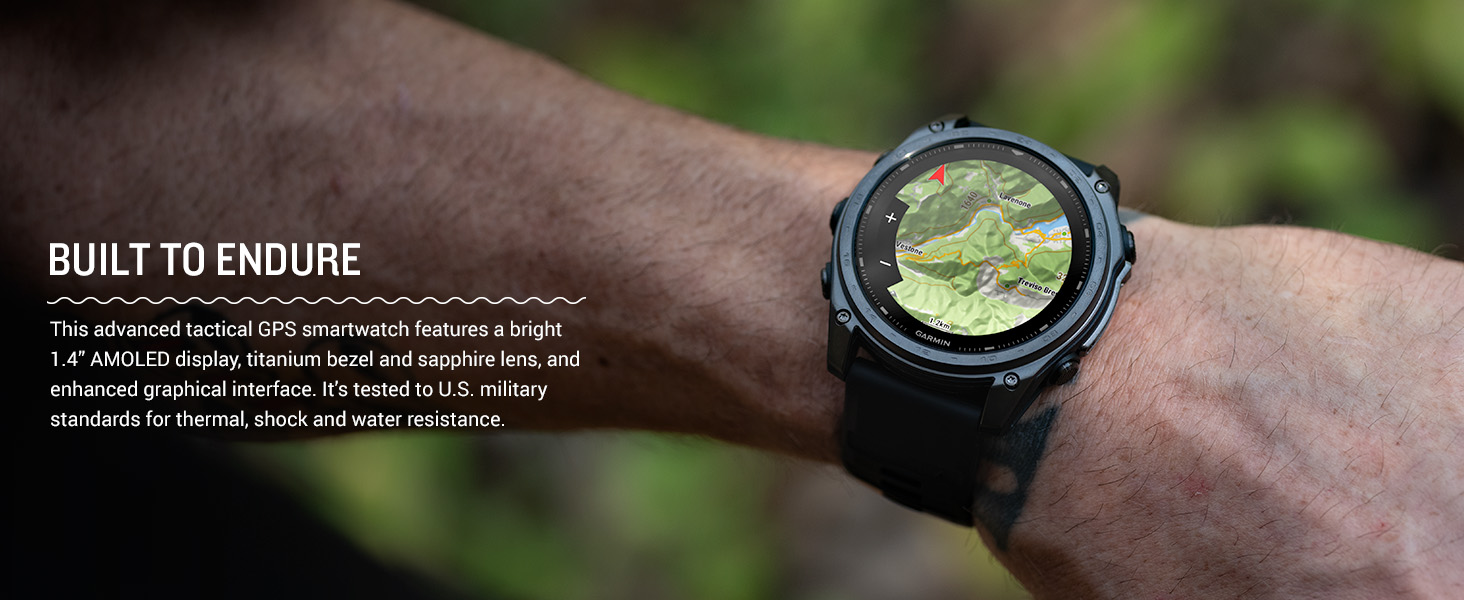
Image: The Garmin Connect app interface displayed on a smartphone and a laptop, illustrating connectivity.
4. Instrucțiuni de utilizare
4.1 Navigare de bază
The tactix 8 features both a responsive touchscreen and physical buttons for navigation. Swipe the touchscreen to scroll through widgets and menus. Use the UP şi JOS buttons to navigate lists, the START/STOP button to select options or start activities, and the SPATE/TUR butonul pentru a reveni la ecranul anterior.

Imagine: Laterală view of the Garmin tactix 8 smartwatch, highlighting the physical control buttons for navigation.
4.2 Funcții inteligente
- Notificări inteligente: Receive emails, texts, and alerts directly on your smartwatch when paired with your compatible smartphone.
- On-Wrist Calling: Utilize the built-in speaker and microphone to make and take phone calls from your watch.
- Garmin Pay: Make contactless payments directly from your watch.
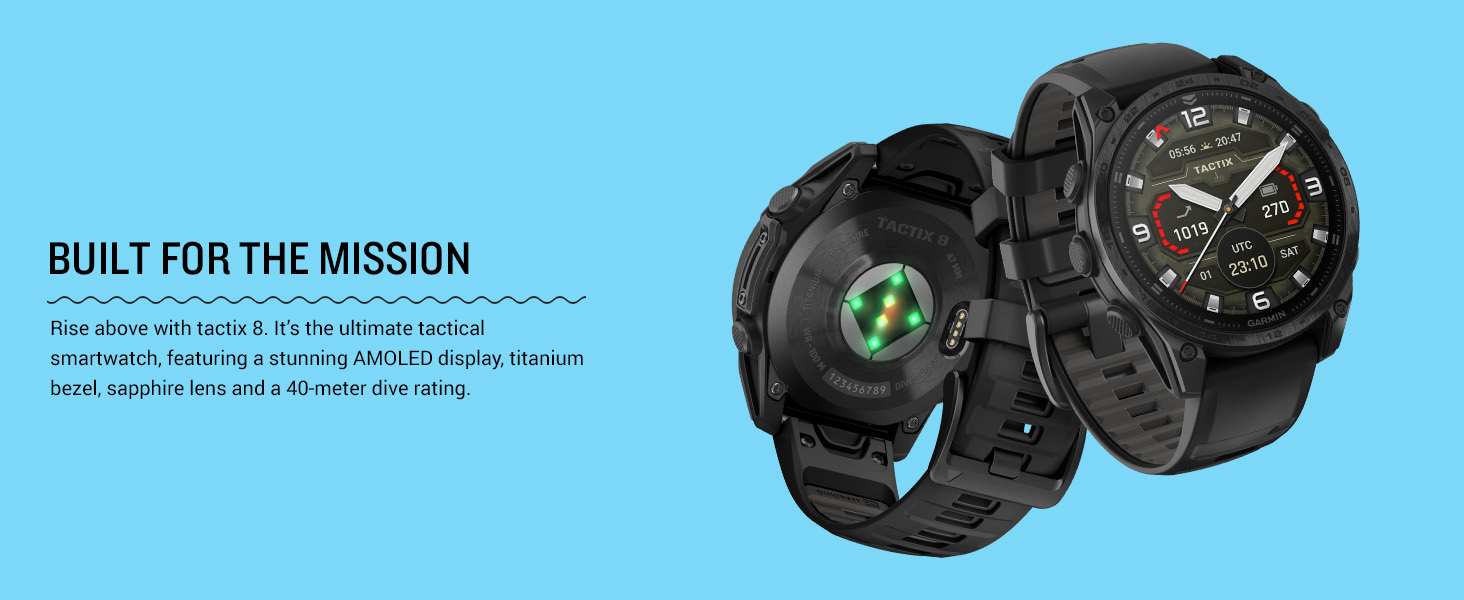
Image: The Garmin tactix 8 display showing smart notifications, Garmin Pay contactless payment, and an incoming call interface.
5. Caracteristici cheie
5.1 Tactical Functionality
- Applied Ballistics Solver: Preloaded solver provides aiming solutions for long-range shooting.
- Modul Stealth: Dezactivează GPS-ul și conectivitatea wireless pentru a preveni partajarea locației și comunicarea.
- Comutator de ucidere: Șterge toate datele utilizatorului de pe dispozitiv pentru securitate.
- Activitatea Jumpmasterului: Assists with calculating high-altitude release points according to military guidelines.
- Waypoint Projection & Dual-Position GPS: Project new waypoints and view your location in both universal transverse mercator (UTM) and military grid reference system (MGRS) on one screen.
- Compatibilitate cu vederea nocturnă: Switch between daytime view si vedere nocturna view cu un ecran care poate fi citit cu ochelari de vedere nocturnă.
- Activitate de rucking: Un profesionist dedicatfile to track rucking with pack weight input.
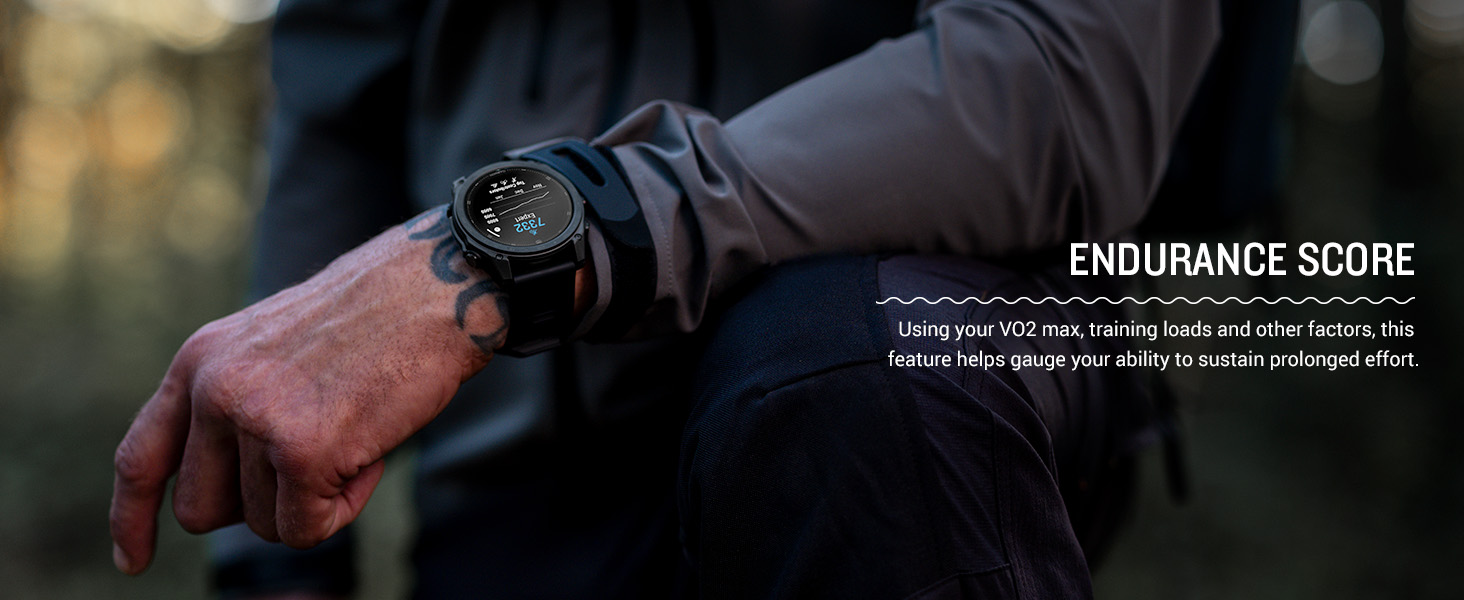
Image: The Garmin tactix 8 display in night vision mode, demonstrating its compatibility with night vision goggles.
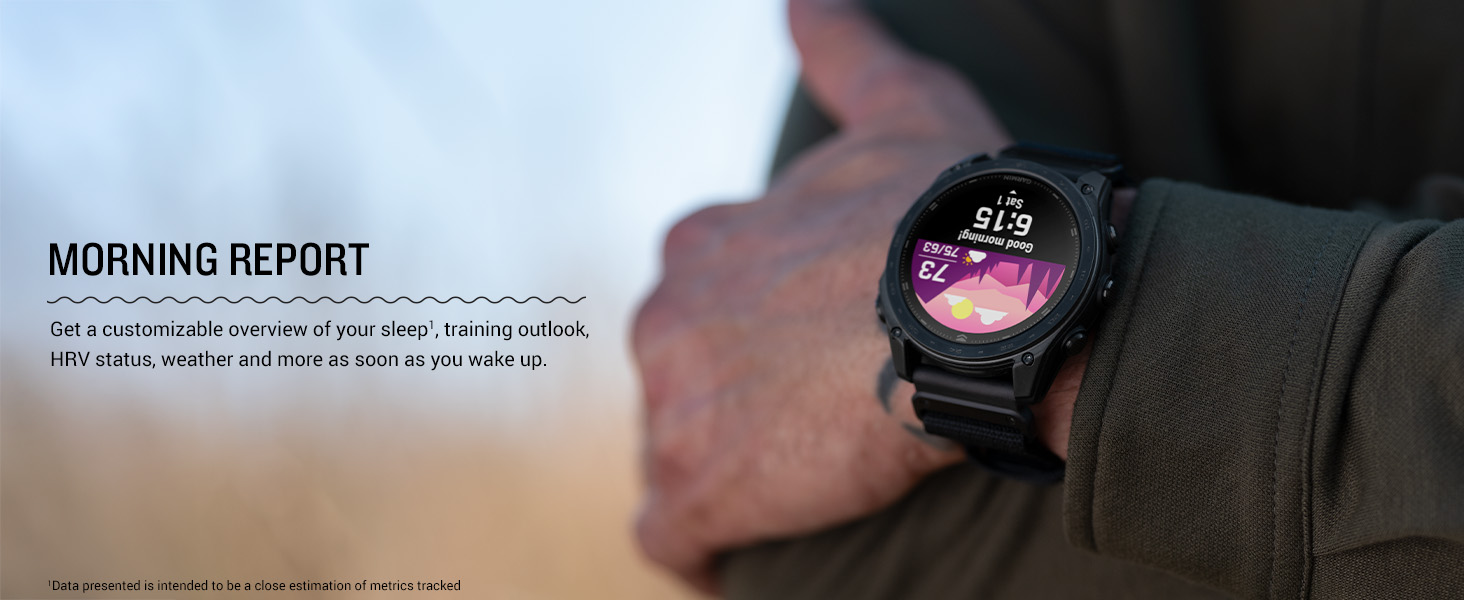
Image: The Garmin tactix 8 display showing the rucking activity interface, including pack weight tracking.
5.2 Advanced Navigation
- Multi-band GPS with SatIQ: Provides superior positioning accuracy in challenging environments.
- Senzori încorporați: Includes a 3-axis compass, gyroscope, and barometric altimeter for comprehensive environmental data.
- Hărți TopoActive: Preloaded maps with relief shading and access to additional downloadable maps worldwide.
- Hărți în aer liber+: Subscription for premium mapping content, including satellite imagery and enhanced topographic maps.
- Navigație aeronautică: Fully functional system with worldwide dynamic moving map, GPS navigation, NEXRAD, weather display, and airport information.
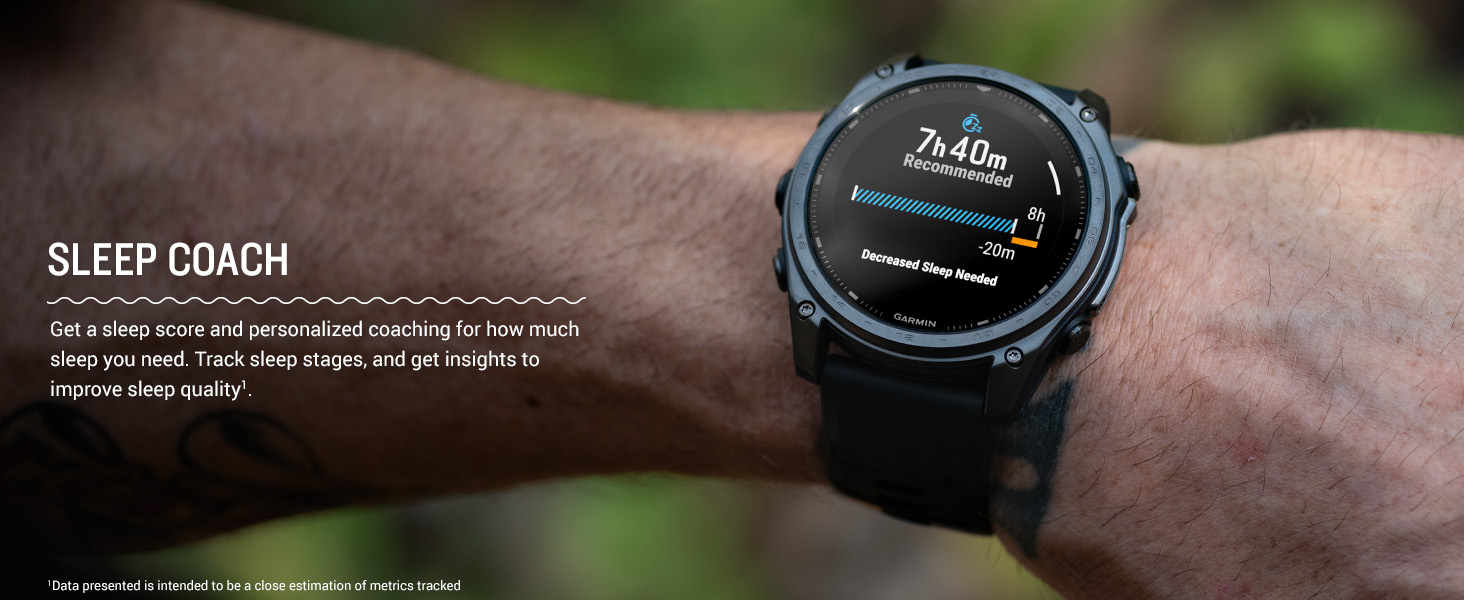
Image: The Garmin tactix 8 smartwatch displaying detailed TopoActive maps, useful for outdoor navigation.
5.3 Monitorizarea sănătății și a fitness-ului
- Ritmul cardiac bazat pe încheietura mâinii: Continuu samples your heart rate to gauge workout intensity and overall health.
- Monitorizare avansată a somnului: Urmărește somnultages and provides insights to improve sleep quality.
- Urmărirea respirației și pulsul oxigen: Monitors breathing and blood oxygen saturation levels.
- Aplicație ECG: Records heart rhythm and checks for signs of atrial fibrillation (available in select regions for users 22+).
- Training Plans & Workouts: Targeted strength training plans, real-time stamina tracking, and sport-specific workouts.
- Endurance Score & Morning Report: Gauge your ability to sustain prolonged effort and get a customizable overview of your sleep, training outlook, and HRV status.
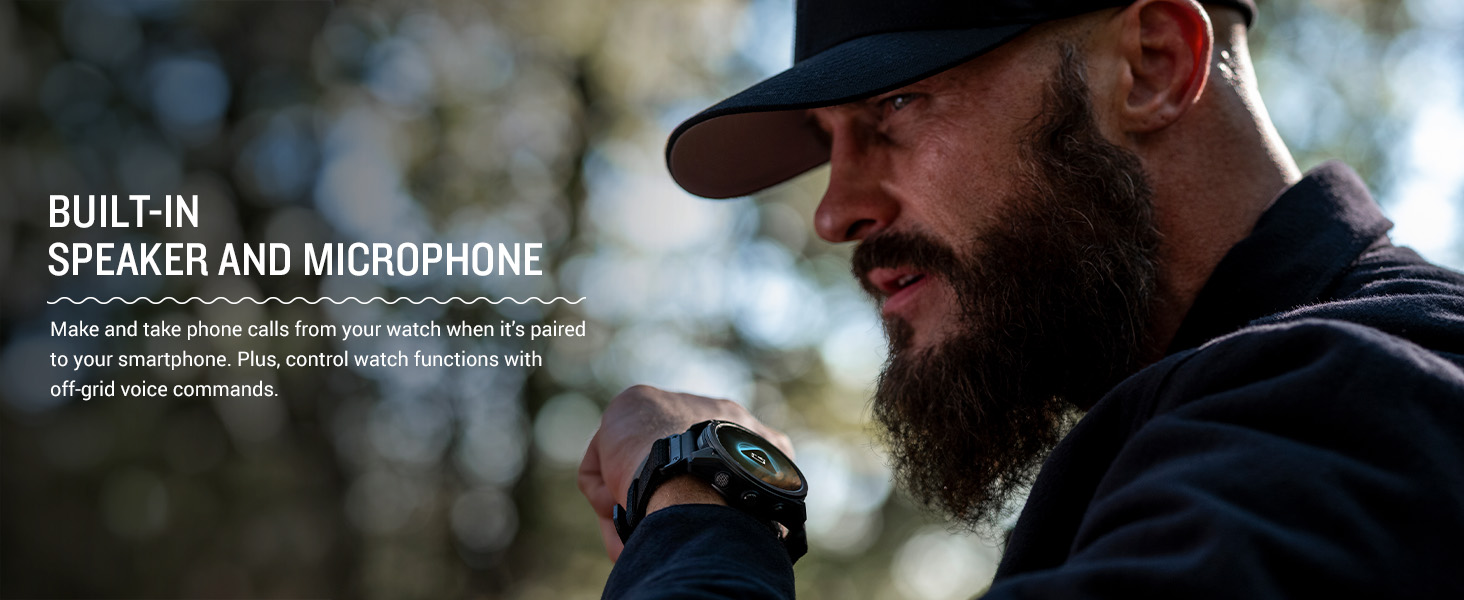
Image: The Garmin tactix 8 display showing various training metrics, including reps, time, and calories burned.
Image: The Garmin tactix 8 display showing a morning report with sleep score, training outlook, and weather information.
Lanternă LED încorporată 5.4
The tactix 8 includes a built-in multicolor LED flashlight, providing quick access to a bright, steady beam in either green or white light. In night vision (NVG) mode, white light is disabled, and the green flashlight becomes dimmable for stealthy operation.
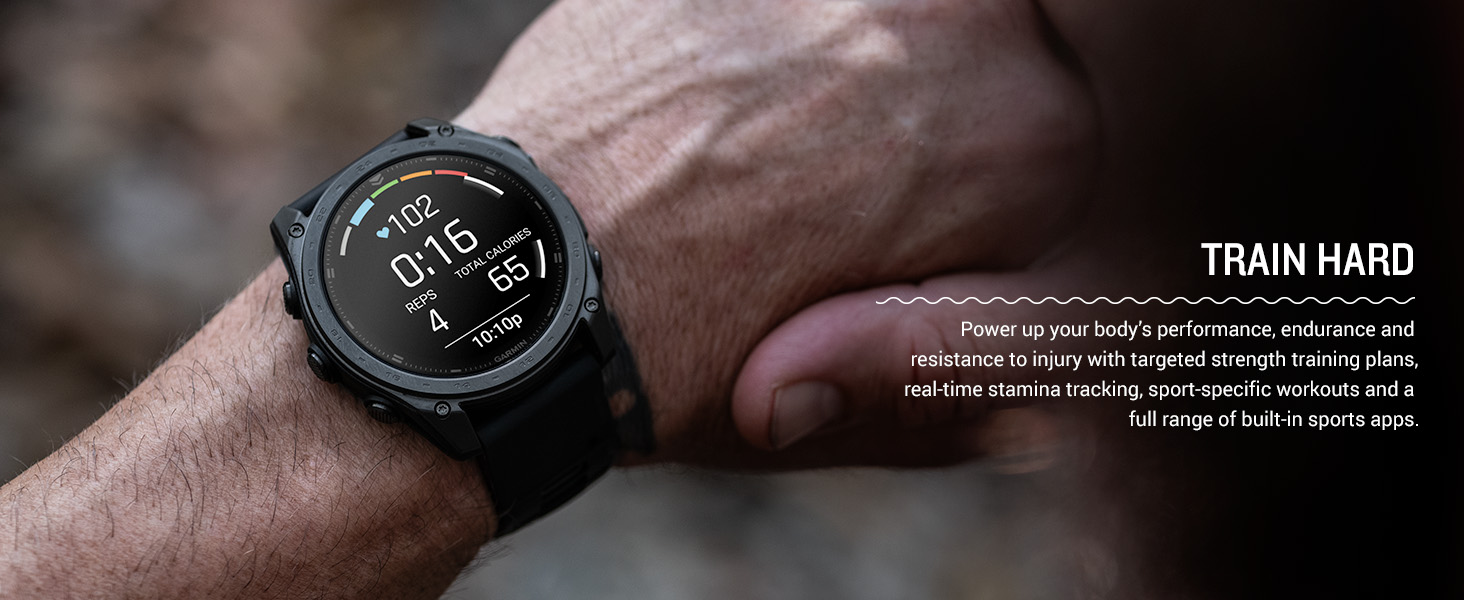
Image: The Garmin tactix 8 smartwatch with its built-in LED flashlight activated, illuminating a dark environment.
5.5 Dive Rating
With a 40-meter dive rating, the tactix 8 supports scuba and apnea dive activities, allowing you to track your underwater adventures.
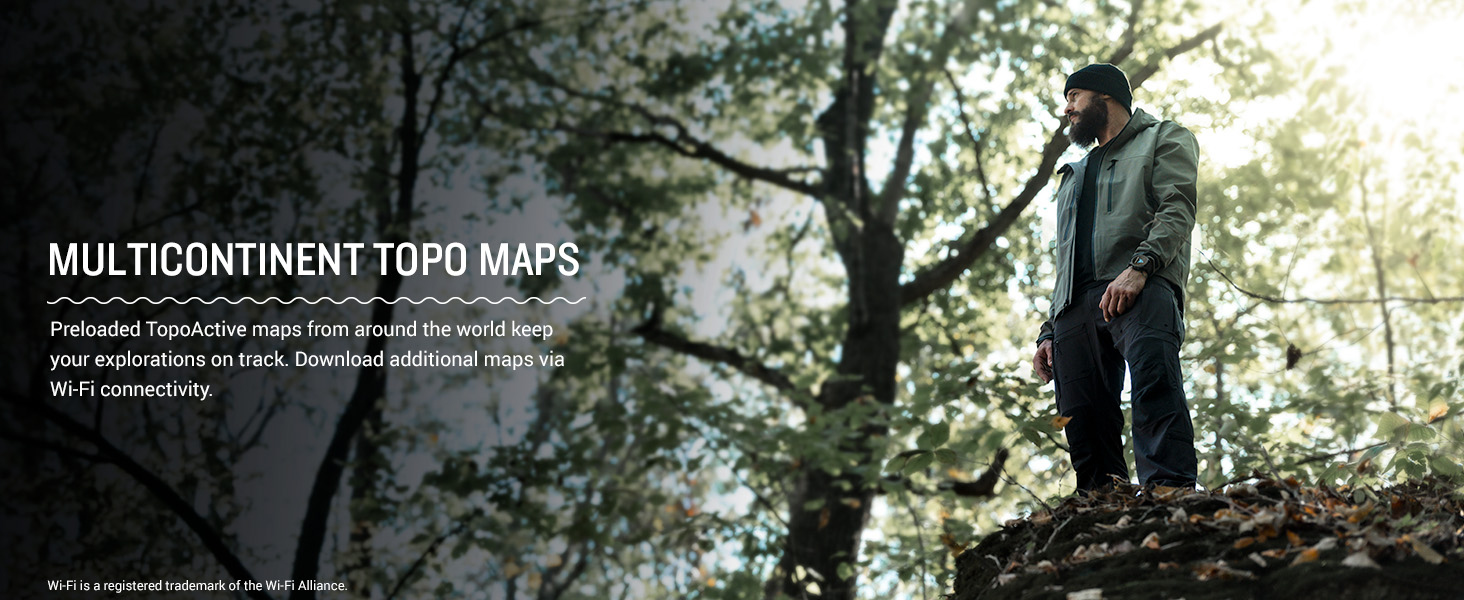
Image: The Garmin tactix 8 smartwatch on a diver's wrist, displaying dive metrics while submerged in water.
5.6 Videoclip oficial al produsului
Video: An official product video from Garmin International showcasing the features and capabilities of the tactix 8 series smartwatches.
6. Întreținere
6.1 Curăţarea dispozitivului
Regularly clean your smartwatch to maintain its performance and appearance. Wipe the device with a soft, damp Evitați utilizarea substanțelor chimice dure sau a materialelor abrazive care ar putea deteriora afișajul sauasing. Rinse the watch with fresh water after exposure to chlorine, saltwater, sunscreen, cosmetics, alcohol, or other harsh chemicals.
6.2 Cele mai bune practici de încărcare
To prolong battery life, avoid exposing the device to extreme temperatures. Charge the device fully before long periods of inactivity. Use only the charging cable provided by Garmin.
6.3 Rezistența la apă
The tactix 8 has a 40-meter dive rating. While it is water-resistant, ensure the charging port is dry before charging to prevent corrosion. Avoid pressing buttons underwater unless specified for dive activities.
7. Depanare
7.1 Dispozitivul nu răspunde
If your device is unresponsive, try restarting it. Press and hold the APRINDE button for 15 seconds until the screen turns off. Release the button, then press it again briefly to power the device back on.
7.2 Probleme de conectivitate
If you experience issues with Bluetooth or GPS connectivity:
- Ensure your smartphone's Bluetooth is enabled and the watch is within range.
- Reporniți atât ceasul, cât și smartphone-ul.
- Check for any available software updates for both the watch and the Garmin Connect app.
- For GPS, ensure you have a clear view a cerului.
7.3 Citiri de date inexacte
For heart rate, Pulse Ox, or other sensor data inaccuracies:
- Asigurați-vă că ceasul este purtat strâns, dar confortabil, pe încheietura mâinii, deasupra osului încheieturii mâinii.
- Curățați senzorul de pe spatele ceasului.
- Factorii de mediu și mișcarea pot afecta valorile citite.
7.4 Resetare din fabrică
Dacă problemele persistă, este posibil să fie nevoie să efectuați o resetare la setările din fabrică. Avertizare: This will erase all user data and settings. Refer to the device's on-screen menu or the full documentation for instructions on how to perform a factory reset.
8. Specificații
| Caracteristică | Caietul de sarcini |
|---|---|
| Numele modelului | tactix® 8 – 47 mm, AMOLED |
| Numărul de model | 010-03405-00 |
| Tip de afișare | AMOLED |
| Dimensiunea ecranului | 1.4 inchi |
| Rezoluţie | 260 x 260 pixeli |
| Maximum Display Brightness | 1000 Nit |
| Sistem de operare | Sistem de operare Garmin |
| Capacitate de stocare a memoriei | 32 GB |
| Capacitatea bateriei | 440 Miliamp Ore |
| Durata medie a bateriei | Up to 16 days (smartwatch mode) |
| Tehnologia de conectivitate | Bluetooth, USB, Wi-Fi |
| GPS | Built-in GPS (GLONASS, Galileo, QZSS supported) |
| Tipul de material al carcasei | Titan |
| Tipul materialului benzii | Silicon |
| Nivel de rezistență la apă | Water Resistant (40 Meters) |
| Greutatea articolului | 73 grame |
| Dimensiuni articol (D x L x H) | 1.85" D x 0.54" L x 1.85" H |
9. Garanție și asistență
9.1 Garanție limitată
The Garmin tactix 8 smartwatch comes with a 1-year limited warranty from the date of purchase. This warranty covers defects in materials and workmanship under normal use. For full details regarding warranty coverage, limitations, and how to make a claim, please refer to the official documentation included in your product packaging or visit the Garmin support website-ul.
9.2 Asistență pentru clienți
For additional assistance, technical support, or to access frequently asked questions and software updates, please visit the official Garmin support webDe asemenea, puteți găsi informații de contact pentru serviciul clienți din regiunea dvs. pe site-ul lor website-ul.