
1. Introducere
Thank you for choosing the HyperGear Power Bank Pro+ 20,000mAh. This portable power bank is designed to provide reliable and fast charging for your mobile devices, tablets, and even USB-C laptops. With its high capacity and advanced charging technologies, it ensures your devices stay powered on the go. Please read this manual thoroughly before using the product to ensure proper operation and safety.
2. Informații de siguranță
- Nu expuneți bateria externă la temperaturi extreme (căldură sau frig), la lumina directă a soarelui sau la umiditate ridicată.
- Do not disassemble, modify, or attempt to repair the device. This will void the warranty and may cause damage or injury.
- Țineți banca de alimentare departe de apă și alte lichide.
- Evitați să scăpați sau să supună powerbank-ului la impacturi puternice.
- Folosiți doar cabluri și adaptoare de încărcare certificate.
- A nu se lăsa la îndemâna copiilor.
- Aruncați bateria externă în mod responsabil, conform reglementărilor locale.
3. Conținutul pachetului
- HyperGear Power Bank Pro+ 20,000mAh
- USB-C to USB-C Charging Cable (may vary by package)
- Manual de utilizare
4. Produs terminatview
The HyperGear Power Bank Pro+ features multiple ports and an LED display for convenient charging and monitoring.
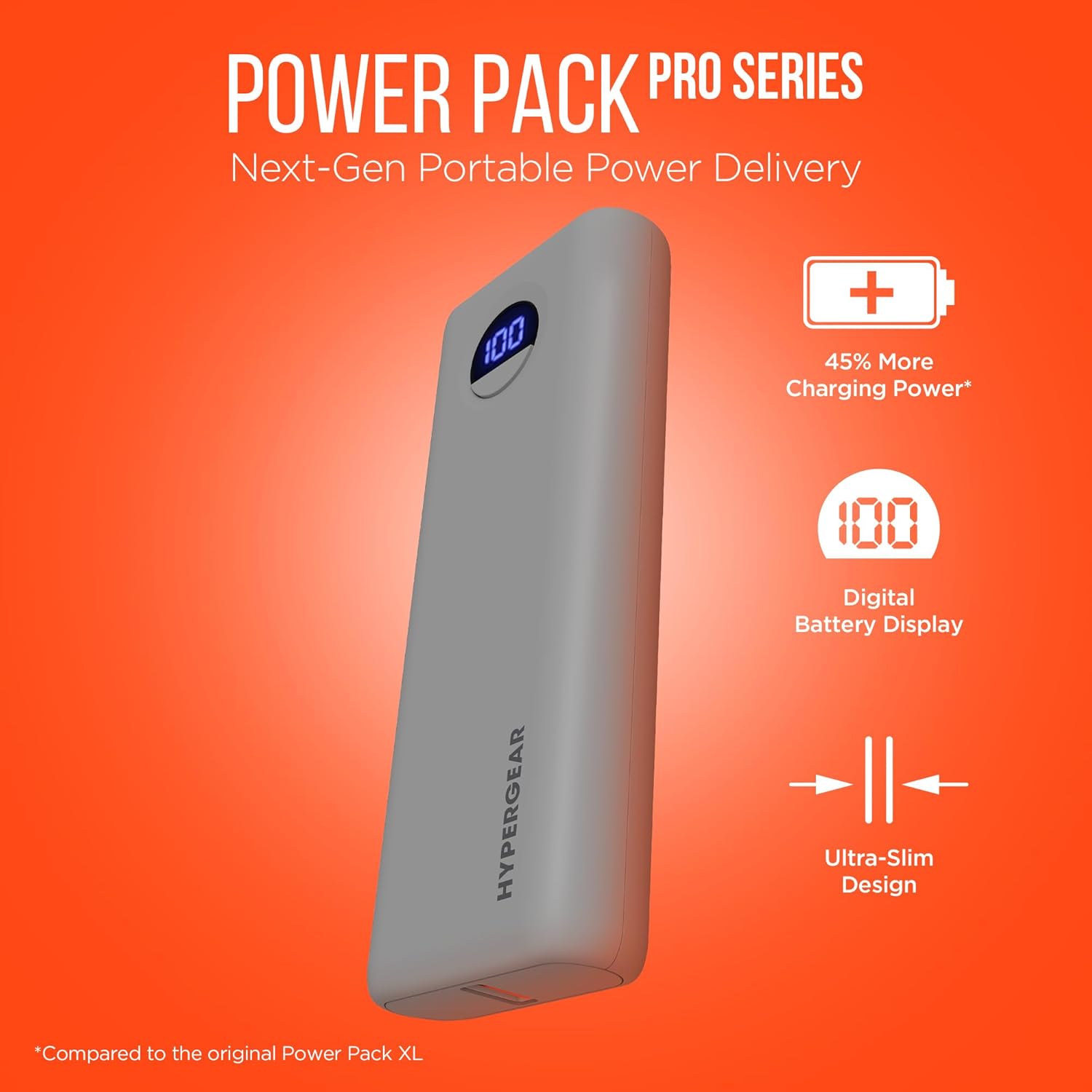
Image: HyperGear Power Bank Pro+ 20,000mAh with LED display showing 100% charge. This image highlights the sleek design and the digital battery indicator.
Port and Indicator Descriptions:
- Port USB-C (intrare/ieșire): Supports 35W Power Delivery (PD) for fast charging compatible devices and recharging the power bank itself.
- USB-A Port (Output): Supports 18W Adaptive Fast Charge for quick charging of various devices.
- Afișaj digital LED: Afișează procentul de baterie rămasătage de la banca de putere.
- Buton de alimentare: Press once to check battery level; press and hold to activate/deactivate (if applicable).
5. Configurare
Încărcarea inițială a bateriei externe:
- Conectați cablul USB-C furnizat la portul USB-C de pe bateria externă.
- Connect the other end of the USB-C cable to a compatible USB-C wall adapter (not included) with a minimum output of 35W for optimal charging speed.
- The LED digital display will show the charging progress. Allow the power bank to fully charge to 100% before first use.

Image: HyperGear Power Bank Pro+ connected to a wall adapter for recharging, while simultaneously charging a smartphone. This demonstrates the pass-through charging capability.
6. Instrucțiuni de utilizare
Încărcarea dispozitivelor dvs.:
- Connect your device's charging cable to either the USB-C or USB-A output port on the power bank.
- Conectați celălalt capăt al cablului la dispozitiv.
- The power bank will automatically begin charging your device. The LED display will show the power bank's remaining battery level.
- To charge two devices simultaneously, connect one to the USB-C port and another to the USB-A port.

Image: HyperGear Power Bank Pro+ connected via a USB-C cable to an iPhone, illustrating fast charging for smartphones.

Image: HyperGear Power Bank Pro+ connected via a USB-C cable to a tablet, demonstrating fast charging for tablets.

Image: HyperGear Power Bank Pro+ connected via a USB-C cable to a MacBook Air, showing its capability for full-speed laptop charging.
Reîncărcarea Power Bank:
To recharge the power bank, follow the steps outlined in the "Initial Charging of the Power Bank" section (Section 5). The USB-C port functions as both an input and output.
Încărcare directă:
The HyperGear Power Bank Pro+ supports pass-through charging, allowing you to recharge the power bank while it simultaneously charges your devices. Simply connect the power bank to a wall adapter and then connect your devices to the power bank's output ports.
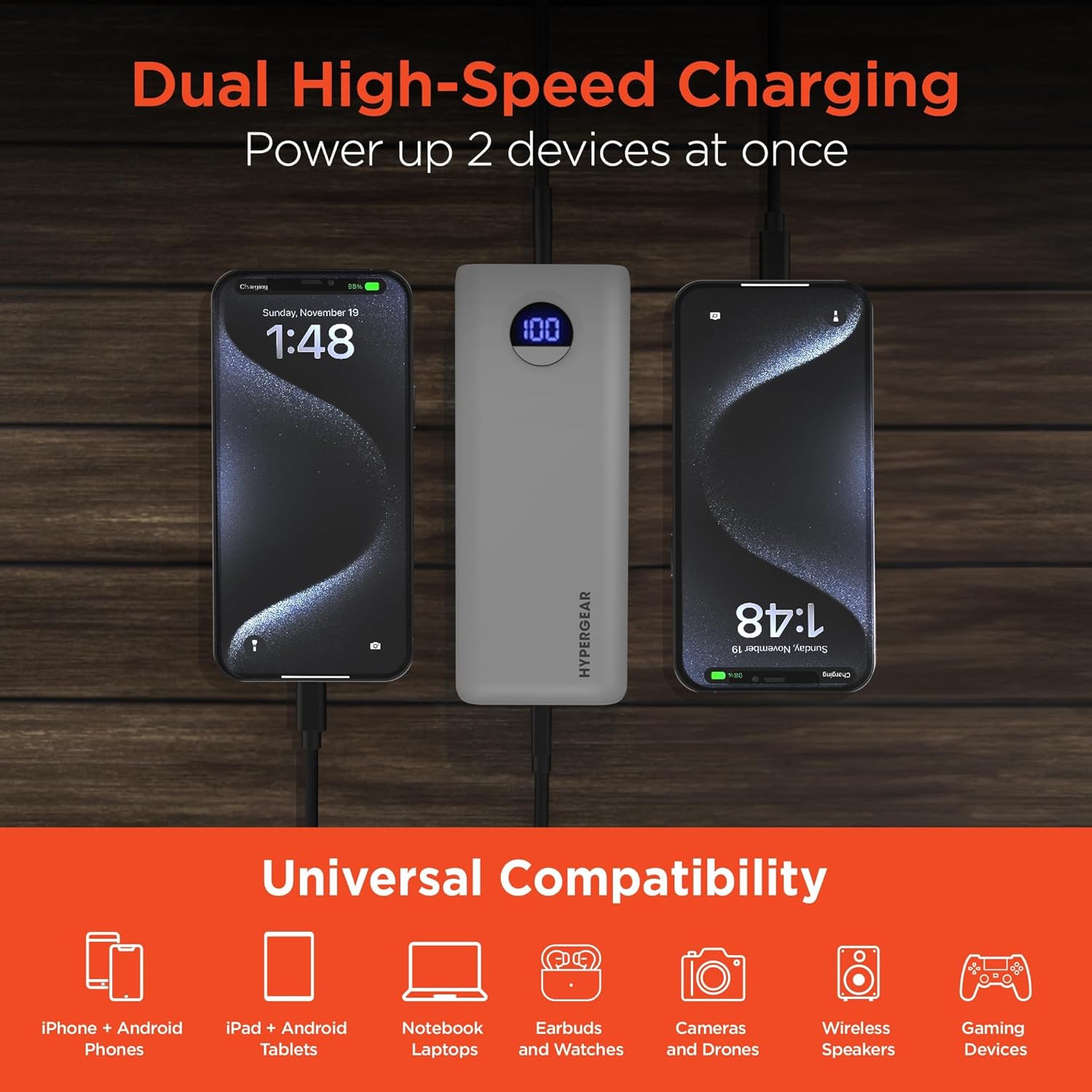
Image: HyperGear Power Bank Pro+ simultaneously charging two smartphones, with icons indicating universal compatibility for various devices.
7. Întreținere
- curatenie: Folosește o lavetă moale și uscată pentru a curăța suprafața bateriei externe. Nu folosești substanțe chimice dure sau materiale abrazive.
- Depozitare: Store the power bank in a cool, dry place away from direct sunlight and extreme temperatures. For long-term storage, it is recommended to charge the power bank to about 50-75% every 3-6 months to maintain battery health.
- Sănătatea bateriei: Avoid fully discharging the power bank regularly, as this can reduce its overall lifespan.
8. Depanare
Power Bank nu se încarcă:
- Asigurați-vă că cablul de încărcare este conectat corect atât la acumulatorul extern, cât și la adaptorul de perete.
- Verificați dacă adaptorul de perete funcționează corect și este conectat la o priză de curent continuu.
- Try using a different USB-C cable and/or wall adapter.
Dispozitivul nu se încarcă de la bateria externă:
- Check if the power bank has sufficient charge (refer to the LED display).
- Asigurați-vă că cablul de încărcare este conectat în siguranță atât la acumulatorul extern, cât și la dispozitiv.
- Încercați să utilizați un cablu de încărcare diferit.
- Confirm your device is compatible with the power bank's output ports.
Încărcare lentă:
- Asigurați-vă că utilizați un cablu compatibil cu încărcarea rapidă și că dispozitivul acceptă încărcarea rapidă.
- The charging speed can be affected if multiple devices are charging simultaneously.
- Verificați cerințele de intrare pentru încărcare ale dispozitivului.
9. Specificații
| Numărul de model | 15843 |
| Capacitatea bateriei | 20,000 mAh |
| Ieșire/Intrare USB-C | 35W Power Delivery (PD) with PPS |
| Ieșire USB-A | 18W Adaptive Fast Charge |
| Dimensiuni | 2.97 x 6 x 1.03 inci |
| Greutatea articolului | 12.6 uncii |
| Caracteristici speciale | Digital Battery Level Display, Dual Device Charging, Pass-Through Charging, Airline/TSA Compliant |
10. Informații despre garanție
HyperGear products are designed and manufactured to the highest quality standards. For detailed warranty information, including coverage period and terms, please refer to the official HyperGear website-ul web sau cardul de garanție inclus la achiziție. Păstrați dovada achiziției pentru a putea solicita garanția.
11. Suport
If you encounter any issues or have questions regarding your HyperGear Power Bank Pro+, please visit the official HyperGear support website for FAQs, troubleshooting guides, and contact information. You can typically find support resources at www.hypergear.com/support (examplinkul, vă rugăm să verificați realitatea URL).