
1. Introducere
This manual provides detailed instructions for the Varmilo Sword68 Sakura 65% Hotswap Wireless RGB Mechanical Keyboard. Please read this manual thoroughly before using the product to ensure proper operation and to maximize its lifespan. This keyboard features a full 6063 aluminum CNC case, multiple connectivity options, hot-swappable switches, and customizable RGB lighting.
2. Informații de siguranță
- Țineți tastatura departe de lichide și umiditate excesivă pentru a preveni deteriorarea.
- Evitați expunerea tastaturii la temperaturi extreme.
- Nu încercați să dezasamblați sau să modificați tastatura, deoarece acest lucru poate anula garanția și poate provoca deteriorări.
- Folosiți doar cablul USB-C furnizat pentru încărcare și conexiune cu fir.
- A nu se lăsa la îndemâna copiilor.
3. Conținutul pachetului
Verificați dacă toate articolele sunt prezente în colet:
- Varmilo Sword68 Mechanical Keyboard
- Cablu USB-C
- Extractor pentru taste (poate fi inclus)
- Extractor de întrerupător (poate fi inclus)
4. Configurare
4.1 Încărcare inițială
Before first use, connect the keyboard to a USB power source using the provided USB-C cable. The keyboard features a 4000mAh rechargeable battery. A full charge is recommended for optimal wireless performance.
4.2 Opțiuni de conectivitate
The Varmilo Sword68 supports three connection modes:
- Cu fir (USB-C): Connect the keyboard directly to your computer using the USB-C cable. The keyboard will automatically switch to wired mode.
- Bluetooth 5.0:
- Turn on the keyboard and switch to Bluetooth mode (refer to the keyboard's function keys for mode switching).
- On your device (PC, laptop, smartphone, tablet), enable Bluetooth and search for new devices.
- Select 'Varmilo Sword68' from the list of available devices to pair.
- Wireless 2.4 GHz:
- Insert the 2.4 GHz USB receiver into an available USB port on your computer.
- Switch the keyboard to 2.4 GHz wireless mode (refer to the keyboard's function keys for mode switching). The keyboard should automatically connect to the receiver.
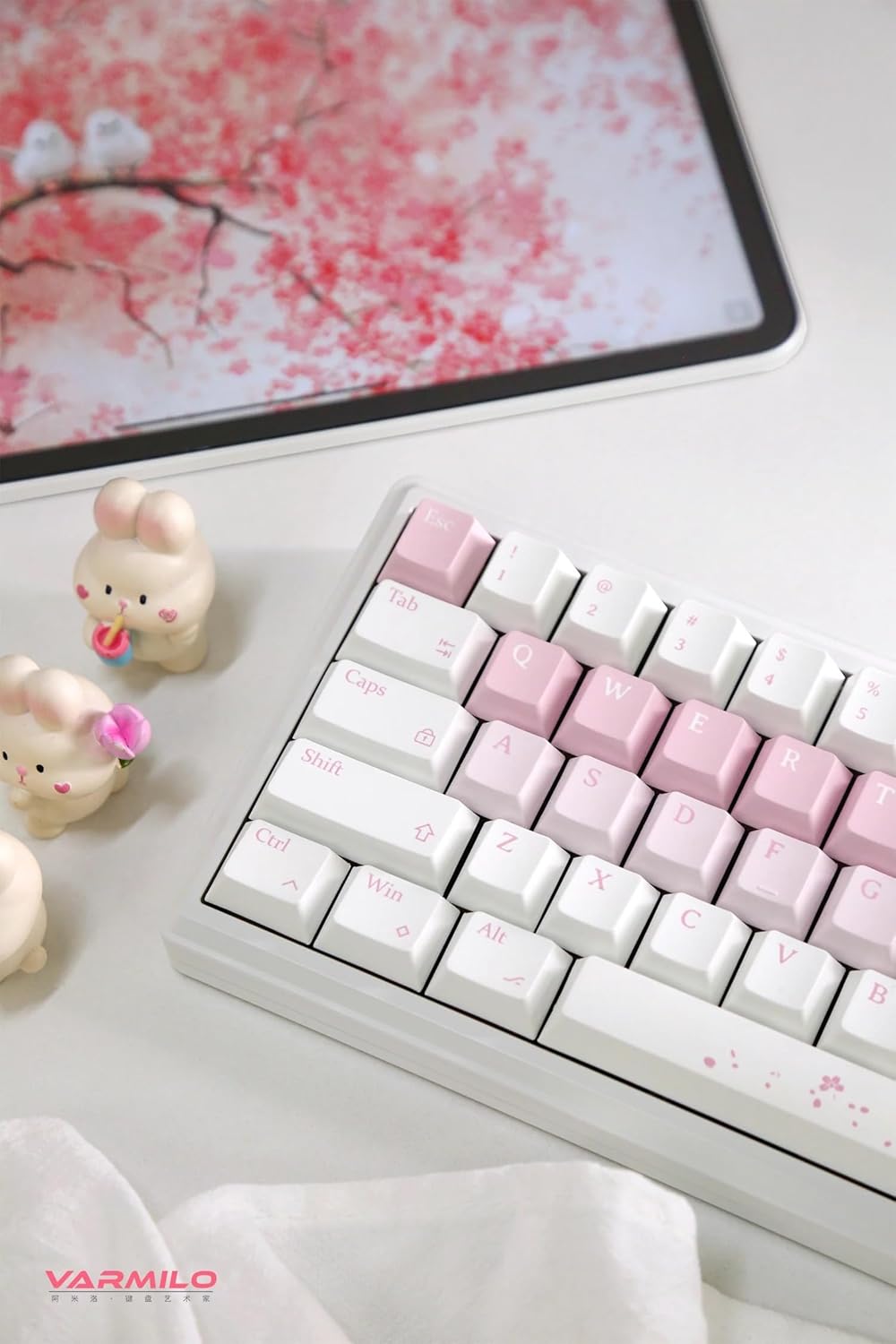
Image: The Varmilo Sword68 keyboard set up on a desk, demonstrating its compact size and aesthetic design alongside a tablet.
5. Operare
5.1 Funcții de bază ale tastaturii
The Varmilo Sword68 functions as a standard 65% mechanical keyboard. All keys perform their labeled functions. For secondary functions (accessed via the Fn key), refer to the keycap legends or the custom software.

Imagine: O imagine detaliată view of the Varmilo Sword68 keyboard's right side, highlighting the white and pink keycaps and the Sakura-themed spacebar and escape key.
5.2 Iluminare de fundal RGB
The keyboard features RGB backlighting. Lighting effects and colors can be customized using the dedicated software. Refer to the software's instructions for detailed customization options.
5.3 Custom Layout Control
The Varmilo Sword68 supports custom layout control through its software. This allows users to remap keys, create macros, and personalize the keyboard's functionality to suit their workflow or gaming preferences.
5.4 Comutatoare înlocuibile la cald
The PCB is hot-swappable, allowing users to change mechanical switches without soldering. This feature supports both plate mount and PCB mount stabilizers. To replace a switch:
- Scoateți cu grijă capacul tastelor folosind un extractor pentru capacuri.
- Use a switch puller to carefully extract the switch from the PCB.
- Aliniați pinii noului comutator cu orificiile de pe PCB și apăsați ferm până când se fixează în poziție cu un clic. Asigurați-vă că pinii nu sunt îndoiți.

Imagine: Un prim-plan view of the Varmilo Sword68 keyboard, showcasing the arrangement of its white and pink keycaps and the decorative spacebar.
6. Întreținere
6.1 Curățarea tastaturii
Pentru a menține aspectul și funcționalitatea tastaturii:
- Deconectați tastatura de la toate sursele de alimentare înainte de curățare.
- Folosiți o cârpă moale, fără scame dampened with water or a mild cleaning solution to wipe the keycaps and case.
- Pentru praf și resturi între taste, folosiți aer comprimat sau o perie mică.
- Evitați utilizarea substanțelor chimice dure sau a materialelor abrazive.
6.2 Îngrijirea tastelor și a comutatoarelor
The Double Shot ABS keycaps are durable. If removing keycaps or switches, do so gently to avoid damaging the components or the PCB.
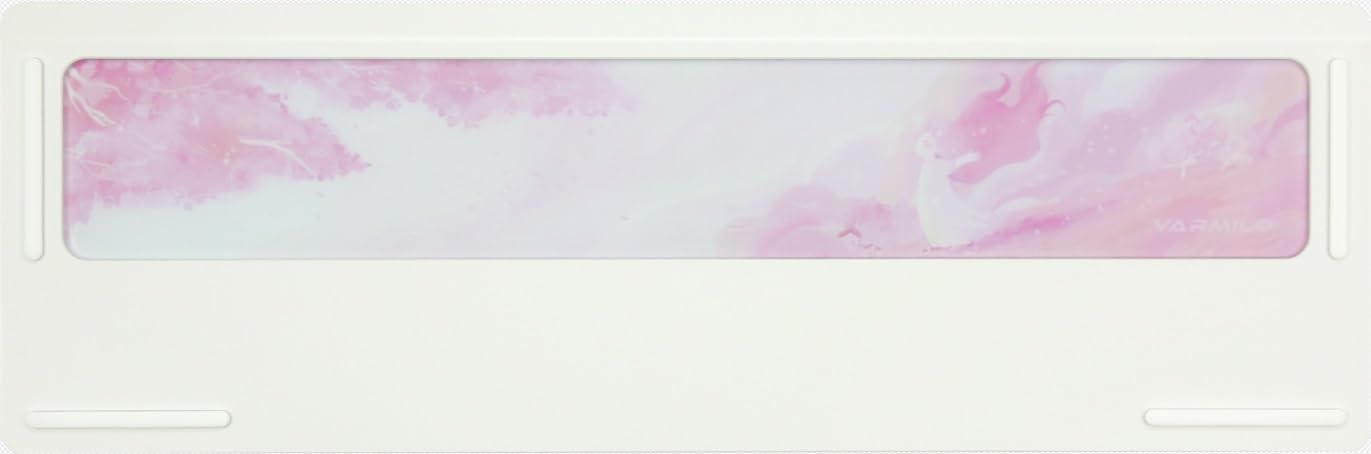
Image: The underside of the Varmilo Sword68 keyboard, revealing the frosted glass weight and rubber feet for stability.
7. Depanare
- Tastatura nu răspunde: Ensure the USB-C cable is securely connected or that the wireless receiver is properly inserted and the keyboard is in the correct mode (wired, Bluetooth, 2.4 GHz). Check battery level if in wireless mode.
- Probleme de asociere Bluetooth: Ensure the keyboard is in pairing mode and your device's Bluetooth is enabled. Try removing previous pairings and re-pairing.
- Iluminarea RGB nu funcționează: Check the software settings for RGB control. Ensure the keyboard is not in a low-power mode that disables lighting.
- Cheile nu se înregistrează: For hot-swappable switches, ensure the switch is fully seated and its pins are not bent. Try replacing the switch if the issue persists.
- Conexiune wireless intermitentă: Ensure the keyboard is within range of the receiver/device and there are no significant obstructions or interference sources.
8. Specificații
| Marca | Varmilo |
| Model | Sword68 |
| ASIN | B0DMXL67WS |
| Tehnologia de conectivitate | Bluetooth, USB-C |
| Descrierea tastaturii | Mecanic |
| Caracteristici speciale | Backlit, Hot-Swappable, Rechargeable |
| Suport culori pentru iluminarea din spate a tastaturii | RGB |
| Material | Aluminiu, policarbonat |
| Capacitatea bateriei | 4000mAh |
| keycaps | ABS cu două lovituri |
| Absorbție fonică | 3x Poron foam, 2x PET foam, 1x IXPE foam |
| Materialul carcasei | 6063 Aluminum CNC with electrophoresis finish |
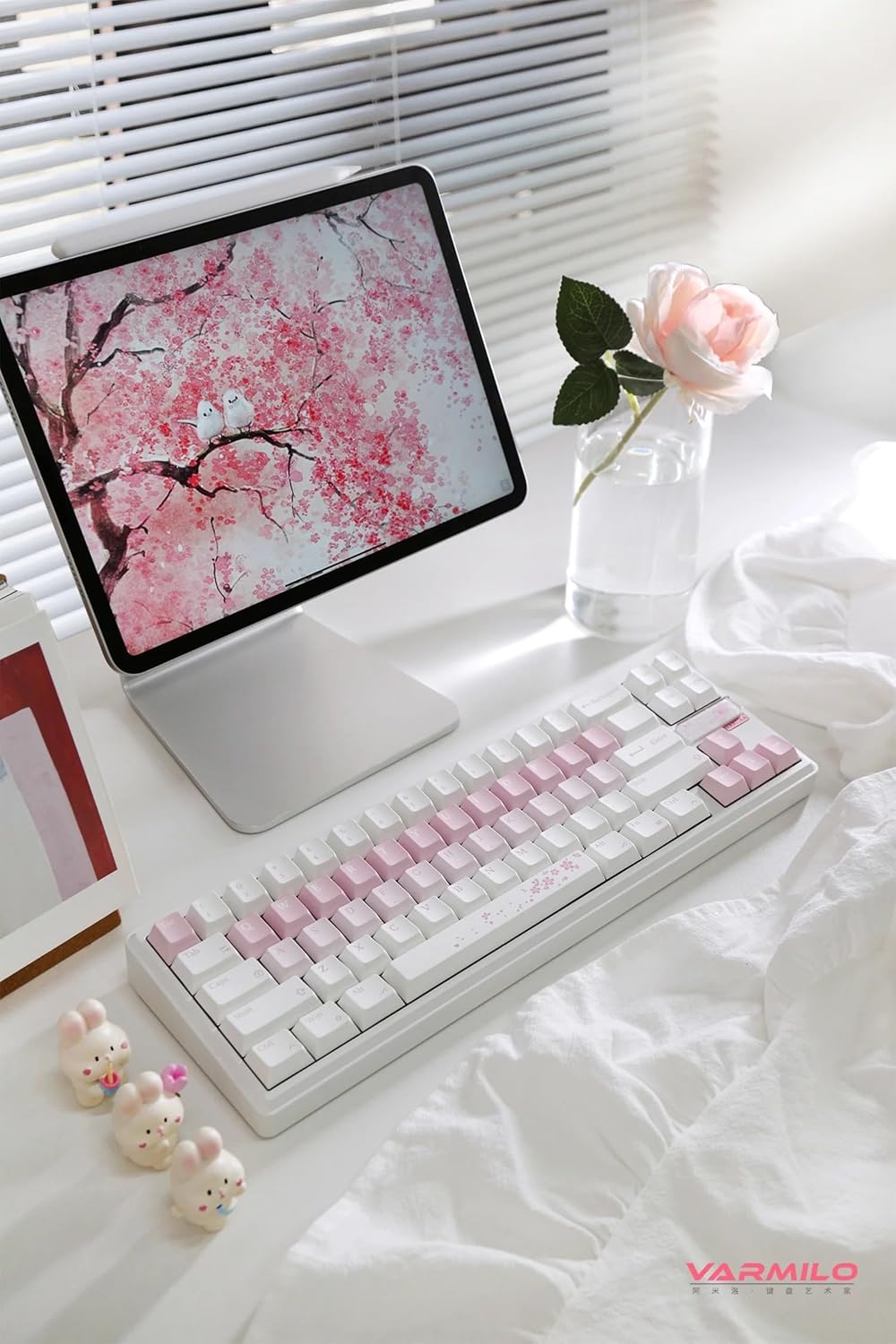
Imagine: O imagine completă view of the Varmilo Sword68 keyboard in a desk setup, showcasing designul său elegant și factorul de formă compact.
9. Garanție și asistență
For warranty information, technical support, or service inquiries, please refer to the official Varmilo website-ul lor sau contactați direct serviciul de asistență pentru clienți. Păstrați bonul fiscal pentru reclamații în garanție.