
1. Introducere
This manual provides detailed instructions for the SANWA Wired Ergonomic Trackball Mouse GMATB167. This device is designed to offer an ergonomic computing experience, reducing wrist and arm strain. It includes a 34mm trackball for precise cursor control and comes with a replacement ball. The mouse features a 15-degree tilt angle to maintain a natural wrist posture, making it suitable for extended use on various surfaces.
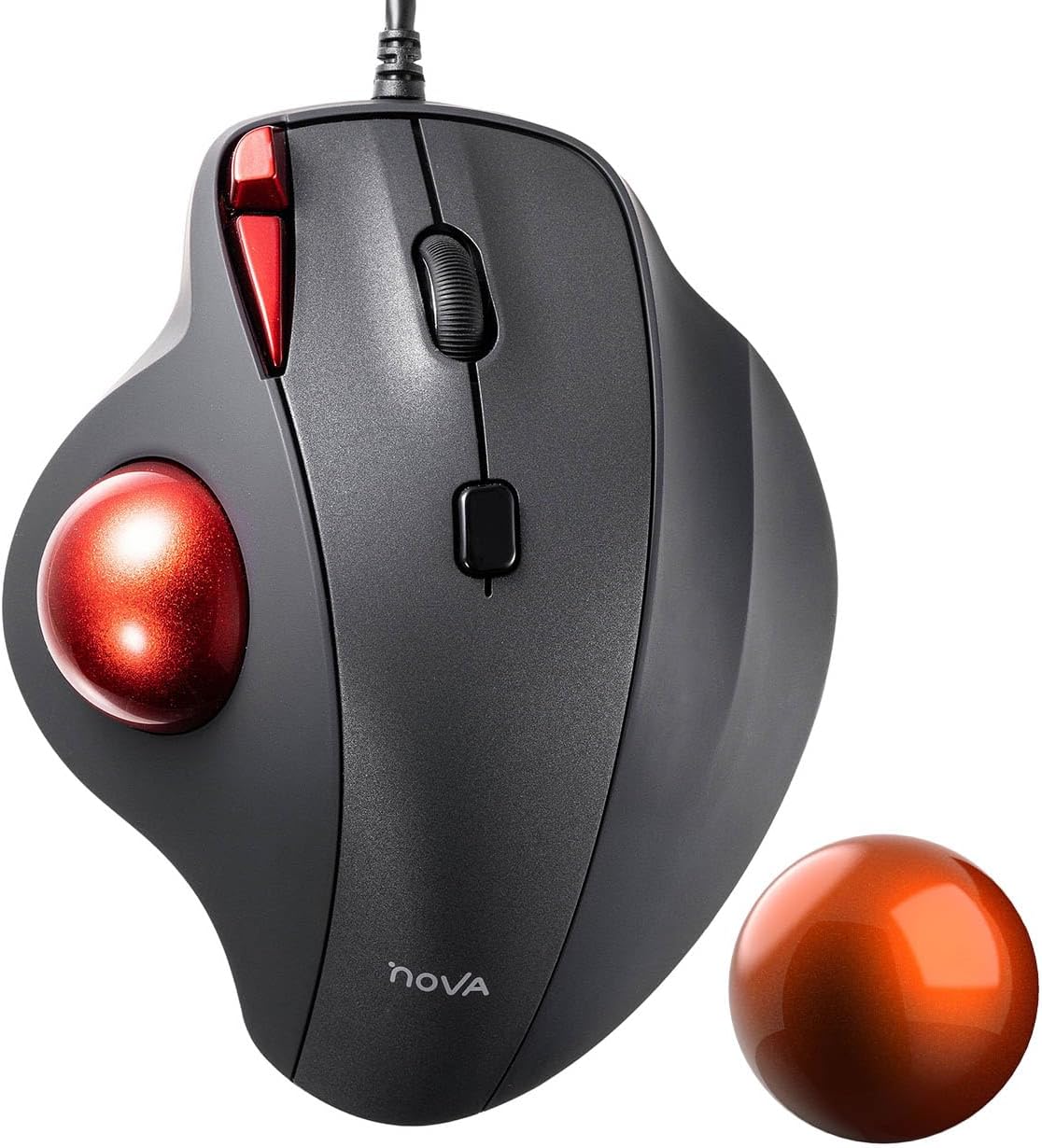
Image 1.1: The SANWA Wired Ergonomic Trackball Mouse GMATB167, shown with its primary red trackball and an additional orange replacement trackball.
2. Configurare
The SANWA GMATB167 trackball mouse is a wired device designed for simple plug-and-play functionality. It connects to your computer via a standard USB-A port.
2.1 Conectarea mouse-ului
- Găsiți un port USB-A disponibil pe computer.
- Insert the USB-A connector of the trackball mouse into the USB-A port.
- The operating system will automatically detect and install the necessary drivers. No additional software installation is required for basic functionality.

Image 2.1: The SANWA GMATB167 trackball mouse connected to a laptop via its 5.9ft USB-A cable, illustrating the wired connection.
3. Instrucțiuni de utilizare
3.1 Ergonomic Design and Wrist Support
The GMATB167 features a 15-degree tilt angle designed to promote a natural wrist position, reducing fatigue and discomfort during prolonged use. The trackball allows cursor movement without requiring arm or wrist movement, further contributing to ergonomic comfort.

Image 3.1: A hand positioned on the trackball mouse, highlighting the 15-degree natural tilt that helps relieve wrist fatigue and pain.
3.2 Ajustare DPI
The mouse offers four adjustable DPI (Dots Per Inch) levels to suit different cursor speed preferences and tasks. You can switch between these levels using the dedicated DPI button located on the mouse.
- Available DPI Levels: 600, 800, 1200, 1600

Image 3.2: The DPI adjustment button on the trackball mouse, indicating the four selectable cursor speed settings.
3.3 Silent Buttons
The left and right click buttons on the GMATB167 are designed for noiseless operation. This feature makes the mouse ideal for use in quiet environments such as libraries, meeting rooms, or during late-night work sessions, minimizing disturbance to others.

Image 3.3: The trackball mouse with noiseless buttons, suitable for use in quiet environments.
3.4 Butoane programabile
The SANWA GMATB167 trackball mouse features programmable buttons, allowing you to customize functions for increased efficiency. To utilize this feature, you must download and install the SANWA Trackball mouse software.
- Compatibilitate software: Windows operating systems only.
- Functionalitate: Customize left click, right click, middle click, forward, backward, and other functions.

Image 3.4: The SANWA software interface for programming mouse buttons, available for Windows users.
4. Întreținere
4.1 Trackball Cleaning and Replacement
The 34mm trackball is designed for smooth and agile movement, providing precise pointing. Over time, dust or debris may accumulate, affecting performance. Regular cleaning or replacement of the trackball can maintain optimal sensitivity.
- curatenie: Gently remove the trackball from its housing. Use a soft, lint-free cloth to wipe the trackball and the internal optical sensors.
- Înlocuire: This set includes a 34mm replacement ball. To replace, simply remove the existing trackball and insert the new one.

Image 4.1: A hand demonstrating the use of the trackball for cursor movement.
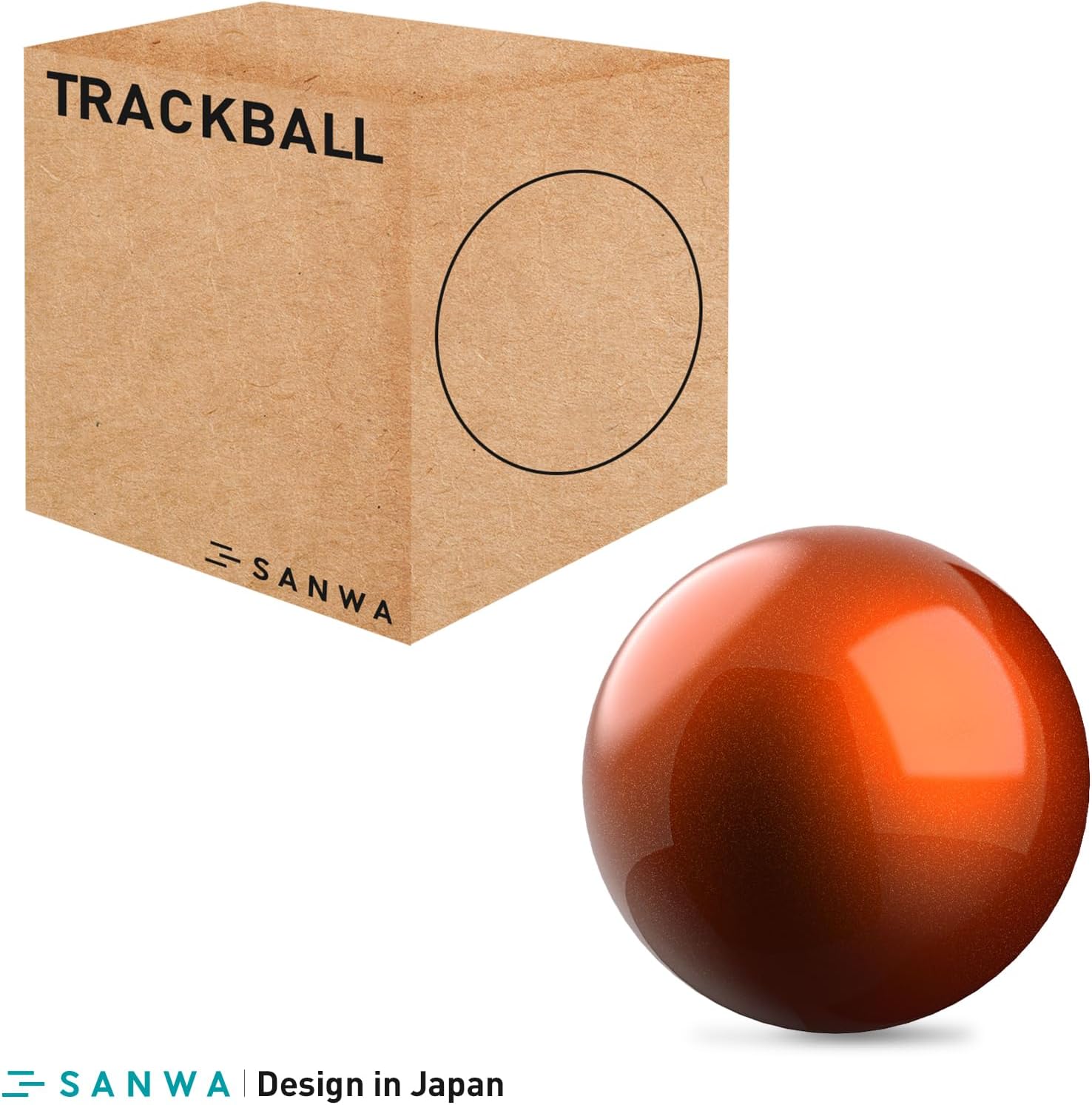
Image 4.2: The 34mm orange replacement trackball, designed for smooth and accurate cursor control.
5. Compatibilitate
The SANWA GMATB167 trackball mouse is compatible with a wide range of operating systems and can also use replacement balls compatible with various other trackball mouse models.
5.1 Compatibilitatea sistemului
- Windows (DOS/V): Windows 11, 10, 8.1, 8, and earlier versions.
- Mac OS: Mac OS 12, 11, 10.13-10.15, and earlier versions.
- Sistemul de operare Chrome
5.2 34mm Replacement Ball Compatibility
The included 34mm replacement ball is compatible with the following trackball mouse models:
- SANWA: GMATB128BK, GMAWTB129BK, GMABTTB130BK, GMATB167, GMAWTB168, GMABTTB169, GMATB155, GMATB44BKN/RN, GMABTTB1BK
- Logitech: MX Ergo, M570, M575, MX Ergo Plus
- ELECOM: EX-G Pro (M-XPT1MRXBK), EX-G
- Kensington: TB450, TB550, Pro Fit Ergo (K75326WW)
- Perixx: PERIPRO-801, Perimice-517, Perimice-717, Perimice-520, Perimice-720

Image 5.1: Packaging for the 34mm replacement trackball, detailing compatibility with various trackball mouse models.
6. Specificații
| Caracteristică | Caietul de sarcini |
|---|---|
| Numărul de model | GMATB167 |
| Conectivitate | USB-A cu fir |
| Lungimea cablului | 5.9 ft (aproximativ 1.8 m) |
| Niveluri DPI | 600, 800, 1200, 1600 (reglabil) |
| Trackball Diameter | 34 mm |
| Ergonomic Tilt Angle | 15 de grade |
| Tip buton | Silent (Left & Right clicks) |
| Butoane programabile | Yes (via SANWA software for Windows) |
| ASIN | B0DMS427MT |
| Data primului disponibil | 12 noiembrie 2024 |