
1. Introducere
Thank you for choosing the Yechiry Keychain Camera. This compact and versatile device is designed for easy capture of high-definition videos and photos. Its small size and simple operation make it ideal for various recording needs. Please read this manual thoroughly to understand the camera's features and ensure proper usage.
Continutul pachetului:
- 1 x Yechiry Keychain Camera
- 1 x Curea de mână
- 1 x cablu de încărcare
- 1 x Keychain
- 1 x Manual de utilizare
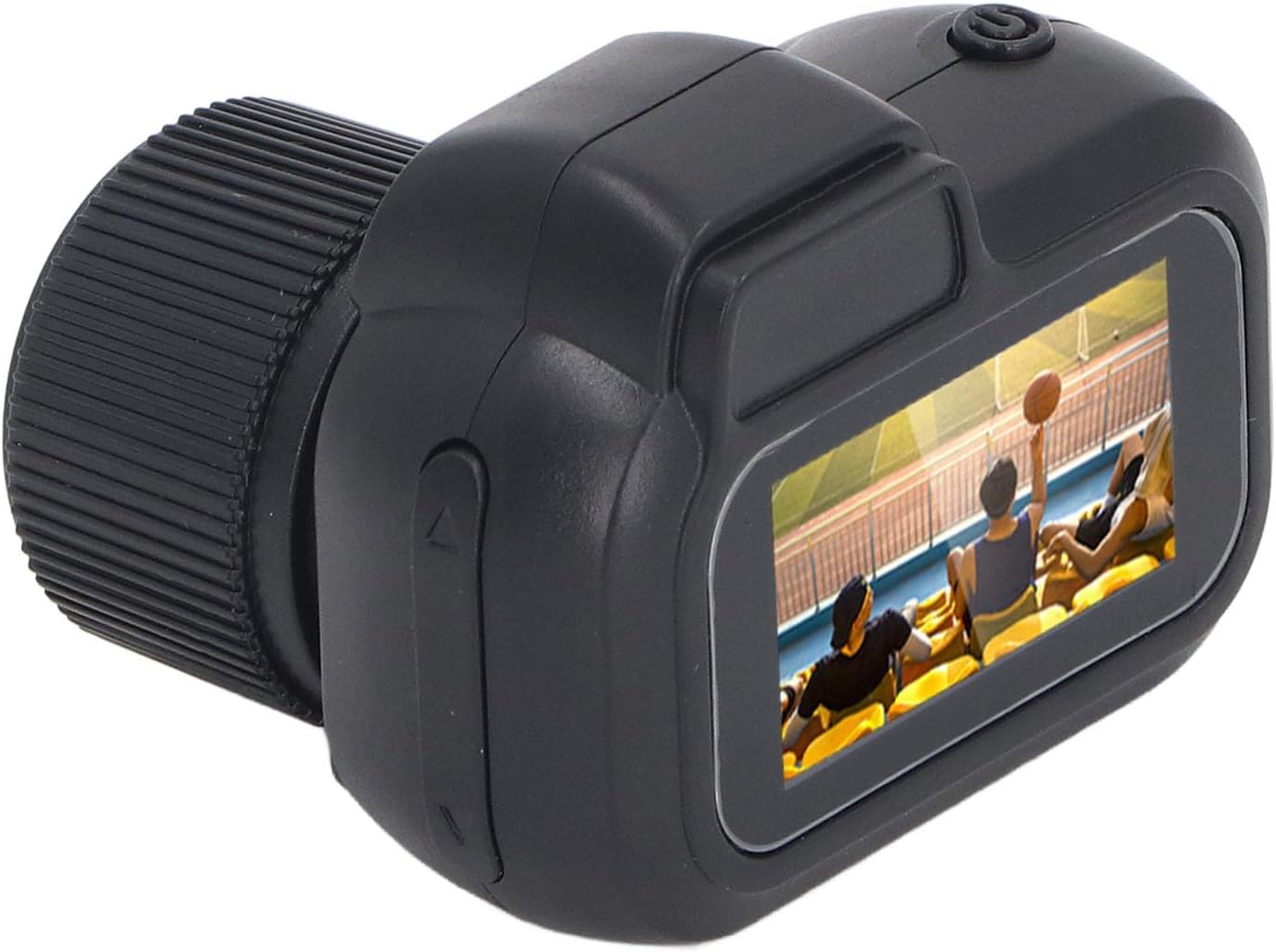
Image: The Yechiry Keychain Camera, along with its included wrist strap, charging cable, and keychain.
2. Produs terminatview
Familiarizați-vă cu componentele camerei:
- Obiectiv: 160-degree wide angle, 2MP for 1080P HD video.
- Ecran color: For real-time video viewing.
- Butoane: Three primary buttons for mode selection and recording initiation.
- Interfață micro USB: Pentru încărcare și transfer de date.
- Slot pentru carduri TF: Supports 8-128GB TF cards (not included).
- Keychain Loop: For attaching the included keychain or wrist strap.

Imagine: față view of the camera, showing the lens and screen.
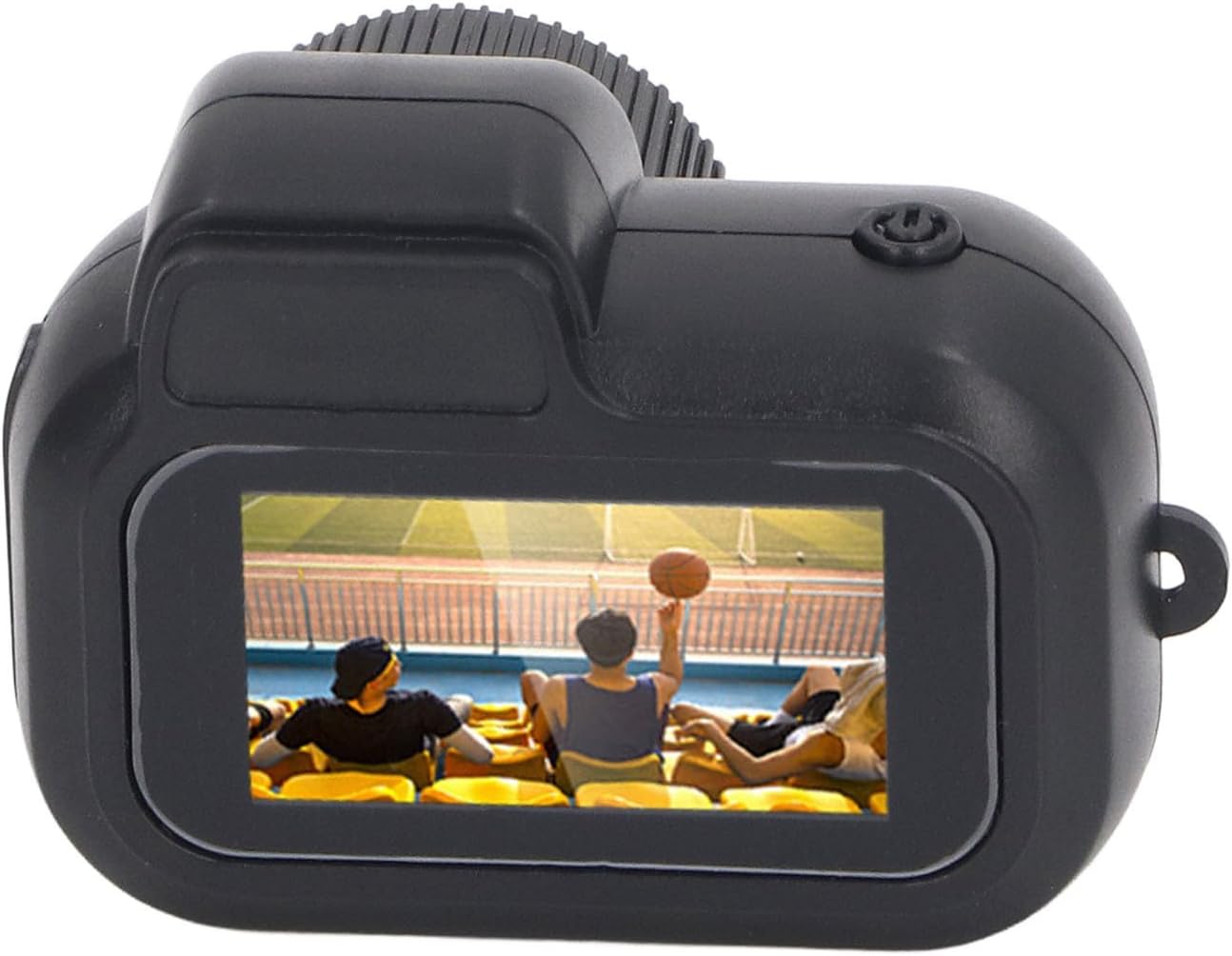
Imagine: Sus view of the camera, highlighting the power button.

Imagine: Laterală view of the camera, showing the control buttons.

Imagine: Jos view of the camera, revealing the Micro USB port and TF card slot.
3. Configurare
- Încărcați camera: Connect the camera to a power source using the provided Micro USB cable. The charging indicator will show the charging status. A full charge provides approximately 100 minutes of battery life. The camera supports charging while recording.
- Introduceți cardul TF: Locate the TF card slot. Gently insert a compatible TF card (8-128GB, not included) into the slot until it clicks into place. Ensure the card is inserted correctly to avoid damage.
- Pornire: Press and hold the power button until the screen illuminates. The camera will boot up and display the main interface.

Image: A visual representation of inserting a Micro SD card into the camera's slot.
4. Instrucțiuni de utilizare
The camera features a simple three-button operation for ease of use.
4.1. Înregistrare video
- Intrați în modul video: After powering on, use the mode button to navigate to the video recording mode. The screen will display a video icon.
- Începeți înregistrarea: Press the record button once to begin video recording. A recording indicator (e.g., a flashing light or on-screen icon) will appear.
- Opriți înregistrarea: Press the record button again to stop recording. The video file will be saved automatically to the TF card.
4.2. Captură foto
- Enter Photo Mode: Use the mode button to switch to the photo capture mode. The screen will display a camera icon.
- Faceți o fotografie: Press the capture button once to take a still photograph. The image will be saved to the TF card.
4.3. Redare
The color screen allows for immediate review of captured content.
- Intrați în modul de redare: Use the mode button to navigate to the playback mode.
- Răsfoiește Files: Folosește butoanele de navigare pentru a derula prin videoclipurile și fotografiile înregistrate.
- View/Play: Selectați a file la view the photo or play the video on the screen.

Image: An illustration emphasizing the 1080P 2MP clarity of the camera's output.

Image: A visual demonstrating the 0.96-inch HD screen for quick review.
5. Întreținere
- curatenie: Folosiți o lavetă moale și uscată pentru a curăța corpul camerei și obiectivul. Evitați utilizarea de produse de curățare lichide sau materiale abrazive.
- Depozitare: Depozitați camera într-un loc răcoros și uscat, ferit de lumina directă a soarelui și de temperaturi extreme.
- Îngrijirea bateriei: Pentru a prelungi durata de viață a bateriei, evitați descărcarea completă frecventă a bateriei. Încărcați camera în mod regulat, chiar dacă nu este utilizată pentru perioade lungi de timp.
- Gestionarea cardului TF: Este important să faceți backup în mod regulat files from your TF card to a computer. Format the TF card periodically to maintain optimal performance.
6. Depanare
| Problemă | Cauza posibila | Soluţie |
|---|---|---|
| Camera nu pornește. | Baterie descărcată; defecțiune a dispozitivului. | Charge the camera fully. If problem persists, contact customer service. |
| Nu pot înregistra videoclipuri/face fotografii. | Nu este introdus un card TF; cardul TF este plin sau corupt. | Insert a TF card. Check TF card storage or format it. |
| Calitate video/foto slabă. | Iluminare insuficientă; lentilă murdară. | Ensure adequate lighting. Clean the camera lens with a soft cloth. |
| Camera se blochează. | Eroare software. | Apăsați și mențineți apăsat butonul de pornire pentru a forța o repornire. |
7. Specificații
- Model: Yechiry03xunow5hc
- Rezoluție video: 1080P HD
- Rezoluție foto: 2MP
- Unghiul lentilei: Unghi larg de 160 de grade
- Dimensiunea ecranului: Ecran color de 0.96 inchi
- Baterie: Baterie cu litiu polimer de 180 mAh încorporată
- Durata de viață a bateriei: Approximately 100 minutes of continuous recording
- Depozitare: Supports 8-128GB TF card (not included)
- Conectivitate: Micro USB
- Dimensiuni: 3.39 x 2.76 x 1.5 inci (Pachet)
- Greutate: 1.76 uncii (Articol)
- Sprijinit File Formate: JPG (Photo), AVI (Video)
8. Asistență pentru clienți
For any questions, concerns, or assistance with your Yechiry Keychain Camera, please contact our customer service team. We are available 24/7 to provide support.
If you are not satisfied with your purchase, please contact us for a refund.
For more information and product updates, visit the official Yechiry store: Yechiry Store on Amazon