
Instrucțiuni importante de siguranță
Before using this elliptical trainer, please read all instructions carefully. Keep this manual for future reference.
- Consultați un medic înainte de a începe orice program de exerciții fizice.
- Țineți copiii și animalele de companie departe de echipament în timpul utilizării.
- Place the elliptical on a level surface with adequate clearance around it.
- Purtați îmbrăcăminte sportivă și pantofi sport adecvate.
- Nu depășiți greutatea maximă a utilizatorului de 113 kg (250 lbs).
- Verificați echipamentul pentru a depista piese uzate sau slăbite înainte de fiecare utilizare. Nu îl utilizați dacă este deteriorat.
- Asigurați-vă că toate șuruburile și piulițele sunt bine strânse.
- Opriți imediat exercițiile fizice dacă simțiți leșin, amețeli sau durere.
- Use the elliptical only for its intended purpose as described in this manual.
Conținutul pachetului
Verificați dacă toate componentele sunt prezente înainte de a începe asamblarea:
- Consolă
- Manual de utilizare (acest document)
- Trusa de scule
- Ansamblu volant
- Componentele cadrului principal
- Pedals and Arms
- Stabilizatoare
Dacă vreo piesă lipsește sau este deteriorată, contactați imediat asistența pentru clienți.
Configurare și asamblare
Assembly typically requires two people. Follow the detailed instructions provided in the included assembly guide. The tool kit contains necessary wrenches and an Allen key. A Phillips head screwdriver (not included) may also be required.
- Despachetarea: Carefully remove all components from the packaging. Place them on a clear, level surface. Retain packaging materials until assembly is complete.
- Stabilizer Installation: Attach the front and rear stabilizers to the main frame using the provided bolts and washers.
- Upright Assembly: Secure the upright post to the main frame. Ensure all wiring connections are properly routed and connected as per the assembly guide.
- Pedal Arms and Pedals: Attach the pedal arms to the flywheel mechanism and then secure the foot pedals to the pedal arms. Pay attention to left and right markings.
- Atașament consolă: Connect the console wiring to the upright post's wiring. Mount the console securely to the upright post.
- Verificare finală: Before first use, ensure all bolts, nuts, and connections are tight and secure. Test the movement of the pedals and handlebars for smooth operation.

Image: The ProForm Sport Elliptical fully assembled, illustrating its compact design and key structural components. Dimensions are approximately 150 cm (length) x 65 cm (width) x 156 cm (height).

Image: A user tilting the elliptical to engage the front transport wheels, demonstrating how to easily move the machine for storage or repositioning.
Instrucțiuni de operare
Consola terminatăview
The console features a 5-inch LCD display, resistance control buttons, and a device holder. It provides real-time workout data and allows for iFIT integration.

Imagine: Detaliată view of the console, highlighting the 5-inch (12.7 cm) LCD display, resistance buttons (1-20), tablet holder, and integrated 2-inch (5 cm) Bluetooth enabled speakers.
Reglarea rezistenței
The ProForm Sport Elliptical features 20 levels of digital magnetic resistance. This Silent Magnetic Resistance (SMR) system provides a smooth and quiet workout.
- Reglare manuală: Use the '+' and '-' buttons on the console to increase or decrease the resistance level during your workout.
- Quick Resistance Buttons: The console also features quick-select buttons (1-20) to jump directly to a desired resistance level.
Using iFIT
The elliptical is designed for seamless integration with the iFIT platform, offering a personalized training experience.
- Conectați-vă dispozitivul: Place your smartphone or tablet on the integrated device holder. Connect your device to the elliptical via Bluetooth.
- iFIT App: Download and open the iFIT app on your device. An iFIT membership is required to access the full library of workouts.
- Personalized Workouts: iFIT offers over 10,000 on-demand workouts led by expert trainers. The SmartAdjust™ technology automatically adjusts the elliptical's resistance to match the workout intensity and your fitness level.
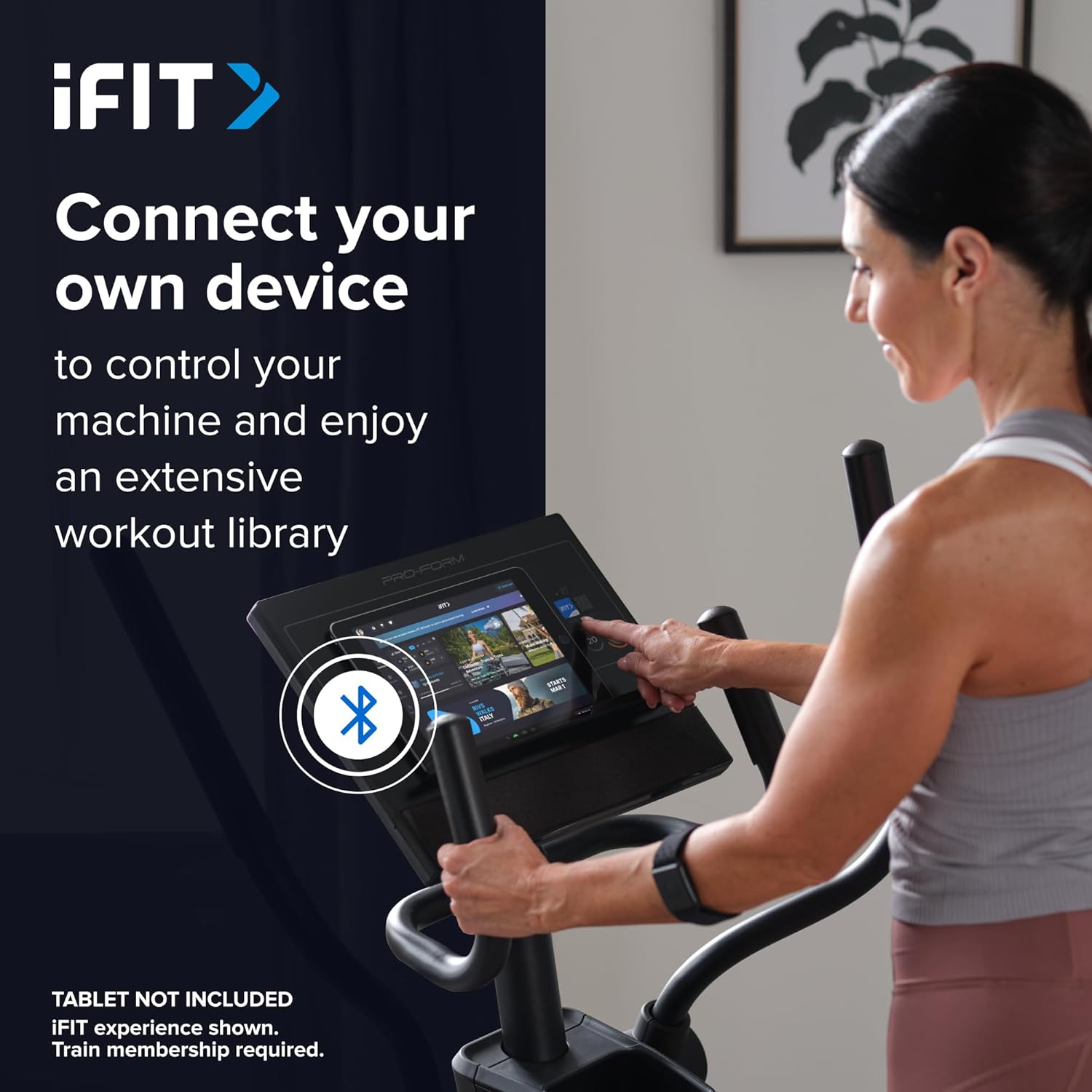
Image: A user connecting a tablet to the elliptical's console, demonstrating how to use a personal device to control the machine and access the iFIT workout library.
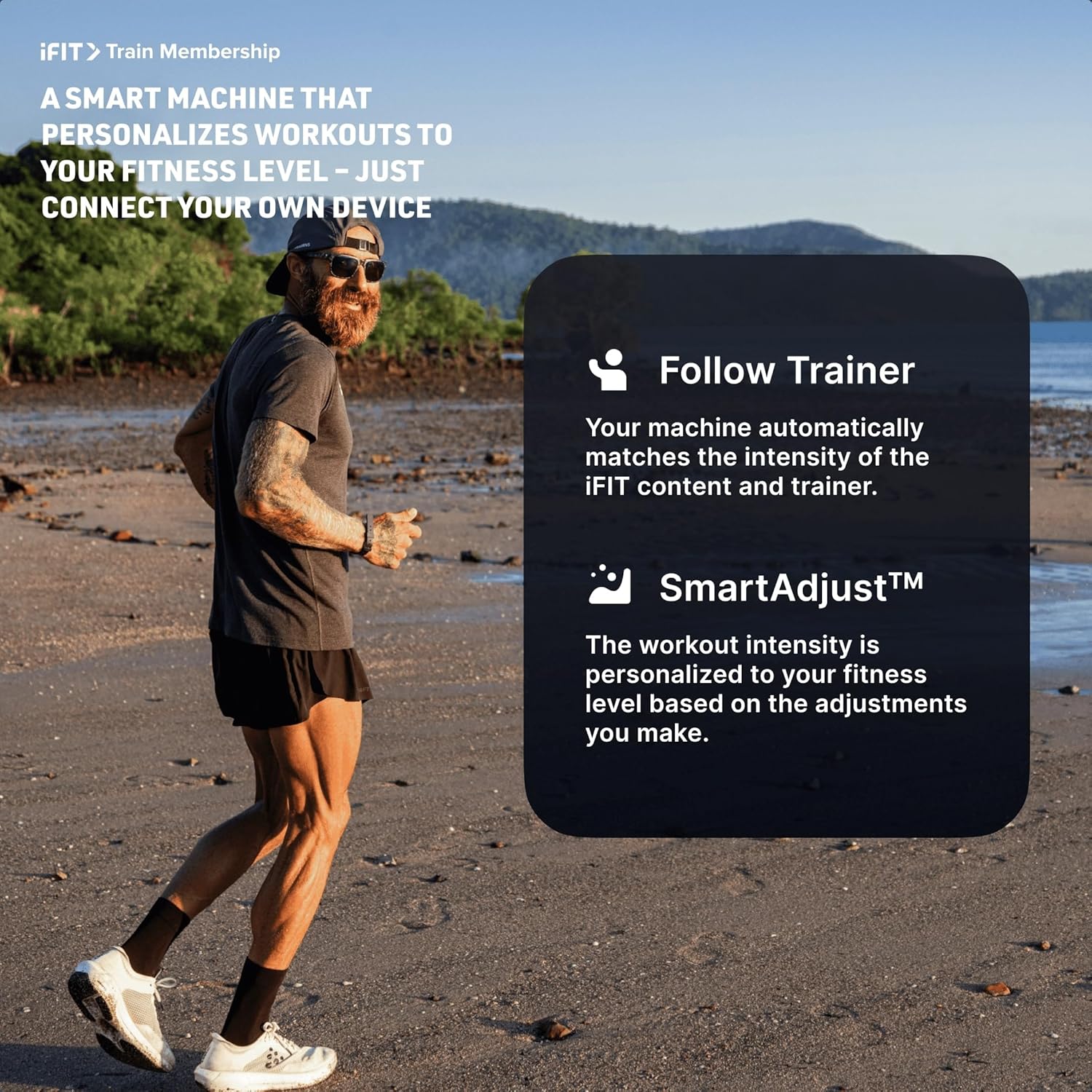
Image: An illustration detailing iFIT Train Membership benefits, including the 'Follow Trainer' feature where the machine adjusts to match trainer intensity, and 'SmartAdjust™' for personalized workout intensity based on fitness level.
Conectivitate Bluetooth
The elliptical's console includes Bluetooth-enabled speakers. You can connect your personal device to play audio directly through the elliptical's speakers.
- Asociere: Activați Bluetooth pe dispozitivul dvs. Caută the elliptical's Bluetooth name (usually "ProForm Elliptical" or similar) and pair.
- Redare audio: Once paired, audio from your device will play through the elliptical's 2-inch (5 cm) speakers.
Întreţinere
Regular maintenance ensures the longevity and optimal performance of your ProForm Sport Elliptical.
- curatenie: Wipe down the elliptical after each use with a damp o lavetă pentru a îndepărta transpirația și praful. Evitați substanțele de curățare abrazive sau solvenții.
- Inspecţie: Periodically check all bolts, nuts, and moving parts for tightness and wear. Tighten any loose fasteners. Replace worn parts immediately.
- Lubrifiere: Refer to the detailed assembly guide for specific lubrication points and recommended lubricants, if any.
- Depozitare: Store the elliptical in a dry, clean environment away from extreme temperatures and direct sunlight.
Depanare
| Problemă | Cauza posibila | Soluţie |
|---|---|---|
| Consola nu pornește. | Power adapter not connected; power outlet issue; console wiring loose. | Ensure power adapter is fully plugged into the elliptical and a working outlet. Check console wiring connections. |
| Elliptical makes noise during use. | Loose bolts or components; parts requiring lubrication; worn bearings. | Inspect and tighten all visible bolts and nuts. Refer to the assembly guide for lubrication points. If noise persists, contact customer support. |
| Rezistența nu se schimbă. | Console malfunction; internal resistance mechanism issue. | Ensure console is properly connected. If using iFIT, check app connection. If problem persists, contact customer support. |
| Sunetul Bluetooth nu se conectează. | Device Bluetooth off; elliptical not in pairing mode; interference. | Ensure Bluetooth is enabled on your device. Restart both device and elliptical. Try pairing again. Move closer to the elliptical. |
Specificații
| Nume model: | ProForm Sport Elliptical |
| Număr de model: | PFEL54925-INT |
| Marca: | ProForm |
| Dimensiuni (L x l x H): | 150 cm x 65 cm x 156 cm (59.1 in x 25.6 in x 61.4 in) |
| Greutatea articolului: | 52.7 kg (116.2 lbs) |
| Greutatea maximă a utilizatorului: | 113 kg (250 lbs) |
| Mecanism de rezistență: | Magnetic (Silent Magnetic Resistance - SMR) |
| Niveluri de rezistență: | 20 de niveluri digitale |
| Lungimea pasului: | 40.6 cm (16 inchi) |
| Afişa: | LCD de 5 inchi |
| Conectivitate: | Bluetooth (for iFIT and audio) |
| Componente incluse: | Console, User Manual, Tool Kit, Flywheel |
Informații despre garanție
Your ProForm Sport Elliptical is covered by the following warranty:
- Cadru: 8 years contractual warranty (total 10 years).
- Piese si manopera: 2 years legal warranty.
*The extended frame warranty is valid only if the product registration is completed on https://ifitsupport.eu/it/product-registration în termen de 28 zile de la livrarea produsului.
Vă rugăm să păstrați dovada achiziției pentru cererile de garanție.
Asistență pentru clienți
For technical assistance, warranty claims, or to order replacement parts, please contact ProForm customer support.
Refer to the contact information provided with your purchase or visit the official ProForm website for support details in your region.
When contacting support, please have your model number (PFEL54925-INT) and serial number ready.