
1. Introducere
This manual provides essential information for the proper setup, operation, and maintenance of your redbeat M2 Android 14 Tablet. Please read this guide thoroughly before using your device to ensure optimal performance and longevity.

Image: The redbeat M2 Tablet shown with its included pink protective case. The tablet features a sleek design with a large display.
2. Ce se află în cutie
Verificați dacă toate articolele sunt prezente în colet:
- redbeat M2 Tablet
- Pink Protective Case
- Cablu de încărcare de tip C
- Manual de instrucțiuni (acest manual)
- SIM Card Tray Ejector Tool

Image: A visual representation of the redbeat M2 Tablet's physical features, including camera, ports, and buttons, alongside a list of included accessories: the tablet, pink case, Type-C cable, instruction book, and card needle.
3. Dispozitiv Dispozitiv
Familiarize yourself with the physical components of your redbeat M2 Tablet:
- Camera frontală: Located at the top center when held vertically.
- Ecran HD de 10.95 inci: Main touchscreen interface.
- Camera spate: Located on the back, typically in the upper left corner.
- Buton de alimentare: Usually on the side, used to turn the device on/off or wake/sleep.
- Butoane de volum: Adjacent to the power button, for adjusting audio levels.
- Port USB tip C: Pentru încărcare și transfer de date.
- Mufă pentru căști de 3.5 mm: Pentru conectarea dispozitivelor audio cu fir.
- SIM Card/MicroSD Card Slot: For inserting SIM cards and expanding storage.
- Four Stereo Speakers: Positioned for enhanced audio output.
4. Ghid de instalare
4.1 Încărcare inițială
Before first use, fully charge your tablet using the provided Type-C cable and a compatible 18W fast charger. The 8000mAh battery provides extended usage time.
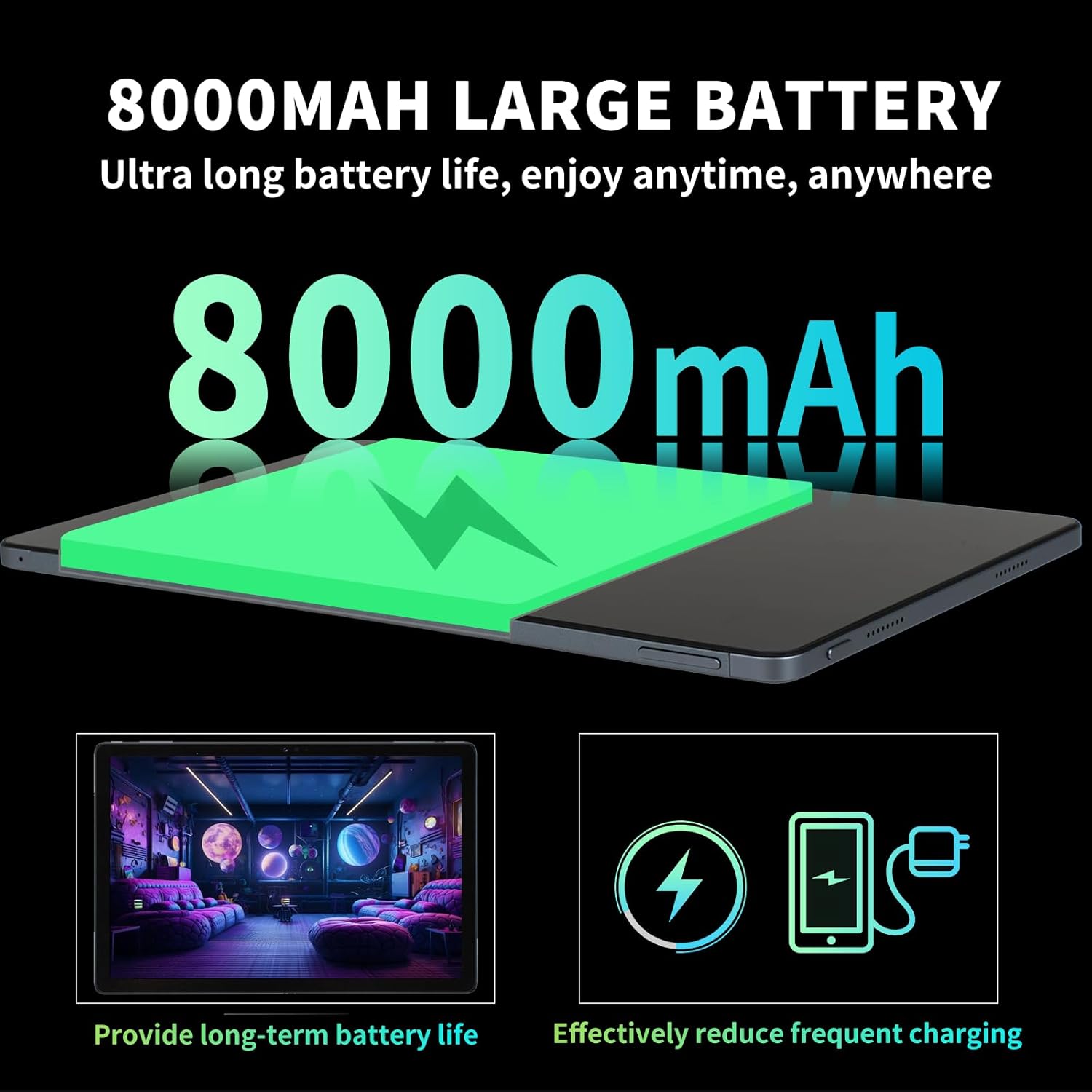
Image: Illustration highlighting the 8000mAh large battery capacity, emphasizing long battery life and reduced charging frequency.
4.2 Pornire/Oprire
- Pentru a porni: Press and hold the Power button until the redbeat logo appears.
- Pentru a opri: Apăsați și mențineți apăsat butonul de Pornire/Oprire, apoi selectați „Oprire” din opțiunile de pe ecran.
- Pentru a reporni: Press and hold the Power button, then select 'Restart'.
4.3 Extinderea cartelei SIM și a spațiului de stocare
The redbeat M2 Tablet supports dual Nano SIM cards for 4G LTE connectivity and a TF (MicroSD) card for storage expansion up to 1TB.
- Localizați suportul pentru cartela SIM pe lateralul tabletei.
- Insert the SIM card tray ejector tool into the small hole next to the tray and press gently until the tray pops out.
- Place your Nano SIM card(s) and/or TF card into the designated slots on the tray. Ensure correct orientation.
- Reintroduceți cu grijă tava în tabletă.

Image: The redbeat M2 Tablet displaying its 4G Global Connectivity feature, with an emphasis on dual SIM card support and compatible network frequency bands.
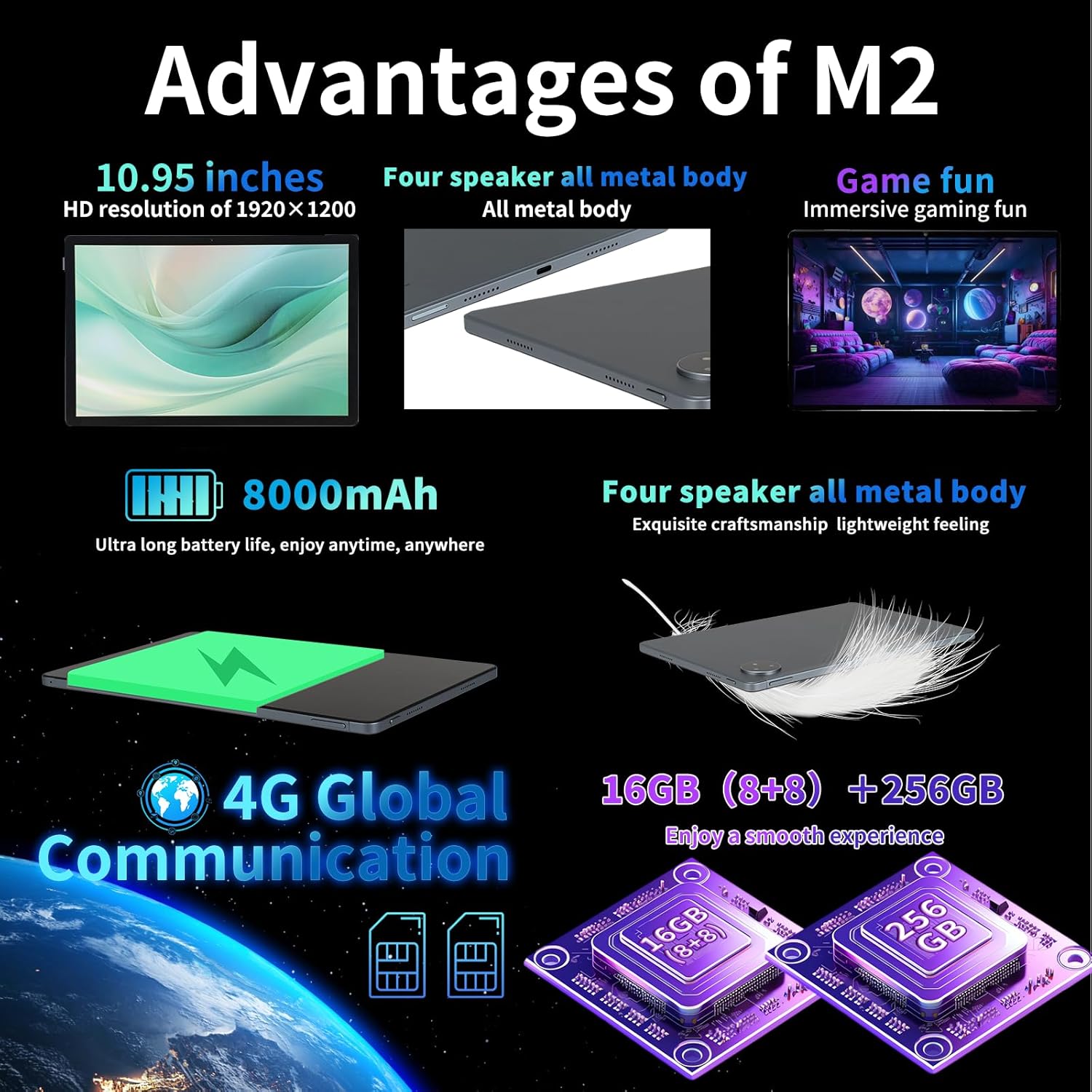
Image: A graphic illustrating the tablet's memory configuration: 16GB (8GB physical + 8GB extended) RAM and 256GB internal storage, with support for up to 1TB external storage.
4.4 Configurarea inițială a dispozitivului
La prima pornire, urmați instrucțiunile de pe ecran pentru a configura tableta:
- Selectați limba și regiunea dvs.
- Connect to a Wi-Fi network (2.4G/5G supported).
- Conectați-vă cu contul dvs. Google sau creați unul nou. Acest lucru este necesar pentru a descărca aplicații din Magazinul Google Play.
- Configurați blocarea ecranului (PIN, model, parolă sau Deblocare facială).
- Review și acceptați termenii și condițiile.
5. Instrucțiuni de utilizare
5.1 Touchscreen Gestures
Navigate your tablet using standard Android gestures:
- Robinet: Selectați un element sau deschideți o aplicație.
- Apasare prelungită: Accesați meniurile contextuale sau mutați pictogramele.
- Beţivan: Scroll through pages, lists, or switch between home screens.
- Ciupire pentru zoom: Măriți sau micșorați imaginile și web pagini.
5.2 Conectivitate
- Wifi: Du-te la Setări > Rețea și internet > Wi-Fi to connect to available networks. Supports 2.4G and 5G bands.
- Bluetooth: Du-te la Setări > Dispozitive conectate > Bluetooth to pair with Bluetooth devices (e.g., headphones, keyboards). Supports BT5.0.
- Date mobile (4G LTE): Ensure a valid SIM card is inserted. Enable mobile data in Setări > Rețea și internet > Rețea mobilă.
5.3 Utilizarea camerei
Tableta are o cameră spate de 13 MP și o cameră frontală de 5 MP.
- Deschide aplicația Cameră foto din ecranul de pornire sau din sertarul de aplicații.
- Atingeți butonul declanșator pentru a face o fotografie.
- Comutați între camera frontală și cea spate utilizând pictograma camerei.
- Selectați modul video pentru a înregistra videoclipuri.
5.4 Audio și multimedia
Enjoy immersive audio with the tablet's four stereo speakers and Dolby panoramic surround sound. A 3.5mm headphone jack is available for private listening.

Imagine: Un prim-plan view of the redbeat M2 Tablet's all-metal body and speaker grilles, highlighting its four-speaker audio system and exquisite craftsmanship.
5.5 Face Unlock and GPS
The redbeat M2 Tablet includes Face Unlock for convenient security and GPS for navigation and location-based services.
6. Întreținere
6.1 Curățarea tabletei
Use a soft, lint-free cloth to clean the screen and body of your tablet. Avoid abrasive materials or harsh chemicals that could damage the surface.
6.2 Actualizări de software
Verificați și instalați periodic actualizări de software pentru a vă asigura că tableta dvs. are cele mai recente funcții, corecții de securitate și îmbunătățiri de performanță. Accesați Setări > Sistem > Actualizare sistem.
6.3 Managementul stocării
To optimize performance, periodically manage your tablet's storage. Delete unnecessary files, dezinstalați aplicațiile neutilizate și mutați suporturile media mari files to external storage (TF card) if applicable. Go to Setări > Stocare.
7. Depanare
If you encounter issues with your redbeat M2 Tablet, refer to the following common solutions:
- Dispozitivul nu pornește: Asigurați-vă că bateria este încărcată. Conectați tableta la încărcător timp de cel puțin 30 de minute înainte de a încerca să o porniți.
- Ecranul nu răspunde: Try restarting the tablet by holding the Power button for 10-15 seconds.
- Probleme de conectivitate Wi-Fi/4G: Toggle Wi-Fi/Mobile Data off and on. Restart your router or check your SIM card insertion.
- Aplicațiile se blochează sau au performanță redusă: Close background apps, clear app cache (Setări > Aplicații > [Nume aplicație] > Stocare și memorie cache > Ștergeți memoria cache), or restart the tablet.
- Bateria se descarcă rapid: Reduce screen brightness, disable unused features (Bluetooth, GPS, Wi-Fi when not needed), and check for power-intensive apps in Setări > Baterie.
- Tableta nu se încarcă: Ensure the Type-C cable and charger are working correctly. Try a different cable or power adapter. Clean the charging port for any debris.
If problems persist, contact redbeat customer support for further assistance.
8. Specificații
| Caracteristică | Caietul de sarcini |
|---|---|
| Numele modelului | M2 |
| Sistem de operare | Android 14 |
| Procesor | Unisoc T616 Octa-Core, 2 GHz |
| RAM | 16 GB (8 GB + 8 GB extins) |
| Stocare internă | 256 GB |
| Stocare extensibilă | Până la 1 TB (card TF) |
| Dimensiunea ecranului | 10.95 inchi |
| Rezoluția ecranului | 1920 x 1200 pixels (2K HD) |
| Camera spate | 13MP |
| Cameră frontală | 5MP |
| Capacitatea bateriei | 8000mAh |
| Încărcare | 18W Fast Charge (Type-C) |
| Conectivitate wireless | Wi-Fi (802.11n, 2.4G/5G), Bluetooth 5.0 |
| Conectivitate celulară | 4G LTE Dual SIM (GSM, WCDMA, LTE bands) |
| Dimensiuni (Lxlxh) | 10.28 x 6.89 x 0.47 inci |
| Greutatea articolului | 1.54 livre (aprox. 511 g) |
| Alte caracteristici | GPS, Face Unlock, Four Stereo Speakers |
9. Garanție și asistență
redbeat is committed to providing quality products and customer satisfaction.
- Serviciu Clienți pe viață: redbeat offers lifetime customer service to assist with any queries or issues.
- Garanție limitată de un an: Your redbeat M2 Tablet includes a one-year warranty covering manufacturing defects.
- Garanție de returnare a banilor în 30 de zile: A 30-day money-back guarantee and free return policy are available.
For support, please refer to the contact information provided with your purchase or visit the official redbeat website-ul.