
Introducere
This manual provides essential information for setting up, operating, maintaining, and troubleshooting your HP 15.6" HD BrightView Touchscreen Laptop. Designed for clarity and ease of use, it covers key features such as the Intel Pentium Gold 7505 processor, 8GB RAM, 672GB storage (512GB SSD + 160GB Docking Station Set), numeric keypad, HD camera, HD audio, and Wi-Fi 5 connectivity, running on Windows 11 Home.
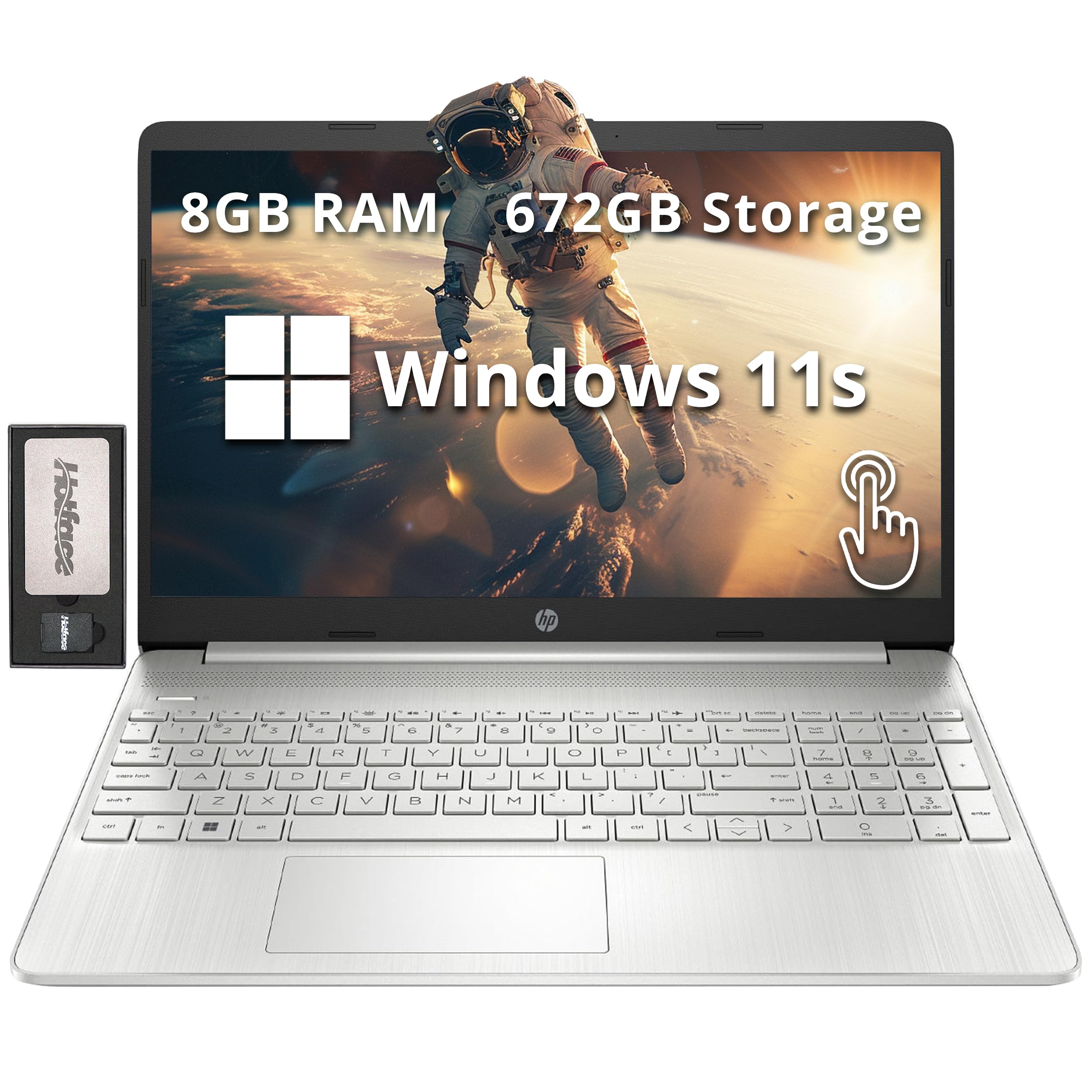
Image: The HP 15.6" HD BrightView Touchscreen Laptop, showcasing its sleek silver design and full-size keyboard.
Ce este în cutie
Verificați dacă toate articolele sunt prezente în ambalajul produsului:
- HP 15.6" HD BrightView Laptop cu ecran tactil
- Adaptor de alimentare
- Stație de andocare 7 în 1 cu stocare de 128 GB
- Card MicroSD de 32 GB cu adaptor
- Cablu de date tip C
- Cablu de încărcare 3 în 1
- Lavetă de curățare din piele întoarsă

Image: A visual representation of the included accessories, highlighting the 7-in-1 docking station, 32GB MicroSD card, various cables, and a suede cleaning cloth.
Înființat
- Despachetați laptopul: Scoateți cu grijă laptopul și toate accesoriile din ambalaj.
- Conectare alimentare: Plug the power adapter into the laptop's power port and then into a wall outlet. Allow the battery to charge fully before first use.
- Pornire inițială: Open the laptop lid and press the power button. Follow the on-screen instructions to complete the Windows 11 Home setup, including language selection, network connection, and user account creation.
- Connect Docking Station (Optional): Connect the 7-in-1 docking station to a USB-C port on your laptop. You can then connect external displays, USB devices, and memory cards to the docking station.

Imagine: O imagine detaliată view of the laptop's side, illustrating the various ports including USB Type-A, SD media card reader, Headphone/Microphone Combo, USB Type-C, and HDMI for connecting peripherals.
Instrucțiuni de operare
Interacțiune de bază
- Touch screen: Use gestures like tap, swipe, pinch-to-zoom directly on the 15.6" HD BrightView display for intuitive navigation.
- Tastatură și tastatură numerică: Utilize the full-size keyboard for typing and the integrated numeric keypad for efficient data entry.
- Touchpad: The precision touchpad supports multi-touch gestures for scrolling, zooming, and navigating.
Conectivitate
- Wi-Fi 5: Conectați-vă la rețele wireless pentru acces la internet. Accesați Setări > Rețea și internet > Wi-Fi pentru a gestiona conexiunile.
- Bluetooth: Pair with Bluetooth-enabled devices like headphones, mice, or speakers. Access via Setări > Bluetooth și dispozitive.
- Porturi USB: Use the USB 3.2 Gen 1 Type-C and Type-A ports for connecting external storage, peripherals, and charging devices.
- HDMI: Connect to external monitors or TVs using the HDMI port for extended display options.
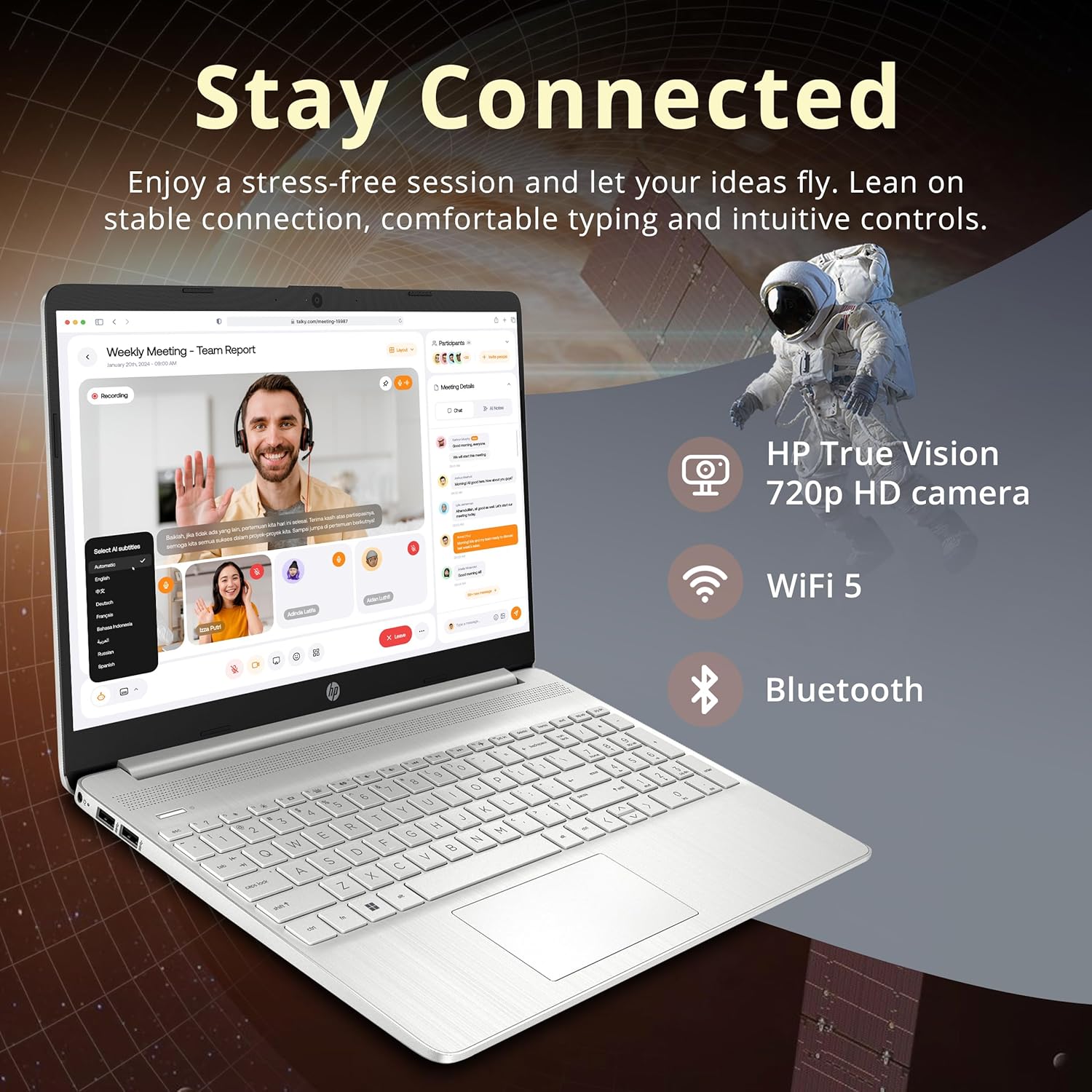
Image: The HP laptop open, displaying a video conference call, emphasizing its HD camera, Wi-Fi 5, and Bluetooth capabilities for staying connected.

Image: The HP laptop displaying several open applications simultaneously, demonstrating its capability for effortless multitasking.
Întreţinere
- curatenie: Folosiți o cârpă moale, fără scame dampCurățați ecranul cu apă sau cu o soluție de curățare a ecranului. Pentru tastatură și carcasă, folosiți o cârpă uscată și moale. Evitați substanțele chimice dure.
- Îngrijirea bateriei: Pentru a prelungi durata de viață a bateriei, evitați temperaturile extreme. Se recomandă descărcarea ocazională a bateriei sub 20% și apoi reîncărcarea completă a acesteia.
- Actualizări de software: Regularly check for and install Windows updates and HP driver updates to ensure optimal performance and security. Go to Setări > Actualizare Windows.
- Managementul stocării: Curățați periodic ce nu este necesar files and applications to maintain system speed and free up storage space.
Depanare
| Problemă | Soluție posibilă |
|---|---|
| Laptopul nu pornește | Ensure the power adapter is securely connected and the outlet is functional. Check if the battery is charged. |
| Ecranul este gol sau pâlpâie | Restart the laptop. Check display settings. If connected to an external monitor, ensure the cable is secure. |
| Probleme de conexiune Wi-Fi | Restart your router and modem. Check Wi-Fi settings on the laptop and ensure Wi-Fi is enabled. Try forgetting and re-connecting to the network. |
| Performanță lentă | Închideți aplicațiile inutile. Verificați dacă există procese în fundal. Asigurați suficient spațiu de stocare liber. Rulați o scanare a sistemului pentru programe malware. |
| Ecranul tactil nu răspunde | Reporniți laptopul. Asigurați-vă că driverele de afișare sunt actualizate. |
Dacă întâmpinați probleme care nu sunt acoperite aici, vă rugăm să consultați secțiunea de asistență pentru asistență suplimentară.
Specificații

Image: A graphic detailing the key specifications of the HP laptop, including processor, graphics, RAM, and storage.
| Caracteristică | Detaliu |
|---|---|
| Marca | HP |
| Numele modelului | HP |
| Dimensiunea ecranului | 15.6 Inches HD BrightView Touch screen |
| Rezoluţie | 1366 x 768 pixeli |
| Procesor | Intel Pentium Gold 7505 (2 GHz, 2 Cores) |
| Grafică | Grafică Intel UHD (integrată) |
| RAM | 8 GB DDR4 (3200 MHz) |
| Depozitare | 512GB PCIe SSD + 160GB Docking Station Set |
| Sistem de operare | Windows 11 Home |
| Conectivitate | Wi-Fi 5 (802.11ac), Bluetooth |
| Porturi | 1x USB 3.2 Gen 1 Type-C, 2x USB 3.2 Gen 1 Type-A, 1x Headphone/mic combo, 1x HDMI, Media Card Reader |
| Caracteristici speciale | Numeric Keypad, HD Camera |
| Dimensiuni (L x l x H) | 14.11 x 9.53 x 0.71 inci |
| Greutate | 3.75 lire sterline |
Informații despre garanție
Your HP laptop comes with a 1 an garanție de producător on original components. Additionally, any upgraded RAM/SSD components provided by Snow Bell are covered by a separate 1-Year Warranty from Snow BellVă rugăm să păstrați dovada achiziției pentru a putea face reclamații în garanție.
For extended coverage, optional protection plans are available for purchase separately. Refer to your retailer for details on 2-Year or 4-Year protection plans.
Sprijin
Pentru asistență tehnică, descărcări de drivere sau informații suplimentare despre produs, vă rugăm să vizitați pagina oficială de asistență HP. website. You can typically find support resources by searching for your specific model number (HP) on their website-ul.
For issues related to the upgraded RAM/SSD components, please contact Snow Bell directly through your purchase platform or their provided contact information.