
Introducere
This manual provides essential instructions for setting up, operating, and maintaining your Back Bay Audio Tempo 30 Wireless Earbuds. Please read thoroughly before use.
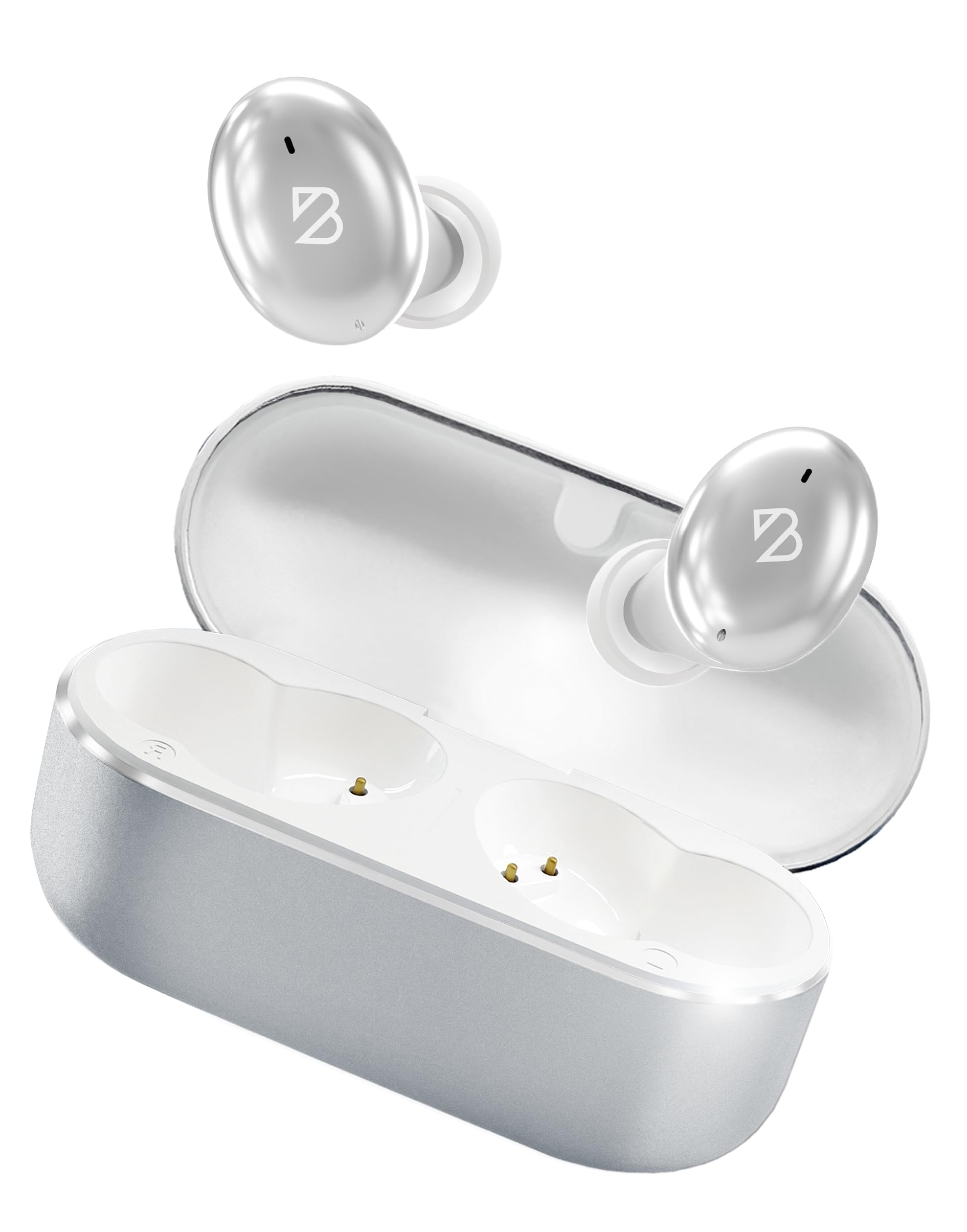
Image: Back Bay Audio Tempo 30 Wireless Earbuds in silver, showcasing designul lor elegant.
Ce este în cutie
- Back Bay Audio Tempo 30 Wireless Earbuds
- Carcasă de încărcare
- Cablu de încărcare USB-C
- Multiple Sizes of Eartips (6 pairs)
- Manual de utilizare

Image: The Tempo 30 earbuds in their charging case, accompanied by a selection of different sized eartips for a customized fit.
Înființat
1. Încărcarea căștilor și a carcasei
Before first use, fully charge your Tempo 30 earbuds and charging case. The charging case provides an additional 24 hours of battery life, extending total playtime to 32 hours.
- Conectați cablul USB-C furnizat la portul de încărcare de pe carcasă și la o sursă de alimentare.
- The LED indicator on the case will flash while charging and turn solid when fully charged.
- Place the earbuds into the charging case to charge them. The case display will show the charge level.

Image: The Tempo 30 charging case with earbuds, illustrating the USB-C charging port and the digital battery display.
2. Împerecherea cu dispozitivul dvs.
The Tempo 30 earbuds are designed for simple pairing with any Bluetooth-enabled device.
- Ensure earbuds are charged and inside the charging case.
- Deschideți capacul carcasei de încărcare. Căștile vor intra automat în modul de asociere.
- On your device (phone, computer, etc.), go to Bluetooth settings and select "Back Bay Tempo 30" from the list of available devices.
- Once connected, you will hear an audio prompt "Device Connected".
3. Optimal Fit for Small Ears
The Tempo 30 earbuds come with 6 different ear-tip sizes to ensure a comfortable and secure fit, especially for smaller ear canals. Experiment with different sizes to find the best seal for optimal sound quality and comfort.

Image: A close-up of the Tempo 30 earbuds highlighting the multiple ear-tip options designed for a comfortable fit in small ears.
Instrucțiuni de operare
Atingeți Comenzi
The Tempo 30 earbuds feature intuitive touch controls on each earbud for managing audio playback, calls, and sound modes.
| Acţiune | Căști din stânga | Earbud dreapta |
|---|---|---|
| Controlul volumului | Single Tap: Volume Down | Single Tap: Volume Up |
| Redare/Pauză | Double Tap (either earbud) | |
| Următorul cântec | Țineți apăsat timp de 2 secunde | |
| Mod bas activat/dezactivat | Atingeți de trei ori | |
| Asistent vocal | Atingeți de trei ori | |
| Moduri de control al zgomotului | Hold for 2 seconds (cycles through Transparency, Noise Blocking, Off) | |
| Pornire/Oprire | Hold for 5 seconds (either earbud) or place in charging case | |
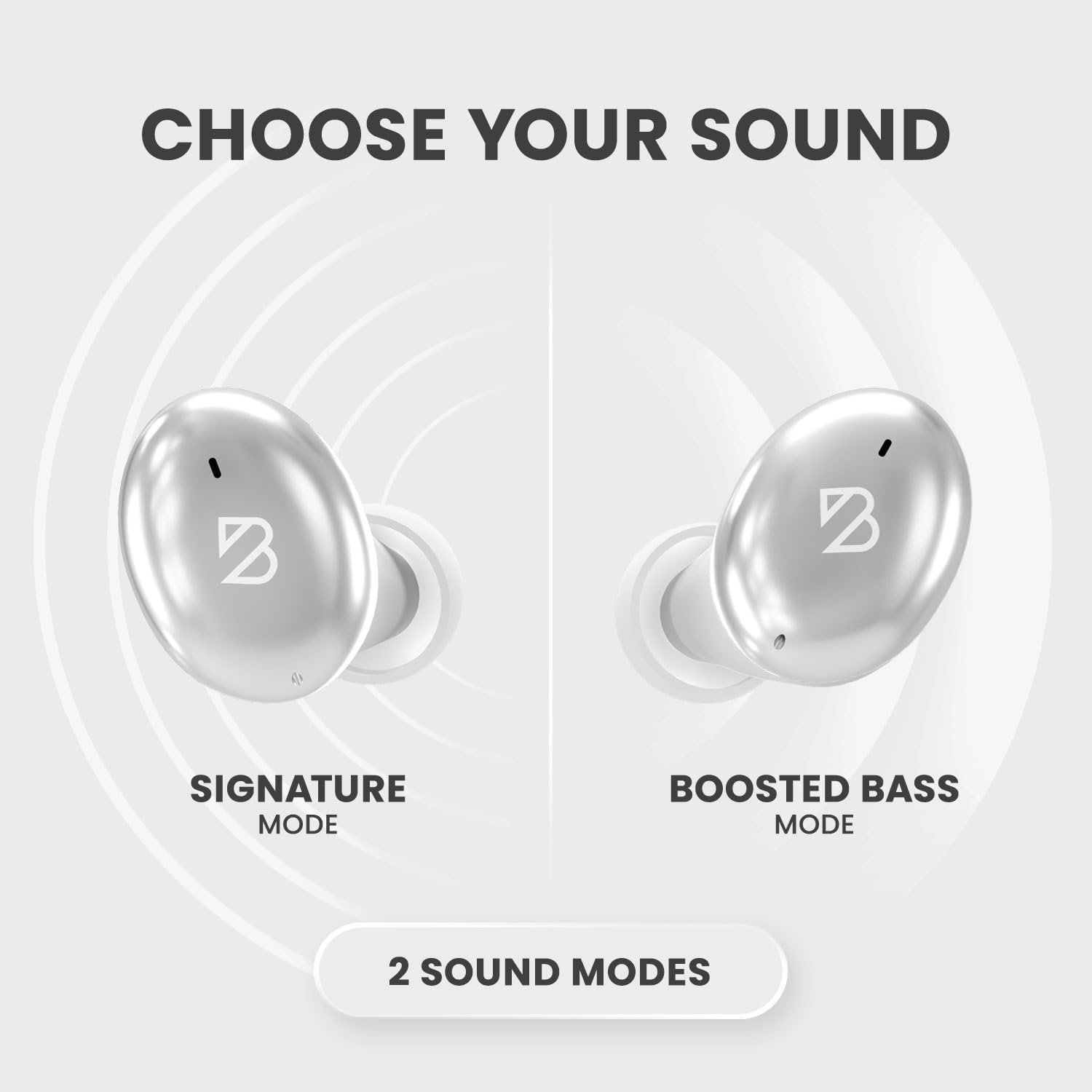
Image: A visual representation of the Tempo 30 earbuds, illustrating the two available sound modes: Signature Mode and Boosted Bass Mode.
Moduri de sunet
- Signature Mode: Provides a balanced audio experience.
- Boosted Bass Mode: Enhances low frequencies for a more powerful sound, ideal for workouts or gaming. Activate by triple-tapping the right earbud.
Controlul zgomotului
The Tempo 30 offers three noise control modes:
- Modul de transparență: Permite trecerea sunetelor ambientale, menținându-te conștient de împrejurimi.
- Mod de blocare a zgomotului: Actively reduces external noise for an immersive listening experience.
- Off: Dezactivează funcțiile de control al zgomotului.
Cycle through these modes by holding the left earbud for 2 seconds.
Întreţinere
- curatenie: Curățați regulat dopurile de urechi și contactele de încărcare cu o lavetă moale și uscată.
- Rezistenta la apa: The Tempo 30 earbuds are IPX7-rated waterproof, making them resistant to sweat and rain. They are not designed for swimming.

Image: The Tempo 30 earbuds shown with water droplets, emphasizing their IPX7 water-resistant rating.
Depanare
- Fără sunet/probleme de asociere: Ensure earbuds are charged. Turn off and on your device's Bluetooth, then re-attempt pairing.
- O cască nu funcționează: Place both earbuds back in the charging case, close the lid, and wait for 10 seconds. Then open and try again.
- Calitate slabă a sunetului: Check ear-tip fit. Ensure earbuds are clean and free of debris.
Specificații
- Nume model: Back Bay Tempo 30
- Tehnologie de conectivitate: Bluetooth 5.0
- Durata de viață a bateriei: Up to 32 hours (8 hours earbuds + 24 hours charging case)
- Nivel de rezistență la apă: IPX7 (Sweatproof, Water Resistant - Not for Swimming)
- Controlul zgomotului: Sound Isolation (Transparency Mode, Noise Blocking Mode)
- Tip driver audio: Driver dinamic
- Microfon: Built-in for calls with CVC 8.0 Mic Noise Cancelling
- Metoda de control: Atingere
- Material: Metal, Premium ABS Plastic
- Greutatea articolului: 45 de grame (1.59 uncii)
- Dimensiuni produs: 1.1 x 2.9 x 1.8 inci

Image: Diagram showing the dimensions of the Tempo 30 earbuds and their charging case.
Videoclip oficial al produsului
Video: An official product video from Back Bay Brand showcasing the Tempo 30 Wireless Bluetooth Earbuds and their features for workouts.
Garanție și suport
For warranty information and customer support, please refer to the contact details provided in the packaging or visit the official Back Bay Audio website-ul.