
1. Introducere
This manual provides detailed instructions for the installation, operation, and maintenance of your ASMAX F1 Motorcycle Bluetooth Headset. Please read this manual thoroughly before using the product to ensure proper function and safety. The ASMAX F1 headset is designed to enhance communication and audio experience for motorcycle riders, featuring advanced Bluetooth 5.3 technology, group intercom capabilities, and noise reduction.
2. Conținutul pachetului
Verificați dacă toate articolele enumerate mai jos sunt incluse în colet. Dacă lipsesc sau sunt deteriorate articole, vă rugăm să contactați serviciul de asistență pentru clienți.
- ASMAX F1 Bluetooth Headset Units (2)
- Helmet Speakers (2 sets)
- Boom Microphones (2)
- Soft Wire Microphones (2)
- Magnetic Mounting Bases (2)
- USB-C Charging Cables (2)
- 3M Adhesive Pads for Speakers and Microphones
- Manual de utilizare

3. Configurare și instalare
3.1 Încărcarea căștilor
Before initial use, fully charge the ASMAX F1 headset. Connect the provided USB-C charging cable to the headset's charging port and a compatible USB power source. A full charge takes approximately 50 minutes.

3.2 Installing on a Helmet
The ASMAX F1 headset uses a magnetic mounting system for easy attachment and removal.
- Atașați baza de montare: Choose a suitable flat surface on the side of your helmet. Clean the area thoroughly. Peel the backing from the 3M adhesive pad on the magnetic mounting base and firmly press it onto the helmet. Hold for 30 seconds to ensure a strong bond.
- Instalați difuzoarele: Place the helmet speakers inside the helmet's ear pockets. Use the provided adhesive pads to secure them. Ensure the speakers are positioned directly over your ears for optimal audio quality.
- Instalați microfonul: Select either the boom microphone (for open-face helmets) or the soft wire microphone (for full-face helmets). Attach the microphone to the inside of the helmet, positioning it close to your mouth. Secure the wire along the helmet's interior using the provided clips or adhesive.
- Conectați componentele: Plug the speaker and microphone cables into the corresponding ports on the magnetic mounting base.
- Atașarea unității căștilor: Align the ASMAX F1 headset unit with the magnetic mounting base on your helmet. The magnets will securely snap the unit into place.

4. Instrucțiuni de utilizare
4.1 Pornire/Oprire
- Pornire: Press and hold the Power button for approximately 3 seconds until the indicator light illuminates and you hear an audible prompt.
- Oprire: Press and hold the Power button for approximately 3 seconds until the indicator light turns off and you hear an audible prompt.
4.2 Împerechere Bluetooth (Telefon)
To pair your ASMAX F1 headset with your mobile phone:
- Asigurați-vă că setul cu cască este oprit.
- Press and hold the Power button for approximately 5-7 seconds until the indicator light flashes red and blue alternately, indicating pairing mode.
- Pe telefonul mobil, activați Bluetooth și căutați dispozitivele disponibile.
- Select 'ASMAX F1' from the list of devices.
- Once paired, the indicator light will flash blue slowly, and you will hear a confirmation tone.
4.3 Universal Pairing (Other Bluetooth Headsets)
The ASMAX F1 supports universal pairing with other brands of Bluetooth motorcycle headsets.

4.4 Interfon de grup
The ASMAX F1 supports both Free Mode and Group Mode for intercom communication with up to 10 riders.
- Mod liber: Allows for spontaneous one-on-one communication with nearby riders.
- Modul de grup: Establishes a mesh network for continuous communication among a predefined group of riders.
Refer to the quick start guide for specific button sequences to initiate and manage intercom modes.

4.5 Voice Commands and Button Controls
The ASMAX F1 headset can be controlled via voice commands or physical buttons.
- Comenzi vocale: Activate the voice assistant by saying "Hi Max" followed by commands such as "Group Mesh," "Group Mode," "Free Mode," "End Intercom," "Music On," "Phone Pairing," "Answer The Phone," "Next Track," or "Volume Up."
- Butoane de control: Specific buttons on the headset allow for manual control of functions like power, volume, music playback, and intercom activation. Consult the quick start guide for a detailed button map.

4.6 Multitasking audio
The headset supports audio multitasking, allowing you to listen to music, receive navigation instructions, and participate in group intercom simultaneously.

4.7 Noise Reduction (ENC/DSP)
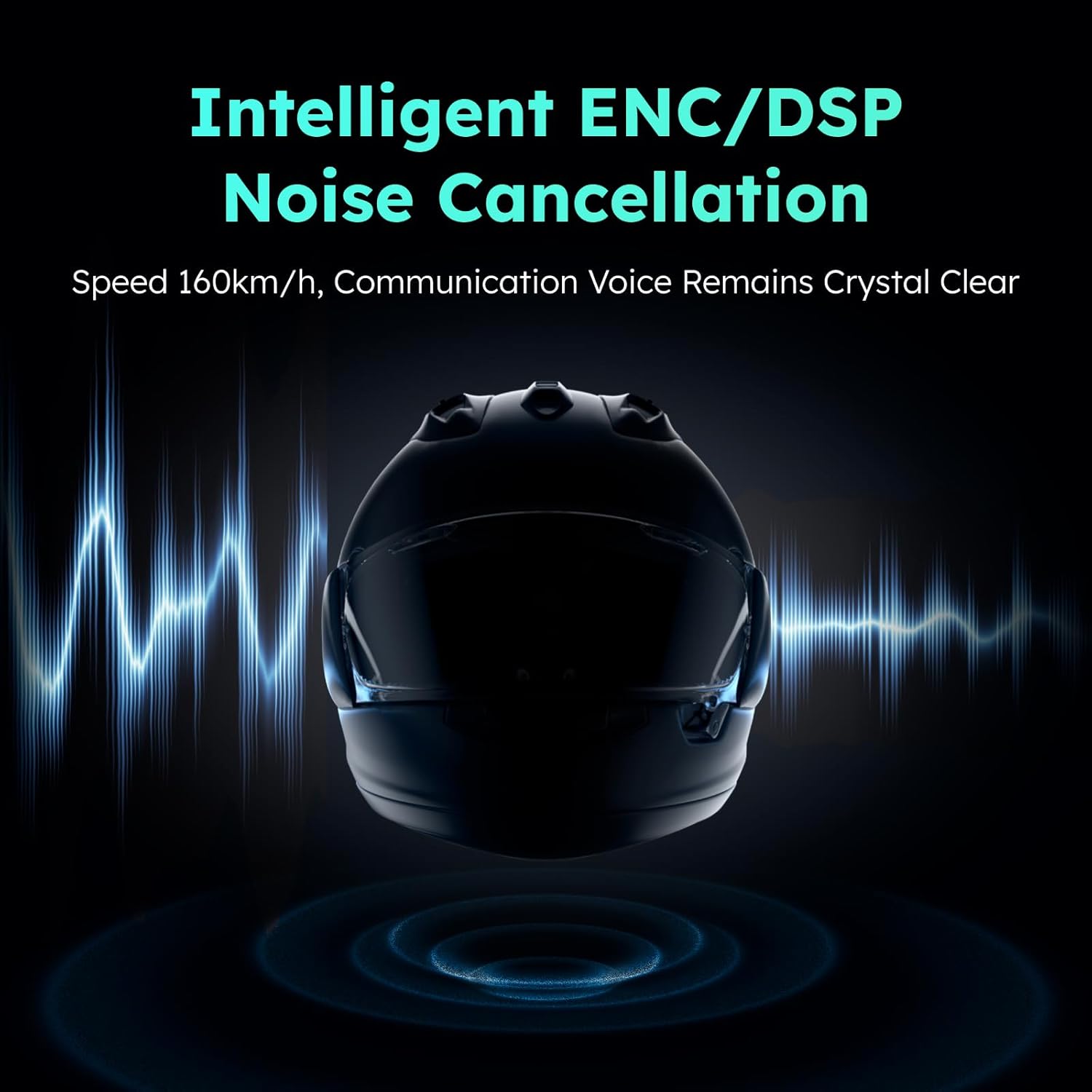
The ASMAX F1 incorporates intelligent ENC (Environmental Noise Cancellation) and DSP (Digital Signal Processing) technologies to reduce background noise, ensuring clear communication even at speeds up to 160 km/h.
5. Întreținere
To ensure the longevity and optimal performance of your ASMAX F1 headset, follow these maintenance guidelines:
- curatenie: Wipe the headset unit and speakers with a soft, dry cloth. Do not use harsh chemicals or abrasive cleaners.
- Depozitare: Depozitați setul cu cască într-un loc răcoros și uscat, ferit de lumina directă a soarelui și de temperaturi extreme, atunci când nu îl utilizați.
- Încărcare: Avoid overcharging. Disconnect the charger once the battery is full.
- Rezistenta la apa: The headset is not water resistant. Avoid exposure to rain or heavy moisture.
6. Depanare
If you encounter issues with your ASMAX F1 headset, refer to the following common problems and solutions:
- Fără putere: Ensure the headset is fully charged. Connect to a power source and check the charging indicator.
- Nu se poate conecta Bluetooth: Ensure the headset is in pairing mode (flashing red and blue). Turn off and on your phone's Bluetooth and try again. Make sure no other devices are actively connected to the headset.
- Fără sunet/Volum redus: Check speaker connections. Ensure volume is turned up on both the headset and your connected device. Reposition speakers for better ear alignment.
- Probleme cu interfonul: Ensure all headsets are within range and in the correct intercom mode (Free or Group). Re-establish the intercom connection if necessary. Obstacles like vehicles or buildings can affect range.
- Comenzile vocale nu răspund: Speak clearly and directly into the microphone. Ensure the microphone is properly positioned. Check for excessive background noise.
If the problem persists, perform a factory reset (refer to the quick start guide for instructions) or contact customer support.
7. Specificații
Key technical specifications for the ASMAX F1 Motorcycle Bluetooth Headset:
| Caracteristică | Caietul de sarcini |
|---|---|
| Numele modelului | F1 Motorcycle Bluetooth Headset |
| Marca | ASMAX |
| Versiune Bluetooth | 5.3 |
| Tehnologia de conectivitate | Bluetooth |
| Tehnologia comunicațiilor fără fir | Bluetooth |
| Tip control | Control vocal, tactil |
| Timp de încărcare | 50 minutes (Fast Charging) |
| Controlul zgomotului | ENC/DSP Noise Reduction |
| Intercom Range (Unit-to-unit) | Up to 3 km / 1.8 mi |
| Intercom Range (Overall, 1st to last rider) | Up to 8 km / 5 mi |
| Dispozitive compatibile | Motorcycles, Powersports Helmets |
| Nivel de rezistență la apă | Nu este rezistent la apă |
| Caracteristica specială | Fast Charging, Microphone Included |
8. Garanție și asistență
ASMAX products are covered by a limited warranty. For specific warranty terms and conditions, please refer to the warranty card included with your product or visit the official ASMAX website. For technical support, troubleshooting assistance, or to inquire about replacement parts, please contact ASMAX customer service through the contact information provided on our website-ul sau platforma dvs. de cumpărare.


