
Introducere
The Jabra Engage 65 SE is a professional wireless headset designed for enhanced communication in office and call center environments. It offers industry-leading wireless performance, advanced noise-cancelling microphone technology, and extended battery life to support all-day use. This manual provides detailed instructions for setting up, operating, maintaining, and troubleshooting your headset.
Ce este în cutie
Verificați dacă toate componentele sunt prezente în pachet:
- Jabra Engage 65 SE Headset (Dual-Ear)
- Unitate de bază
- USB-C to USB-A Cable (for PC connection)
- RJ-9 to RJ-9 Cable (for desk phone connection)
- Power Supply (US plug)
- Manual de utilizare (acest document)
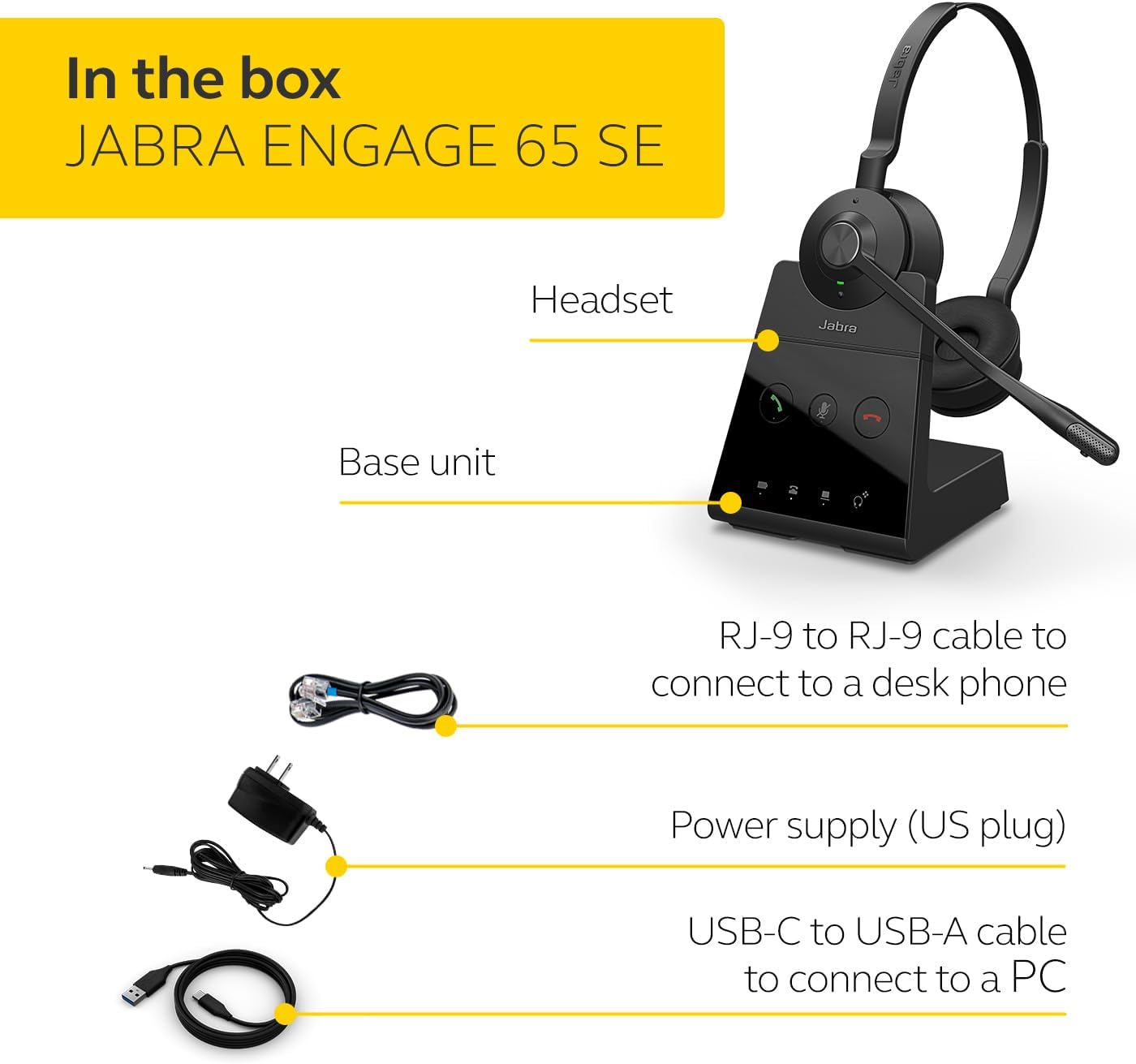
Image: The Jabra Engage 65 SE package contents, showing the headset, base unit, USB cable, RJ-9 cable, and power supply.
Înființat
1. Connect the Base Unit
- Conexiune de alimentare: Connect the power supply to the base unit and plug it into a power outlet.
- Conexiune PC: Use the provided USB-C to USB-A cable to connect the base unit to your computer's USB port.
- Conexiune telefon fix: Use the provided RJ-9 to RJ-9 cable to connect the base unit to your desk phone's headset port. Consult your desk phone's manual for specific port identification.
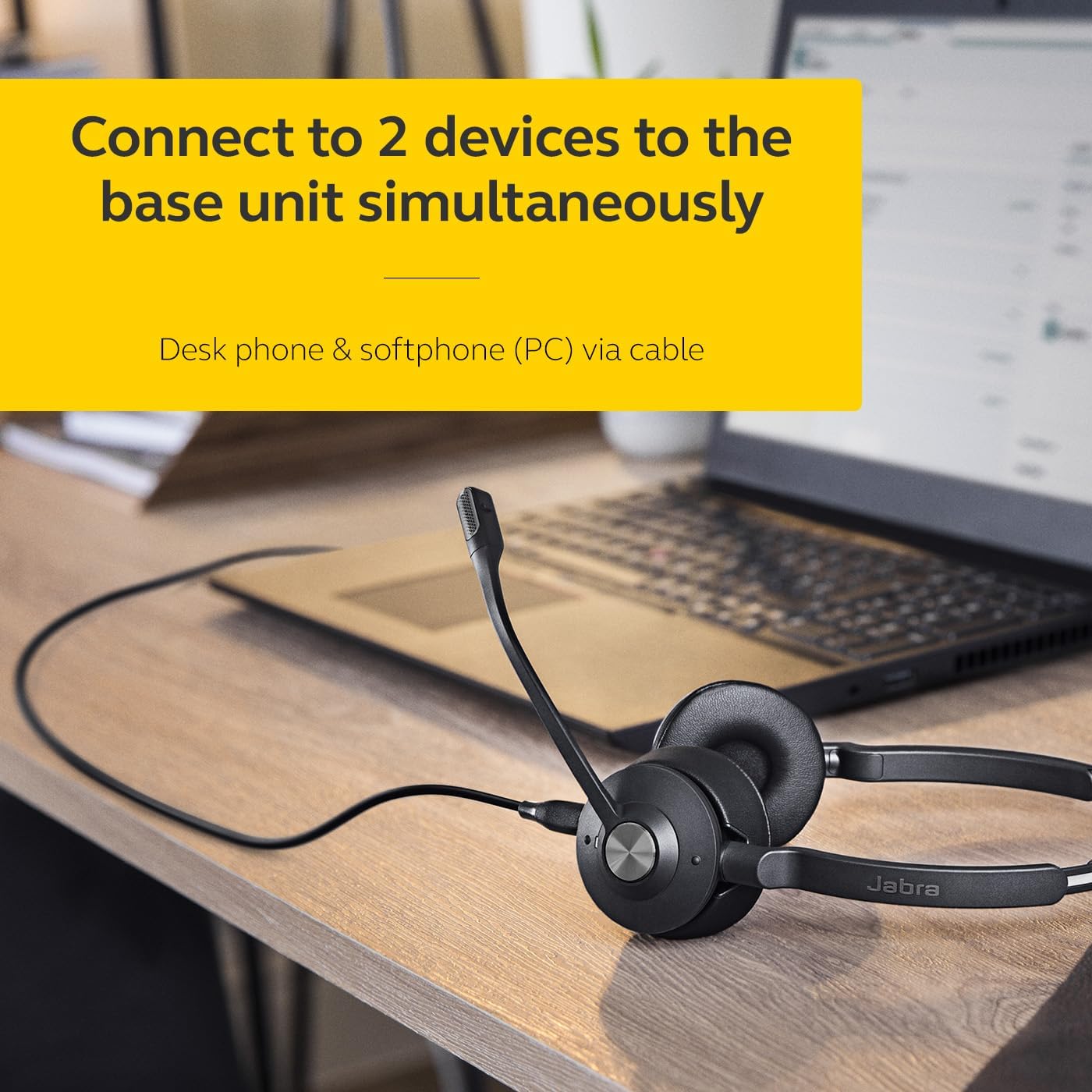
Image: The Jabra Engage 65 SE headset base unit connected to a laptop, illustrating PC connectivity.
2. Încărcați setul cu cască
Place the headset onto the base unit. The headset will begin charging automatically. Ensure the headset is fully charged before first use for optimal battery performance.
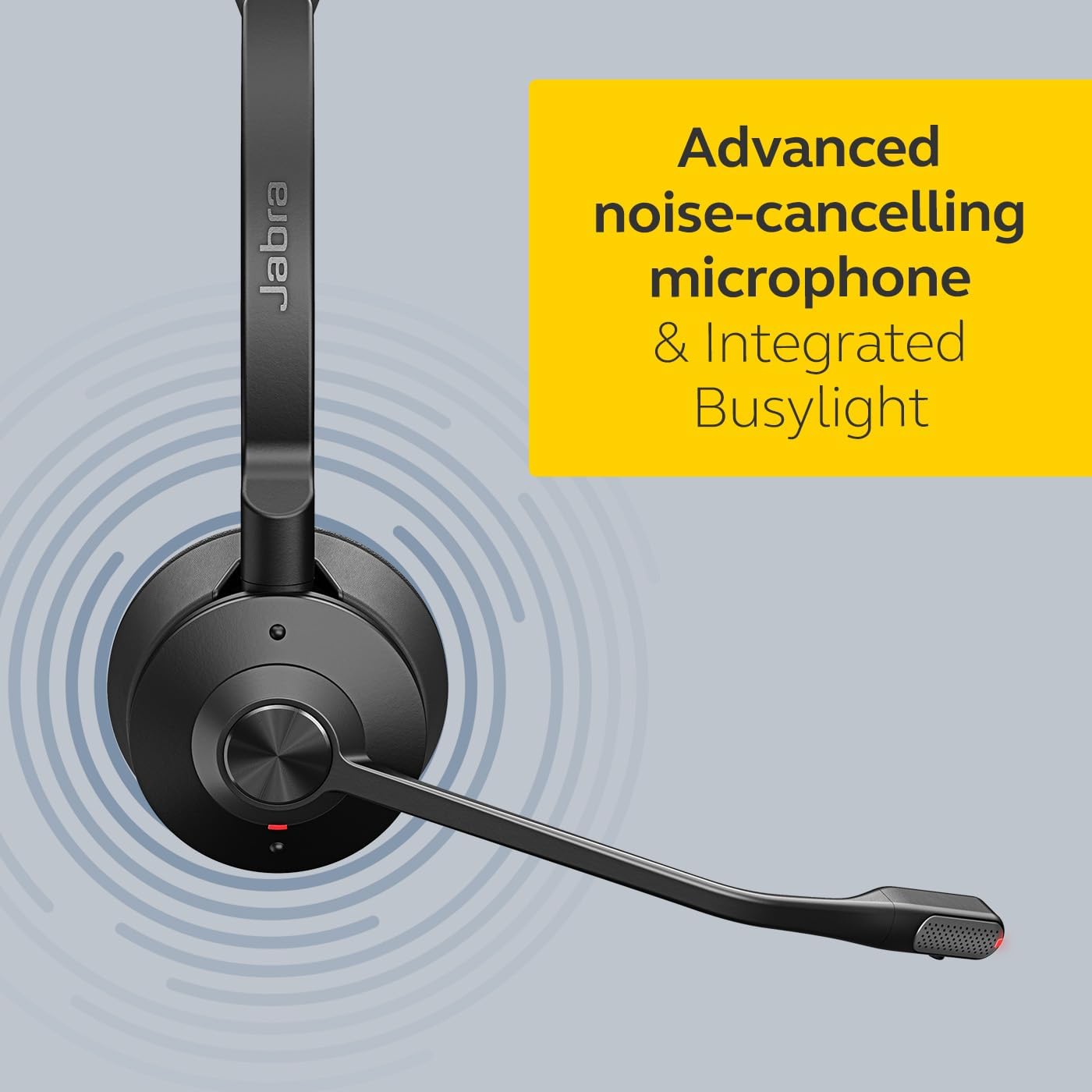
Image: The Jabra Engage 65 SE headset resting on its charging base, indicating proper docking for charging.
3. Împerecherea inițială
The headset and base unit are pre-paired from the factory. If re-pairing is needed, follow the instructions in the full user manual available on the Jabra support website-ul.
Video: Un oficial s-a terminatview of the Jabra Engage 65 SE Wireless Headset, demonstrating its features and setup.
Instrucțiuni de operare
Purtând căștile
Adjust the headband for a comfortable fit. Position the microphone boom approximately 2 cm (0.8 inches) from your mouth. The microphone boom is flexible and can be adjusted for optimal voice pickup.

Image: A user wearing the Jabra Engage 65 SE headset, highlighting its comfortable design and microphone placement for clear communication.
Controlul apelurilor
Setul cu cască dispune de comenzi intuitive pentru gestionarea apelurilor:
- Răspundeți/Terminați apelul: Apăsați butonul multifuncțional de pe căști.
- Dezactivați/Activați sunetul: Press the mute button on the microphone boom or base unit.
- Reglarea volumului: Use the volume up/down buttons on the earcup.

Imagine: Un prim-plan view of the headset's earcup, illustrating the location of the call control buttons for easy access during use.
Indicator luminos ocupat
The integrated busylight on the headset automatically illuminates when you are on a call, signaling to colleagues that you are busy and should not be disturbed. This feature helps minimize interruptions and improve focus.
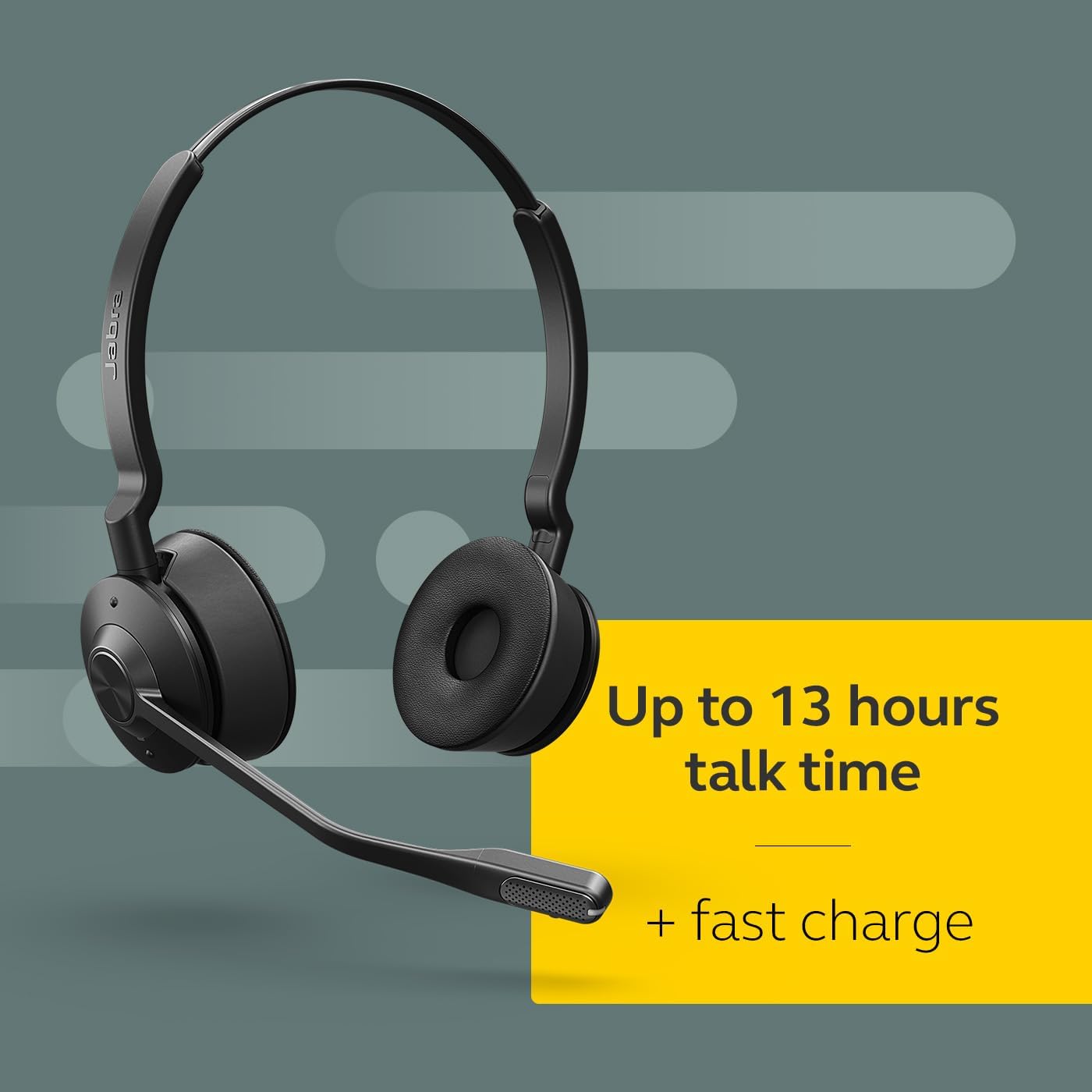
Image: The Jabra Engage 65 SE headset with its busylight active, indicating a user is currently on a call.
Wireless Range and Connectivity
The headset provides a wireless range of up to 150 meters (490 feet) from the base unit, allowing freedom of movement. It can connect to up to two devices simultaneously: a desk phone and a softphone (PC) via the base unit.
Întreţinere
Curatenie
- Wipe the headset and base unit with a soft, dry cloth.
- Evitați utilizarea substanțelor chimice dure sau a materialelor abrazive.
- Ensure no moisture enters the charging port or microphone openings.
Îngrijirea bateriei
- For optimal battery longevity, avoid fully discharging the headset frequently.
- Depozitați setul cu cască într-un loc răcoros și uscat atunci când nu îl utilizați.
- The headset offers up to 13 hours of talk time and supports fast charging.
Depanare
If you encounter issues with your Jabra Engage 65 SE headset, refer to the following common solutions:
| Problemă | Soluție posibilă |
|---|---|
| Fără sunet / Calitate audio slabă |
|
| Căștile nu se conectează |
|
| Durată scurtă de viață a bateriei |
|
For more detailed troubleshooting and support, please visit the official Jabra support website-ul.
Specificații
| Caracteristică | Detaliu |
|---|---|
| Marca | Jabra |
| Numele modelului | Angajează 65 SE |
| Numărul de model | 9659-553-125 |
| Tehnologia de conectivitate | Bluetooth, Wireless (DECT) |
| wireless Range | Până la 150 metri / 490 de picioare |
| Durata de viață a bateriei (timp de convorbire) | Până la 13 ore |
| Timp de încărcare a bateriei | 90 minute |
| Controlul zgomotului | Anularea activă a zgomotului |
| Microfon | Advanced Noise-Cancelling |
| Plasarea urechii | On Ear (Dual-Ear) |
| Greutate | 1.2 lire sterline |
| Materiale | Faux Leather, Polycarbonate (PC), Stainless Steel |
| Dispozitive compatibile | Universal (Desk phone, PC) |
Garanție și suport
Informații despre garanție
The Jabra Engage 65 SE headset comes with a 2 an garanție de producătorVă rugăm să păstrați dovada achiziției pentru a putea face reclamații în garanție.
Asistență pentru clienți
For further assistance, product registration, or to download the full user manual and software updates, please visit the official Jabra support website:


