
1. Introducere
The CINOTON Permanent Outdoor Lights are designed to provide versatile and durable lighting for your home's exterior. Featuring RGBW+IC technology, these 50ft eaves lights offer 16 million colors, a dedicated 2700K warm white option, and 111 preset scene modes. They are IP67 waterproof, ensuring reliable performance in various weather conditions. Control is convenient via the Smart Life App, remote control, or voice commands through Alexa and Google Assistant.
2. Ce se află în cutie
- Outdoot String lights*2 (50ft total, 30 LED beads)
- Telecomandă*1
- ETL Adapter*1
- 12ft extension cable*1
- Accessory Clips*1 bag
- Screw*1 bag
- Manual de utilizare*1
3. Configurare și instalare
3.1 Lista de verificare înainte de instalare
- Ensure the installation surface (e.g., eaves) is clean and free of dust, grease, or grime for optimal adhesive performance.
- Measure the desired length for your light installation to ensure you have adequate string lights and extension cables.
- Test the light string and all components indoors before permanent installation to verify functionality.
3.2 Etapele de instalare
- Curățați suprafața de instalare: Thoroughly clean the eaves or desired installation area. For optimal adhesion, use rubbing alcohol or a glass cleaner, depending on the surface material.
- Atașați luminile: Each LED light features a 3M adhesive strip on the back. Peel off the protective film and firmly press each light onto the cleaned surface. Ensure the lights are installed vertically, 2-4 inches away from the wall for the best triangular lighting effect.
- Secure with Clips/Screws: For long-term stability and to withstand various weather conditions, use the provided accessory clips and screws to further secure each light.
- Connect String Segments: The product includes two string segments. Connect them by aligning the arrows on the connectors and twisting to secure.
- Use Extension Cables (if needed): If your installation requires additional length between light segments or from the power source, connect the 12ft extension cable.
- Connect Adapter and Control Box: Connect the light string to the control box, and then connect the control box to the ETL-listed adapter.
- Pornire: Plug the adapter into a suitable outdoor power outlet.

3.3 Connecting to Smart Life App
- Descărcați aplicația: Descărcați aplicația „Smart Life” din magazinul de aplicații al smartphone-ului dvs. (disponibilă pe iOS și Android).
- Enable Bluetooth/Wi-Fi: Asigurați-vă că Bluetooth și Wi-Fi sunt activate pe smartphone-ul dvs.
- Intrați în modul de asociere: Press and hold the main button on the control box for 3-5 seconds until the lights begin to flash, indicating pairing mode.
- Adăugați dispozitiv: Open the Smart Life app, tap "+" to add a device. The app should automatically detect the lights. Follow the on-screen prompts to complete the pairing process.

4. Funcționare
4.1 Metode de control
- Aplicația Smart Life: Offers full control over colors, brightness, scenes, and custom modes.
- Telecomanda: Provides basic control for power, color changes, and scene selection.
- Control vocal: Compatibil cu Alexa și Google Assistant pentru operare hands-free.
4.2 Light Modes and Scenes
- Opțiuni de culoare: Choose from 16 million colors to match any mood or occasion.
- Alb cald: A dedicated 2700K warm white setting provides accent lighting for year-round use.
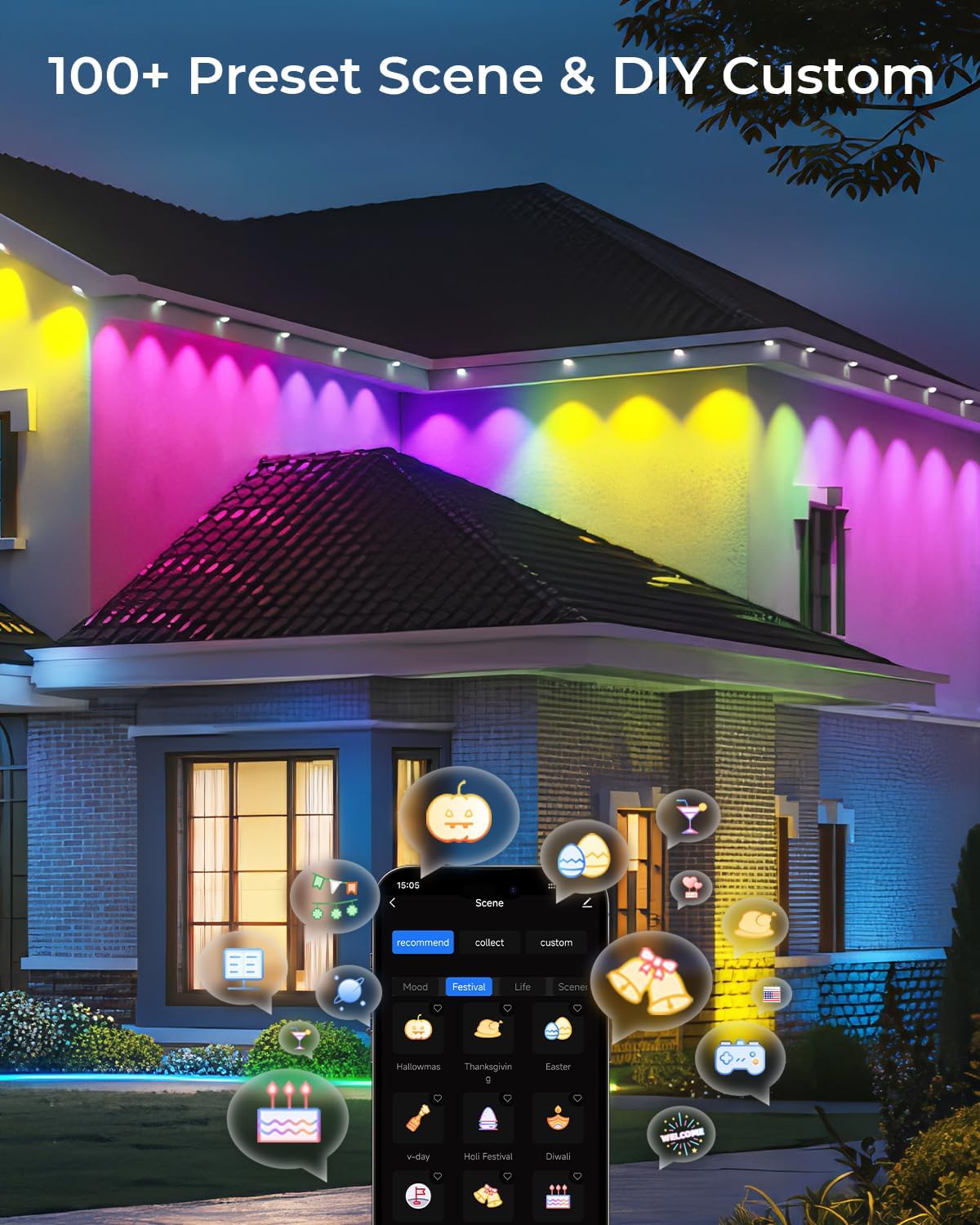
- Scene presetate: Access 111 pre-programmed scenes for various holidays and daily ambiance.
- Modul DIY: Customize your own lighting effects and save them for future use.
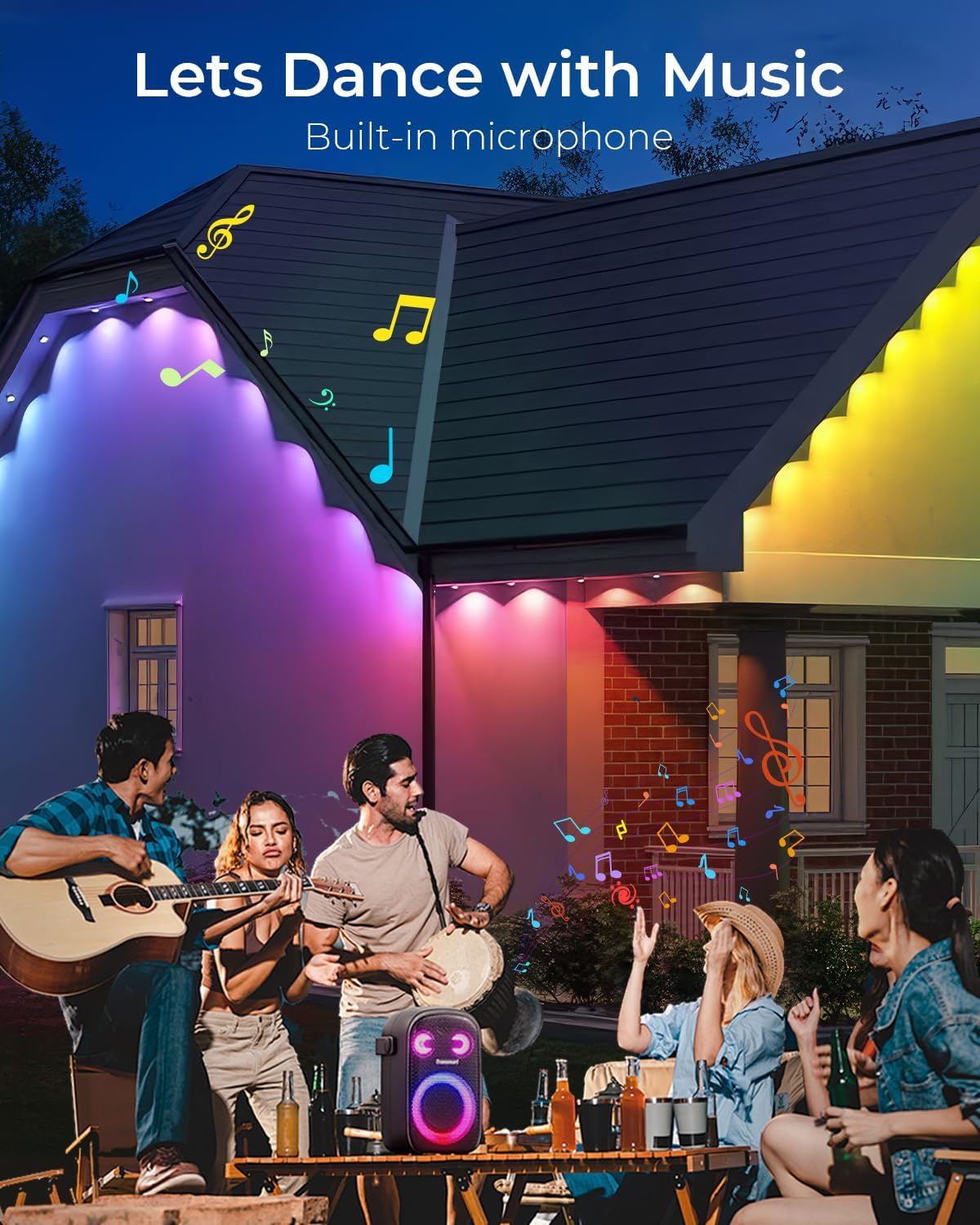
- Sincronizare muzicală: Lights can synchronize with music, reacting to the rhythm for dynamic displays.
4.3 Funcționalitatea temporizatorului
- Set schedules within the Smart Life app to automatically turn the lights on or off at specific times.
5. Întreținere
- curatenie: Periodically wipe down the lights and installation surface with a soft, damp cloth to remove dirt and maintain optimal light output.
- Verificarea conexiunii: Ensure all connections (string segments, extension cables, adapter) remain securely fastened, especially after severe weather.
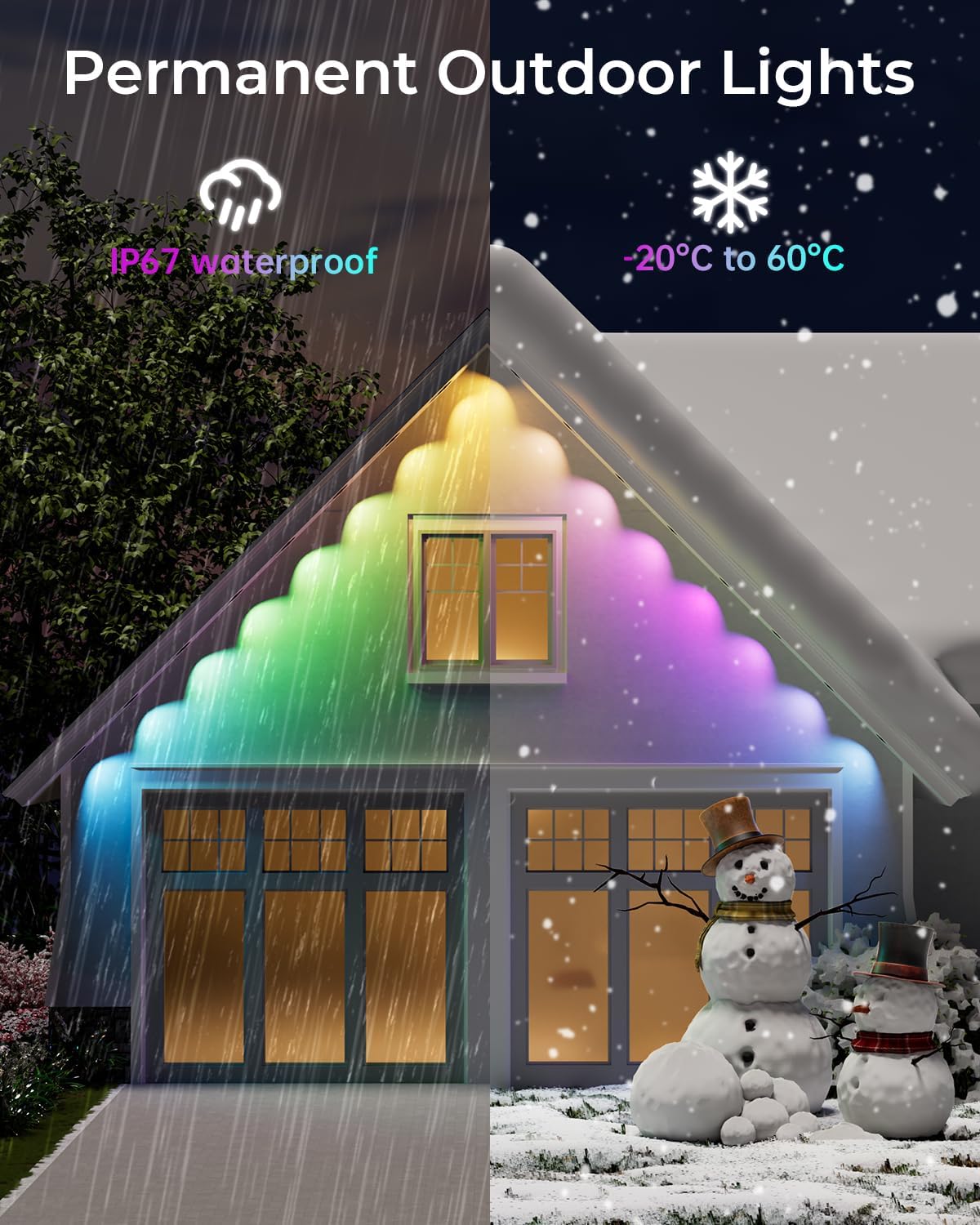
- Durabilitate: The lights are IP67 waterproof and designed to withstand temperatures from -4°F to 140°F (-20°C to 60°C), making them suitable for year-round outdoor use.
6. Depanare
- Luminile nu se aprind: Check if the adapter is securely plugged into a working power outlet. Ensure all cable connections are tight.
- Probleme de conectare la aplicație: Verify your smartphone's Bluetooth and Wi-Fi are active. Ensure the lights are in pairing mode (flashing) when attempting to connect via the Smart Life app. Restarting the app or your phone may also help.
- Adezivul care nu ține: Ensure the installation surface was thoroughly cleaned and dry before applying the adhesive. For long-term security, always use the provided clips and screws.
- Telecomanda nu funcționează: Check the battery in the remote control. Ensure there are no obstructions between the remote and the control box.
7. Specificații
| Caracteristică | Caietul de sarcini |
|---|---|
| Marca | CINOTON |
| Numărul de model | C5107-E |
| Lungimea articolului | 50 picioare |
| Numărul de surse de lumină | 30 margele LED |
| Tip sursă de lumină | LED (RGBW+IC) |
| Culoare deschisă | Multicolor (16 million colors) & 2700K Warm White |
| Flux luminos | 50 lumeni |
| Evaluare de protecție la pătrundere (IP). | IP67 (string lights), IP65 (Control Box & Adapter) |
| Voltage | 36 Volts (low voltage) |
| Wattage | 36 wați |
| Metoda de control | Remote, Smart Life App, Voice Control (Alexa, Google Assistant) |
| Temperatura de operare | -4°F până la 140°F (-20°C până la 60°C) |
8. Garanție și asistență
The CINOTON Permanent Outdoor Lights come with a 2-year protection plan. For any product inquiries, technical support, or warranty claims, please refer to the contact information provided in your user manual or visit the official CINOTON website-ul.
9. Videoclipuri oficiale ale produselor
Lights Show for CINOTON Permanent Outdoor Lights
This video demonstrates various color options, dimming capabilities, and preset scene modes of the CINOTON Permanent Outdoor Lights. It showcases the lights changing colors and patterns on an interior wall, highlighting the extensive customization available through the app.
CINOTON Permanent Outdoor Lights RGBW
O scurtă prezentare videoasing the CINOTON Permanent Outdoor Lights in action, displaying different RGBW color combinations and effects on a house exterior.
Pesteview for CINOTON Permanent Outdoor Lights
Acest videoclip oferă un overview of the CINOTON Permanent Outdoor Lights, demonstrating their installation process, various lighting modes, and smart control features on a house exterior.