
SMRGBCD001
Wireless Mouse for Laptop PC Bluetooth RGB Rechargeable Mouses
Manual de utilizare
Brand: Generic | Model: SMRGBCD001
1. Introducere
Mulțumesc pentru achizițieasing the Generic Wireless Mouse. This manual provides detailed instructions for setting up, operating, and maintaining your new mouse to ensure optimal performance and longevity. Please read this manual thoroughly before using the product and keep it for future reference.
This sleek and stylish wireless mouse is designed to elevate your computing experience. Its ergonomic design ensures comfortable use for extended periods, while the smooth gliding surface allows for precise cursor control. Featuring a striking RGB lighting system that cycles through a vibrant spectrum of colors, this mouse adds a touch of flair to your desktop setup. With its plug-and-play functionality and reliable wireless connectivity, you can bid farewell to tangled cords and enjoy seamless operation. Crafted with durability in mind, this mouse is built to withstand the demands of daily use.
2. Produs terminatview
The Generic Wireless Mouse combines ergonomic comfort with advanced features for an enhanced user experience. Key features include:
- Seamless RGB Lighting: A vibrant RGB lighting strip that cycles through a spectrum of colors.
- Design ergonomic: Contoured shape and textured grips for comfortable and secure handling.
- Urmărire precisă: High-precision optical sensor for smooth and accurate cursor control.
- Conectivitate duală: Supports 2.4GHz wireless connection and Bluetooth (3.0 and 5.2) for versatile pairing.
- Baterie reîncărcabilă: Built-in 500mAh lithium polymer battery for extended use.
- Butoane silențioase: Mute buttons for a quiet clicking experience.
- Plug and Play: No software installation required for 2.4GHz mode.
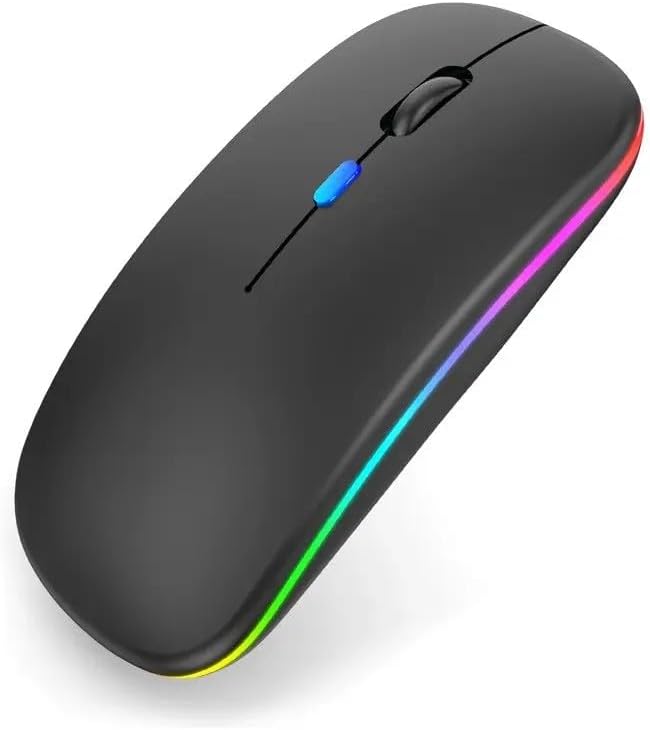
Figura 2.1: Față view of the Generic Wireless Mouse, showcasing its sleek black design and vibrant RGB lighting strip along the sides.
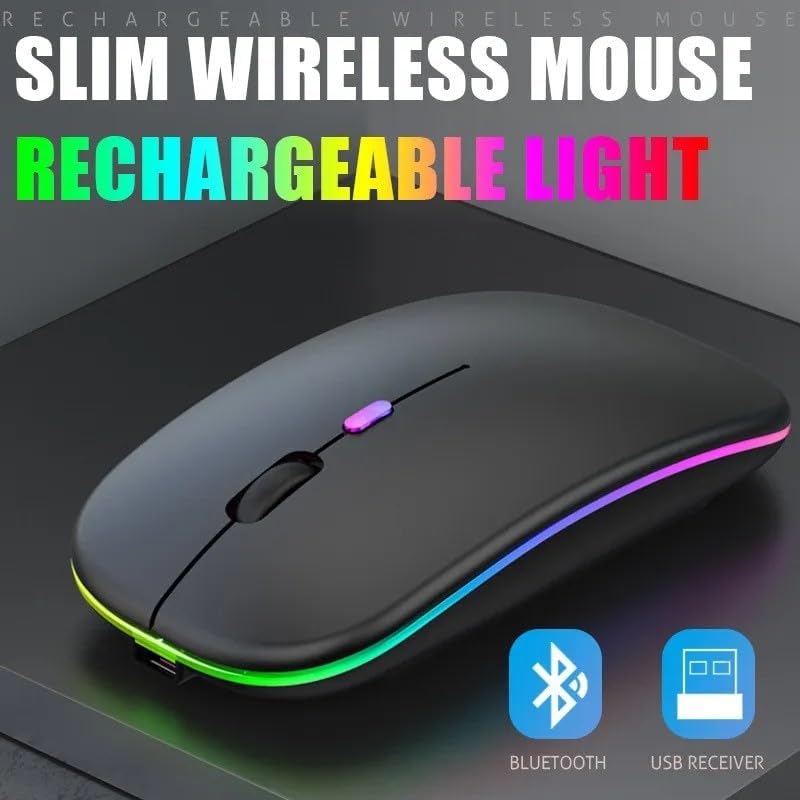
Figura 2.2: Pro-ul subțirefile of the wireless mouse, highlighting its rechargeable light feature and indicating support for both Bluetooth and USB receiver connectivity.
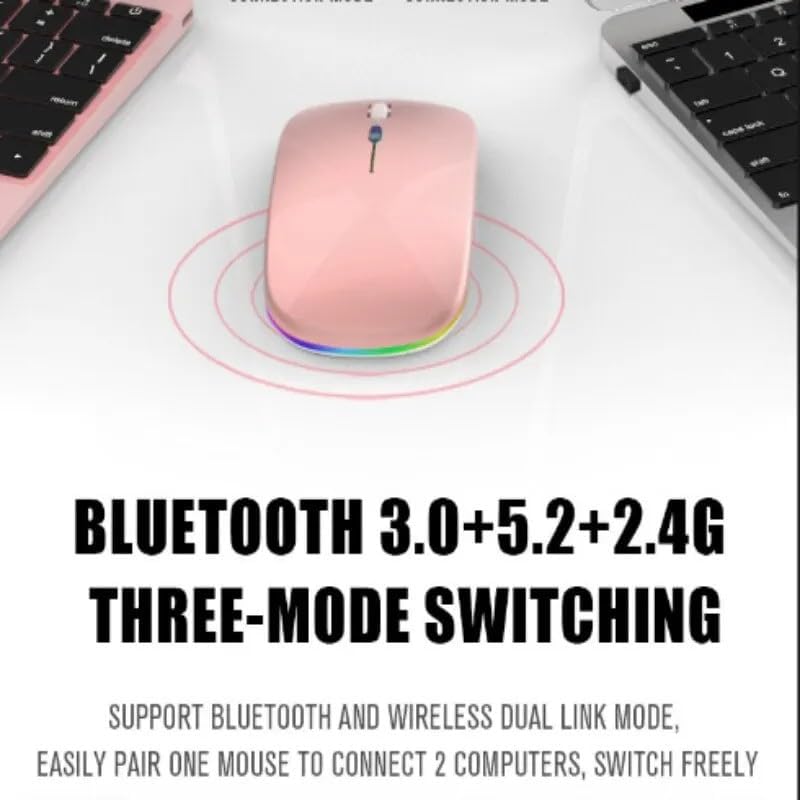
Figure 2.3: Illustration of the mouse's versatile connectivity options, supporting Bluetooth 3.0, Bluetooth 5.2, and 2.4G wireless modes, allowing connection to multiple devices.
3. Configurare
3.1 Încărcare inițială
Before first use, it is recommended to fully charge the mouse. Connect the included USB charging cable to the mouse's charging port and the other end to a USB power source (e.g., computer USB port, USB wall adapter).

Figure 3.1: The mouse connected to a charging cable, illustrating its 500mAh battery and long endurance after a single charge.
The RGB lighting may indicate charging status. A full charge typically provides up to 60 days of use, depending on usage patterns and RGB lighting settings.
3.2 Conectarea mouse-ului
Your mouse supports two primary connection modes: 2.4GHz Wireless and Bluetooth.
3.2.1 Conexiune wireless de 2.4 GHz
- Locate the USB nano receiver, usually stored in a compartment on the bottom of the mouse.
- Conectați nanoreceptorul USB la un port USB disponibil al computerului.
- Porniți mouse-ul folosind comutatorul de alimentare situat în partea de jos.
- Switch the mouse to 2.4G mode (refer to the mode switch on the bottom of the mouse).
- Calculatorul ar trebui să detecteze și să instaleze automat driverele necesare. Mouse-ul este gata de utilizare.
3.2.2 Conexiune Bluetooth
The mouse supports Bluetooth 3.0 and Bluetooth 5.2. You can easily pair one mouse to connect to two computers and switch freely between them.
- Porniți mouse-ul folosind comutatorul de alimentare din partea de jos.
- Switch the mouse to Bluetooth mode (BT1 or BT2, refer to the mode switch on the bottom of the mouse).
- Pe computer sau dispozitiv, deschideți setările Bluetooth.
- Caută new devices. The mouse should appear as "Wireless Mouse" or similar.
- Selectați mouse-ul pentru asociere. Urmați orice instrucțiuni de pe ecran.
- Odată asociat, mouse-ul este gata de utilizare.
4. Instrucțiuni de utilizare
4.1 Pornire/Oprire
Use the power switch located on the bottom of the mouse to turn it ON or OFF.
4.2 Comutarea modurilor de conectare
The mouse features a mode switch on its underside, allowing you to toggle between 2.4G wireless mode and two Bluetooth modes (BT1, BT2). This enables seamless switching between up to three connected devices.
4.3 Ajustare DPI
The mouse typically features a DPI (Dots Per Inch) button, often located near the scroll wheel, to adjust cursor sensitivity. Press this button to cycle through different DPI settings (e.g., 800, 1200, 1600 DPI) to match your preference and task requirements.
4.4 Controlul iluminării RGB
The mouse features dynamic RGB lighting. The lighting typically activates automatically when the mouse is in use. Some models may allow cycling through different lighting modes or turning the lighting off by pressing a specific button (often the DPI button or a dedicated light button) or a combination of buttons. Refer to the product's specific button functions for detailed control.

Figure 4.1: The mouse's colorful and cool RGB lights, designed to enhance the aesthetic of your desktop setup.
4.5 Funcția de clic silențios
This mouse is designed with mute buttons, providing a quiet clicking experience. This feature is particularly beneficial in quiet environments, ensuring you do not disturb others.

Figure 4.2: Demonstrating the silent button feature, allowing for comfortable and undisturbed use, even in quiet environments.
5. Întreținere
5.1 Curățare
Pentru a curăța mouse-ul, ștergeți ușor suprafața acestuia cu o lavetă moale, uscată sau ușor umedă.amp Evitați utilizarea substanțelor chimice dure, a produselor de curățare abrazive sau a umidității excesive, deoarece acestea pot deteriora finisajul sau componentele interne ale mouse-ului.
5.2 Îngrijirea bateriei
- Avoid exposing the mouse to extreme temperatures (hot or cold) as this can affect battery life.
- If the mouse will not be used for an extended period, it is advisable to turn it off to conserve battery life.
- Charge the mouse using only the provided cable or a compatible USB charging cable.
6. Depanare
| Problemă | Soluție posibilă |
|---|---|
| Mouse not responding (2.4GHz) |
|
| Mouse-ul nu răspunde (Bluetooth) |
|
| Cursor neregulat sau săltăreț |
|
| Luminile RGB nu funcționează |
|
| Mouse-ul nu se încarcă |
|
7. Specificații
| Caracteristică | Detaliu |
|---|---|
| Numărul de model | SMRGBCD001 |
| Marca | Generic |
| Tehnologia de conectivitate | Bluetooth (3.0, 5.2), 2.4GHz USB Wireless |
| Tehnologia de detectare a mișcării | Optic |
| Culoare | Negru |
| Caracteristica specială | Ergonomic Design, RGB Lighting, Silent Click Buttons |
| Tip baterie | 1 baterie litiu-polimer (500mAh) |
| Producător | Ch |
| Data primului disponibil | 26 august 2024 |
8. Garanție și asistență
For warranty information and customer support, please refer to the documentation included with your purchase or visit the manufacturer's official webPăstrați dovada achiziției pentru orice reclamații în garanție.
If you encounter any issues not covered in this manual, please contact the retailer or manufacturer's customer service for assistance.
Ask a question about this manual
Ask about setup, troubleshooting, compatibility, parts, safety, or missing instructions. Manuals+ will review the question and use this page’s manual context to help answer it.