
Introducere
Thank you for choosing the VECHTEL 2 Din Car Stereo. This device features a 7-inch touchscreen with wireless CarPlay and Android Auto, Bluetooth 5.1, FM radio, Mirror Link functionality, and support for a rear view camera. This manual provides essential information for installation, operation, maintenance, and troubleshooting to ensure optimal performance and user safety.
Informații de siguranță
- Citiți cu atenție toate instrucțiunile înainte de instalare și utilizare.
- Professional installation is recommended to prevent damage to the unit or vehicle.
- Nu utilizați dispozitivul într-un mod care vă distrage atenția de la condus. Prioritizați întotdeauna siguranța rutieră.
- Asigurați-vă că toate cablurile sunt conectate corect pentru a evita scurtcircuitele sau pericolele electrice.
- Țineți unitatea departe de apă și umiditate excesivă.
- Nu încercați să dezasamblați sau să modificați unitatea. Aceasta va anula garanția.
Conținutul pachetului
Verificați dacă toate articolele sunt prezente în colet:
- 1 x VECHTEL 2 Din Car Stereo
- 1 x spate View Camera foto
- 1 x cablu de alimentare
- 1 x cablu difuzor
- 1 x telecomandă
- 1 x microfon extern
- 1 x Manual de utilizare

Image: VECHTEL 2 Din Car Stereo with included accessories.
Produs terminatview
The VECHTEL car stereo features a 7-inch HD touchscreen for intuitive control and a clear display. Physical buttons and a rotary volume knob provide convenient access to essential functions while driving.

Image: 7-inch HD Touch Screen display comparison.

Image: Car stereo interface and port overview.
Înființat
Instalare
This unit is a standard 2 DIN size. Ensure your vehicle's dashboard opening is compatible. It is highly recommended to have the unit installed by a qualified professional to ensure correct wiring and secure mounting.
Conexiuni de cablare
Connect the power cable, speaker cables, external microphone, and rear view camera according to the provided wiring diagram in the included user manual. Pay close attention to positive and negative terminals to avoid damage.
- Putere: Conectați la sursa de alimentare a vehiculului (ACC, B+, masă).
- Difuzoare: Connect to your vehicle's speakers (Front Left, Front Right, Rear Left, Rear Right).
- Camera spate: Connect the video input (CVBS) and power for the camera. The unit will automatically display the camera feed when reversing.
- Microfon extern: Plug into the designated microphone input for improved call clarity.
- USB/AUX: Connect USB devices for media playback or charging, and AUX for external audio sources.
Instrucțiuni de operare
CarPlay wireless și Android Auto
Connect your smartphone wirelessly via Bluetooth to access CarPlay or Android Auto. This allows safe use of navigation, music, and messaging apps through the car stereo's display. Voice control via Siri or Google Assistant is supported for hands-free operation.
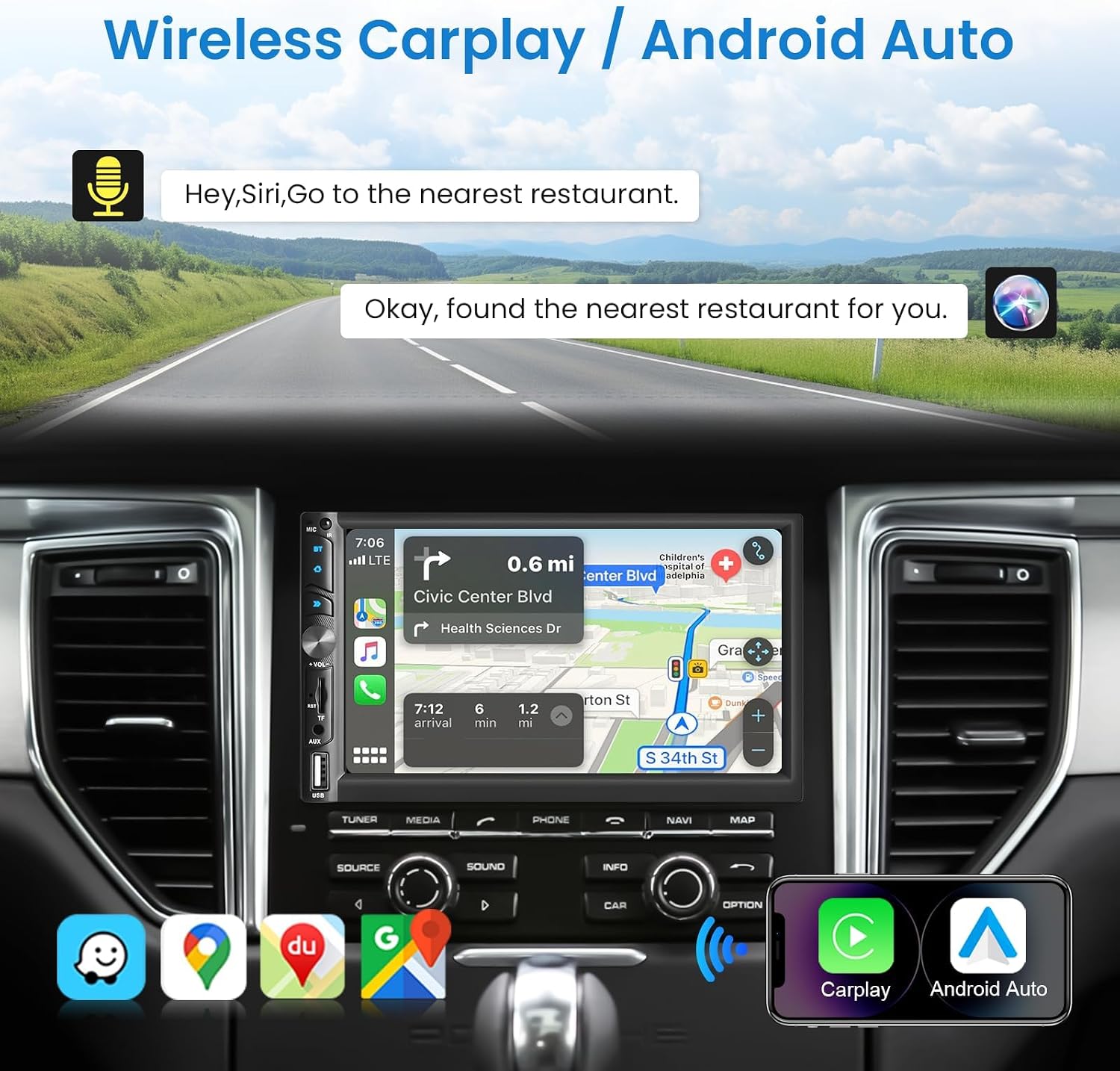
Image: Wireless CarPlay / Android Auto in use.
Conectivitate Bluetooth 5.1
The unit features Bluetooth 5.1 for stable and fast wireless connections. Pair your phone to make hands-free calls and stream audio. The dual microphone system (built-in and external) ensures clear communication.

Image: Upgraded Bluetooth 5.1 features.
Funcția Mirror Link
Connect your iOS or Android smartphone via USB to use the Mirror Link function. This allows you to display your phone's screen content, such as navigation apps, Spotify, or YouTube, directly on the car stereo's display.

Image: iOS / Android Mirror Link in action.
Radio FM
Tune into your favorite FM radio stations. The unit supports 18 preset stations for quick access.
Spate View Camera foto
When the vehicle is shifted into reverse, the car stereo automatically displays the feed from the included 12-LED night vision rear camera. This feature provides a wide-angle view to assist with parking and maneuvering.

Imagine: Spate View Camera display and features.
Setări de sunet
Adjust the audio output to your preference using the built-in 10-band equalizer. The unit also supports woofer output for enhanced bass performance.

Image: Excellent Sound Quality settings and connections.
USB/TF/AUX Playback
Insert a USB drive or TF card into the respective ports for media playback. Connect external audio devices via the AUX input.
Întreţinere
- curatenie: Folosiți o cârpă moale și uscată pentru a curăța ecranul și unitatea. Evitați substanțele de curățare abrazive sau solvenții.
- Actualizări de software: Check the VECHTEL website or contact support for any available software updates to ensure optimal performance and new features.
- Conditii de mediu: Evitați expunerea unității la temperaturi extreme sau la lumina directă a soarelui pentru perioade lungi de timp.
Depanare
| Problemă | Cauza posibila | Soluţie |
|---|---|---|
| Fără putere | Cablare incorectă; Siguranță arsă; Problemă cu bateria vehiculului. | Check power connections (ACC, B+, Ground). Inspect vehicle fuses. Consult a professional if necessary. |
| Nici un sunet | Incorrect speaker wiring; Volume too low; Mute function active; Audio source issue. | Verify speaker connections. Increase volume. Disable mute. Check selected audio source. |
| Conexiune Bluetooth instabilă | Interference; Device too far; Phone Bluetooth issue. | Ensure phone is close to the unit. Restart phone and car stereo. Re-pair the device. |
| Camera din spate nu afișează | Incorrect camera wiring; Camera power issue; Reverse trigger not connected. | Check camera video input and power connections. Ensure the reverse trigger wire is correctly connected to the vehicle's reverse light circuit. |
| Ecranul tactil nu răspunde | Sistemul se blochează; Murdărie pe ecran. | Restart the unit. Clean the screen with a soft cloth. |
Specificații
| Caracteristică | Detaliu |
|---|---|
| Numărul de model | 113266 |
| Dimensiunea ecranului | 7.0 inci |
| Rezoluția ecranului | 1024*600 |
| Voltage | 12V |
| Versiune Bluetooth | 5.1 |
| Putere de ieșire | 4*45W (180 wați în total) |
| Interfață USB | USB2.0 |
| Intrare inversă | CVBS |
| Gama radio FM | 87.5-108.0MHZ |
| Asistență DVR | Da |
| Woofer Output | Da |
| Formate audio | MP3 / WMA / WAV / APE / FLAC |
| Formate video | MKV/AVI/TS/TP/MP4/M4V (Max bitrate 50-80Mbps) |
| Dimensiuni (D x W x H) | 9.2 x 17.8 x 9.8 cm |
Informații despre garanție
This VECHTEL car stereo is covered by a garanție de trei ani from the date of purchase. This warranty covers manufacturing defects and malfunctions under normal use. Please retain your proof of purchase for warranty claims. The warranty does not cover damage caused by improper installation, misuse, accidents, or unauthorized modifications.
Sprijin
VECHTEL specializes in automotive electronics and provides dedicated customer support. If you encounter any issues with compatibility, installation, or operation, please do not hesitate to contact us. Our professional team is available to provide assistance.
For technical support, please follow these steps:
- Pasul 1: Locate your order on the platform where you purchased the product.
- Pasul 2: Click on the seller's name (VECHTEL) and select the option to 'Ask a question' or 'Contact seller'.
We offer 24/7 technical support to ensure your satisfaction.