
1. Introducere
This manual provides detailed instructions for the proper use and care of your 7artisans 24-96mm T2.9 S35 Professional Zoom Cine Lens. This lens is designed for cinematic applications, offering a 4X optical zoom range, a constant T2.9 aperture, and a parfocal optical design. Please read this manual thoroughly before using the lens to ensure optimal performance and longevity.

Figure 1.1: The 7artisans 24-96mm T2.9 S35 Professional Zoom Cine Lens, showcasing its robust construction and clear markings.
2. Caracteristicile produsului
- S35 Frame Compatibility: Designed for Super 35 format cameras, providing a 4X optical zoom range with focal lengths between 24-96mm.
- Constant T2.9 Aperture: Maintains a consistent T2.9 aperture across the entire zoom range (T2.9-T22), facilitating clear imaging in low-light conditions and consistent exposure.
- 240° Focus Throw: Offers a wide 240-degree focus rotation for precise and delicate focus adjustments, enhancing control during shooting.
- Parfocal Design: Ensures that focus remains consistent throughout the zoom range, improving shooting efficiency and maintaining image continuity.
- Imperceptible Breathing: Engineered to minimize focus breathing, ensuring image stability and consistency during focus transitions without changes in the frame.
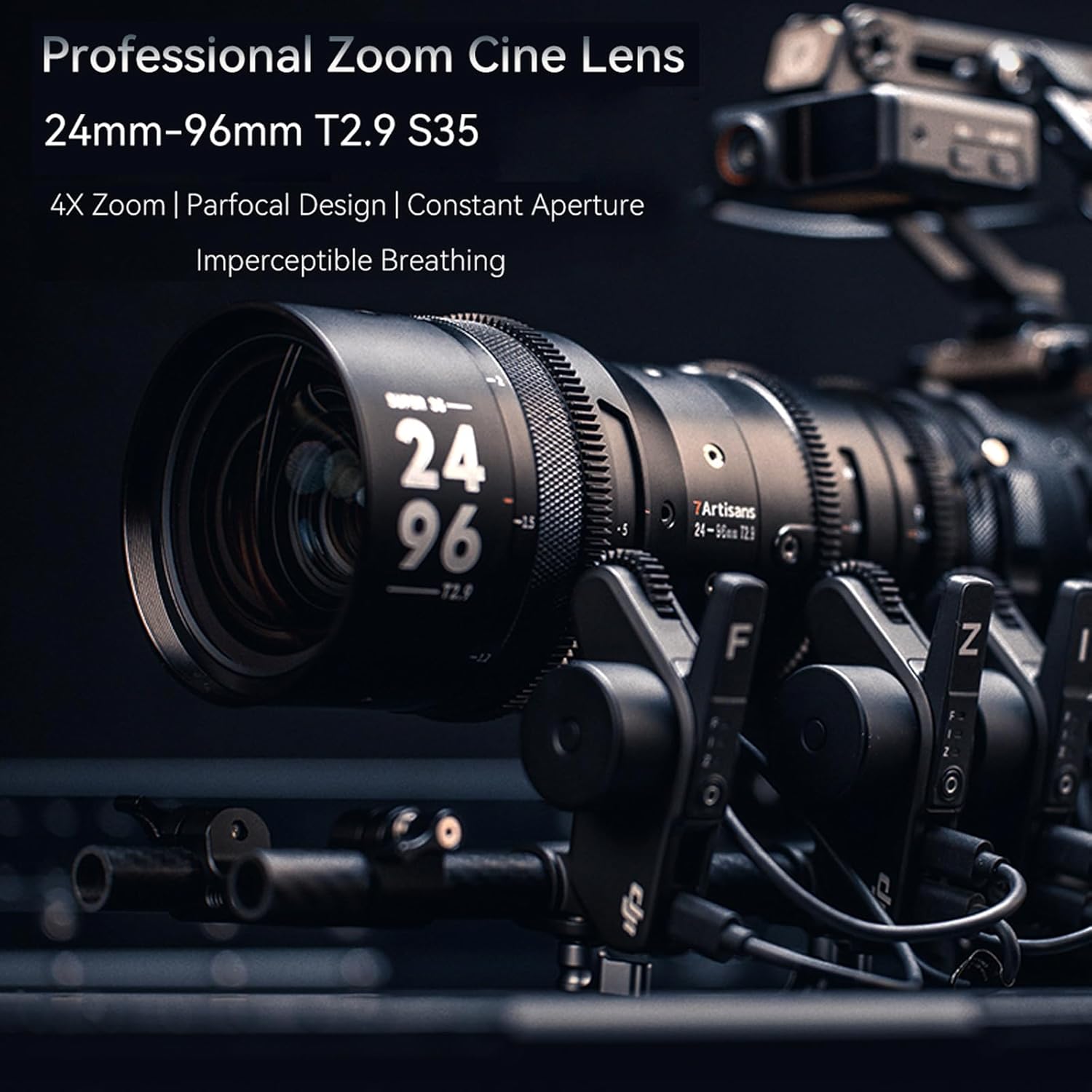
Figure 2.1: The 7artisans 24-96mm T2.9 S35 Professional Zoom Cine Lens mounted on a camera rig, illustrating its professional application.
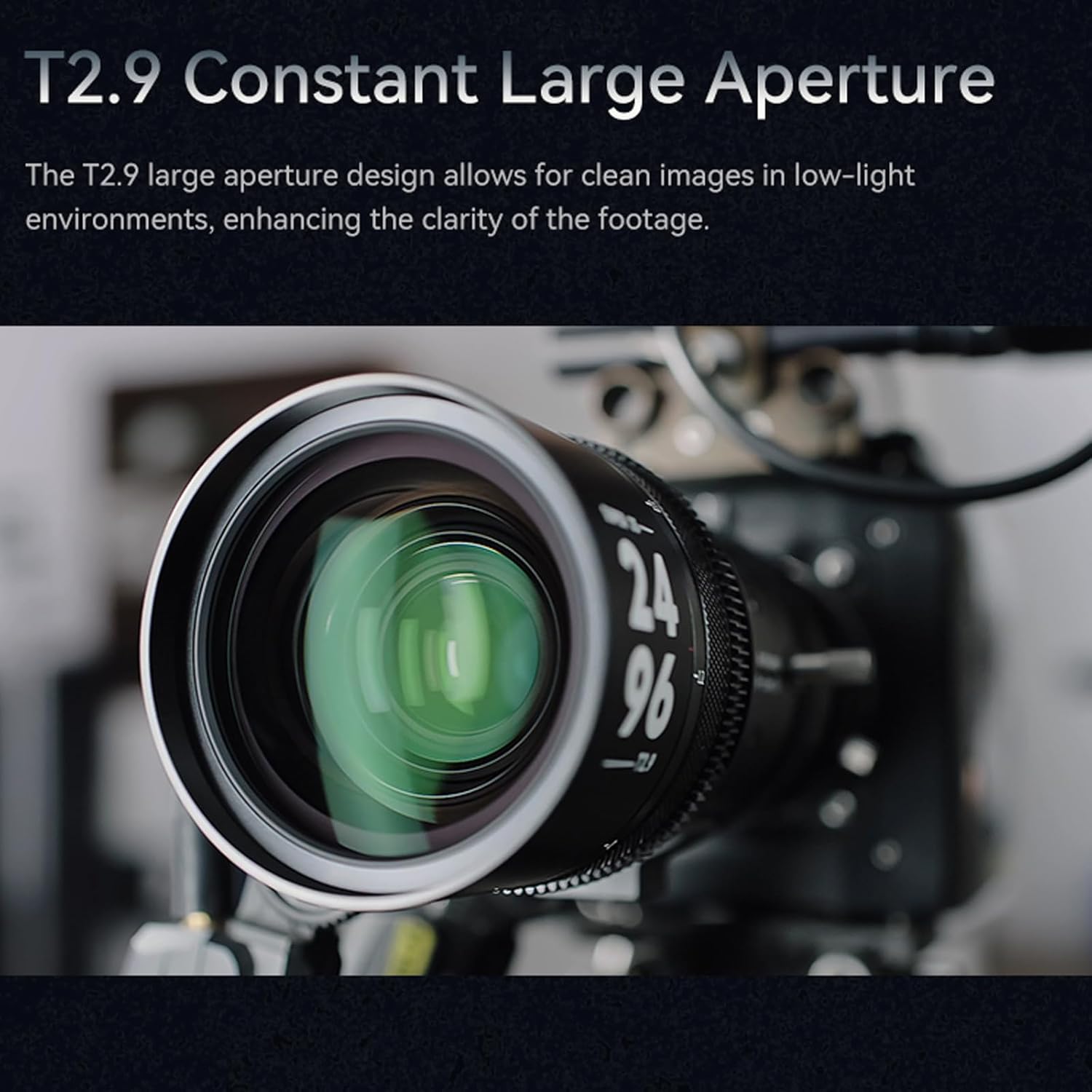
Figura 2.2: Față view of the lens, highlighting the T2.9 constant large aperture for low-light performance.
3. Conținutul pachetului
Verificați dacă toate următoarele articole sunt incluse în pachetul produsului dumneavoastră:
- 7artisans 24-96mm T2.9 S35 Professional Zoom Cine Lens
- Capac lentilă spate
- Capac frontal al obiectivului
- Adaptor de filtru
- Șuruburi
- Dry Cabinet (for storage)

Figura 3.1: Pesteview of the lens and its included accessories.
4. Configurare
4.1 Mounting the Lens
- Asigurați-vă că ați oprit camera înainte de a atașa sau detașa obiectivul.
- Remove the rear lens cap from the 7artisans 24-96mm T2.9 S35 lens and the body cap from your camera.
- Align the mounting index on the lens with the corresponding index on your camera body (e.g., red dot to red dot for EF mount).
- Gently insert the lens into the camera's lens mount and rotate it clockwise until it clicks into place, indicating it is securely locked.
4.2 Using the 1.5X Teleconverter (Optional)
The lens can be used with a 1.5X teleconverter to extend the focal length range to 35-140mm. Attach the teleconverter between the lens and the camera body following the manufacturer's instructions for the teleconverter.

Figure 4.1: The lens shown with different camera mounts (E, L, PL, RF, Z Mounts) using an adapter ring.
5. Operare
5.1 Controlul focalizării
The lens features a manual focus ring with a 240° throw. Rotate the focus ring to achieve precise focus on your subject. The wide throw allows for fine adjustments, crucial for cinematic work.
5.2 Controlul zoomului
Adjust the focal length using the zoom ring, which has a 100° throw. The parfocal design ensures that your focus point remains consistent as you zoom in or out, eliminating the need to refocus after changing focal length.

Figure 5.1: Demonstrating the 4X optical zoom capability of the lens.
5.3 Controlul diafragmei
The aperture ring provides manual control over the T-stop, with a 90° throw. The constant T2.9 aperture ensures consistent light transmission across the entire zoom range, simplifying exposure settings.

Figure 5.2: The lens showing the distinct focus, zoom, and aperture rings with their respective throw angles.
5.4 Parfocal Performance
The parfocal optical design is a key feature, allowing you to maintain sharp focus on your subject even when changing the focal length. This is particularly beneficial in dynamic shooting environments where constant refocusing would be disruptive.

Figure 5.3: Visual demonstration of the parfocal design, showing consistent focus maintained throughout the zoom range.
5.5 Imperceptible Breathing
The lens is designed to exhibit minimal focus breathing. This means that when you adjust focus, the field of view remains stable, preventing distracting changes in composition and allowing cinematographers to concentrate on their subject.

Figure 5.4: The lens on a camera rig, illustrating its imperceptible breathing feature.
6. Întreținere
6.1 Curățarea lentilei
- Folosiți o lavetă moale, fără scame, sau o perie pentru lentile pentru a îndepărta praful de pe suprafețele lentilelor.
- For stubborn smudges or fingerprints, apply a small amount of lens cleaning solution to a clean microfiber cloth and gently wipe the lens in a circular motion.
- Evitați utilizarea materialelor abrazive sau a substanțelor chimice dure, deoarece acestea pot deteriora stratul de acoperire al lentilelor.
6.2 Depozitare
- Atașați întotdeauna capacele față și spate ale obiectivului atunci când obiectivul nu este utilizat.
- Depozitați obiectivul într-un loc răcoros și uscat, ferit de lumina directă a soarelui și de temperaturi extreme.
- Utilize the provided dry cabinet to protect the lens from humidity and dust, which can lead to mold growth.
7. Depanare
If you encounter any issues with your lens, consider the following general troubleshooting steps:
- Lens not mounting securely: Ensure the lens is correctly aligned with the camera mount and rotated until it clicks. Check for any obstructions on the mount.
- Unclear images: Verify that the lens surfaces are clean and free from dust or smudges. Ensure proper focus and aperture settings.
- Rings are stiff: If the focus, zoom, or aperture rings feel unusually stiff, avoid forcing them. Contact customer support for assistance.
- Probleme de calitate a imaginii: Check camera settings, lighting conditions, and ensure the lens is compatible with your camera model.
Pentru probleme persistente, consultați secțiunea de garanție și asistență pentru informații de contact.
8. Specificații

Figure 8.1: Detailed specifications and dimensions of the lens.
| Caracteristică | Descriere |
|---|---|
| Model | Sprite Zoom 24mm-96mm T2.9 |
| Cadru | S35 |
| Distanța focală | 24-96mm (Equipped with a 1.5X Teleconverter: 35-140mm) |
| Munte | EF/PL (Compatible with E/Z/RF/L mounts via adapter ring) |
| Gama de diafragme | T2.9-T22 |
| Maximum Image Circle | Φ31.5 |
| Unghiul de View (AOV) | Diagonal: 66°-18°, Vertical: 43°-11.1°, Horizontal: 54.5°-14.3° |
| Construcția lentilelor | 21 elemente în 16 grupe |
| Distanța minimă de focalizare | 1m |
| Raport de zoom | 4X |
| Controlul diafragmei | Manual (Aperture Ring Throw 90°) |
| Controlul focalizării | Manual (Focus Ring Throw 240°) |
| Zooming Control | Manual (Zoom Ring Throw 100°) |
| Dimensiuni | Φ94mm * L225mm (Mount Excluded) |
| Lama de deschidere | 13 buc |
| Diametrul filtrului | Φ86 mm |
| Gear Pitch | 0.8 |
| Material | Metal |
| Greutate | Aproximativ 2.3 kg |
| Rear Focusing Adjustment | ±0.5mm |
9. Garanție și asistență
7artisans products are manufactured to high-quality standards. For information regarding warranty coverage, technical support, or service, please refer to the warranty card included with your product or visit the official 7artisans webPăstrați bonul fiscal ca dovadă a achiziției pentru reclamații în garanție.