
1. Introducere
This manual provides detailed instructions for the T-Wolf TF800 Gaming Combo, a 4-in-1 package designed for an enhanced gaming experience. The combo includes a backlit keyboard, a gaming mouse, a stereo headset with microphone, and a mouse pad. Please read this manual carefully before using the product to ensure proper setup and operation.

Image: T-Wolf TF800 Gaming Combo retail box. The box displays the included keyboard, mouse, headset, and mouse pad, highlighting features like floating keycaps, highlight light, multimedia keys, and ergonomic design.
2. Conținutul pachetului
Asigurați-vă că toate următoarele articole sunt prezente în colet:
- 1 x T-Wolf Gaming Keyboard
- 1 x T-Wolf Gaming Mouse
- 1 x T-Wolf Gaming Headset
- 1 x T-Wolf Gaming Mouse Pad
3. Instrucțiuni de configurare
Follow these steps to set up your T-Wolf TF800 Gaming Combo:
3.1 Configurarea tastaturii
- Localizați un port USB 2.0 disponibil pe computer.
- Conectați conectorul USB al tastaturii la portul USB.
- Sistemul de operare va detecta și instala automat driverele necesare.
- The keyboard backlight will illuminate upon successful connection.
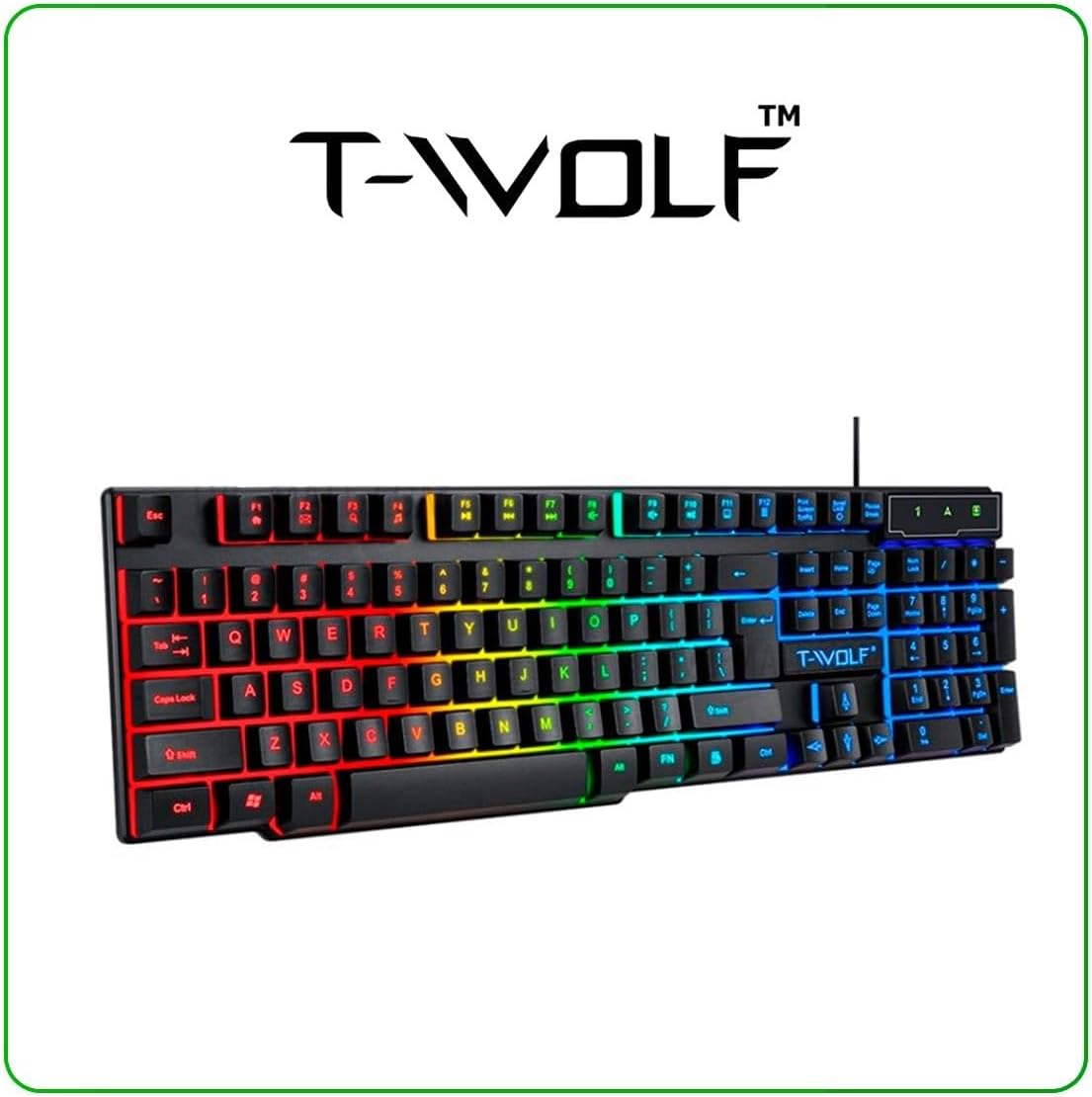
Image: T-Wolf Gaming Keyboard. This image shows the full 104-key layout with vibrant RGB backlighting, including the 'Ñ' key.
3.2 Configurarea mouse-ului
- Localizați un alt port USB 2.0 disponibil pe computer.
- Conectați conectorul USB al mouse-ului la portul USB.
- Sistemul de operare va detecta și instala automat driverele necesare.
- The mouse LED lighting will activate upon successful connection.

Image: T-Wolf Gaming Mouse. This image displays the ergonomic design of the mouse with multi-color RGB lighting accents.
3.3 Headset Setup
- Locate the 3.5mm audio jack on your computer (usually marked with a headphone icon).
- Plug the 3.5mm connector of the headset into the audio jack.
- If your computer has separate microphone and headphone jacks, you may need a Y-splitter (not included) or connect to a combined audio jack.
- Adjust the volume using the in-line control on the headset cable.
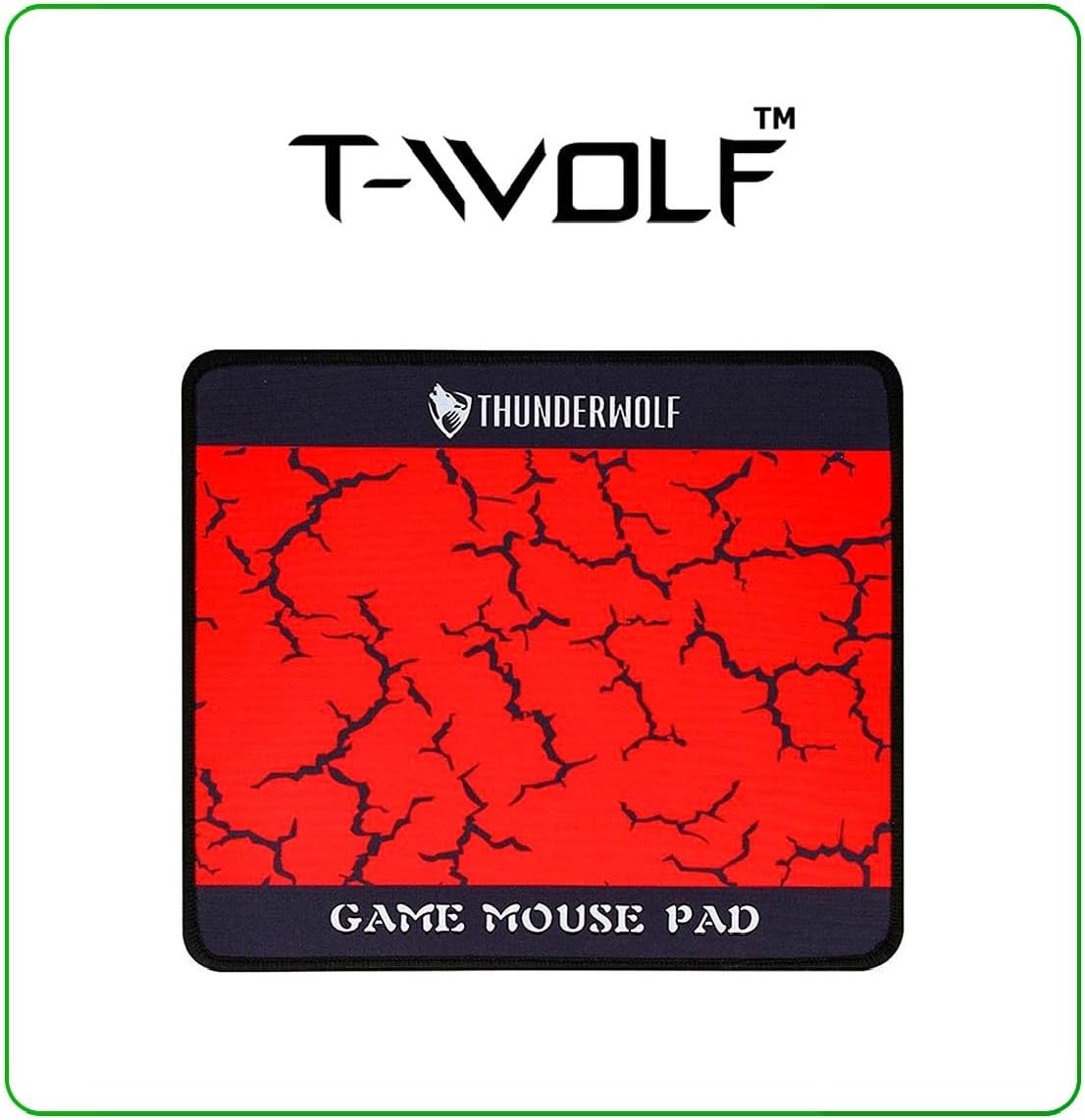
Image: T-Wolf Gaming Headset. This image shows the over-ear headset with a flexible microphone and red accents.
3.4 Amplasarea mouse pad-ului
- Așezați mouse pad-ul pe o suprafață plană și curată.
- Ensure the non-slip rubber base is in full contact with the desk to prevent movement during use.
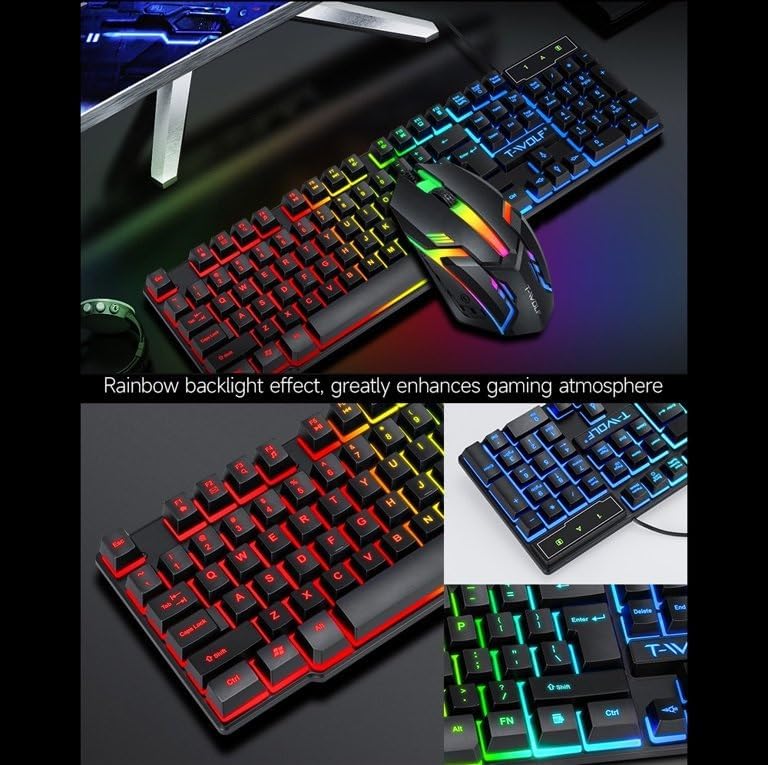
Image: T-Wolf Gaming Mouse Pad. This image features the mouse pad with a red cracked pattern and a black border, designed for optimal mouse precision.
4. Instrucțiuni de utilizare
4.1 Operarea tastaturii
- Controlul luminii de fundal: The keyboard features a 3-color LED backlight (Red, Blue, Green). Press the Blocare derulare key to toggle the backlight ON/OFF.
- Taste multimedia: Utilize the dedicated multimedia keys (usually F-keys combined with Fn) for quick access to volume control, media playback, and other functions. Refer to the keyboard layout for specific key assignments.
- Design ergonomic: Tastatura este concepută pentru tastare confortabilă în timpul utilizării prelungite.

Image: T-Wolf Keyboard and Mouse. This image illustrates the rainbow backlight effect on both the keyboard and mouse, enhancing the gaming atmosphere.
4.2 Operarea mouse-ului
- Ajustare DPI: The mouse supports adjustable DPI settings (up to 1200 DPI). Use the DPI button (typically located near the scroll wheel) to cycle through different sensitivity levels.
- Iluminare cu LED: The mouse features 4-color circular breathing LED lighting, which activates automatically when connected.
- Butoane: The mouse has 3 buttons for standard operation.
4.3 Funcționarea căștilor
- Controlul volumului: Adjust the audio volume using the in-line control wheel located on the headset cable.
- Utilizarea microfonului: The microphone is foldable. Position it appropriately for clear voice communication. Ensure your computer's audio settings recognize the headset microphone as the input device.
- Sunet stereo: The headset provides stereo sound for deep bass and crisp treble.

Image: T-Wolf Gaming Headset in use and with dimensions. This image shows a user wearing the headset and provides detailed dimensions (200x130x100mm) for the headset.
5. Întreținere
Întreținerea corespunzătoare asigură longevitatea și performanța optimă a sistemului tău de gaming.
- curatenie:
- Folosiți o lavetă moale și uscată pentru a șterge tastatura, mouse-ul și căștile.
- Pentru murdăria persistentă, dreaptă ușorampClătiți cârpa cu apă sau o soluție de curățare delicată. Evitați substanțele chimice dure.
- Do not immerse any component in water.
- The mouse pad can be gently hand-washed with mild soap and water, then air-dried.
- Depozitare:
- Depozitați combinația într-un loc răcoros și uscat, ferit de lumina directă a soarelui și de temperaturi extreme.
- Avoid placing heavy objects on the keyboard or headset to prevent damage.
- Organizare de cabluri: Evitați curbele sau îndoiturile ascuțite ale cablurilor pentru a preveni deteriorarea internă a firelor.
6. Depanare
If you encounter any issues with your T-Wolf TF800 Gaming Combo, refer to the following common problems and solutions:
- Tastatura/mouse-ul nu răspunde:
- Ensure the USB connectors are securely plugged into the computer's USB ports.
- Încercați să conectați dispozitivele la porturi USB diferite.
- Reporniți computerul.
- Check if the Scroll Lock key is pressed (for keyboard backlight).
- Headset No Sound/Microphone Not Working:
- Asigurați-vă că mufa audio de 3.5 mm este introdusă complet în portul corect.
- Check the in-line volume control on the headset cable and ensure it is not muted or set to minimum.
- Verify your computer's audio settings:
- For output, ensure the headset is selected as the default playback device.
- For input, ensure the headset microphone is selected as the default recording device.
- Test the headset on another device if possible to rule out a device-specific issue.
- Luminile LED nu funcționează:
- For the keyboard, press the Scroll Lock key to toggle the backlight.
- Ensure the devices are properly connected via USB.
- Some systems may require specific drivers or software for advanced lighting control, though basic functionality should be plug-and-play.
7. Specificații
Detailed specifications for each component of the T-Wolf TF800 Gaming Combo:
7.1 Specificații ale tastaturii
| Backlight System | 3-color LED (Red, Blue, Green) |
| Dispunerea tastelor | 104 keys, includes 'Ñ' |
| Interfață de conectare | USB 2.0 |
| Lungimea cablului | 1.45 metri (4.8 picioare) |
| Key Stroke Life | de 1 de milioane de ori |
| Dimensiuni | 430 x 130 x 30 mm |
| Greutate | 650 g |
7.2 Specificații ale mouse-ului
| DPI | 1200 |
| Butoane | 3 |
| Iluminare de fundal | 4-color circular breathing LED |
| Interfață de conectare | USB 2.0 |
| Lungimea cablului | 1.35 metri (4.4 picioare) |
| Viața în accident vascular cerebral | de 2 de milioane de ori |
| Greutate | 95 g |
7.3 Specificații ale căștilor
| Diametrul difuzorului | 50mm |
| Impedanta | 32Ω ±15% |
| Raspuns in frecventa | 20Hz-20kHz |
| Lungimea cablului | 1.8 metri |
| Putere nominală | 25mW |
| Putere maximă de intrare | 100mW |
| Tip priză | 3.5mm |
| Sensibilitatea microfonului | -58dB ± 3dB |
| Dimensiuni | 200 x 130 x 100 mm |
| Greutate | Not specified in detail, but generally lightweight |
7.4 Mouse Pad Specifications
| Dimensiune | 300 x 250 x 2 mm |
| Material | Cloth surface, Rubber base |
| Caracteristici | Ultra-smooth weave surface, Anti-slip bottom |
| Greutate | 122 g |
8. Informații despre garanție
This T-Wolf TF800 Gaming Combo comes with a standard manufacturer's warranty against defects in materials and workmanship. The specific duration and terms of the warranty may vary by region and retailer. Please retain your proof of purchase for warranty claims. For detailed warranty information, refer to the documentation provided at the point of purchase or contact your retailer.
9. Asistență pentru clienți
If you require further assistance or have questions not covered in this manual, please contact your retailer or the product manufacturer's customer support.
- Suport pentru comercianții cu amănuntul: Refer to the contact information provided by your purchase retailer.
- Suport producător: For general inquiries, please visit the official T-Wolf website (if available) or search for T-Wolf customer service online.