
1. Introducere
This manual provides detailed instructions for the installation, operation, and maintenance of your MAXTO M6S Motorcycle Bluetooth Headset. Please read this manual thoroughly before using the device to ensure proper function and safety.
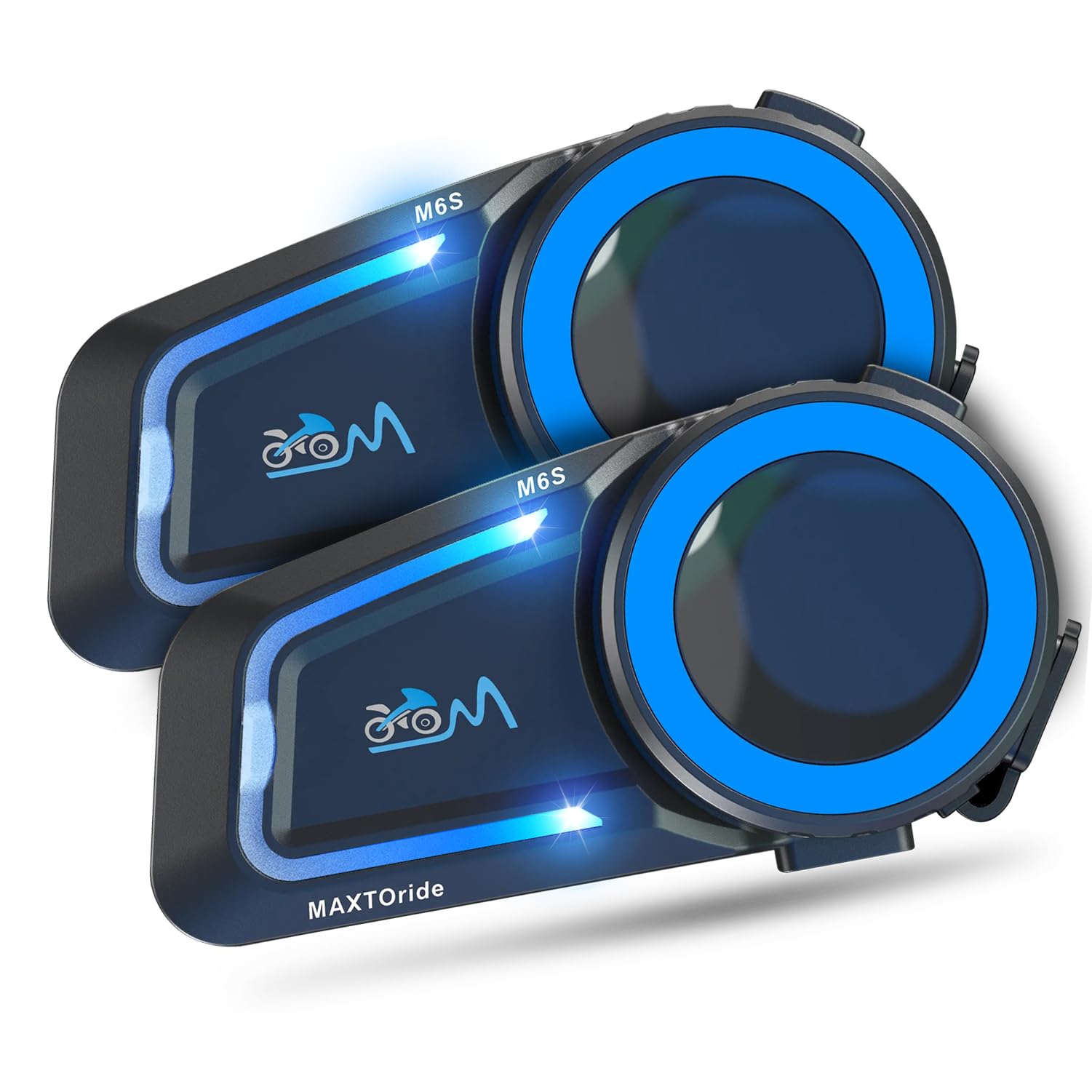
Figure 1: MAXTO M6S Bluetooth Headset main unit.
Caracteristicile produsului
- Dual Bluetooth Chip Design: Allows simultaneous intercom communication and music listening.
- DSP/CVC Noise Reduction: Provides clear audio quality by reducing environmental and wind noise.
- Interfon cu plasă: Supports up to 8 riders within a 1000m range with automatic reconnection.
- Conexiune cu o singură atingere: Simplifies pairing for multi-person networks.
- Bluetooth 5.0: Ensures stable and fast connections to phones and other devices.
- Preluare automată a apelurilor: Hands-free communication for safety.
- Control vocal: Access digital assistants for convenient operation.
- Partajarea muzicii: Share audio with another M6S intercom user.
- IP67 Impermeabil: Designed for use in various weather conditions.
2. Conținutul pachetului
Verificați dacă toate articolele enumerate mai jos sunt incluse în colet. Dacă lipsesc sau sunt deteriorate articole, vă rugăm să contactați serviciul de asistență pentru clienți.
- MAXTO M6S Main Unit(s)
- Headset with Speakers and Microphones (Boom and Soft Wire Microphones)
- Cablu de încărcare USB
- Helmet Mounting Clips (Adhesive and Clamp tipuri)
- Tampoane Velcro pentru difuzoare și microfoane
- Screwdriver (for clamp mount installation)
- Manual de utilizare
Video 1: This video demonstrates the unboxing and contents of the Motorcycle Bluetooth Headset package, showing the main unit, speakers, microphones, charging cable, and mounting accessories.
3. Configurare
3.1 Încărcarea dispozitivului
Before first use, fully charge the MAXTO M6S unit. The device has a 10-hour battery life for active use.
- Connect the provided USB charging cable to the charging port on the MAXTO M6S unit.
- Conectați celălalt capăt al cablului USB la o sursă de alimentare USB compatibilă (de exemplu, portul USB al computerului, adaptorul USB de perete).
- The indicator light will show charging status (refer to the user manual for specific light indicators).
- Timpul de încărcare este de aproximativ 10 ore pentru o încărcare completă.
3.2 Instalarea căștii
The MAXTO M6S can be installed using either the adhesive mount or the clamp mount, depending on your helmet type and preference.
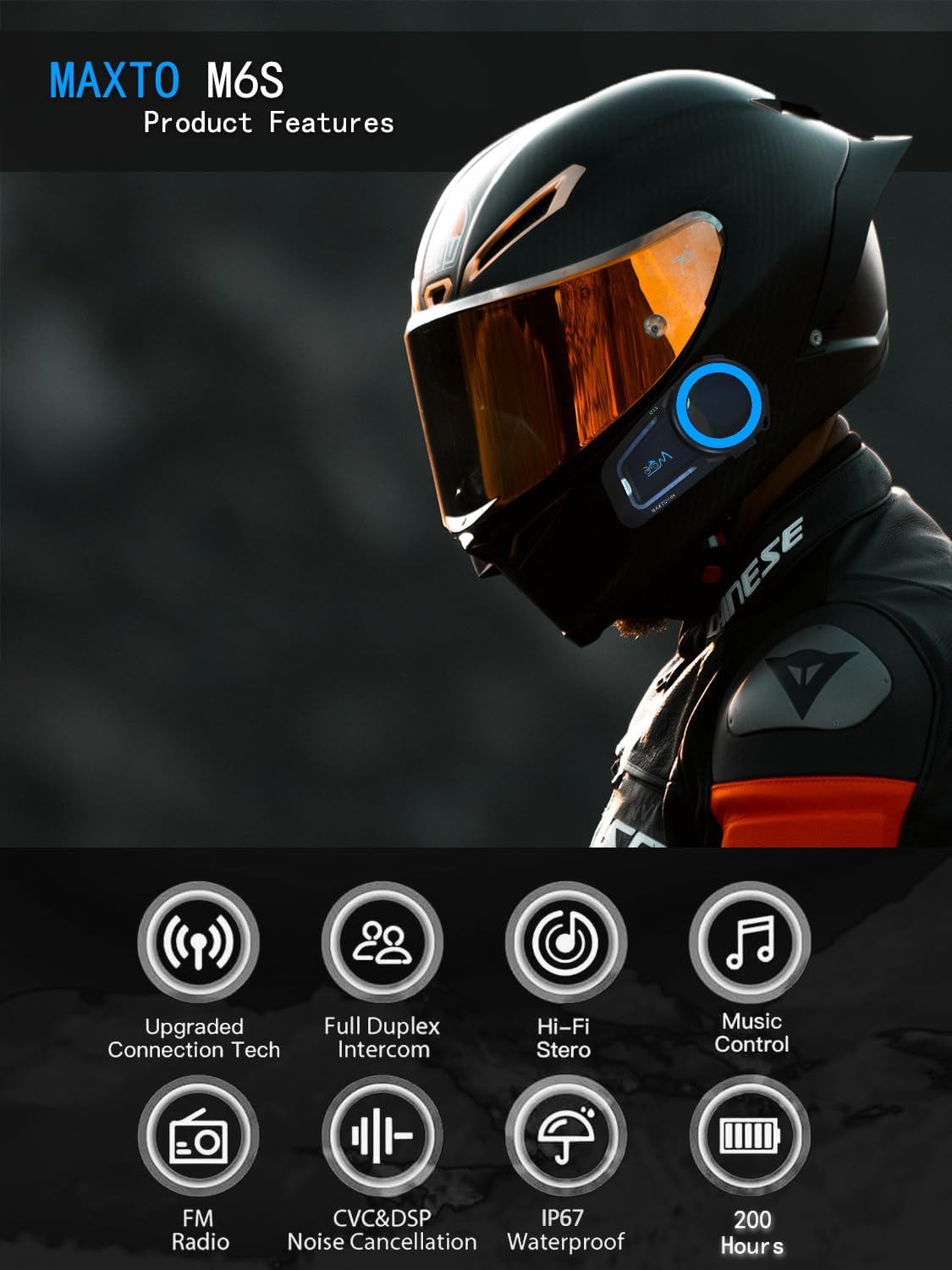
Figure 2: Diagram illustrating various product features and components of the MAXTO M6S.
Amplasarea difuzorului și a microfonului:
- Remove the helmet's inner padding to access the speaker pockets.
- Attach the Velcro pads to the back of the speakers and inside the helmet's speaker pockets.
- Place the speakers firmly into the pockets.
- Choose either the boom microphone (for open-face helmets) or the soft wire microphone (for full-face helmets).
- Attach the microphone's Velcro pad to a suitable location inside the helmet, ensuring it is close to your mouth for clear audio.
- Route all wires neatly under the helmet padding to avoid discomfort and ensure a secure fit.
Montarea unității principale:
- Suport adeziv: Clean the desired mounting area on the side of your helmet. Peel off the protective film from the adhesive mount and firmly press it onto the helmet for at least 30 seconds. Allow sufficient time for the adhesive to bond before attaching the main unit.
- Clamp Munte: Slăbiți șuruburile de pe clamp mount. Slide the clamp between the helmet shell and the inner padding. Tighten the screws using the provided screwdriver to secure the mount.
- Slide the MAXTO M6S main unit onto the installed mount until it clicks securely into place.
Videoclipul 2: Acest videoclip oferă o prezentare detaliatăview of the 2024 MaxTo M6S Motorcycle Bluetooth Headset, highlighting its design and features.
3.3 Pairing with Your Phone (Bluetooth)
The MAXTO M6S uses Bluetooth 5.0 for stable connection to your smartphone.
- Ensure your MAXTO M6S unit is powered off.
- Pe smartphone, accesați setările Bluetooth și activați Bluetooth.
- Press and hold the multi-function button on the M6S unit until the indicator light flashes red and blue, indicating pairing mode.
- On your smartphone, search for available devices and select "M6S" from the list.
- Once connected, the indicator light on the M6S will turn solid blue or flash blue slowly.
3.4 Mesh Intercom Pairing (Multi-Person Communication)
The M6S supports mesh networking for up to 8 riders, allowing for easy group communication.
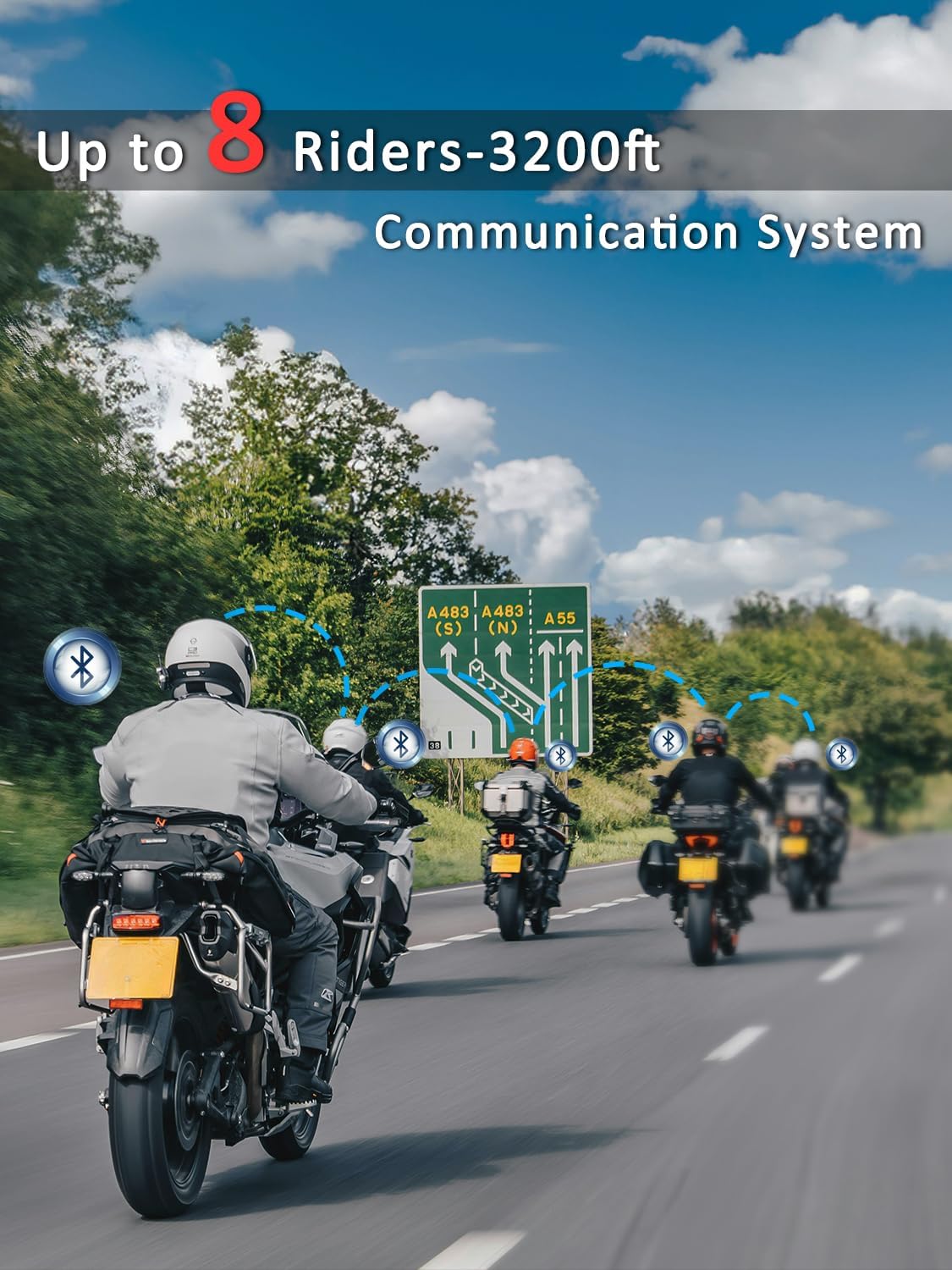
Figure 3: Illustration of multiple riders connected via the MAXTO M6S mesh intercom system.
- Ensure all M6S units are in standby mode.
- On all units, press and hold the intercom button for 3 seconds until the red and blue lights flash simultaneously.
- Press the intercom button on any one unit. All M6S units will automatically pair with each other.
- The system features an "automatic communication return" function, allowing units to reconnect automatically if they re-enter the communication range after a temporary disconnection.
Video 3: This video demonstrates the connection method for the Maxto Helmet Bluetooth Mesh Communication system.
4. Instrucțiuni de utilizare
4.1 Controale de bază
The MAXTO M6S features intuitive controls for easy operation while riding.
- Pornire/Oprire: Apăsați lung butonul de pornire.
- Volum sus/jos: Folosește butoanele de volum dedicate (+/-).
- Redare/Întrerupe muzică: Apăsați scurt butonul multifuncțional.
- Următoarea / piesa anterioară: Long press the volume up/down buttons (refer to manual for exact mapping).
4.2 Music Playback and Sharing
Enjoy your favorite music and share it with a fellow rider.
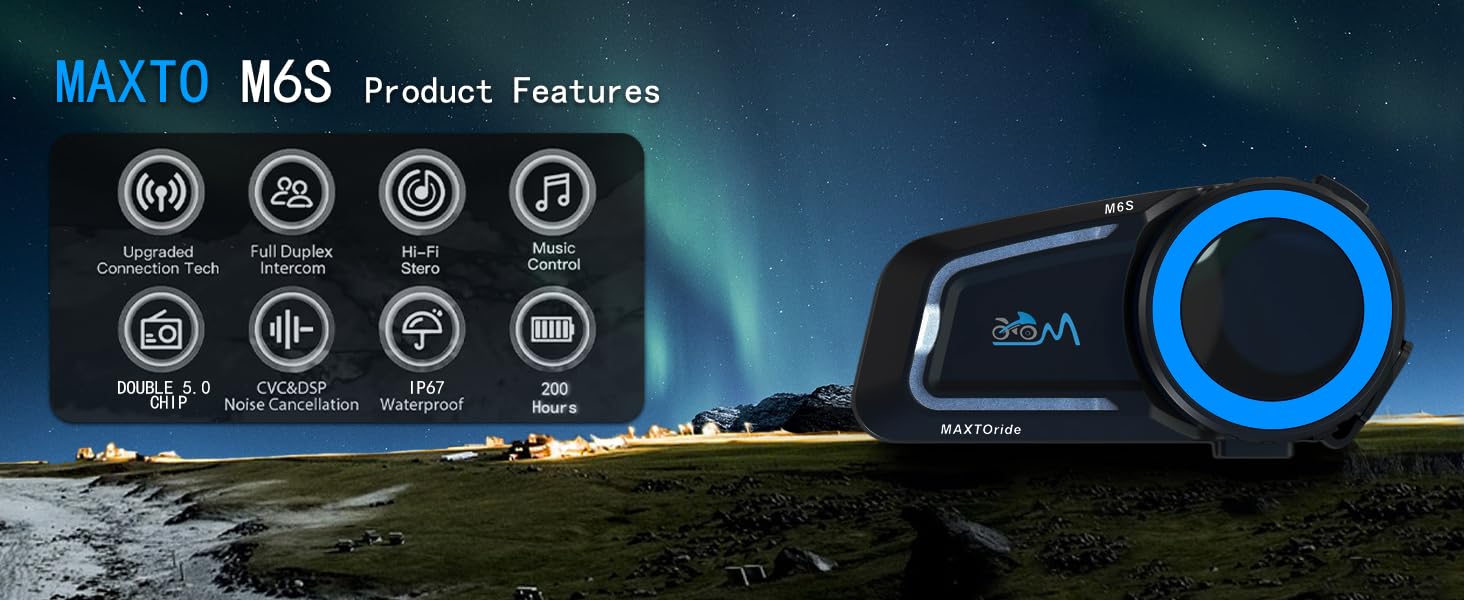
Figure 4: The MAXTO M6S features a dual-core dual system for seamless switching between intercom, music, and calls.
- Ensure your M6S is paired with your smartphone.
- Start music playback on your smartphone.
- To share music with another M6S unit, initiate an intercom connection and then activate the music sharing function (refer to the user manual for specific button presses).
Video 4: This video explains how to use the music sharing feature on the Maxto Helmet Bluetooth Mesh Communication system.
4.3 Comunicare prin interfon
Engage in clear conversations with your riding group using the mesh intercom system.
- After successful mesh pairing, short press the intercom button to initiate or end an intercom conversation.
- The dual Bluetooth chip allows you to maintain intercom calls while listening to music.
4.4 Phone Calls and Voice Control
Manage calls and access your phone's voice assistant hands-free.
- Răspundeți/Terminați apelul: The headset will automatically answer incoming calls after 10 seconds. You can also short press the multi-function button to answer or end a call.
- Respinge apelul: Apăsați lung butonul multifuncțional pentru a respinge un apel primit.
- Asistent vocal: Activate your smartphone's voice assistant (e.g., Siri, Google Assistant) by a specific button press (refer to manual for details) to make calls, get directions, or control music.
4.5 Anulare a zgomotului
The M6S features advanced DSP/CVC noise reduction technology.

Figure 5: The MAXTO M6S utilizes dual Qualcomm DSP chips for independent audio processing, enhancing sound quality and noise reduction.
- The system intelligently recognizes and filters environmental noise, including wind noise, to ensure clear communication and music enjoyment.
5. Întreținere
5.1 Rezistența la apă
The MAXTO M6S is rated IP67 waterproof, providing protection against dust and water immersion up to 1 meter for 30 minutes.

Figure 6: The MAXTO M6S is IP67 waterproof, designed to withstand rain and splashes.
- Ensure all ports (e.g., charging port) are securely closed with their protective covers when not in use to maintain water resistance.
- Avoid prolonged submersion or exposure to high-pressure water jets.
5.2 Îngrijire generală
- Curăţaţi unitatea cu un material moale, damp pânză. Nu utilizați substanțe chimice dure sau produse de curățare abrazive.
- Păstrați dispozitivul într-un loc răcoros și uscat atunci când nu este utilizat.
- Evitați temperaturile extreme.
6. Depanare
6.1 Probleme de asociere
- Asigurați-vă că dispozitivul este complet încărcat.
- Verify that the device is in pairing mode (red and blue flashing lights).
- Turn off and restart both the M6S unit and your smartphone/other intercom units.
- Clear previous Bluetooth connections on your smartphone and attempt pairing again.
6.2 Probleme legate de calitatea sunetului
- Check speaker placement within the helmet to ensure they are directly over your ears.
- Adjust volume levels on both the M6S and your connected device.
- Asigurați-vă că microfonul este poziționat corect și nu este obstrucționat.
- Noise cancellation performance may vary with extreme wind conditions or very high speeds.
6.3 Deconectarea interfonului
- Ensure all units are within the 1000m mesh network range.
- Obstacles like buildings can affect connection stability. The automatic communication return feature should re-establish connection when back in range.
- Re-initiate mesh pairing if disconnections are frequent.
7. Specificații
| Numele modelului | M6S |
| Marca | MAXTO |
| Tehnologia de conectivitate | Fără fir (Bluetooth 5.0) |
| Tehnologia comunicațiilor fără fir | Bluetooth |
| Durata de viață a bateriei | 10 de ore |
| Timp de încărcare | 10 de ore |
| Nivel de rezistență la apă | IP67 rezistent la apa |
| Controlul zgomotului | Active Noise Cancellation (CVC+DSP) |
| Metoda de control | Atingere, Control media |
| Greutatea articolului | 0.72 kilograme (1.58 de lire sterline) |
| Utilizări recomandate | Cycling, Skiing |
| Dispozitive compatibile | Motorcycles, Cellphones |
8. Garanție și asistență
8.1 Informații despre garanție
For specific warranty details and coverage, please refer to the documentation provided with your purchase or contact the seller directly. Protection plans may be available for extended coverage.
8.2 Asistență pentru clienți
If you encounter any issues or have questions regarding your MAXTO M6S headset, please contact the seller, USHuiDa, for assistance. For software updates or app-related queries, you may search for "RICAM apk" in Google to download the latest version.