
1. Introducere
Thank you for choosing the TIATUA Kids Instant Print Camera, Model S10. This camera is designed to provide a fun and interactive photographic experience for children aged 3-14. It combines digital photography with instant printing capabilities, allowing young users to capture and print memories immediately. This manual provides essential information for safe operation, setup, usage, and maintenance of your new camera.
Caracteristici cheie:
- Tehnologie de imprimare instantanee: Print photos instantly without ink or toner.
- Captură de înaltă rezoluție: 12MP lens for clear images and 1080P HD video recording.
- Funcții versatile: Includes photography, video recording, black and white printing, music playback, games, and playback modes.
- Instrumente creative: Fun frames, filters, and DIY coloring options for printed photos.
- Design durabil: Covered with a protective silicone case to prevent damage from drops and bumps.
- Durată lungă de viață a bateriei: Built-in 1000mAh battery provides up to 4 hours of continuous use.
- Stocare extensibilă: Comes with an extra 32GB memory card for ample photo and video storage.
2. Informații de siguranță
Please read and understand all safety precautions before using the camera. Failure to follow these instructions may result in injury or damage to the device.
- Supravegherea adulților: This camera is designed for children, but adult supervision is recommended during use, especially for younger children.
- Pericol de sufocare: Keep small parts, such as the memory card, out of reach of very young children to prevent choking.
- Siguranța bateriei: The camera contains a built-in lithium polymer battery. Do not attempt to replace the battery. Do not expose the camera to extreme temperatures, direct sunlight, or fire.
- Încărcare: Use only the provided USB charging cable. Ensure the charging port is dry before connecting the cable.
- Expunerea la apă: This camera is not waterproof. Avoid contact with water or other liquids.
- curatenie: Clean the camera with a soft, dry cloth. Do not use liquid cleaners or solvents.
- Eliminare: Do not dispose of the camera in household waste. Follow local regulations for electronic waste disposal.
3. Componentele produsului
The TIATUA Kids Instant Print Camera package includes the following items:
- TIATUA Kids Instant Print Camera (Pink)
- 3 Rolls of Thermal Print Paper
- Card de memorie de 32 GB
- Cablu de încărcare USB
- Şnur
- Set of Color Pens

Image: The TIATUA Kids Instant Print Camera in pink, shown with included accessories: three rolls of thermal paper, a 32GB memory card, a USB charging cable, a lanyard, and a set of five color pens.
4. Configurare
4.1 Încărcarea camerei
Before first use, fully charge the camera. Connect the provided USB charging cable to the camera's charging port and the other end to a USB power adapter (not included), computer, or power bank. The charging indicator light will show the charging status. A full charge typically takes a few hours and provides up to 4 hours of usage time.

Image: The TIATUA Kids Instant Print Camera connected via USB cable to a power source, illustrating the charging process and highlighting the 1000mAh battery capacity and 32GB memory card slot.
4.2 Introducerea cardului de memorie
The camera comes with a 32GB memory card. Locate the memory card slot on the side of the camera. Insert the memory card with the gold contacts facing down until it clicks into place. To remove, gently push the card in until it springs out.
4.3 Loading Print Paper
The camera uses thermal print paper. Follow these steps to load the paper:
- Open the paper slot cover on the front of the camera.
- Insert a roll of thermal paper into the compartment, ensuring the paper feeds from the bottom and the leading edge is straight.
- Pull a small length of paper (about 1-2 inches) out of the slot.
- Close the paper slot cover firmly until it clicks.
Image: A three-step diagram illustrating how to open the paper slot, insert the thermal paper roll with the correct orientation, and close the cover to prepare for printing.
5. Instrucțiuni de utilizare
5.1 Pornire/Oprire
Apăsați și mențineți apăsat butonul de pornire (de obicei marcat cu simbolul de pornire) timp de câteva secunde pentru a porni sau a opri camera.
5.2 Realizarea fotografiilor
In photo mode, frame your shot using the 2.4-inch display. Press the shutter button to capture an image. The camera supports continuous shooting and timer shooting.
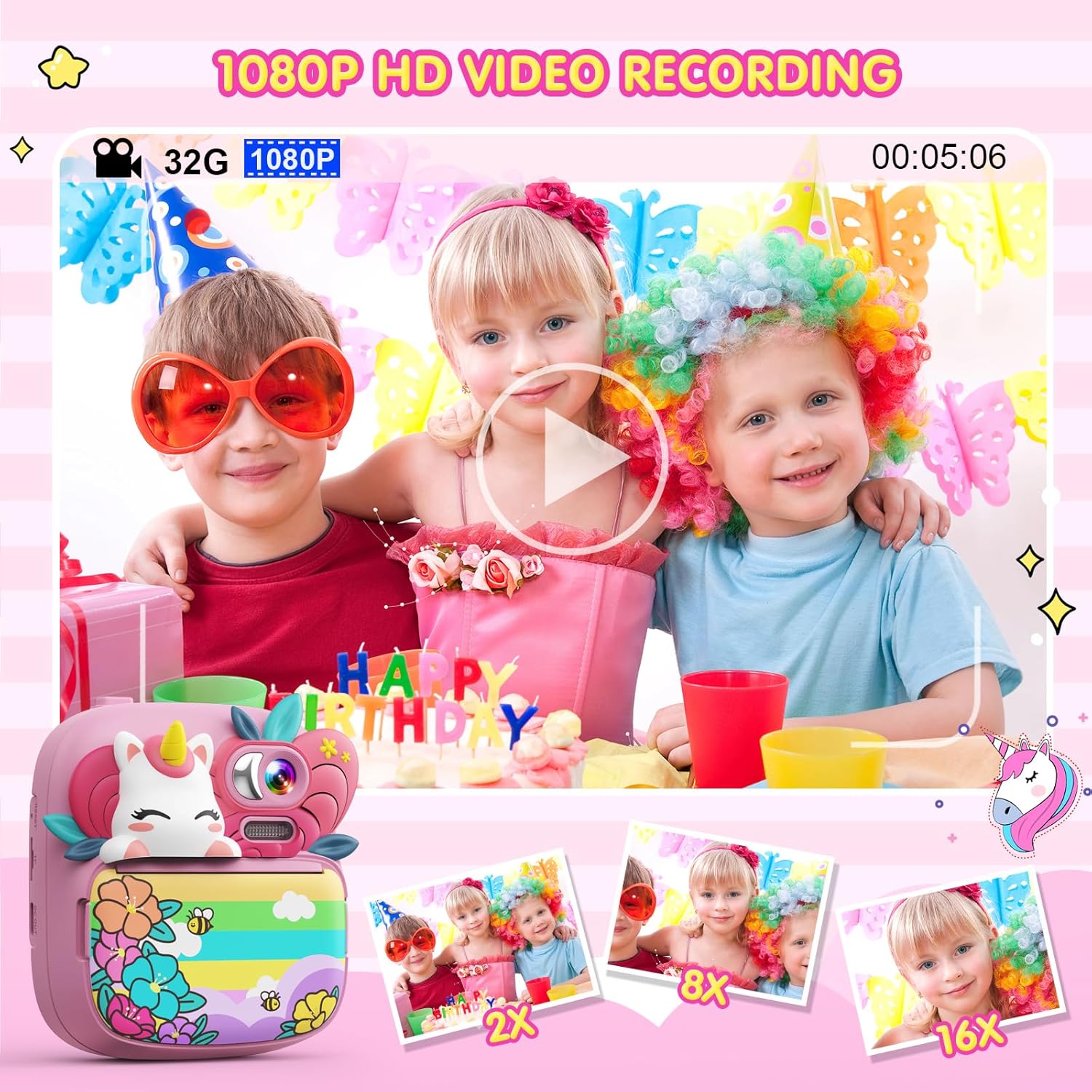
Image: A child holding the TIATUA Kids Instant Print Camera, demonstrating the one-click print photo feature as a black and white photo emerges from the camera.
5.3 Înregistrarea videoclipurilor
Switch to video recording mode. Press the record button to start and stop recording. The camera supports 1080P HD video recording.

Image: Three children posing for a video being recorded by the TIATUA Kids Instant Print Camera, highlighting its 1080P HD video recording capability and 16x zoom function.
5.4 Imprimare instantanee
After taking a photo, you can choose to print it instantly. The camera uses inkless thermal printing technology. You can also adjust print density (Low, Middle, High) and choose between Grayscale Mode and Dot Matrix Mode for printing.

Image: An illustration showing the two printing modes (Grayscale and Dot Matrix) and three print density options (Low, Middle, High) available on the TIATUA Kids Instant Print Camera.
5.5 Creative Features
- Rame foto și filtre: Apply various fun frames and filters to your photos before printing or saving.
- DIY Coloring: Use the included color pens to decorate your black and white printed photos.
- Jocuri: The camera includes 5 puzzle games for entertainment.
- Mp3 player: The camera supports music playback. Transfer MP3 files to the memory card to use this feature.

Image: A child using the TIATUA Kids Instant Print Camera, with a display of various cute photo frames and color filters that can be applied to images.
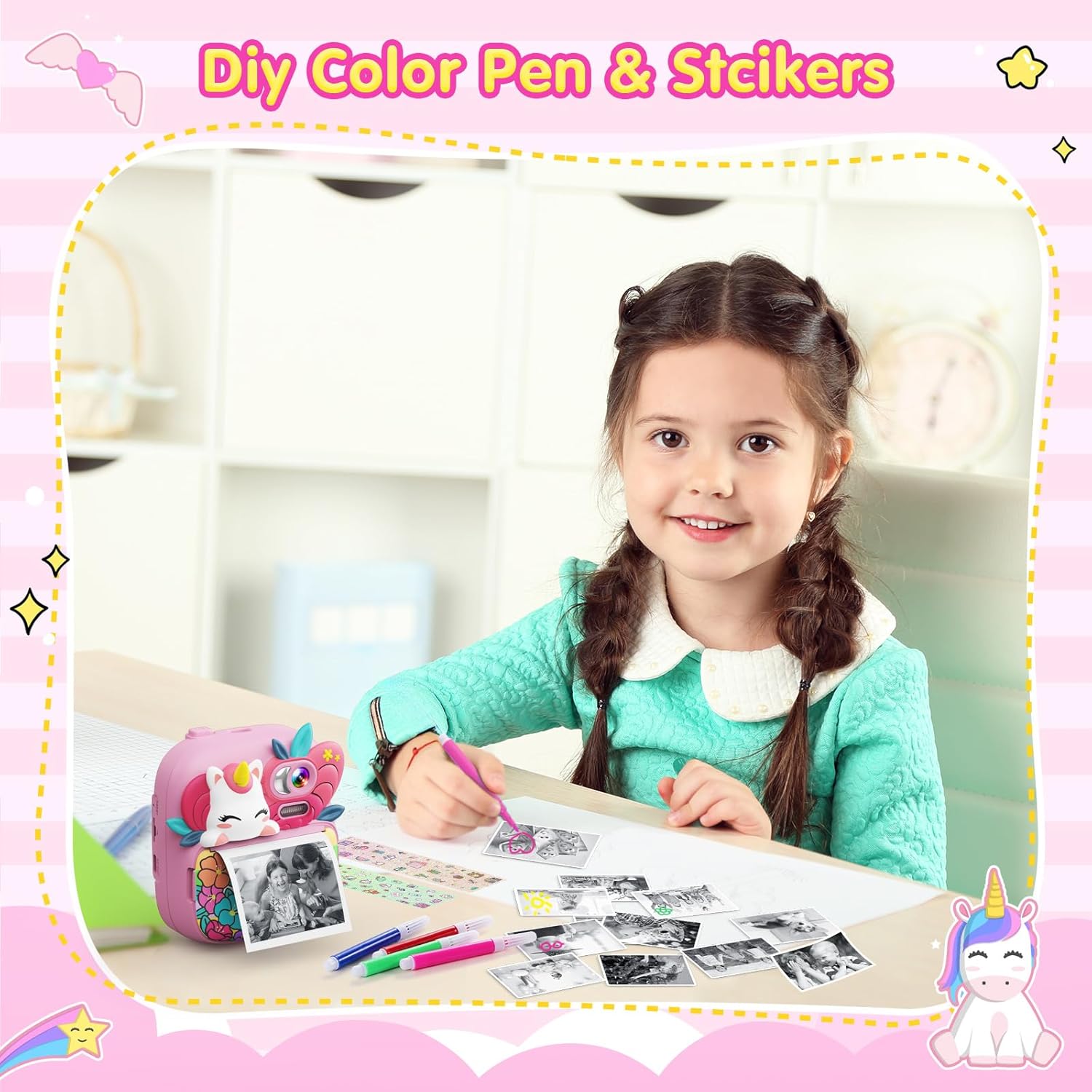
Image: A young girl happily coloring a black and white photo printed from her TIATUA Kids Instant Print Camera, with color pens and stickers laid out.
Image: Two children engaged in playing one of the five built-in puzzle games on the TIATUA Kids Instant Print Camera.
5.6 Transferul Files
Connect the camera to a computer using the provided USB cable to transfer photos and videos. The camera will appear as a removable disk drive, allowing you to access its contents.
6. Întreținere
- curatenie: Use a soft, lint-free cloth to clean the camera body and screen. Do not use abrasive cleaners or solvents.
- Depozitare: Depozitați camera într-un loc răcoros și uscat, ferit de lumina directă a soarelui și de temperaturi extreme atunci când nu o utilizați.
- Îngrijirea bateriei: Pentru a prelungi durata de viață a bateriei, evitați descărcarea completă frecventă a bateriei. Încărcați camera în mod regulat, chiar dacă nu este utilizată pentru perioade lungi de timp.
- Depozitare hârtie: Store thermal paper rolls in a cool, dark place to prevent degradation and ensure print quality.
7. Depanare
| Problemă | Cauza posibila | Soluţie |
|---|---|---|
| Camera nu pornește. | Bateria este epuizată. | Încărcați complet camera folosind cablul USB furnizat. |
| Screen is white or black. | Eroare software sau problemă hardware. | Try restarting the camera. If the problem persists, contact customer support. |
| Photos are not printing or print quality is poor. | Paper loaded incorrectly, paper roll empty, or print head issue. | Ensure paper is loaded correctly and not empty. Check print density settings. If issues persist, contact support. |
| Nu se poate transfera files la computer. | USB cable connection issue or camera not recognized. | Asigurați-vă că cablul USB este conectat corect atât la cameră, cât și la computer. Încercați un alt port USB. |
| Camera se blochează sau nu răspunde. | Temporary software error. | Press and hold the power button to force a shutdown, then restart the camera. |
8. Specificații
| Caracteristică | Detaliu |
|---|---|
| Numele modelului | S10 |
| Marca | TIATUA |
| Rezoluția obiectivului | 12 Megapixeli |
| Rezoluție video | 1080P HD |
| Dimensiunea ecranului | 2.4-inch HD Eye-care Screen |
| Zoom optic | Zoom digital 16x |
| Capacitatea bateriei | Litiu polimer 1000mAh (inclusă) |
| Timp de utilizare | Până la 4 ore |
| Card de memorie | 32 GB (inclus) |
| Tehnologia de imprimare | Imprimare termică fără cerneală |
| Sprijinit File Format | JPEG |
| Greutatea articolului | 14 uncii (aproximativ 397 grame) |
| Dimensiuni pachet | 8.27 x 5.63 x 2.2 inci |
9. Garanție și asistență
The TIATUA Kids Instant Print Camera comes with a one-year after-sales maintenance period. For any product-related issues, technical support, or warranty claims, please contact TIATUA customer service through the retailer where you purchased the product or visit the official TIATUA store page on Amazon for further assistance.
Pentru mai multe informații și asistență, puteți vizita TIATUA Store on Amazon.