
1. Introducere
Thank you for choosing the BINNUNE 2.4GHz Wireless Gaming Headset. This manual provides detailed instructions to help you set up, operate, and maintain your headset for an optimal gaming and audio experience across various platforms including PS5, PS4, PC, Mac, and mobile devices via Bluetooth.
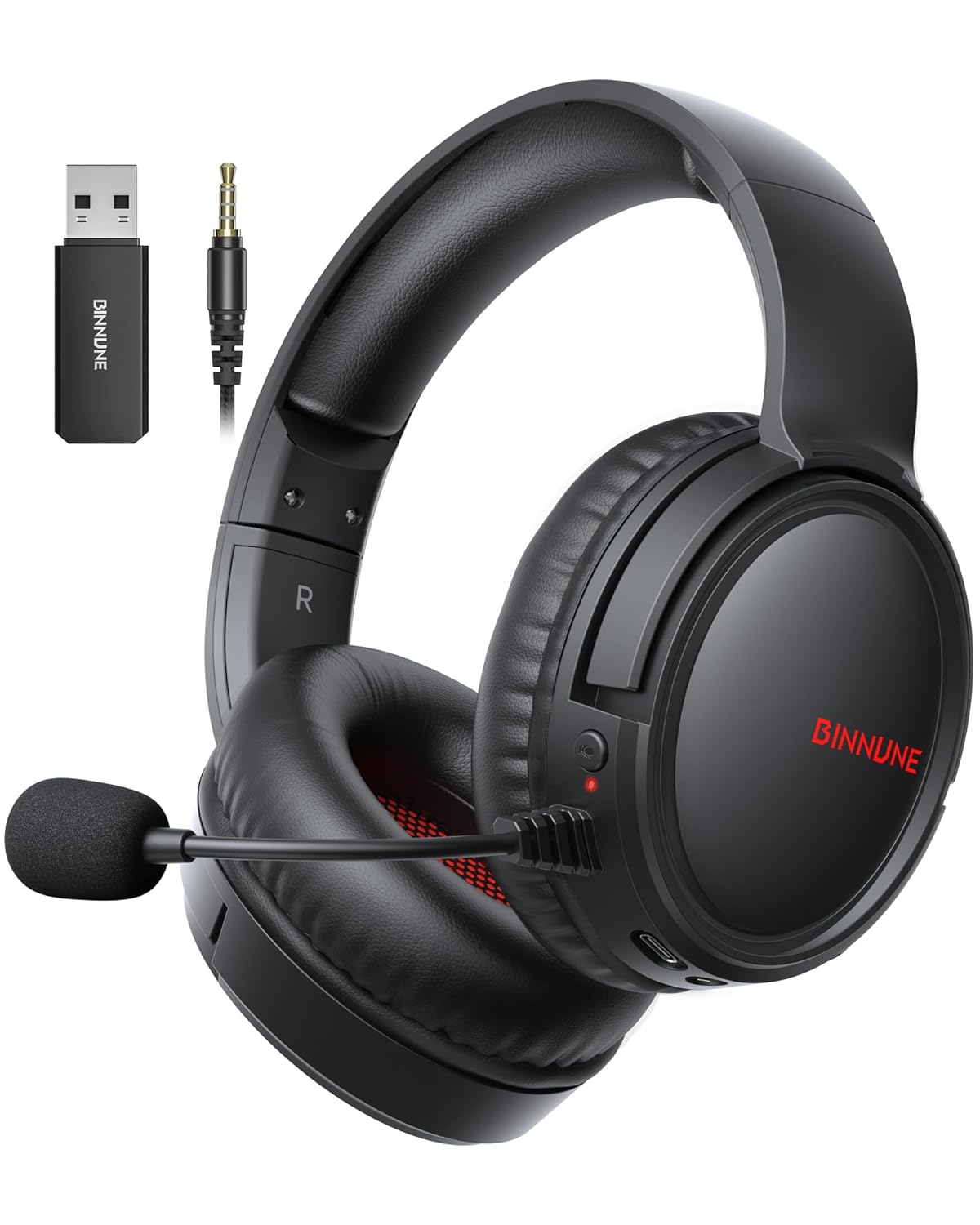
Figure 1: BINNUNE Wireless Gaming Headset (Model BW02-BT) with included accessories.
2. Ce se află în cutie
- BINNUNE Wireless Gaming Headset (BW02-BT)
- Dongle USB de 2.4 GHz
- Cablu audio de 3.5 mm
- Cablu de încărcare USB-C
- Manual de utilizare

Figure 2: All components included with your BINNUNE Gaming Headset.
3. Produs terminatview și Controale
Familiarize yourself with the headset's controls and ports for seamless operation.
- Microfon: Dual beamforming microphones with rotatable design for clear communication. Features ENC noise-canceling technology.
- Port USB-C: Pentru încărcarea căștilor.
- Mufă audio de 3.5 mm: Pentru conexiune prin cablu la dispozitive compatibile.
- Indicator LED: Displays power status, charging status, and connection mode.
- Buton de alimentare: Apăsați și mențineți apăsat pentru a porni/opri.
- Roata de volum: Reglează volumul audio.
- Buton mut: Dezactivează/activează sunetul microfonului.
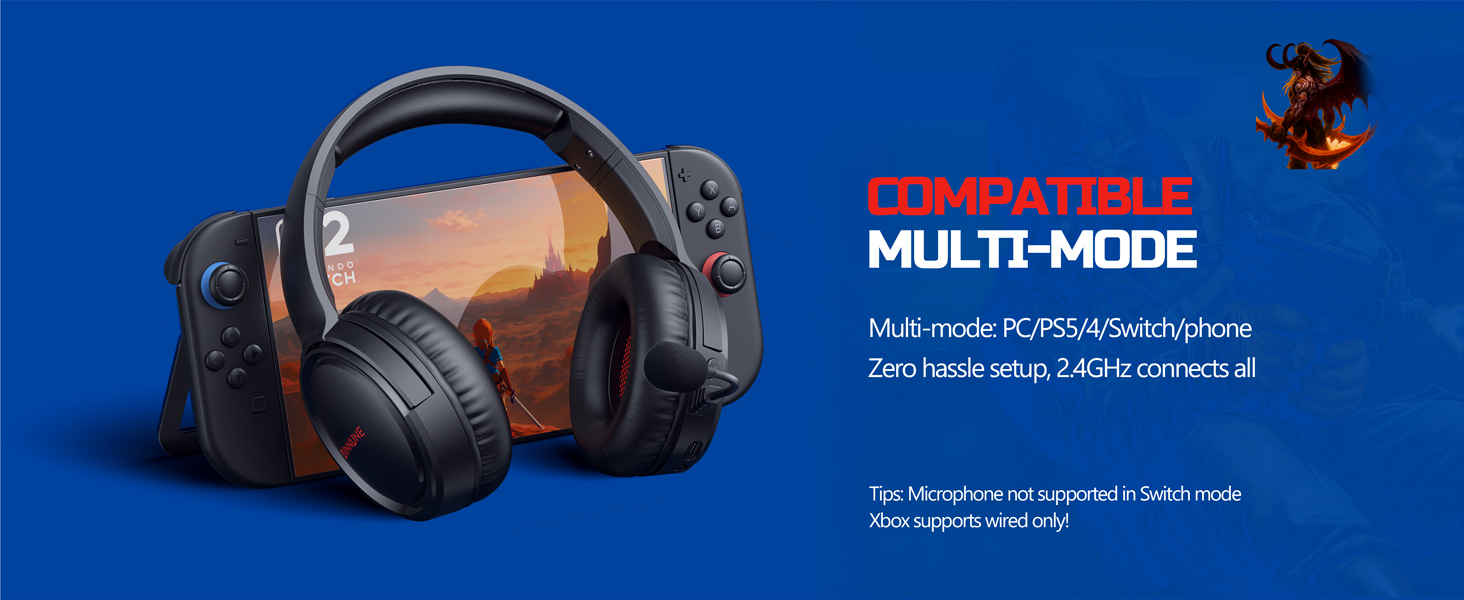
Figure 3: Key controls and ports on the BINNUNE Wireless Gaming Headset.
Videoclip 1: O reluare rapidăview of the BINNUNE Gaming Headset's features and controls.
4. Configurare și conectare
4.1 Încărcare inițială
Before first use, fully charge your headset. Connect the USB-C charging cable to the headset's USB-C port and the other end to a USB power source. The LED indicator will show charging status and turn off when fully charged. A full charge takes approximately 6 hours.

Figure 4: The headset offers up to 40 hours of battery life on a single charge.
Conexiune wireless 4.2 2.4GHz (dongle USB)
This mode provides ultra-low latency audio (≤38ms) for gaming on PS5, PS4, PC, and Mac.
- Plug the 2.4GHz USB dongle into an available USB port on your PS5/4, PC, or Mac.
- Power on your BINNUNE headset by pressing and holding the power button.
- The headset will automatically connect to the dongle. The LED indicator will show a stable light when connected.
Nota: The microphone is not available when connected to Nintendo Switch in 2.4GHz mode. Not compatible with XBOX.

Figure 5: The 2.4GHz USB dongle ensures a fast and stable connection.
4.3 Conexiune Bluetooth
Use Bluetooth mode for mobile phones, tablets, iPads, and other smart devices.
- Asigurați-vă că setul cu cască este pornit.
- Pe dispozitiv, accesați setările Bluetooth și activați Bluetooth.
- Select "BINNUNE BW02-BT" from the list of available devices to pair.
- The LED indicator will flash during pairing and show a stable light once connected.
Nota: Bluetooth mode is not compatible with PS5/4. The microphone is not available when connected to Nintendo Switch in Bluetooth mode.
Conexiune cu fir 4.4 (cablu audio de 3.5 mm)
For devices that do not support wireless connectivity or when battery is low.
- Conectați un capăt al cablului audio de 3.5 mm la mufa audio de 3.5 mm a căștilor.
- Connect the other end to the 3.5mm audio port on your gaming device (e.g., PS5/4 controller, PC, phone).
Nota: The microphone may not be available on some devices when using the wired connection.

Figure 6: Multiplatform compatibility of the BINNUNE headset across 2.4G, Bluetooth, and Wired modes.
Video 2: Demonstrating the multi-mode connectivity of BINNUNE Gaming Headsets for PS4/PS5/PC.
5. Instrucțiuni de utilizare
5.1 Pornire/Oprire
Press and hold the Power Button for 3 seconds to turn the headset on or off. The LED indicator will light up or turn off accordingly.
5.2 Controlul volumului
Rotate the Volume Wheel up (+) to increase volume or down (-) to decrease volume.
5.3 Utilizarea microfonului
The headset features a rotatable microphone. Flip the microphone down to use it. Press the Mute Button to toggle microphone mute on or off. The ENC noise-canceling technology helps ensure clear voice transmission.
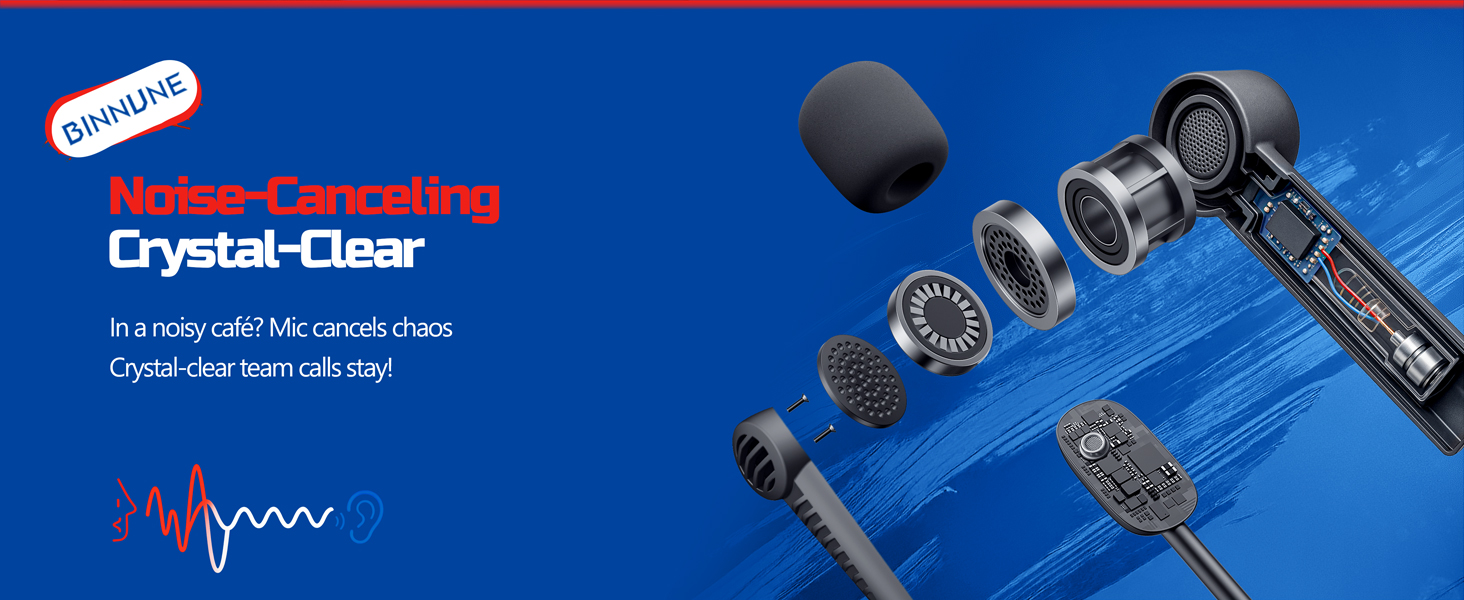
Figure 7: The noise-canceling microphone ensures crystal-clear voice calls by reducing background noise.
5.4 Comutarea între moduri
The headset supports seamless switching between 2.4GHz and Bluetooth modes. Refer to section 4 for specific connection steps for each mode. The headset prioritizes the 2.4GHz connection when the dongle is active.
6. Întreținere
- curatenie: Folosiți o lavetă moale și uscată pentru a curăța setul cu cască. Evitați utilizarea de produse de curățare abrazive sau solvenți.
- Depozitare: Depozitați setul cu cască într-un loc răcoros și uscat, ferit de lumina directă a soarelui și de temperaturi extreme.
- Îngrijirea bateriei: Pentru a prelungi durata de viață a bateriei, evitați descărcarea completă frecventă a căștilor. Încărcați-le regulat, chiar dacă nu le utilizați pentru perioade lungi de timp.
7. Depanare
| Problemă | Cauza posibila | Soluţie |
|---|---|---|
| Niciun sunet de la căști. | Headset not powered on, low battery, incorrect connection mode, volume too low. | Ensure headset is on and charged. Check connection mode (2.4GHz/Bluetooth/Wired). Increase volume. |
| Microfonul nu funcționează. | Microphone muted, incorrect input device selected on computer/console, compatibility issue in certain modes. | Unmute microphone. Check audio settings on your device to ensure BINNUNE headset is selected as input. Note mode limitations (e.g., Switch, some wired connections). |
| Nu se poate conecta prin dongle-ul de 2.4 GHz. | Dongle not properly inserted, interference, headset too far from dongle. | Ensure dongle is fully inserted. Move closer to the dongle. Try a different USB port. |
| Nu se poate conecta prin Bluetooth. | Headset not in pairing mode, device Bluetooth off, already connected to another device. | Ensure headset is discoverable. Turn Bluetooth on your device. Disconnect from other devices. |
8. Specificații
| Caracteristică | Detaliu |
|---|---|
| Numele modelului | BW02-BT |
| Tehnologia de conectivitate | Fără fir (2.4 GHz, Bluetooth 5.3), cu fir (mufă de 3.5 mm) |
| Dimensiunea driverului audio | 50 mm |
| Raspuns in frecventa | 20 Hz - 20,000 Hz |
| Sensibilitate | 96 dB |
| Latență audio (2.4 GHz) | 32 Milliseconds (≤38ms advertised) |
| Durata de viață a bateriei | Până la 40 ore |
| Timp de încărcare | 6 de ore |
| Microfon | Formare duală a fasciculului cu anulare a zgomotului ENC |
| Material | Plastic (Headset), Leather (Ear Cushions) |
| Greutate | 13.4 uncii |
| Dispozitive compatibile | Gaming Consoles (PS4, PS5), PC, Mac, Telephones, Laptops, Desktops |
9. Garanție și asistență
BINNUNE products are manufactured with high-quality standards. For any product-related inquiries, technical support, or warranty claims, please refer to the official BINNUNE store or contact their customer service directly.
Vizitați Magazinul BINNUNE pe Amazon pentru mai multe informații și asistență.


