
1. Introducere
This manual provides essential information for the safe and effective use of the JOCCOS ES-M2 Sensor Proximity Switch. The ES-M2 is a long-distance fiber amplifier split type sensor designed for industrial applications requiring precise object detection. Please read this manual thoroughly before installation and operation, and retain it for future reference.
2. Informații de siguranță
Always observe the following safety precautions to prevent injury and damage to the product or connected equipment.
- Alimentare electrică: Asigurați-vă că sursa de alimentare voltage matches the specifications of the ES-M2 sensor. Incorrect voltage poate provoca daune.
- Cablaj: All wiring should be performed by qualified personnel in accordance with local electrical codes. Disconnect power before wiring.
- Mediu: Do not install the sensor in environments with excessive dust, moisture, corrosive gases, or extreme temperatures outside the specified operating range.
- Montare: Securely mount the sensor and fiber optic cables to prevent vibration or accidental displacement.
- Întreţinere: Do not attempt to disassemble or modify the sensor. Refer all servicing to authorized personnel.
3. Produs terminatview
The ES-M2 system consists of a fiber amplifier unit and separate fiber optic cables (sold separately or as part of a kit) that transmit and receive light. This split-type design allows for flexible installation in various industrial settings.

Figure 3.1: The ES-M2 fiber amplifier unit with its integrated cables. This unit processes the light signals transmitted through the fiber optic cables for object detection.
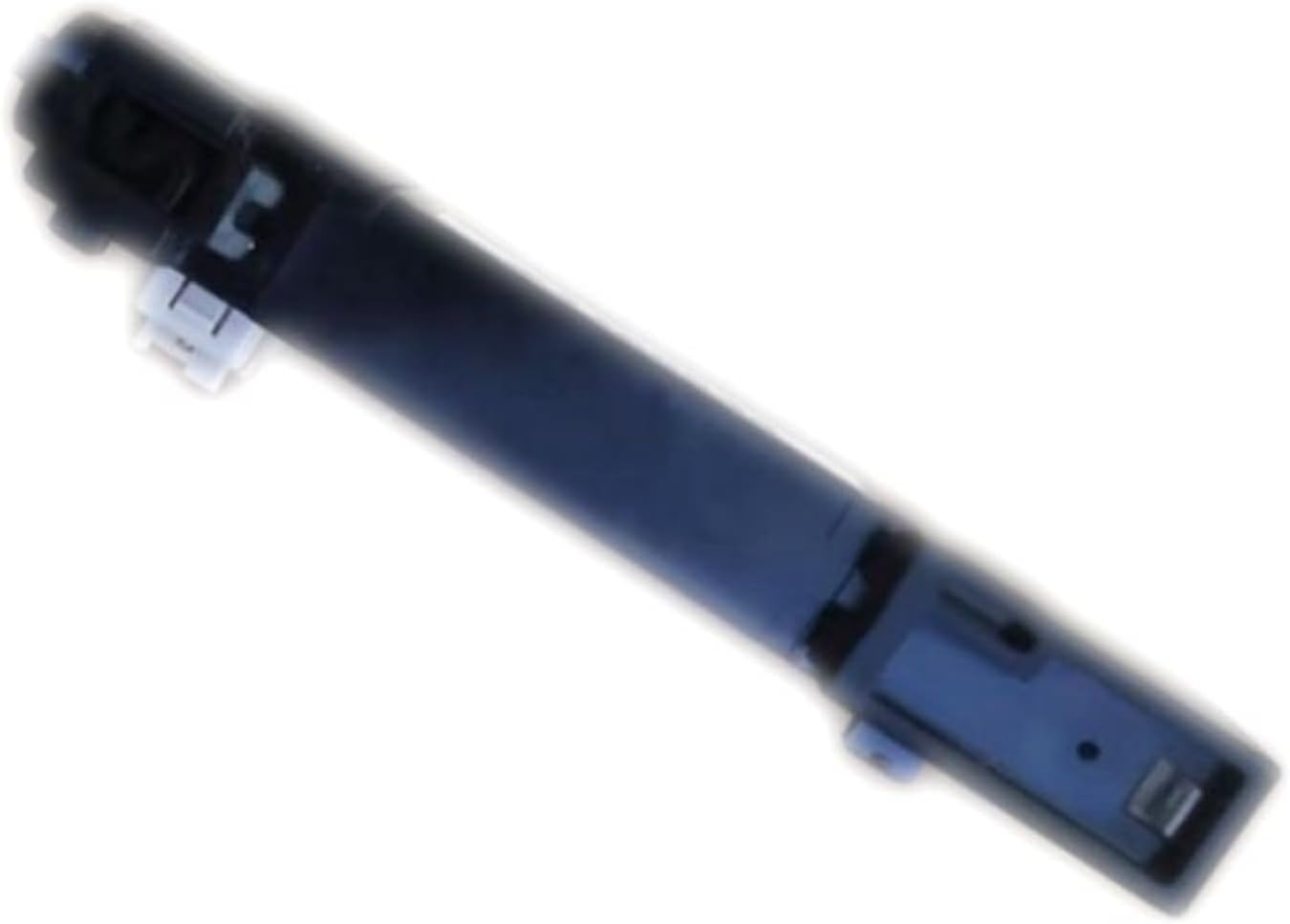
Figura 3.2: Un prim-plan view of a fiber optic cable, which connects to the amplifier unit to extend the sensing range and allow for detection in confined spaces.
4. Configurare
4.1 Despachetarea
Carefully remove the ES-M2 sensor and its components from the packaging. Inspect all items for any signs of damage during transit. If any damage is found, contact your supplier immediately.
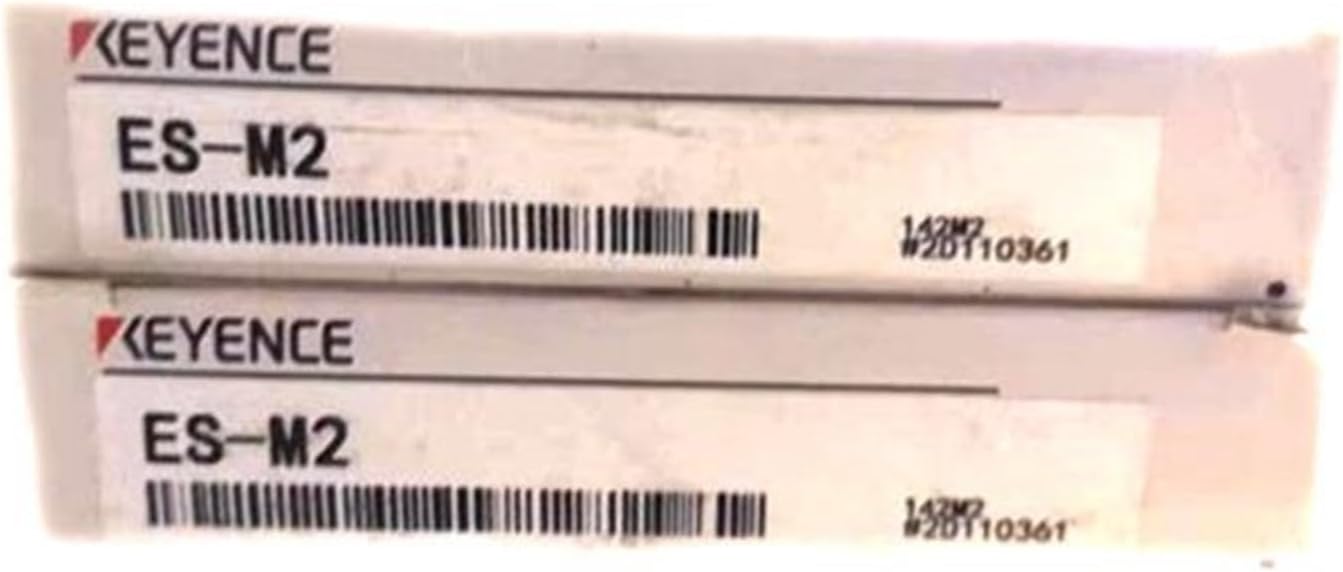
Figura 4.1: Example of product packaging for the ES-M2 sensor. Ensure all components listed in the packing list are present.
4.2 Montarea Amplifier Unit
The amplifier unit should be mounted in a stable location, free from excessive vibration and within the specified operating temperature range. Use appropriate mounting hardware (not included) to secure the unit. Ensure adequate space for wiring and fiber optic cable connections.
4.3 Conectarea cablurilor cu fibră optică
Insert the fiber optic cables into the designated ports on the amplifier unit. Ensure a secure and clean connection. Avoid bending the fiber optic cables sharply, as this can damage the internal fibers and impair performance.
4.4 Wiring the Sensor
Refer to the wiring diagram provided with your specific ES-M2 model for correct connections. Typically, the sensor requires a DC power supply and provides an output signal.
- Putere: Connect the positive (+) terminal of the power supply to the designated power input terminal and the negative (-) terminal to the common ground.
- Ieșire: Connect the output terminal to your control system (e.g., PLC, relay). The output type (NPN/PNP) will depend on the specific model.
Atenţie: Double-check all wiring before applying power to prevent damage to the sensor or control system.
5. Instrucțiuni de utilizare
5.1 Pornire
Once all connections are secure, apply power to the ES-M2 sensor. The power indicator LED (if present) should illuminate.
5.2 Reglarea sensibilității
The ES-M2 fiber amplifier typically features a sensitivity adjustment mechanism (e.g., a potentiometer or digital buttons) to fine-tune the detection threshold.
- Place the target object at the desired sensing distance.
- Adjust the sensitivity until the output indicator LED reliably changes state when the object is present and absent.
- Test with multiple objects to ensure consistent detection.
Nota: Over-sensitivity can lead to false triggers, while under-sensitivity may result in missed detections. Optimize for your specific application.
5.3 Output Configuration (if applicable)
Some models may allow configuration of the output mode (e.g., Light-ON/Dark-ON). Refer to the specific model's datasheet for details on how to change these settings.
6. Întreținere
6.1 Curățare
Regularly clean the sensing heads of the fiber optic cables and the amplifier unit's display (if applicable) to ensure optimal performance.
- Use a soft, dry cloth to wipe away dust and debris.
- For stubborn dirt, a cloth lightly dampened with isopropyl alcohol may be used. Avoid abrasive cleaners or solvents.
- Ensure the fiber optic cable ends are free from dust or smudges, as this can significantly reduce sensing distance and reliability.
6.2 Inspecție
Periodically inspect the sensor and its cables for any signs of physical damage, wear, or loose connections.
- Check fiber optic cables for kinks, cuts, or excessive bending.
- Verificați dacă toate conexiunile cablurilor sunt sigure.
- Ensure the mounting of the amplifier unit and fiber heads remains stable.
7. Depanare
If the ES-M2 sensor is not functioning as expected, refer to the following troubleshooting guide:
| Problemă | Cauza posibila | Soluţie |
|---|---|---|
| Sensor not powering on | Fără alimentare; volum incorecttage; faulty wiring. | Check power connections; verify power supply voltage; inspect wiring for breaks or shorts. |
| No detection or inconsistent detection | Incorrect sensitivity setting; dirty fiber heads; damaged fiber cable; target too far/small; ambient light interference. | Adjust sensitivity; clean fiber heads; inspect/replace fiber cable; reposition sensor or target; shield from strong ambient light. |
| Output always ON/OFF | Incorrect sensitivity; faulty output wiring; sensor malfunction. | Re-adjust sensitivity; check output wiring to control system; if problem persists, sensor may be faulty. |
8. Specificații
The following specifications are typical for the JOCCOS ES-M2 Sensor Proximity Switch. Refer to the product datasheet for precise details of your specific model.
- Model: ES-M2
- Tip: Long Distance Fiber Amplifier Split Type Photoelectric Sensor
- Producător: JOCCOS
- Greutatea articolului: 1.76 uncii (aproximativ 50 grame)
- Dimensiuni pachet: 1.18 x 0.79 x 0.39 inci (aprox. 3 x 2 x 1 cm)
- Asamblare necesară: Nu
- Numar de piese: 1 (ampunitate de lifting)
- ASIN: B0CQG6CXWH
Notă: Volum de funcționaretage, sensing distance, output type (NPN/PNP), and response time vary by specific fiber optic cable and ampconfigurația lifitorului.
9. Garanție și asistență
For warranty information and technical support, please refer to the documentation provided with your purchase or contact your authorized JOCCOS distributor. Keep your purchase receipt as proof of purchase.
For further assistance, you may visit the JOCCOS official website-ul sau contactați departamentul de servicii pentru clienți.