
1. Introducere
Welcome to the user manual for the JOCCOS FS-N41N Laser Sensor Optoelectronic Switch Emission Digital Fiber Amplifier. This manual provides essential information for the safe and efficient installation, operation, and maintenance of your device. Please read this manual thoroughly before using the product and keep it for future reference.
2. Informații de siguranță
To ensure safe operation and prevent damage to the product or injury to personnel, always observe the following safety precautions:
- Alimentare electrică: Asigurați-vă că sursa de alimentare voltage matches the specifications (10-30V DC) indicated on the product label. Incorrect voltage poate provoca daune.
- Cablaj: All wiring should be performed by qualified personnel in accordance with local electrical codes. Ensure proper insulation and secure connections.
- Mediu: Do not install the sensor in environments with excessive dust, moisture, corrosive gases, or extreme temperatures.
- Manipulare: Handle the sensor with care. Avoid dropping or subjecting it to strong impacts.
- Siguranța laserului: This product utilizes a laser. Avoid direct eye exposure to the laser beam. Refer to the product label for laser class information.
3. Produs terminatview
The JOCCOS FS-N41N is a high-performance digital fiber amplifier designed for precise object detection in various industrial applications. It functions as an optoelectronic switch, utilizing a laser emission to detect the presence or absence of targets.
3.1 Componente
- FS-N41N Sensor Unit
- Integrated Connection Cable
3.2 Produs Views
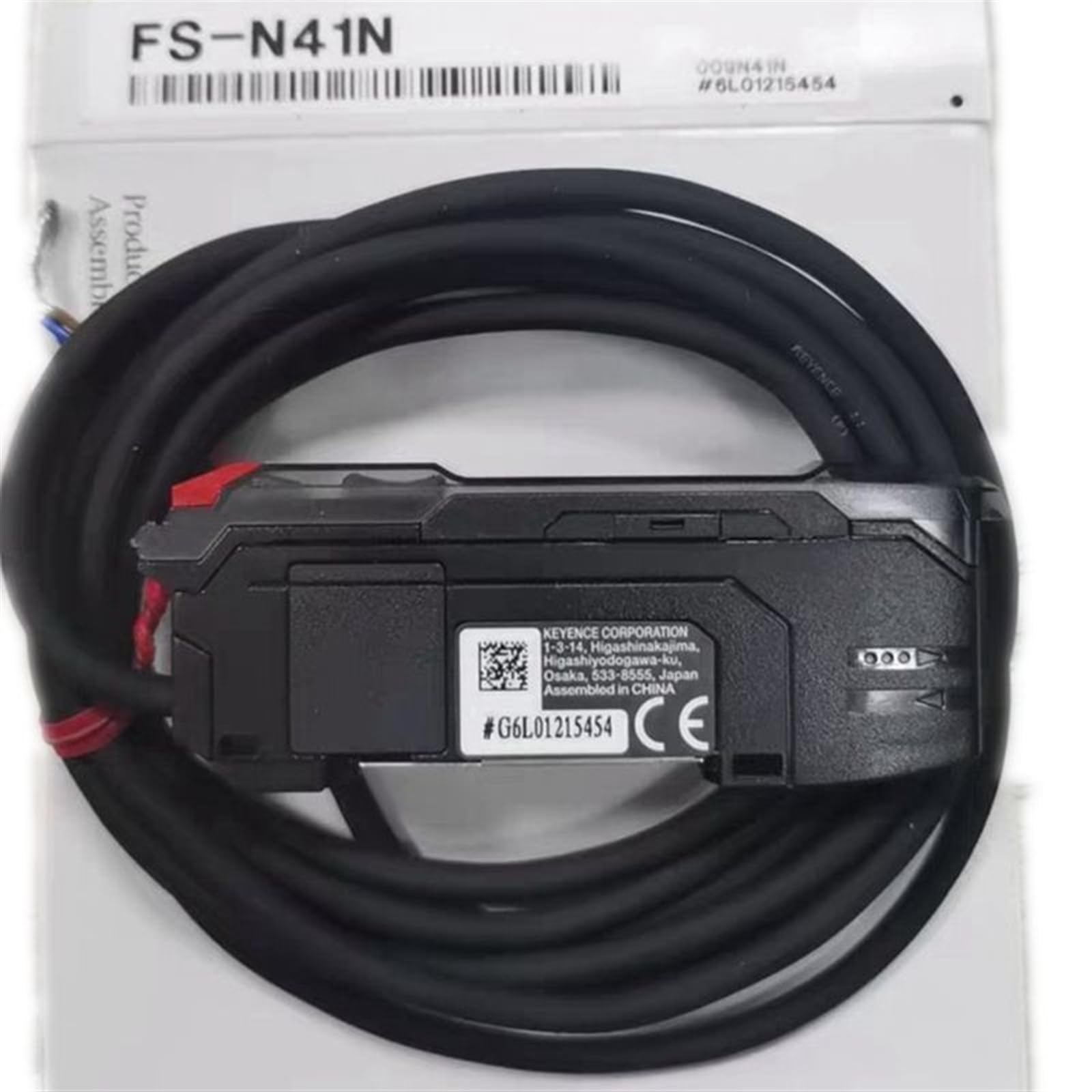
This image displays the JOCCOS FS-N41N laser sensor unit, featuring its compact black housing and integrated power/signal cable. The sensor's model number and basic electrical specifications are visible on the label.

Un de sus în jos view of the JOCCOS FS-N41N sensor, showing the coiled cable and the sensor body with its identification label. This view highlights the overall form factor of the device.
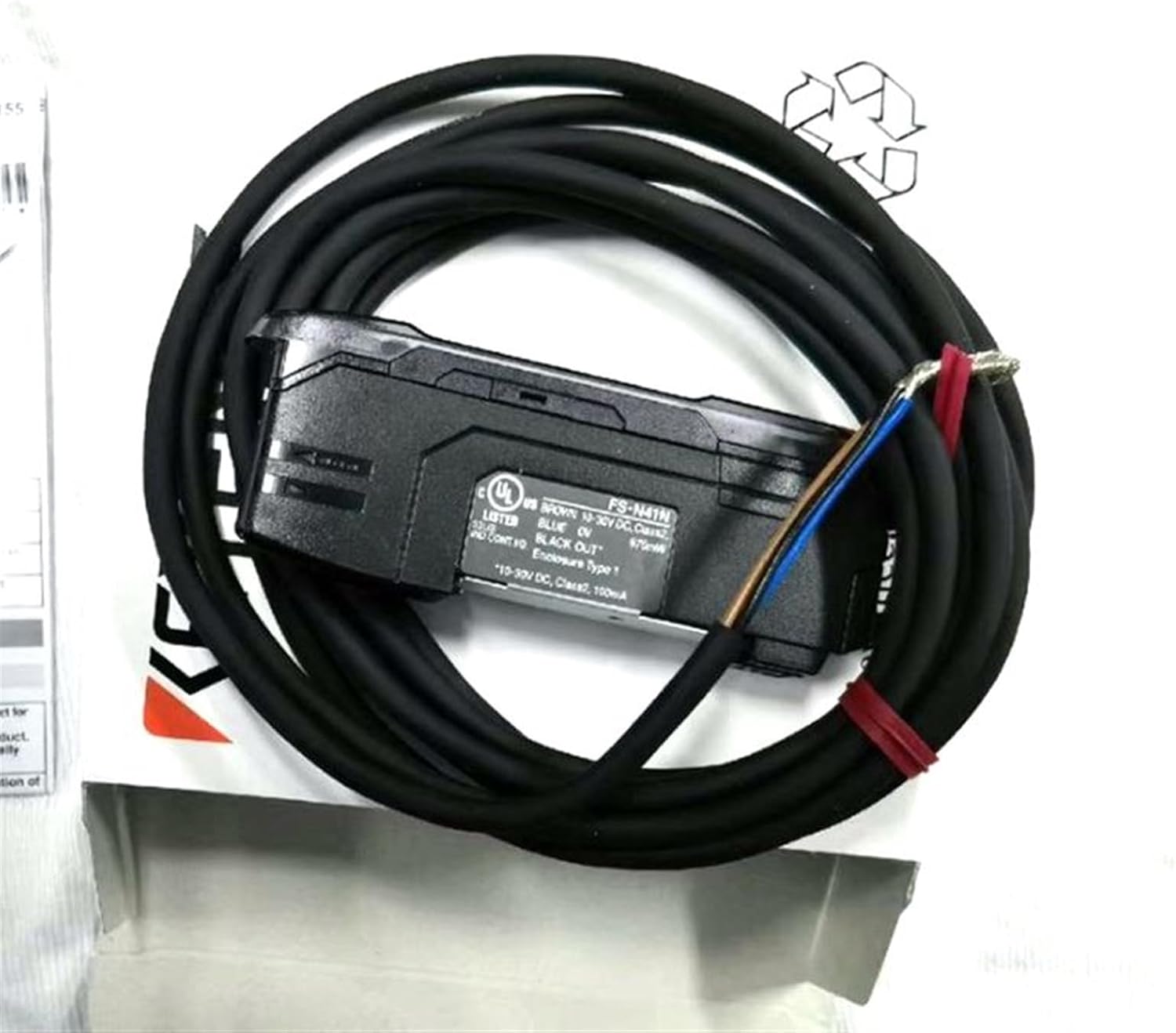
Această imagine oferă o latură view of the FS-N41N sensor, emphasizing the cable entry point and the robust construction of the unit. The label with specifications is clearly visible.

This image shows four individual FS-N41N sensor units, unboxed and arranged to highlight their compact size and the consistency of their design. Each unit has its cable attached.

A collection of FS-N41N sensors with their cables coiled, demonstrating the typical length and flexibility of the wiring. The units are shown from a perspective that highlights their industrial design.
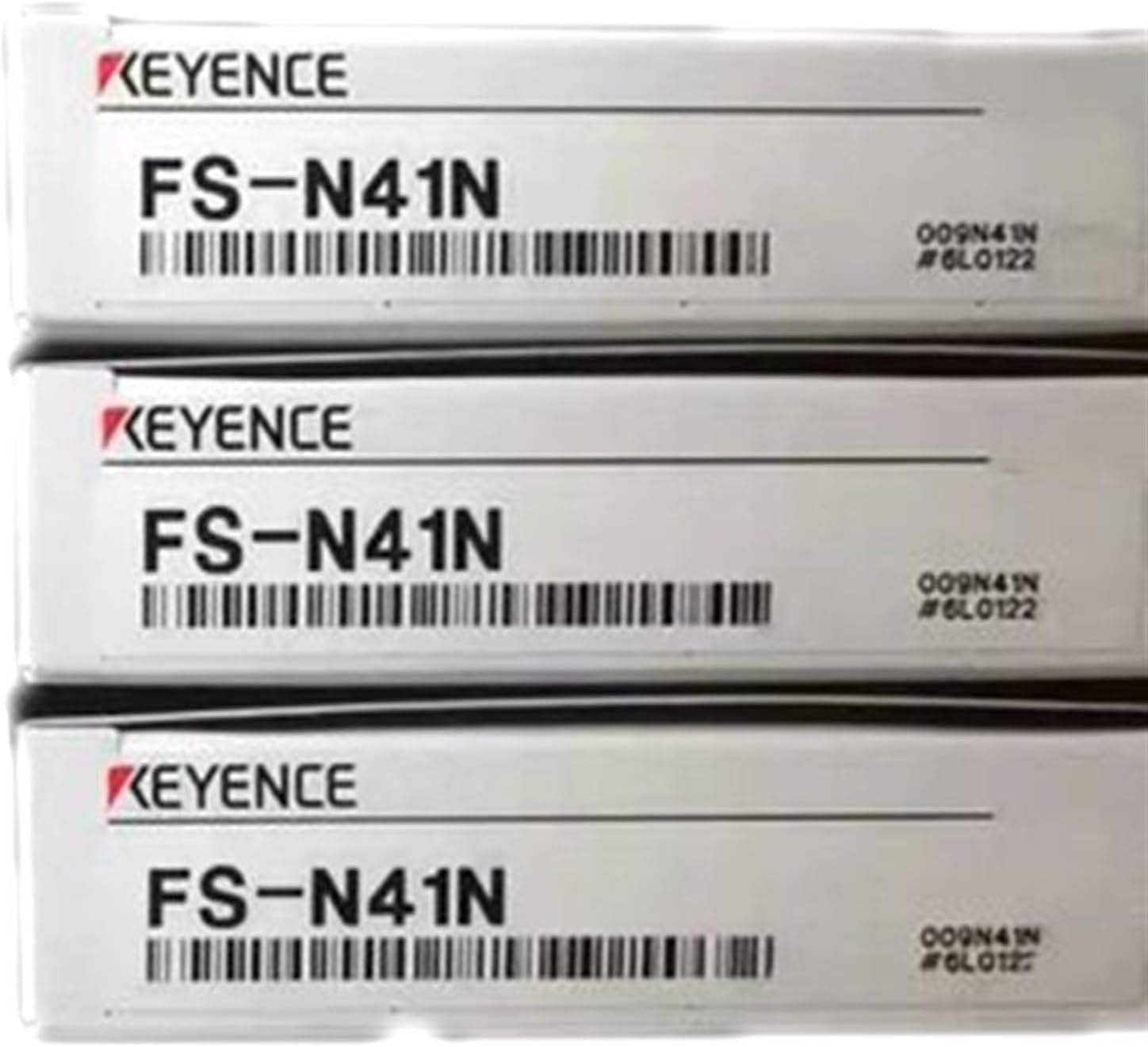
Three stacked boxes, each containing a JOCCOS FS-N41N laser sensor. The 'KEYENCE' brand and 'FS-N41N' model number are prominently displayed on the packaging, indicating the product's origin or compatibility.
4. Instrucțiuni de configurare
4.1 Despachetarea
Carefully remove the FS-N41N sensor from its packaging. Inspect the unit for any signs of damage during transit. If any damage is found, do not proceed with installation and contact your supplier.
4.2 Montare
Mount the sensor securely in the desired location. Ensure that the sensing area is clear of obstructions and that the sensor is positioned correctly relative to the target object. Use appropriate mounting hardware (not included) to prevent vibration or movement.
4.3 Cablare
Connect the sensor to the power supply and control system according to the wiring diagram provided on the product label. The typical wiring configuration is as follows:
- Sârmă maro: +V (10-30V DC)
- Sârmă albastră: 0V (Împământare)
- Sârmă neagră: Output (e.g., NPN or PNP, refer to specific model variant)
Ensure all connections are tight and properly insulated to prevent short circuits.
5. Instrucțiuni de utilizare
5.1 Pornire
Once the sensor is securely mounted and wired, apply power to the unit. The power indicator (if present) should illuminate, indicating that the sensor is receiving power.
5.2 Operare de bază
The FS-N41N operates by emitting a laser beam and detecting changes in the received light when an object enters or leaves its sensing field. When a target is detected, the output signal will change state according to its configuration (e.g., NPN or PNP output).
5.3 Ajustare
Some models may feature sensitivity adjustments or mode selection buttons. Refer to the specific product variant's detailed specifications for information on how to fine-tune detection parameters. Typically, these adjustments allow for optimization based on target material, distance, and environmental conditions.
6. Întreținere
6.1 Curățare
Regularly clean the sensor's lens and housing to ensure optimal performance. Use a soft, lint-free cloth dampened with a mild, non-abrasive cleaner. Avoid using harsh chemicals or abrasive materials that could scratch the lens or damage the housing.
6.2 Inspecție
Periodically inspect the sensor and its cabling for any signs of wear, damage, or loose connections. Ensure that the mounting remains secure. Replace any damaged components immediately to prevent system failure.
7. Depanare
If you encounter issues with your FS-N41N sensor, refer to the following common problems and solutions:
- Fără indicator de alimentare: Verificați conexiunile alimentării cu energie electrică și volumultage. Asigurați-vă că sursa de alimentare este activă.
- Fără detectare: Verify sensor alignment with the target. Check for obstructions in the sensing path. Adjust sensitivity if applicable. Ensure wiring is correct.
- Intermittent Detection: Check for vibrations or unstable mounting. Clean the sensor lens. Ensure the target is consistent in size and position.
- Output Always ON/OFF: Recheck wiring for correct output type (NPN/PNP). Ensure the sensor is not saturated by a reflective surface or blocked by an object.
Dacă problema persistă după încercarea acestor soluții, contactați asistența tehnică.
8. Specificații
| Caracteristică | Caietul de sarcini |
|---|---|
| Numărul de model | FS-N41N |
| Producător | JOCCOS |
| Alimentare electrică | 10-30V DC |
| Tip ieșire | Class 2, 100mA (Specific type NPN/PNP may vary by variant) |
| Consumul de energie | 870mW |
| Tip carcasă | Tip 1 |
| Dimensiuni pachet | 1.18 x 0.79 x 0.39 inci |
| Greutatea articolului | 1.76 uncii |
| Asamblare necesară | Nu |
| Număr de bucăți | 1 |
9. Garanție și asistență
This product comes with a standard manufacturer's warranty. For detailed warranty terms and conditions, please refer to the documentation provided with your purchase or contact your supplier. For technical support, troubleshooting assistance, or replacement parts, please reach out to your authorized JOCCOS distributor or customer service.