
1. Introducere
This manual provides detailed instructions for the installation, operation, and maintenance of your Hikvision 2-Wire Video Intercom Kit, Model 38084. This system is designed for single-family homes, offering enhanced security and convenience through its 7-inch touchscreen monitor, FullHD outdoor camera, and seamless integration with the Hik-Connect mobile application. Please read this manual thoroughly before installation and use to ensure proper functioning and safety.
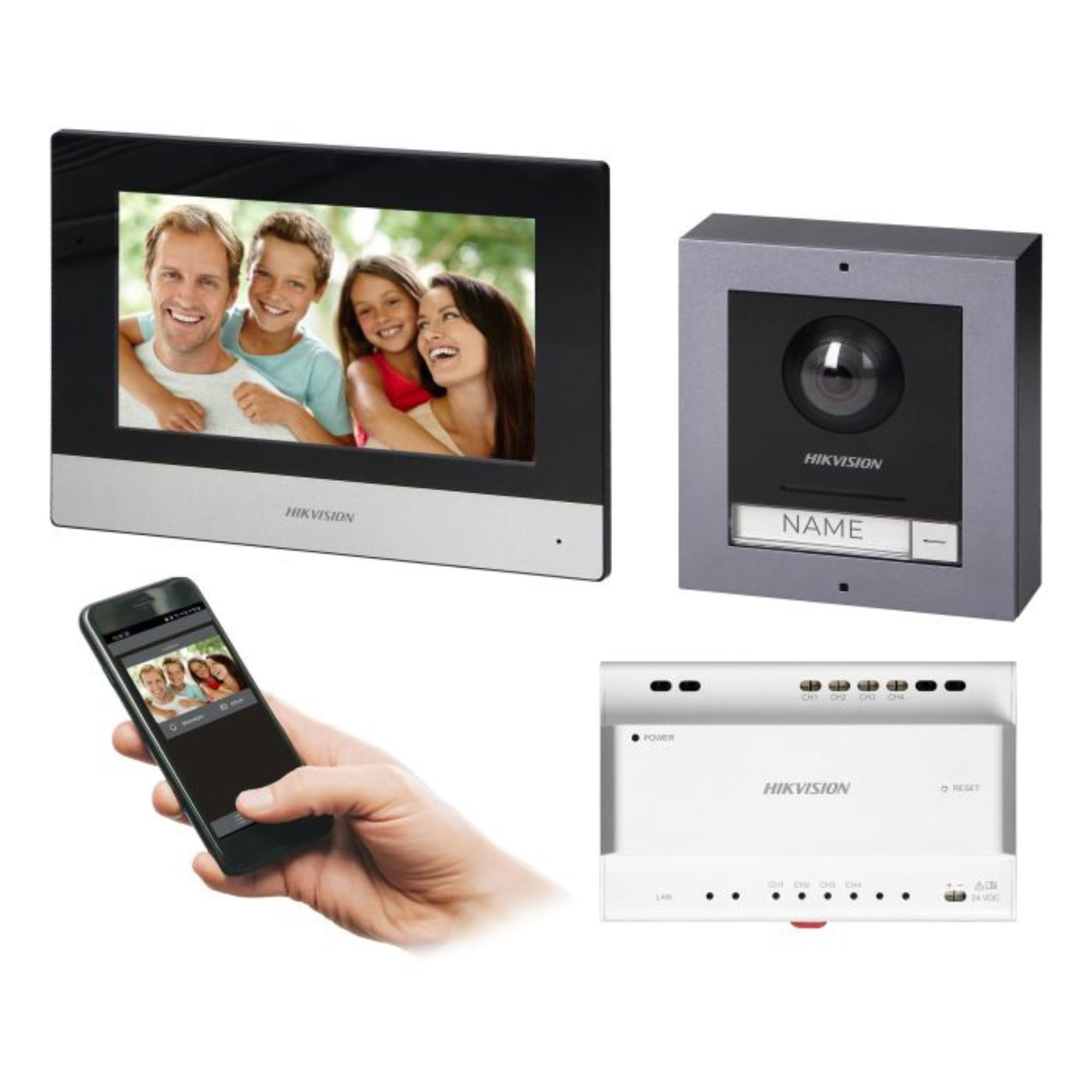
Figure 1: Hikvision 7-inch Video Intercom Monitor (Front View)
The image displays the front view of the Hikvision 7-inch video intercom monitor, featuring a large screen and the Hikvision logo at the bottom.
2. Informații de siguranță
Always follow basic safety precautions to reduce the risk of fire, electric shock, and injury to persons.
- Siguranta electrica: Installation must be performed by qualified personnel in accordance with all local electrical codes. Disconnect power before installation or servicing.
- Apă și umiditate: Do not expose the indoor monitor to rain or moisture. The outdoor panel is IP65 rated for weather resistance but should not be submerged.
- Temperatură: Operate the device within the specified temperature range.
- curatenie: Folosiți o lavetă moale și uscată pentru curățare. Nu utilizați agenți de curățare lichizi sau cu aerosoli.
- Interferență: Avoid installing near sources of strong electromagnetic interference.
3. Conținutul pachetului
Verificați dacă toate componentele sunt prezente în pachet:
- 7-inch Indoor Monitor (with WiFi)
- FullHD Outdoor Panel (with Camera and Night Vision)
- 4-Channel Distributor
- Accesorii de montare (șuruburi, dibluri)
- Manual de utilizare (acest document)
- 16 GB MicroSD Card (pre-installed or included for video storage)

Figure 2: Hikvision Outdoor Panel and Mounting Accessories
This image shows the Hikvision outdoor panel alongside its rain shield and a flush-mount box, illustrating the various mounting options available.
4. Configurare și instalare
The Hikvision video intercom system utilizes a 2-wire installation method, simplifying wiring. Both the indoor monitor and outdoor panel are designed for surface mounting.
4.1 Outdoor Panel Installation
- Alegeți locația: Select a suitable location near the entrance, ensuring the camera has a clear view of visitors. The panel is IP65 rated for outdoor use.
- Montare: Use the provided mounting bracket to mark drill holes on the wall. Drill holes, insert wall plugs, and secure the bracket.
- Cablaj: Connect the 2-wire cable from the distributor to the outdoor panel terminals. Ensure correct polarity.
- Panou securizat: Attach the outdoor panel to the mounting bracket.

Figure 3: Hikvision Outdoor Panel (Front View)
This image shows the front of the Hikvision outdoor panel, featuring the FullHD camera, speaker grille, call button, and nameplate area.
4.2 Instalarea monitorului de interior
- Alegeți locația: Select an indoor location where the monitor is easily accessible and visible.
- Montare: Use the provided mounting plate to mark and drill holes. Secure the mounting plate to the wall.
- Cablaj: Connect the 2-wire cable from the distributor to the indoor monitor terminals.
- Conexiune de alimentare: Connect the monitor to a power source (mains electricity).
- Monitor securizat: Attach the indoor monitor to the mounting plate.

Figure 4: Hikvision Indoor Monitor (Back View) and Mounting Plate
The image displays the rear of the Hikvision indoor monitor, showing its connection ports and the separate mounting plate used for installation.
4.3 Schema de cablare a sistemului (generalități)
The 2-wire system connects the outdoor panel, indoor monitor, and the 4-channel distributor. The distributor manages power and data communication between the devices.
- Connect the outdoor panel to the distributor using a 2-wire cable.
- Connect the indoor monitor to the distributor using a 2-wire cable.
- Ensure the distributor is powered.
- For electric lock control, additional power may be required for the lock itself, connected via the outdoor panel.
4.4 Conexiune WiFi
After physical installation, power on the monitor. Navigate to the network settings on the 7-inch touchscreen to connect to your 2.4 GHz Wi-Fi network (802.11 b/g/n standard). This enables smartphone communication via the Hik-Connect app.
5. Instrucțiuni de utilizare
5.1 Indoor Monitor Functions
- Touch screen: Navigate menus and control functions using the 7-inch touch screen.
- Funcția interfon: Communicate with visitors at the outdoor panel or other indoor monitors (if expanded).
- Funcția de memorie: The monitor supports a memory function, likely for capturing images or short video clips of visitors.
- Cititor de carduri SD: A 16GB MicroSD card is included for storing recorded video streams.
- Ringtone Management: Choose from 3 available ringtones. Adjust volume or mute the ringtone as needed.
- Controlul ușii: Use the monitor to remotely open an electric lock connected to the system.
- CCTV Camera Integration: The system can be expanded to integrate up to 16 CCTV cameras.
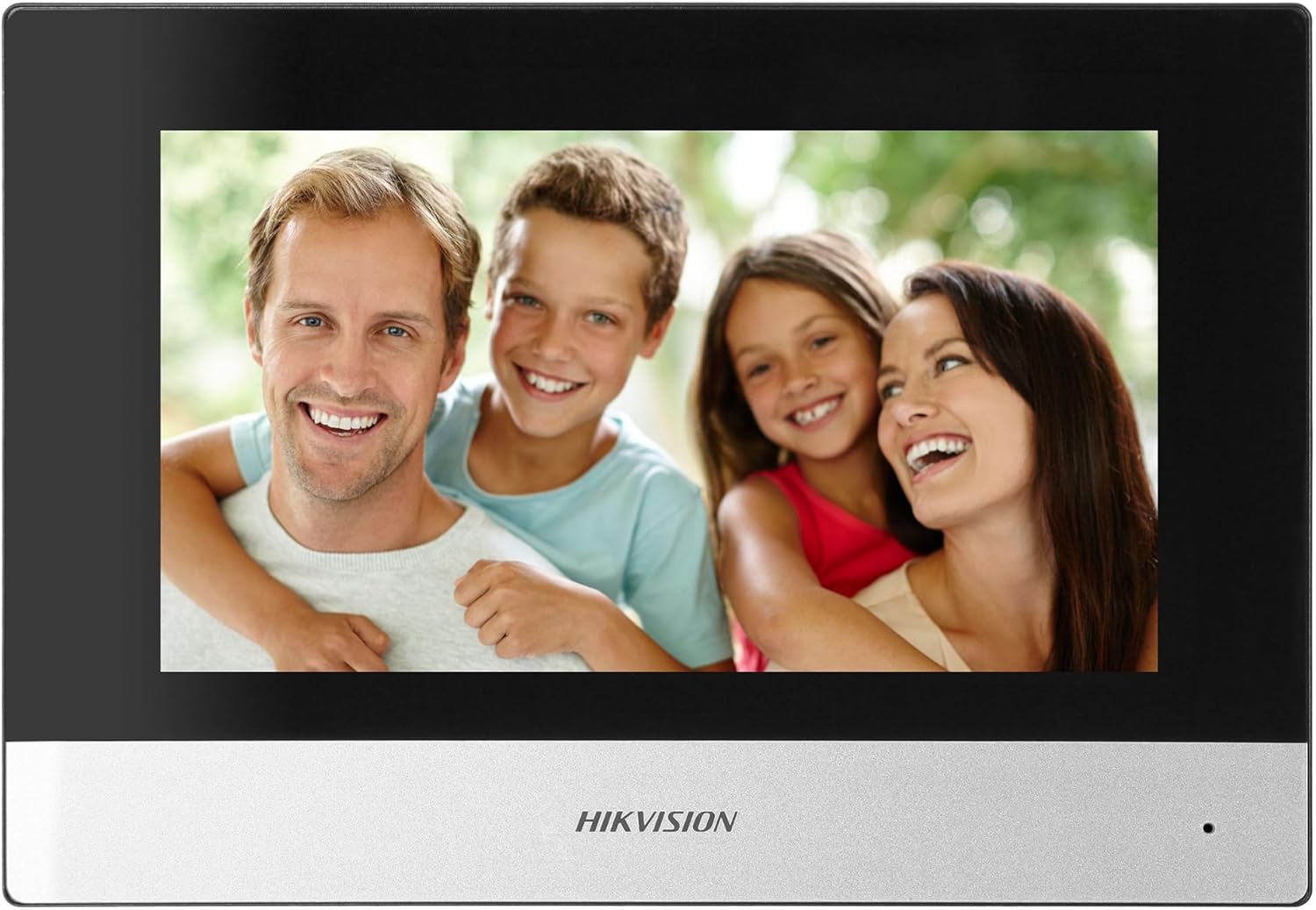
Figure 5: Hikvision Indoor Monitor (Front View)
This image shows the Hikvision 7-inch indoor monitor from the front, highlighting its sleek design and large display area.
5.2 Outdoor Panel Operation
- Buton de apelare: Visitors press the single call button to initiate a call to the indoor monitor.
- FullHD Camera: Provides a 2MP (1920x1080p) video feed with a wide viewing angle (96°/180°).
- Vedere de noapte: Integrated IR illumination ensures clear visibility even in low-light conditions.
- Plăcuță de identificare: A space is provided for a nameplate or label.

Figure 6: Hikvision Outdoor Panel (Angled View)
Un unghi view of the Hikvision outdoor panel, showcasing its robust construction and integrated camera and call button.
5.3 Hik-Connect Mobile Application
Download the Hik-Connect app from your smartphone's app store. Once installed and configured with your system, you can:
- Receive calls from the outdoor panel on your smartphone.
- View live video from the outdoor camera.
- Remotely open the door.
- Accesați videoclipuri înregistratetage.
6. Întreținere
Întreținerea regulată asigură longevitatea și performanța optimă a sistemului dumneavoastră de interfonie.
- curatenie: Wipe the monitor screen and outdoor panel with a soft, damp pânză. Evitați curățarea abrazivă.
- Actualizări firmware: Periodically check for firmware updates via the Hik-Connect app or Hikvision's official website to ensure your system has the latest features and security patches.
- Verificarea cablului: Periodically inspect all wiring for any signs of wear or damage.
- Outdoor Panel Lens: Keep the camera lens on the outdoor panel clean for clear video quality.
7. Depanare
Dacă întâmpinați probleme, consultați următorii pași comuni de depanare:
- Fără putere: Check all power connections and ensure the distributor is receiving power.
- Fără video/audio: Verify the 2-wire connections between the outdoor panel, monitor, and distributor. Ensure correct polarity.
- Probleme de conexiune WiFi: Ensure your router is operating on 2.4 GHz. Re-enter WiFi credentials on the monitor. Check signal strength.
- Door Lock Not Opening: Confirm the electric lock has its own power supply if required. Check wiring from the outdoor panel to the lock.
- Vedere nocturnă slabă: Asigurați-vă că obiectivul camerei de exterior este curat și fără obstrucții.
8. Specificații
| Tip | Single-family |
| Funcție video | Da |
| Alimentare electrică | Rețea electrică |
| Tip transmisie | Wired (2-wire) |
| Smartphone Communication | Yes (via Hik-Connect app) |
| Frecvența Wi-Fi | 2.4 GHz |
| Wi-Fi standard | 802.11 b/g/n |
| Metoda de instalare | 2-wire, Surface Mount |
| Max. Monitors | Extensibil la 3 |
| Max. Outdoor Panels | Extensibil la 1 |
| Max. CCTV Cameras | Extensibil la 16 |
| Control de blocare electrică | Yes (requires additional power for lock) |
| Funcție zi / noapte | Da |
| Metoda de montare | Montare la suprafață |
| Hands-free System | Da |
| Diagonala ecranului | 7 inci |
| Rezoluţie | 1024 x 600 |
| Touch screen | Da |
| Sistem video | PAL, Color |
| Funcția de memorie | Da |
| Cititor de carduri SD | Yes (16GB card included) |
| Funcție intercomunicativă | Da |
| Tonuri de apel | 3 |
| Material | Plastic |
| Culoare | Negru |
| Dimensiuni (L x A x A) | 140 mm x 200 mm x 15 mm |
| Butoane de apel | 1 |
| Metoda de montare | Montare la suprafață |
| Rezoluția camerei | 2MP, 1920x1080 (FullHD) |
| Camera foto Viewunghiul ing | 96°/180° |
| Iluminare de noapte | IR (infraroșu) |
| Funcția PTZ | Nu |
| Cititor de carduri de proximitate | Nu |
| Nameplate Space | Da |
| Antivandalism | Nu |
| Evaluare de protecție | IP65 |
| Material | Oţel |
| Culoare | Argint |
| Dimensiuni (L x A x A) | 98 mm x 99.8 mm x 43.9 mm |
| Dimensiunile produsului | 20 x 15 x 10 cm |
| Greutatea articolului | 1 kg |
| Numărul de model | 38084 |
9. Garanție și asistență
For warranty information and technical support, please refer to the official Hikvision website-ul web sau contactați distribuitorul local. Păstrați bonul fiscal pentru reclamații în garanție.
- Suport online: Vizita www.hikvision.com for product documentation, FAQs, and support resources.
- Serviciu clienți: Contact your retailer or authorized Hikvision service center for assistance.